


2 layers253.3 × 113.3 mm
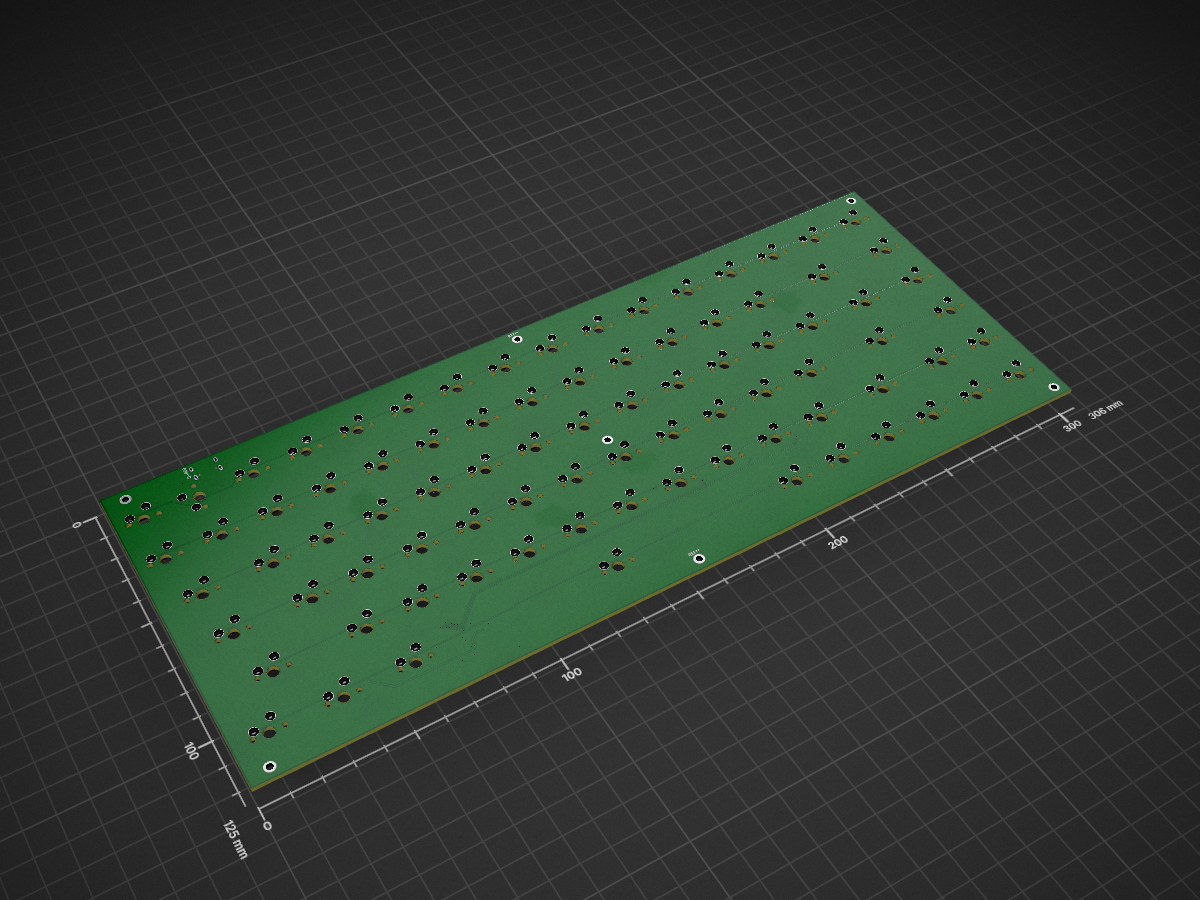
 YakshithK/KBoard
An 84-key custom mechanical keyboard built from scratch around the RP2040. No dev module: the RP2040, flash, regulator, USB-C, crystal, and support circuitry are all on the board. Uses Cherry MX Browns.
KBoard is an open-source printed circuit board by YakshithK, from the YakshithK/KBoard repository on GitHub. It is a 2-layer board of 306 × 125 mm with 206 parts on 142 nets, routed with 977 tracks and 54 vias.
It is built around the RP2040, W25Q16JVSSIQ and XC6206-2.8V, with the 1N4148W among its other parts. Its parts include 85 switches, 84 diodes, 17 capacitors, 6 resistors and 4 ICs. It belongs with the RP2040 boards of this library.


An 84-key custom mechanical keyboard built from scratch around the RP2040. No dev module: the RP2040, flash, regulator, USB-C, crystal, and support circuitry are all on the board. Uses Cherry MX Browns.
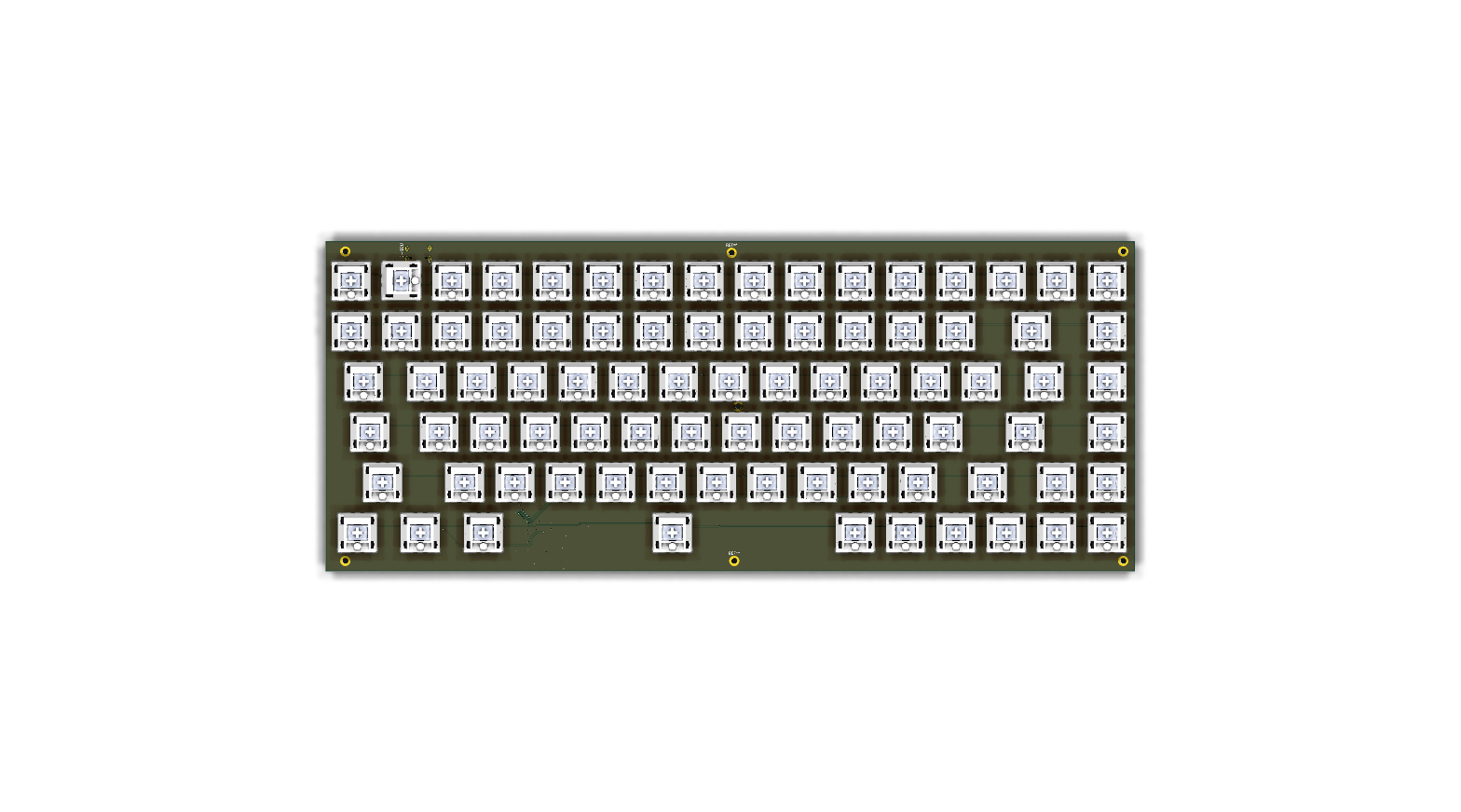
| Top | Bottom |
|---|---|
| 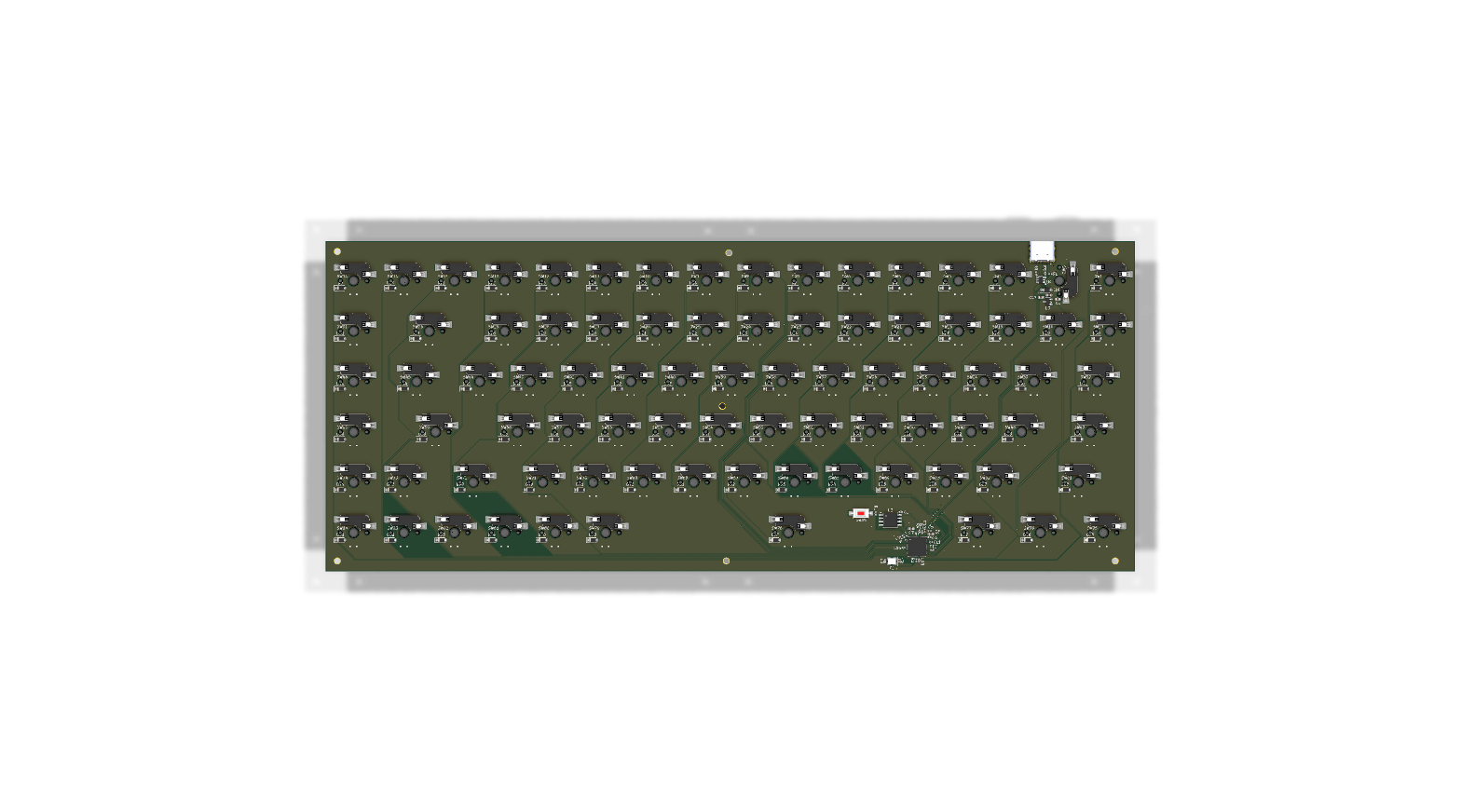 |
The PCB is a basic 2-layer pcb (306 x 125 mm) using an RP2040 SoC with a USB-C connector. There's also a switch broken on the bottom for boot/reset.
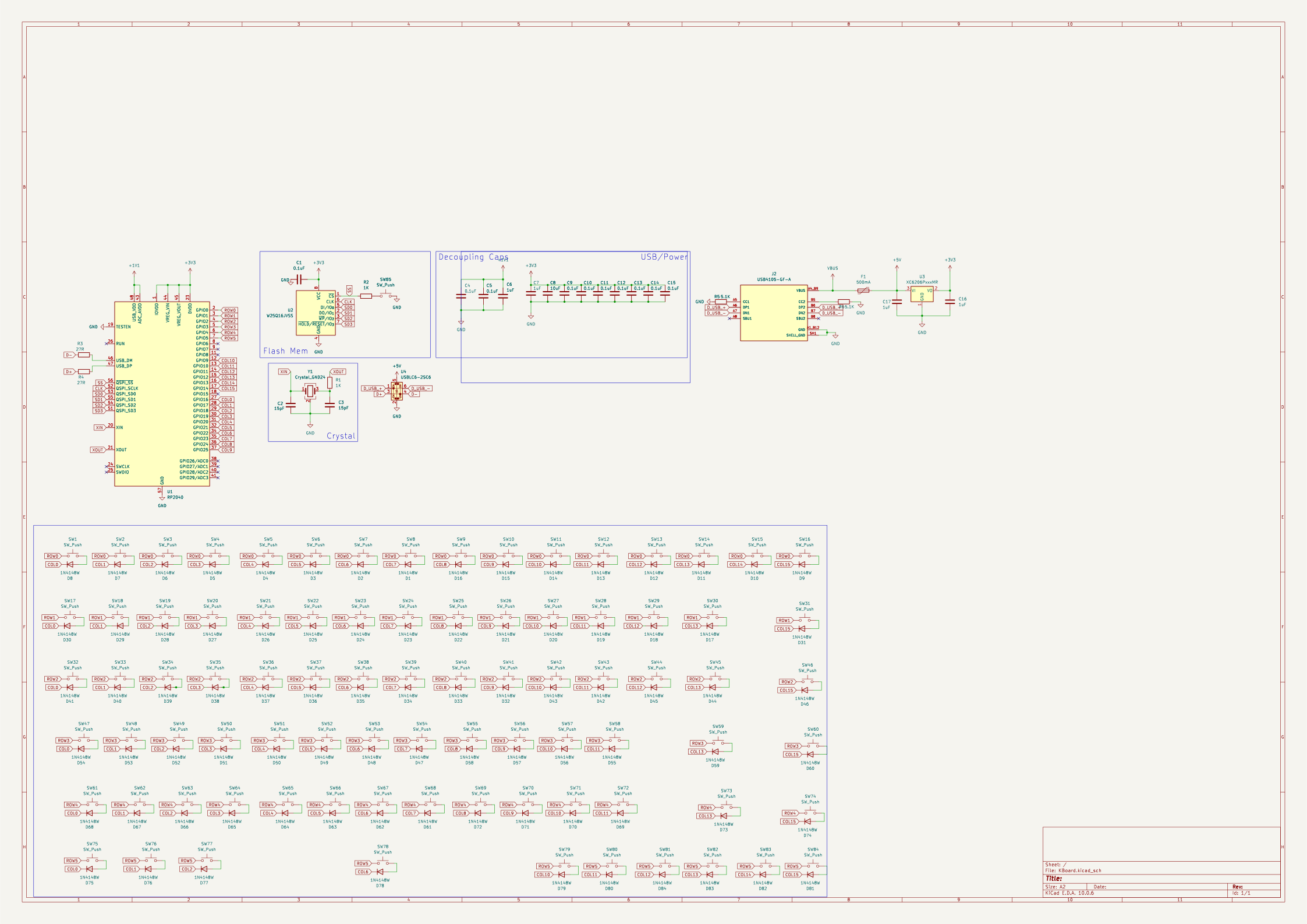
Please see: BOM.csv
| Path | Purpose |
|---|---|
README.md | Project overview, features, bill of materials, and this repository map |
BOM.csv | Bill of materials |
| Path | Purpose |
|---|---|
kboard_pcb/KBoard.kicad_pro | KiCad project settings |
kboard_pcb/KBoard.kicad_sch | Source schematic |
kboard_pcb/KBoard.kicad_pcb | Source PCB layout |
| Path | Purpose |
|---|---|
CAD/KBoard.step | 3D CAD model in STEP format |
PCB/KBoard.step | 3D CAD model in STEP format |
PCB/KBoard.stl | 3D CAD model in STL format (local only, too large for git) |
| Path | Purpose |
|---|---|
production/KBoard-gerbers.zip | Zipped Gerbers + drill, ready to upload to the fab |
production/KBoard.step | STEP model bundled for fabrication |
production/gerbers/ | Gerber plot, drill, and pick-and-place files |
production/firmware/ | QMK firmware source and built UF2 for flashing |
| Path | Purpose |
|---|---|
assets/schematic.svg | Schematic preview |
assets/pcb-top.png | Top-side PCB render |
assets/pcb-bottom.png | Bottom-side PCB render |
| Path | Purpose |
|---|---|
firmware/kboard/keyboard.json | Keyboard identity, RP2040 target, pins, matrix, and layout |
firmware/kboard/rules.mk | QMK build settings |
firmware/kboard/config.h | Board configuration |
firmware/kboard/kboard.h | Keyboard header included by QMK |
firmware/kboard/keymaps/default/keymap.c | Default keymap |
Build the firmware with qmk compile -kb kboard -km default (the firmware/kboard folder must be linked or copied to qmk_firmware/keyboards/kboard). Flash the resulting UF2, also bundled at production/firmware/kboard_default.uf2, by double-pressing reset and dragging it onto the USB drive.
| Qty | Value | Footprint | References |
|---|---|---|---|
| 84 | 1N4148W | Diode_SMD:D_SOD-123 | D1, D2, D10, D11, D12, D13, D14, D15, D16, D17, D18, D19, D20, D21, D22, D23 +68 |
| 84 | SW_Push | PCM_marbastlib-mx:SW_MX_HS_CPG151101S11_1u | SW1, SW2, SW10, SW11, SW12, SW13, SW14, SW15, SW16, SW17, SW18, SW19, SW20, SW21, SW22, SW23 +68 |
| 10 | 0.1uF | Capacitor_SMD:C_0402_1005Metric | C1, C4, C5, C9, C10, C11, C12, C13, C14, C15 |
| 4 | 1uF | Capacitor_SMD:C_0603_1608Metric | C6, C7, C16, C17 |
| 2 | 15pF | Capacitor_SMD:C_0402_1005Metric | C2, C3 |
| 2 | 1K | Capacitor_SMD:C_0402_1005Metric | R1, R2 |
| 2 | 27R | Capacitor_SMD:C_0402_1005Metric | R3, R4 |
| 2 | 5.1K | Capacitor_SMD:C_0402_1005Metric | R5, R6 |
| 1 | 10uF | Capacitor_SMD:C_0603_1608Metric | C8 |
| 1 | 500mA | Fuse:Fuse_0402_1005Metric | F1 |
| 1 | Crystal_GND24 | Crystal:Crystal_SMD_3225-4Pin_3.2x2.5mm | Y1 |
| 1 | ESD | Package_TO_SOT_SMD:SOT-23-6 | U4 |
| 1 | RP2040 | Package_DFN_QFN:QFN-56-1EP_7x7mm_P0.4mm_EP3.2x3.2mm | U1 |
| 1 | SW_Push | Button_Switch_SMD:SW_SPST_CK_RS282G05A3 | SW85 |
| 1 | USB-C | USB4105-GF-A:GCT_USB4105-GF-A | J2 |
| 1 | W25Q16JVSS | Package_SO:SOIC-8_5.3x5.3mm_P1.27mm | U2 |
| 1 | XC6206 | Package_TO_SOT_SMD:SOT-23-3 | U3 |
The 199 most common of 206 parts.


Cherry-Blossom-Development/GreywireStudio
GreywireStudio - a combined software/hardware product


TechnikWeber/convertible-keyboard-pcb
Convertible keyboard PCB: full-size ISO-DE & ANSI with a snap-off numpad that turns it into a TKL (RP2040, USB-C, KiCad). Cheap, clean, modern core to build on — looking for a case designer.


It measures 306 × 125 mm and has 2 copper layers, 1.6 mm thick.
206 parts, built around the RP2040, W25Q16JVSSIQ, XC6206-2.8V and 1N4148W. The full list of its parts is on this page, with links to each part's symbol and footprint where PCBKit's library has them.
From the YakshithK/KBoard repository on GitHub, at the commit this page was made from: the board is kboard_pcb/KBoard.kicad_pcb and its schematic kboard_pcb/KBoard.kicad_sch. PCBKit opens the board in the browser, with nothing to install.
Its repository states no licence, so its author keeps all rights: ask YakshithK before reusing the design.