2 layers70 × 50.5 mm

 wyolum/orbigator17
Analog orbit propagator.
Orbigator is an open-source printed circuit board by wyolum, from the wyolum/orbigator repository on GitHub. It is a 2-layer board of 70 × 56 mm with 61 parts on 46 nets, routed with 422 tracks and 30 vias.
It is built around the 74LS126PC, DS3232MZ+ and B130, with the CR1220-2, DMG2305UX and DS3232S# among its other parts. Its parts include 35 connectors, 8 capacitors, 5 resistors, 3 ICs and 1 diode. It belongs with the RP2350 boards of this library.


"What hardware hacker doesn’t have a soft spot for transparent cases? ... [wyojustin] has done a fantastic job of documenting the hardware and software aspects of the build." — Hackaday (Full Feature Archive)
The Orbigator is an open-source, physical satellite tracker that turns complex orbital mechanics into a desk-side companion. Powered by the Raspberry Pi Pico 2 and precision DYNAMIXEL servos, it physically points to the ISS (or any satellite) in real-time with zero drift.
Inspired by Will’s Builds ISS tracker, the Orbigator introduces several key technical innovations to the DIY tracker space:
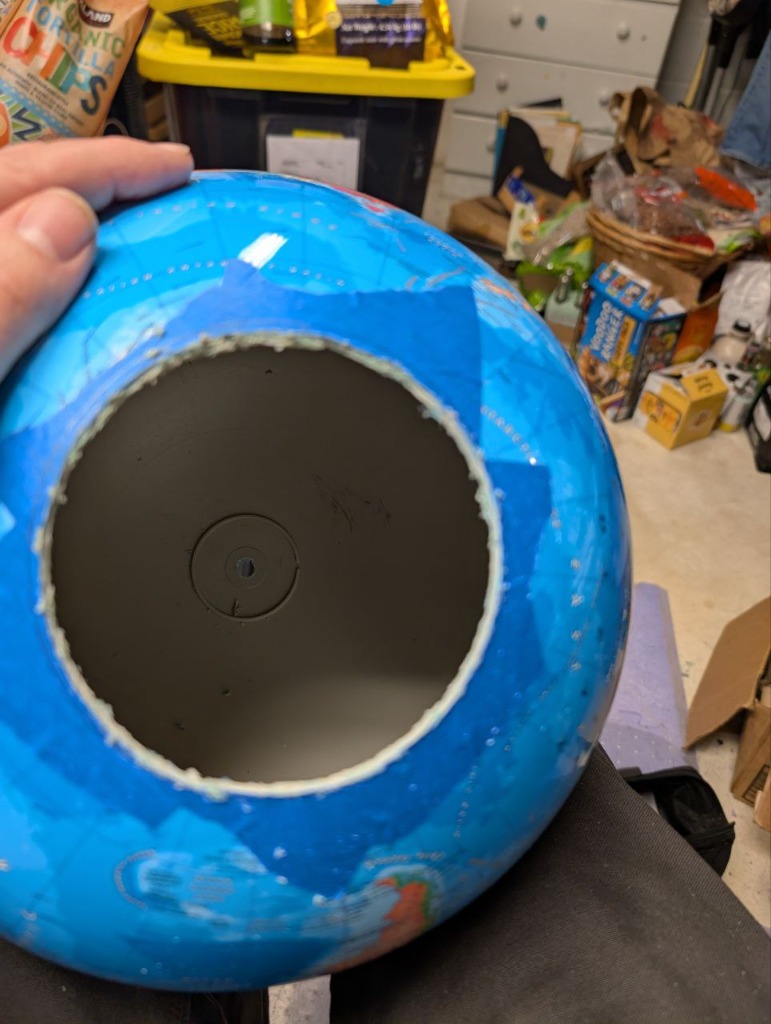
Unlike traditional trackers that use static globes (requiring wire unwinding every orbit), the Orbigator features a rotating globe. This allows for smooth, continuous tracking across multiple revolutions without ever needing to reset or "unwind."
The orbital mechanics are implemented directly in the hardware geometry (inclination angle). This ensures the satellite pointer maintains a true LVLH (Local Vertical, Local Horizontal) attitude throughout the entire pass—exactly how real satellites orient themselves.
Leveraging the 32-bit absolute resolvers in DYNAMIXEL XL330-M288-T motors, the system recovers its orientation instantly after power cycles. No homing, no limits, and no drift—just persistent, mathematical accuracy.
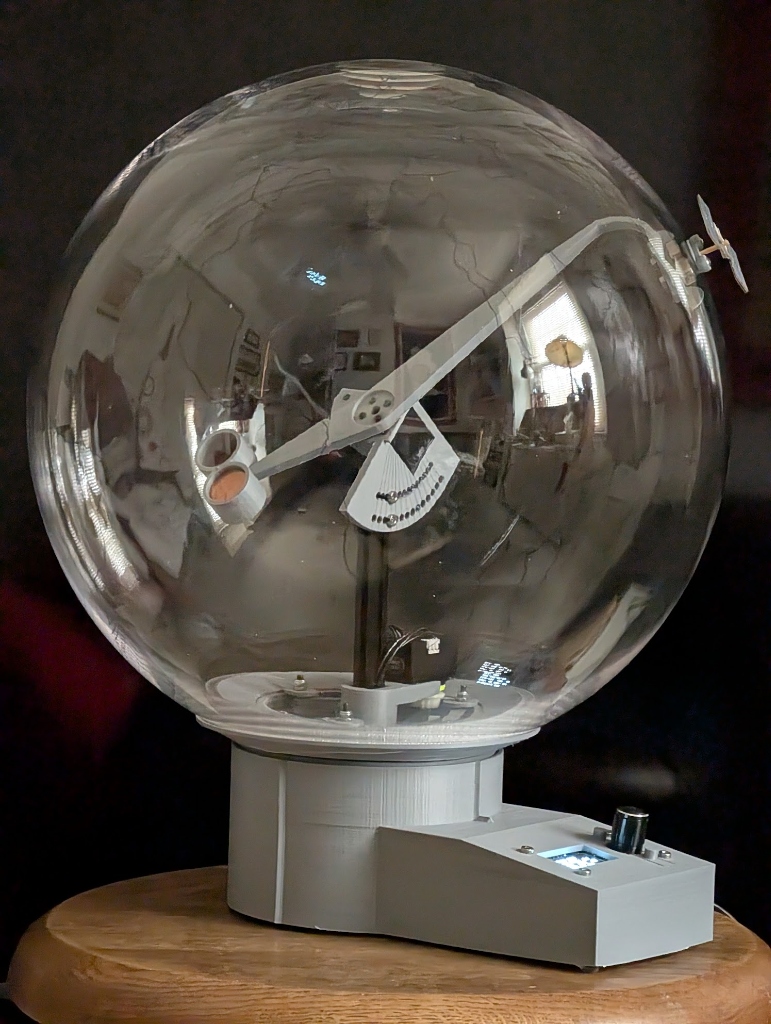 Complete Mechanical Assembly: Precision motion and integrated control.
The heart of the Orbigator is a custom, lightweight SGP4 implementation running natively on the Pico 2's RISC-V cores. Eschewing heavy ports, it was rolled specifically to provide mathematical accuracy within the visual tolerances of the physical hardware, handling real-time TLE propagation and J2 perturbation effects entirely in MicroPython.
A custom SH1106 OLED driver provides a powerful command center:
The system monitors its own state and saves to Flash/SRAM only during ideal intervals (e.g., at equator crossings) to maximize flash lifespan while ensuring a perfect "instant-on" recovery.
| Path | Description |
|---|---|
| micropython/ | Firmware: SGP4 propagator, UI stacks, and motor drivers. |
| fabricate/ | Mechanical design: OpenSCAD files for 3D printing and assembly. |
| kicad/ | Electronics: PCB designs and schematics. |
| web/ | Dashboard: Real-time control and configuration via web interface. |
mpremote to copy the micropython/ files to the board.Production/ folder (PLA or PETG)The following parts are required for the full assembly and can be found in fabricate/stls/Production/. The leading number in the filename indicates the required print quantity.
1_drive_gear.stl - Main EQX drive1_flex_aov_arm.stl - Satellite pointer arm1_globe_interface.stl - Secure mount for the globe1_inclination_aov_mount.stl - Hardware-implemented inclination bracket1_sled_3.stl - Electronic housing and base1_full_assembly.stl - Reference model (not for printing)3_swingarm.stl - Differential assembly components3_shim.stl - Insert for the skate bearings (see misc.scad for 13mm dims)3_washer.stl - Vertical stop for the ring gear| Earthrise Shot | World Map Tracking |
|---|---|
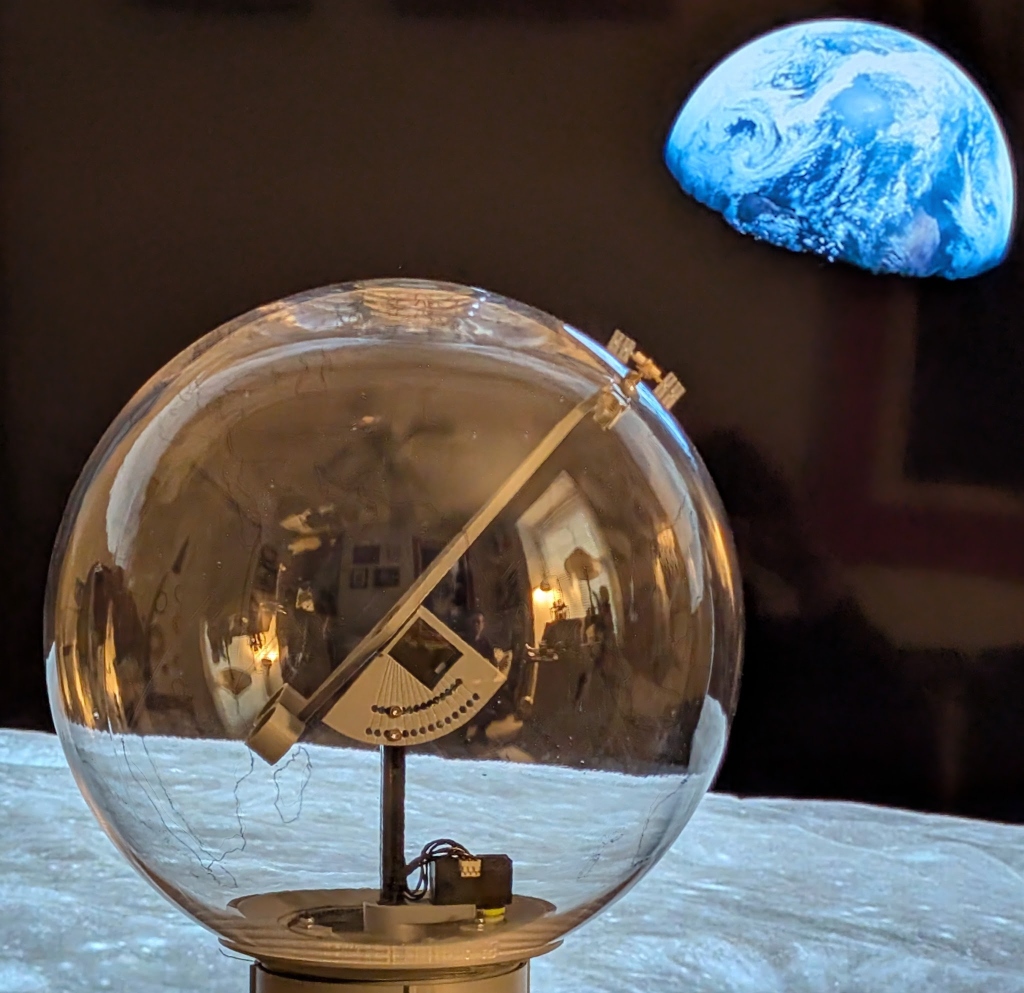 | 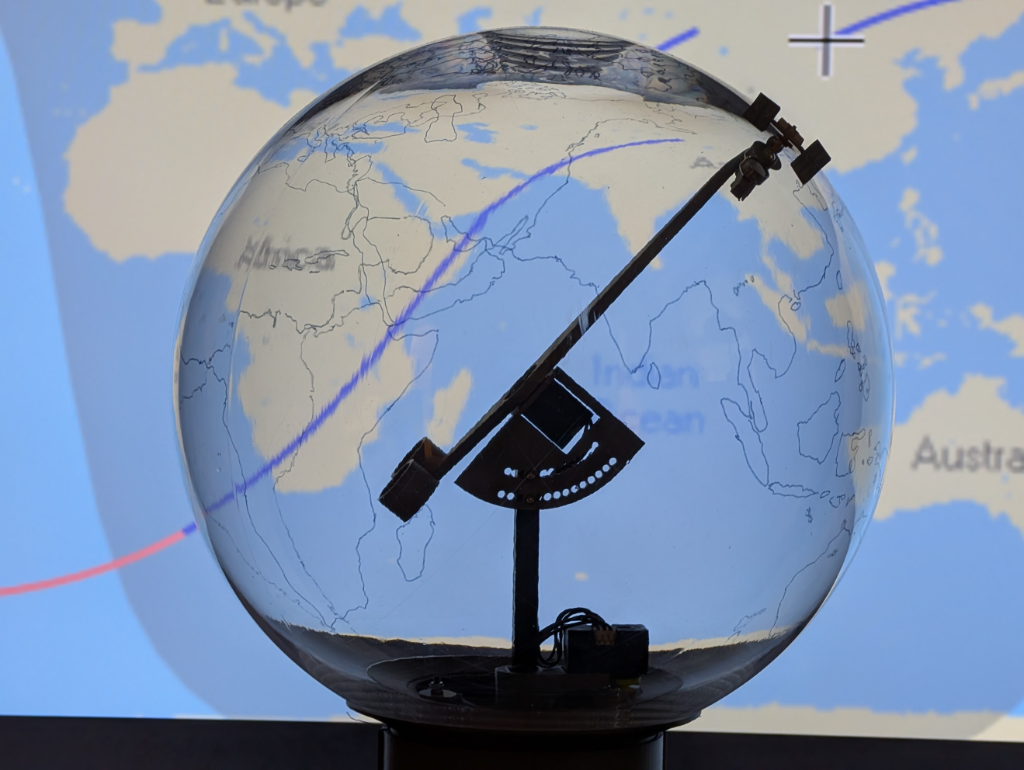 |
| ISS Tracking with Lunar Projection. | Real-time World Map Context. |
| UI & Setup | Electronics | Mechanical Assembly | Technical Render |
|---|---|---|---|
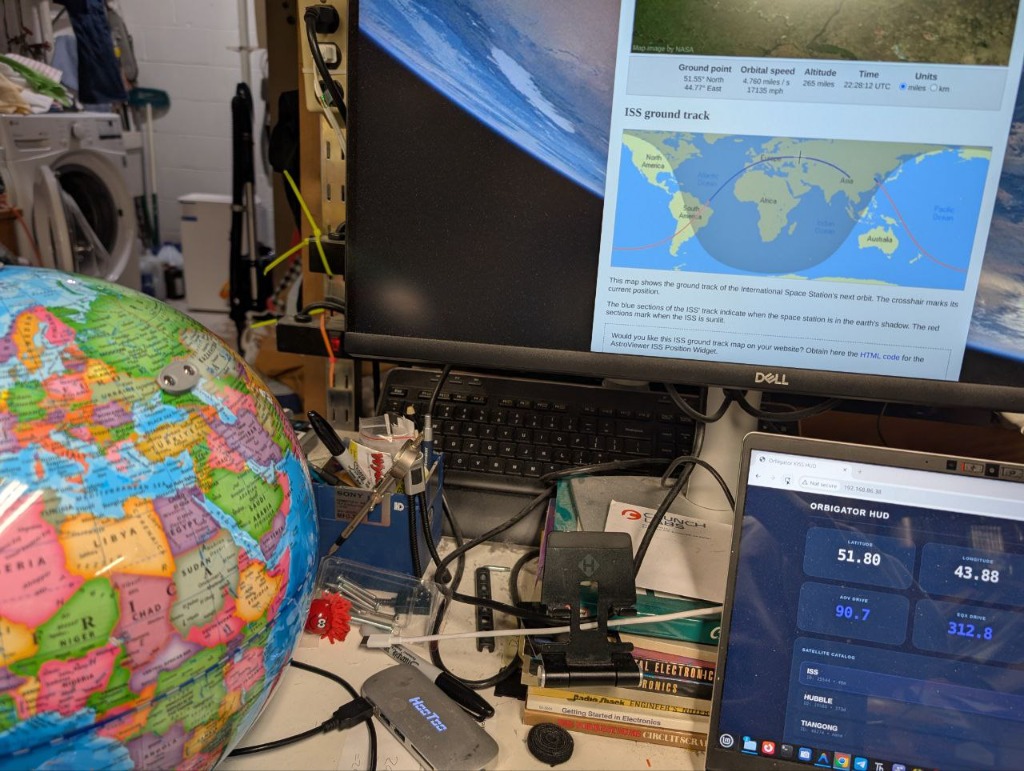 | 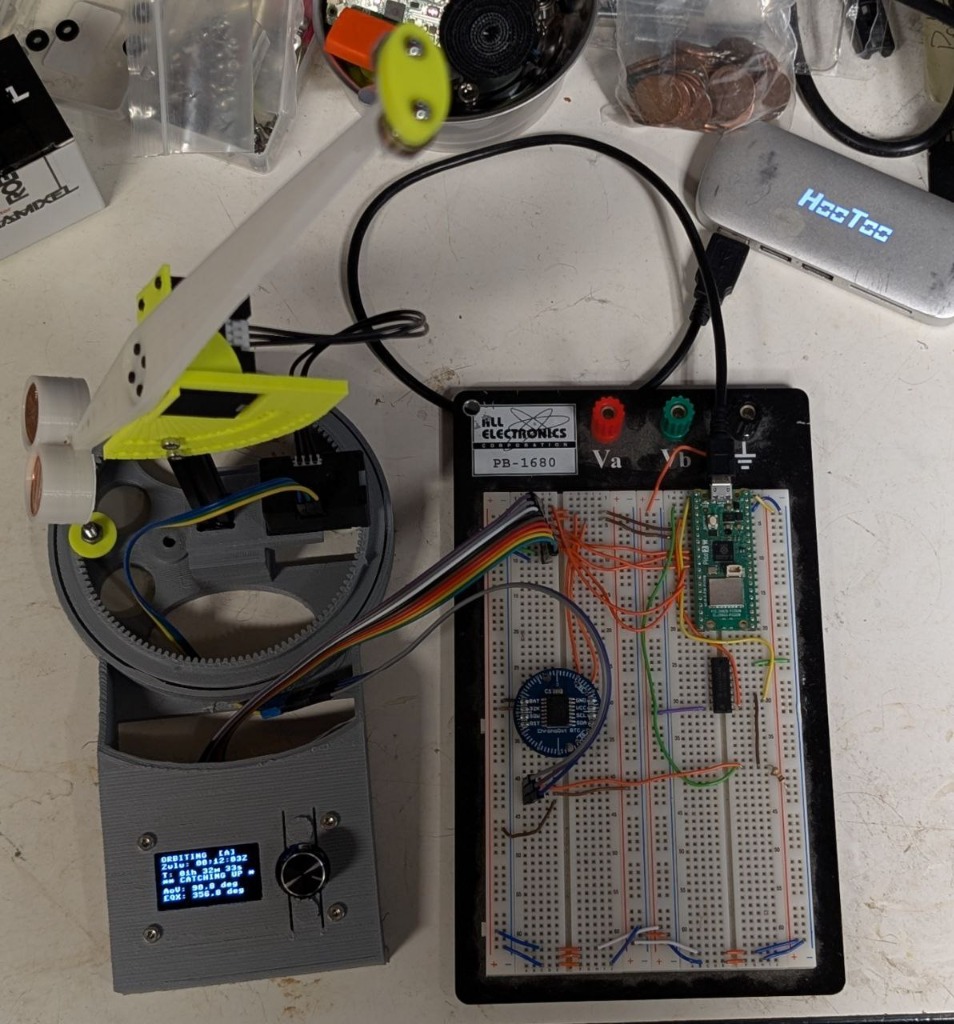 |  | 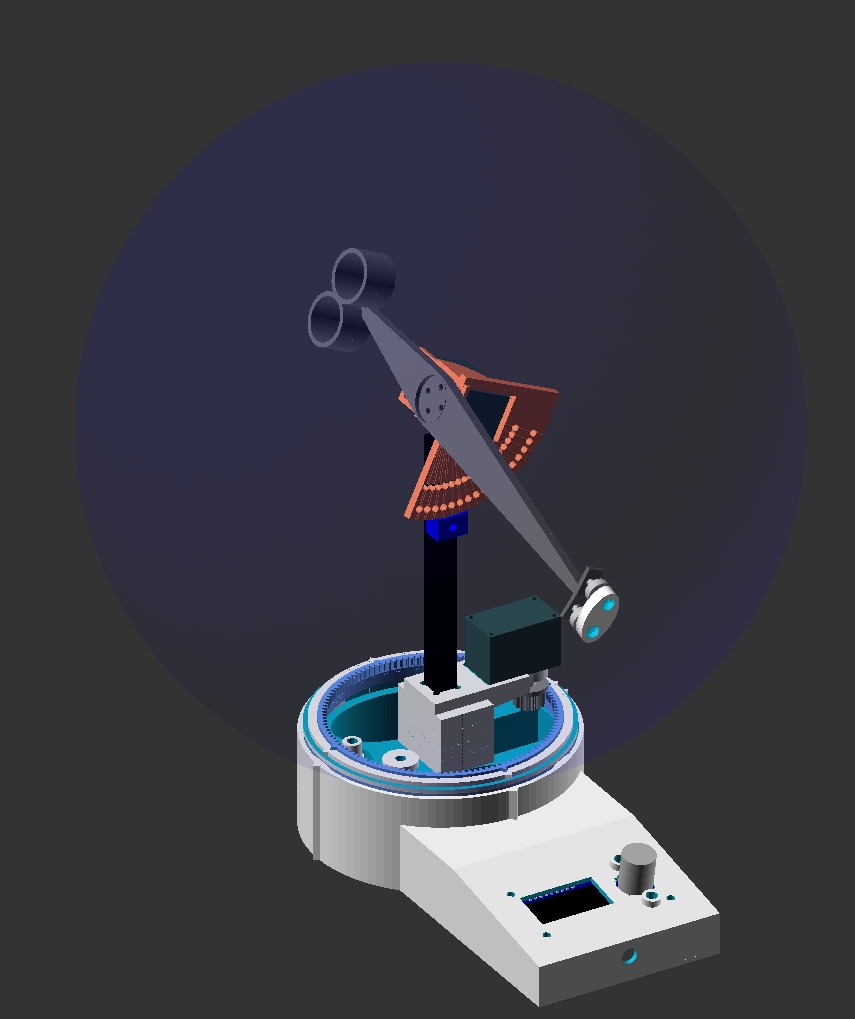 |
| Real-time status | Pico 2 & Buffers | Internal Hardware | Mathematical precision |
"A beautiful mix of technical precision and mechanical elegance."
Distributed under the MIT License.
Developed with ❤️ by wyojustin GitHub
| Qty | Value | Footprint | References |
|---|---|---|---|
| 34 | Conn_01x01 | orbigator:PinHeader_1x01_P2.54mm_Vertical | J1, J2, J10, J11, J12, J13, J14, J15, J16, J17, J18, J19, J20, J21, J22, J23 +18 |
| 7 | 100nF | orbigator:C_0805_2012Metric_Pad1.18x1.45mm_HandSolder | C1, C2, C3, C5, C6, C7, C9 |
| 5 | 10k | orbigator:R_0805_2012Metric_Pad1.20x1.40mm_HandSolder | R1, R2, R3, R4, R5 |
| 1 | 100uF | orbigator:CP_Elec_6.3x9.9 | C8 |
| 1 | 74LS126 | orbigator:SOIC-14_3.9x8.7mm_P1.27mm | U2 |
| 1 | B130 | orbigator:D_SMA | D1 |
| 1 | Barrel_Jack_Switch | orbigator:BarrelJack_Horizontal | J27 |
| 1 | CR1220 | orbigator:batt_HARWIN_S8201-46R | BT1 |
| 1 | DC_polarity | orbigator:DC | DC1 |
| 1 | DMG2305UX | orbigator:SOT-23 | Q1 |
| 1 | DS3232 | orbigator:DS3232_RTC_vert | RTC1 |
| 1 | DS3232M | orbigator:SOIC-8_3.9x4.9mm_P1.27mm | U4 |
| 1 | DYNAMIXEL_1 | orbigator:JST_EH_B3B-EH-A_1x03_P2.50mm_Vertical | M1 |
| 1 | DYNAMIXEL_2 | orbigator:JST_EH_B3B-EH-A_1x03_P2.50mm_Vertical | M2 |
| 1 | OLED_Encoder | orbigator:OLED_ENC3 | DISP1 |
| 1 | Pico_2 | orbigator:RaspberryPi_Pico_SMD_HandSolder | U1 |
The 59 most common of 61 parts.

bluespider42/RPi_RS232-RTC
A Raspberry Pi 2 (or B+) expansion board providing RS232 level serial communication, a high quality battery backed RTC and power controls.

vt-amplab/basic-soldering-cert-board
Kicad files for the new basic soldering certification board


mattbooks/alarm-clock
An alarm clock built from scratch (ish) that fades lights on

thorpej/pg68k
The 68k Playground, a 680x0-based home-brew computer with multiple CPU options


It measures 70 × 56 mm and has 2 copper layers, 1.6 mm thick.
61 parts, built around the 74LS126PC, DS3232MZ+, B130 and CR1220-2. The full list of its parts is on this page, with links to each part's symbol and footprint where PCBKit's library has them.
From the wyolum/orbigator repository on GitHub, at the commit this page was made from: the board is kicad/PCB_v2/orbigator.kicad_pcb and its schematic kicad/DS3232/DS3232.kicad_sch. PCBKit opens the board in the browser, with nothing to install.
Its repository states no licence, so its author keeps all rights: ask wyolum before reusing the design.


