2 layers81 × 10 mm

 wyager/vumeter27
A nixie tube audio meter
Tube offset-1 is an open-source printed circuit board by wyager, from the wyager/vumeter repository on GitHub. It is a 2-layer board of 100 × 10 mm with 8 parts on 16 nets.
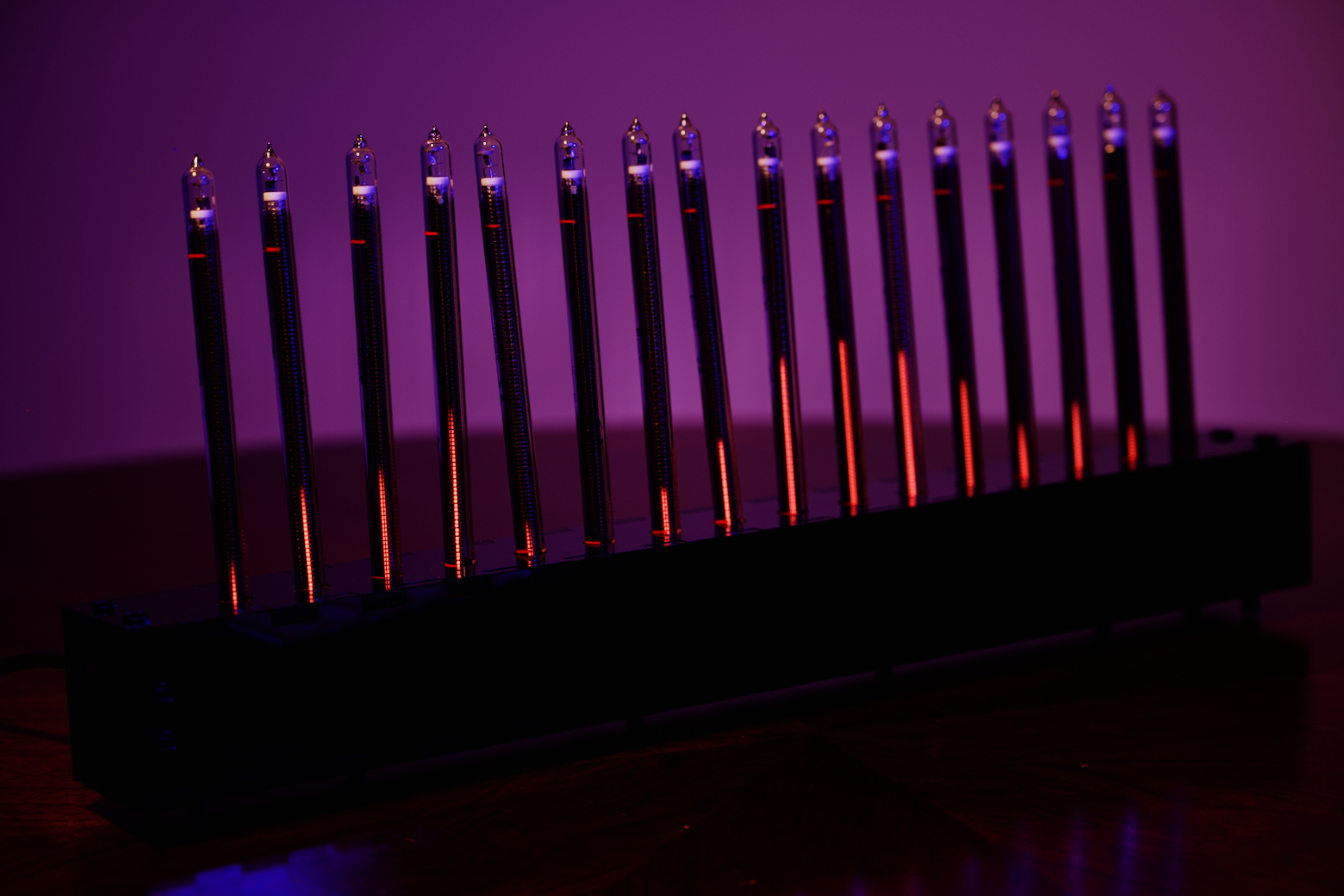
A full writeup is available here.
Go into code/audio_board and code/tube_board and run cargo build --release. (Without --release, the binaries may be too large.)
First, build the code.
Go into code/tube_board.
Plug your AVR-ICE or similar JTAG programmer into the tube board via the programming header and run ./program.sh.
Go into code/audio_board.
Plug in your teensy over USB, put it in programming mode, and run ./program.sh
Get KiCad and open the schematics. How to export the schematics depends on your choice of PCB manufacturer. They should have instructions available online.
| Qty | Value | Footprint | References |
|---|---|---|---|
| 4 | IN-13 | vumeter:fixed-IN-13-footprint | N1, N2, N3, N4 |
| 2 | Conn_01x04_Female | Connector_PinSocket_2.54mm:PinSocket_1x04_P2.54mm_Vertical | J2, J3 |
| 2 | Conn_01x04_Male | Connector_PinSocket_2.54mm:PinSocket_1x04_P2.54mm_Vertical | J1, J4 |


joeycastillo/Sensor-Watch
A board replacement for the classic Casio F-91W wristwatch

rusefi/rusefi
rusefi - GPL internal combustion engine control unit

hoglet67/RGBtoHDMI
Bare-metal Raspberry Pi project that provides pixel-perfect sampling of Retro Computer RGB/YUV video and conversion to HDMI

shanteacontrols/OpenDeck
A platform for building interactive control and sensing devices using MIDI and OSC built with Zephyr RTOS.

hackclub/OnBoard
💡 Join 1,000 teenagers and make your first PCB with a $100 grant!

dangiu/PicoMemcard
Emulating PSX Memory Card (or controller) using a Raspberry Pi Pico

OLIMEX/DIY-LAPTOP
Do It Yourself Open Source Hardware and Software Modular Hacker's Friendly Laptop
It measures 100 × 10 mm and has 2 copper layers, 1.6 mm thick.
8 parts. The full list of its parts is on this page, with links to each part's symbol and footprint where PCBKit's library has them.
From the wyager/vumeter repository on GitHub, at the commit this page was made from: the board is schematics/tube-offset-1/tube-offset-1.kicad_pcb and its schematic schematics/audio-board/audio-board.kicad_sch. PCBKit opens the board in the browser, with nothing to install.
Its repository states no licence, so its author keeps all rights: ask wyager before reusing the design.