2 layers177.4 × 107.3 mm
Control Board-20230716
stephenhouser/Control_Panel_1
Old-school hard-switch control panel for Home Automation
42 parts25

 stephenhouser/Control_Panel_125
Old-school hard-switch control panel for Home Automation
Display Board is an open-source printed circuit board by stephenhouser, from the stephenhouser/Control_Panel_1 repository on GitHub. It is a 2-layer board of 193.8 × 30 mm with 15 parts on 20 nets, routed with 89 tracks and 0 vias.
Its parts include 7 connectors and 3 diodes. It belongs with the home automation and IoT and lEDs and displays boards of this library.
The old-school hard-switch control panel for Home Automation.
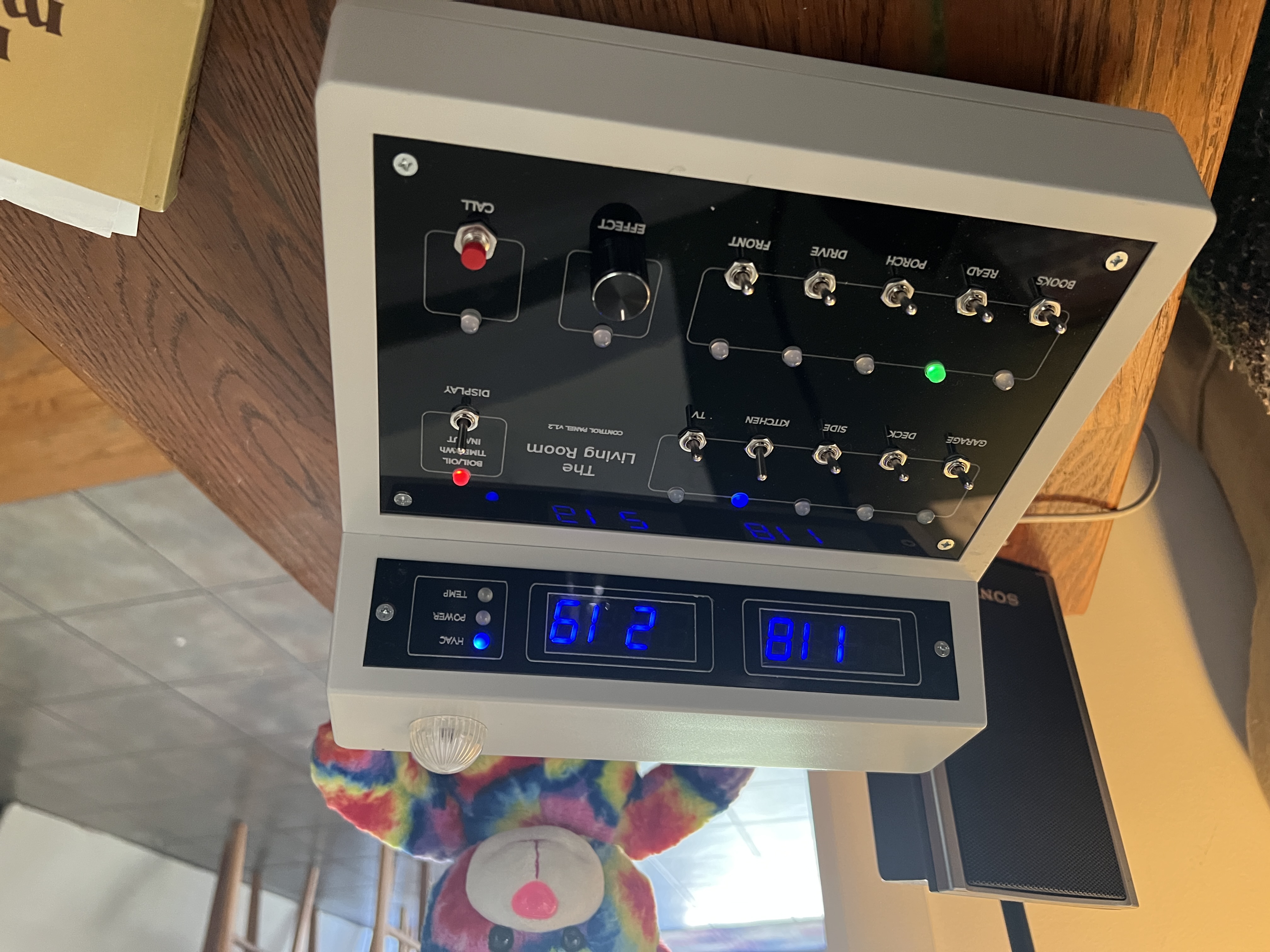
This project has a few parts, each documented in their own section below.
The project box is a BUD Industries PC-11495 Plastic Style F Box 9" W x 5" H x 8.5" D, Natural which I found on Amazon for ~$32 USD. The Dimensions are available from BUD Industries (thank you!)
Another option, without the top display is the BUD Industries PC-11493 Plastic Style F Box 9" L x 8.5" W x 1.98" H, Natural for ~$30 USD. The Dimensions are available from BUD Industries (thank you!)
You can find details on these boxes in general from BUD Industries
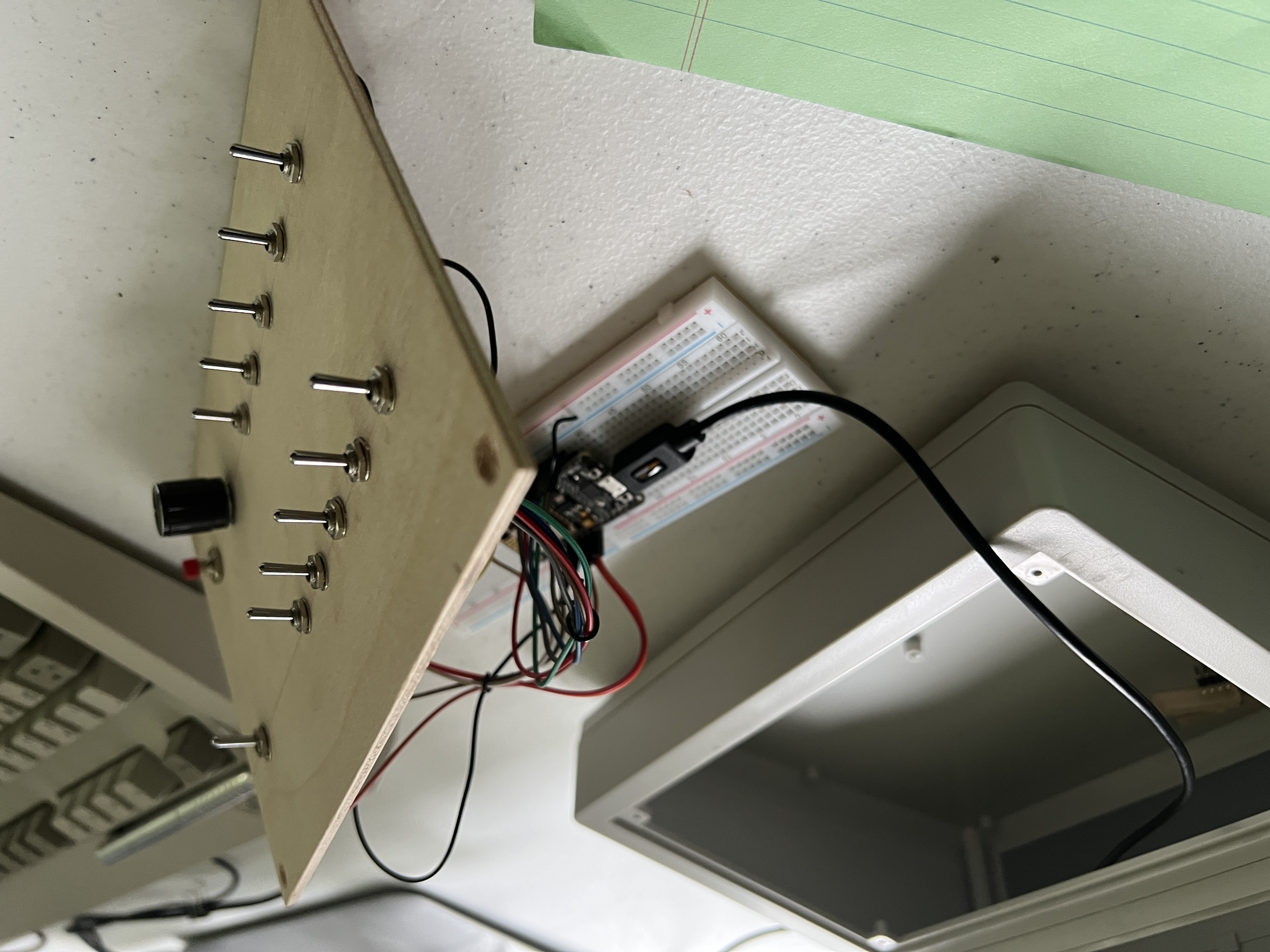
Look in the Box_Panels directory. These are SVG files for a laser cutter, deisgned to be etched from the back side (will look reversed)
Process:
Uses KiCad v7.x for two PCB's; Control Board and Display Board.
Components:
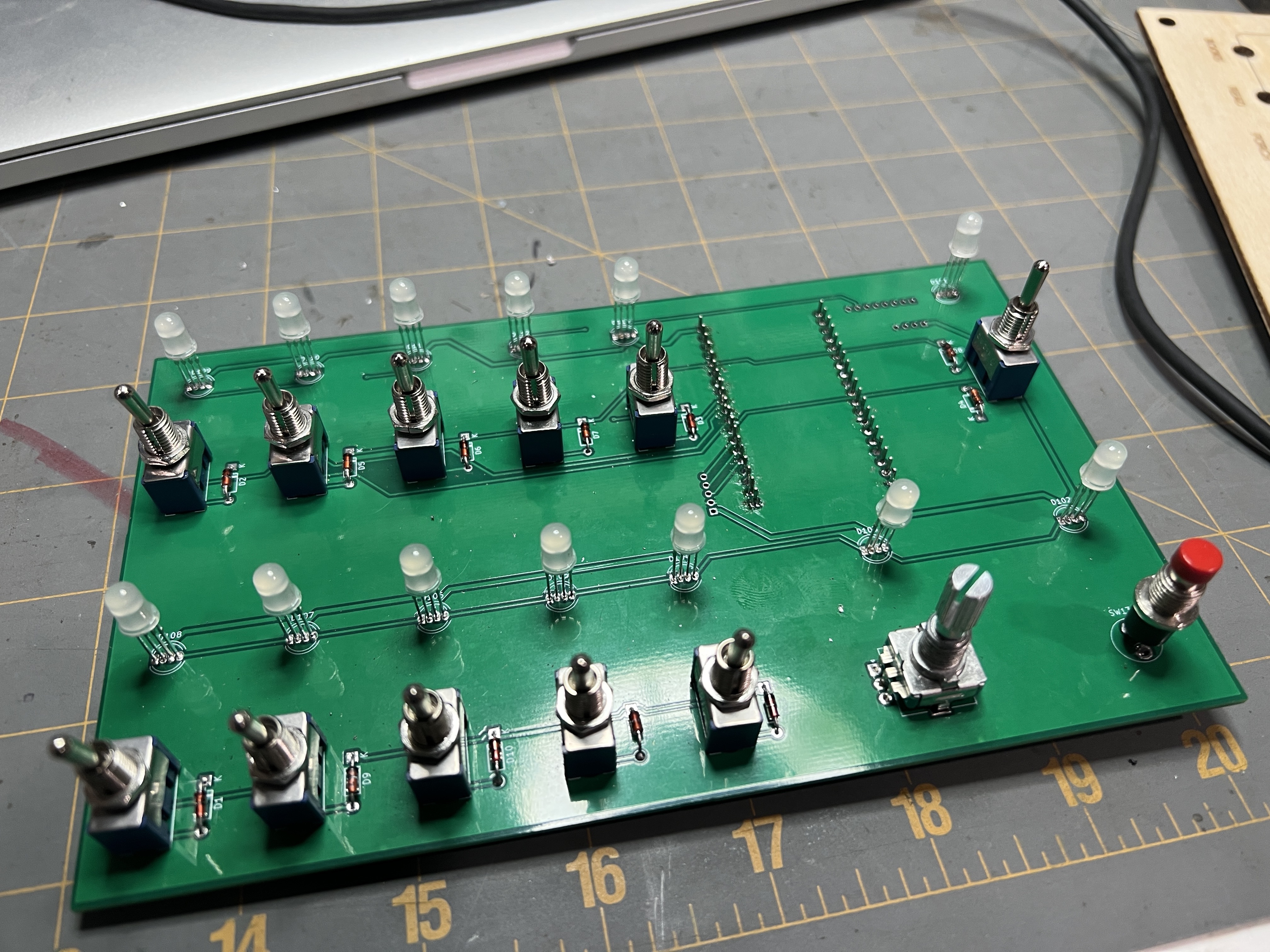 )
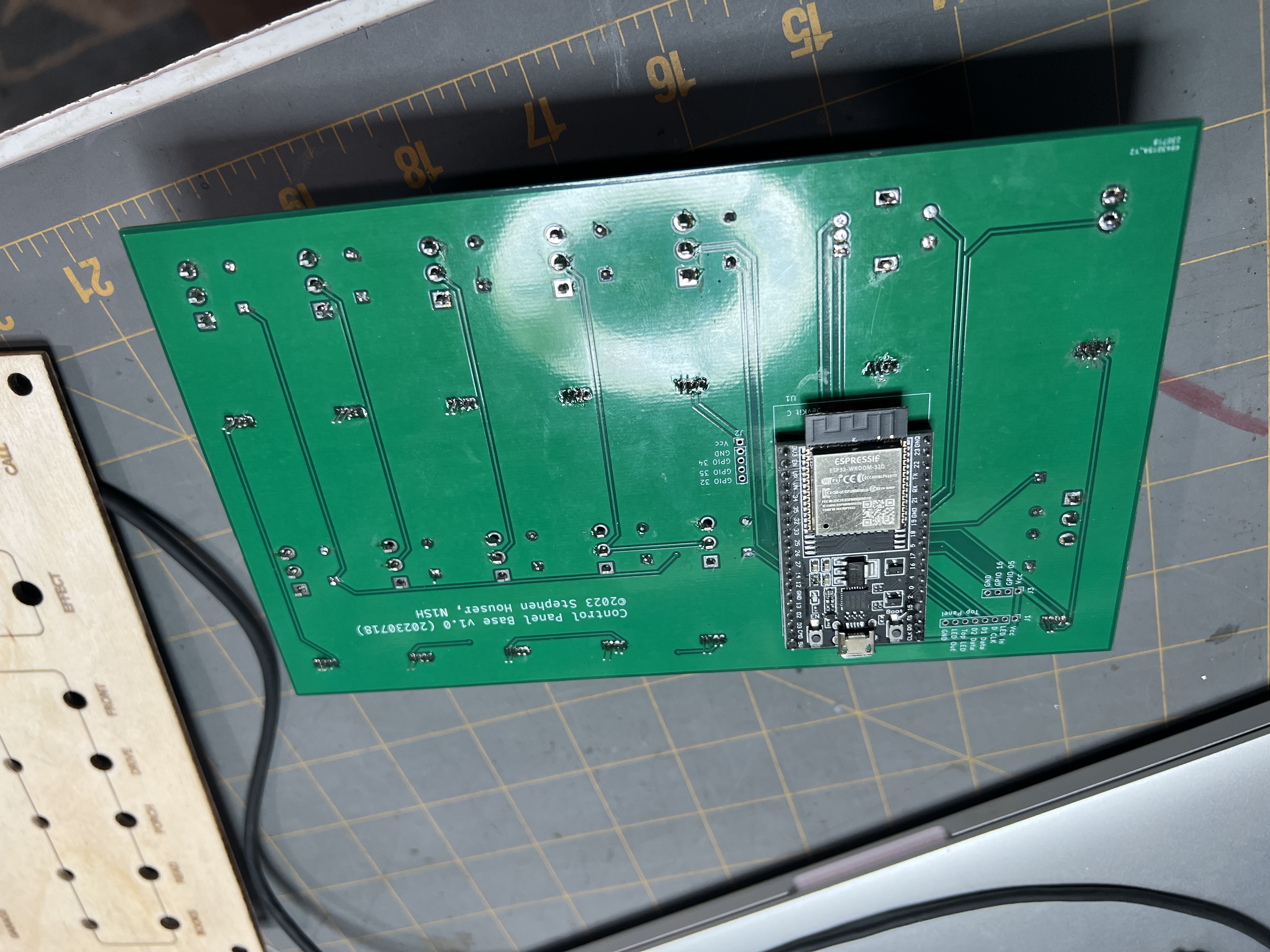 )
Components:

| Qty | Value | Footprint | References |
|---|---|---|---|
| 5 | MountingHole_3.2mm_M3 | MountingHole:MountingHole_3.2mm_M3 | REF01, REF02, REF03, REF04, REF05 |
| 3 | APA-106-F5 | LED_THT:LED_D5.0mm-4_RGB | D1, D2, D3 |
| 2 | Display 1 | Connector_PinHeader_2.54mm:PinHeader_1x04_P2.54mm_Vertical | J1, J10 |
| 2 | Display 2 | Connector_PinHeader_2.54mm:PinHeader_1x04_P2.54mm_Vertical | J2, J20 |
| 1 | Control Board | Connector_PinHeader_2.00mm:PinHeader_1x08_P2.00mm_Vertical | J3 |
| 1 | Top LED | Connector_PinHeader_2.00mm:PinHeader_1x04_P2.00mm_Vertical | J4 |
| 1 | ~Flash Enable | Connector_PinHeader_2.54mm:PinHeader_1x02_P2.54mm_Vertical | J5 |
stephenhouser/Control_Panel_1
Old-school hard-switch control panel for Home Automation

stephenhouser/Control_Panel_1
Old-school hard-switch control panel for Home Automation

stephenhouser/Control_Panel_1
Old-school hard-switch control panel for Home Automation

google/mozc-devices
Circuit diagrams and firmware source code for Gboard DIY keyboards

hoglet67/RGBtoHDMI
Bare-metal Raspberry Pi project that provides pixel-perfect sampling of Retro Computer RGB/YUV video and conversion to HDMI

mntmn/amiga2000-gfxcard
MNT VA2000, an Open Source Amiga 2/3/4000 Graphics Card (Zorro II/III), written in Verilog

hackclub/OnBoard
💡 Join 1,000 teenagers and make your first PCB with a $100 grant!

kenp-io/not-for-airpods-repairs
The content of this repository is licensed under the WTFPL License. Please have a close look at the terms before using this material.

Luos-io/luos_engine
Open-source and real-time orchestrator for cyber-physical-systems, to easily design, test and deploy embedded applications and digital twins.

Chrismettal/EleLab_v2
Cheap DIY lab system for hobbyists and the tinkering folk

It measures 193.8 × 30 mm and has 2 copper layers, 1.6 mm thick.
15 parts. The full list of its parts is on this page, with links to each part's symbol and footprint where PCBKit's library has them.
From the stephenhouser/Control_Panel_1 repository on GitHub, at the commit this page was made from: the board is Display Board/Display Board.kicad_pcb and its schematic Control Board ESP8266/Master Control Panel.kicad_sch. PCBKit opens the board in the browser, with nothing to install.
Its repository states no licence, so its author keeps all rights: ask stephenhouser before reusing the design.