Skip to the content
2 layers218.5 × 37.6 mmChunair, the printed circuit board in 3D

slidy air towers for an arcade chuni slider

Size
218.5 × 37.6 mm
Copper layers
2
Thickness
1.6 mm
Parts
21
Nets
11
Pads
67
Tracks, vias
167, 17
Pours
2
Routed
Yes
KiCad
KiCad 5 (file 20171130)
Created
10 Feb 2022
Updated
1 Aug 2022

Overview

Chunair is an open-source printed circuit board by speedypotato, from the speedypotato/chuni-lite repository on GitHub. It is a 2-layer board of 218.5 × 37.6 mm with 21 parts on 11 nets, routed with 167 tracks and 17 vias.

Its parts include 6 resistors, 6 diodes and 2 connectors.

README

README.md

chuni-lite

Slidy air towers for an arcade chuni slider without backplate. Bare minimum docs because I don't expect too many people to have access to chuni cab sliders without backplates.
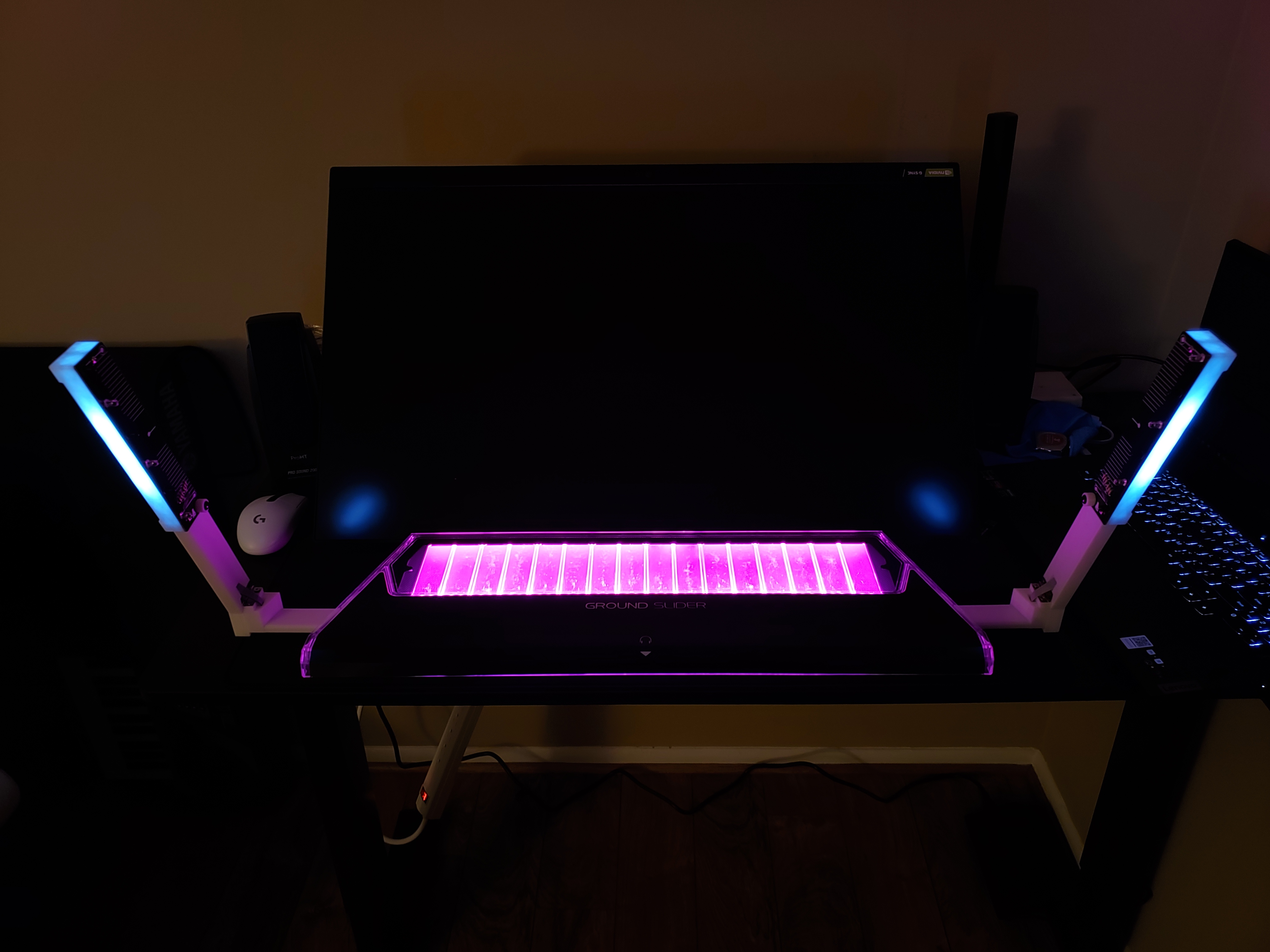
chuni lite

Current versions can be found at:

  • CAD: chuni-lite\chunair-cad\airs\print\f1
  • PCB: chuni-lite\chunair\chunair\chunair_v2\v2-1-2 & chuni-lite\chunair\chunair_core\v1

Note: I swapped the side the pads are on for chunair_core. Oops. Wires will go across the board for now, no biggie. WS2811/WS2812B optional.

Slider needs:

Air towers need:

Can hand wire, or replace air_tower_top_1 3D print with chunair pcb. chunair_core PCB also optional, but is there for ease of wiring(find a way to secure the pro micro if you don't use chunair_core)

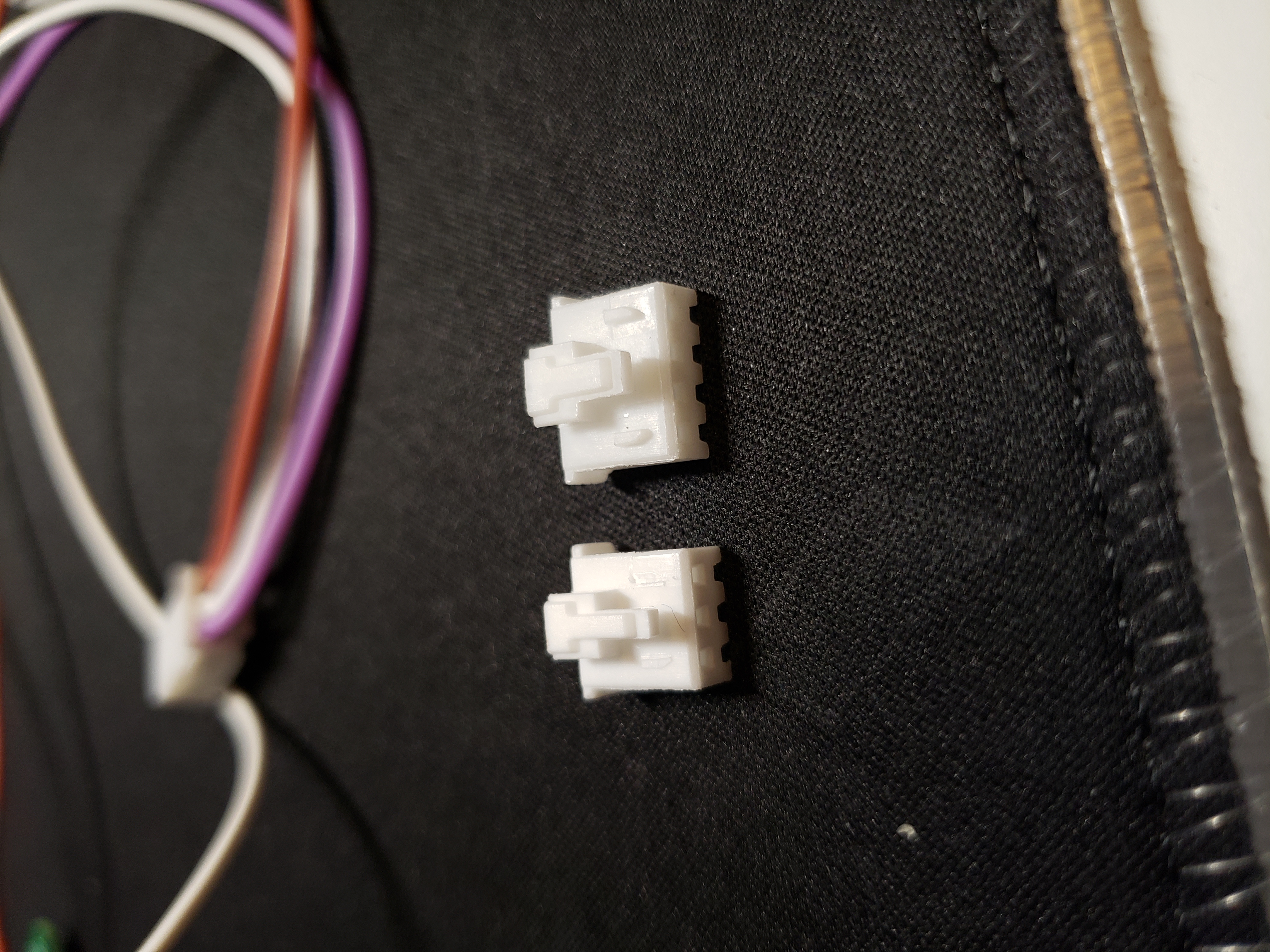
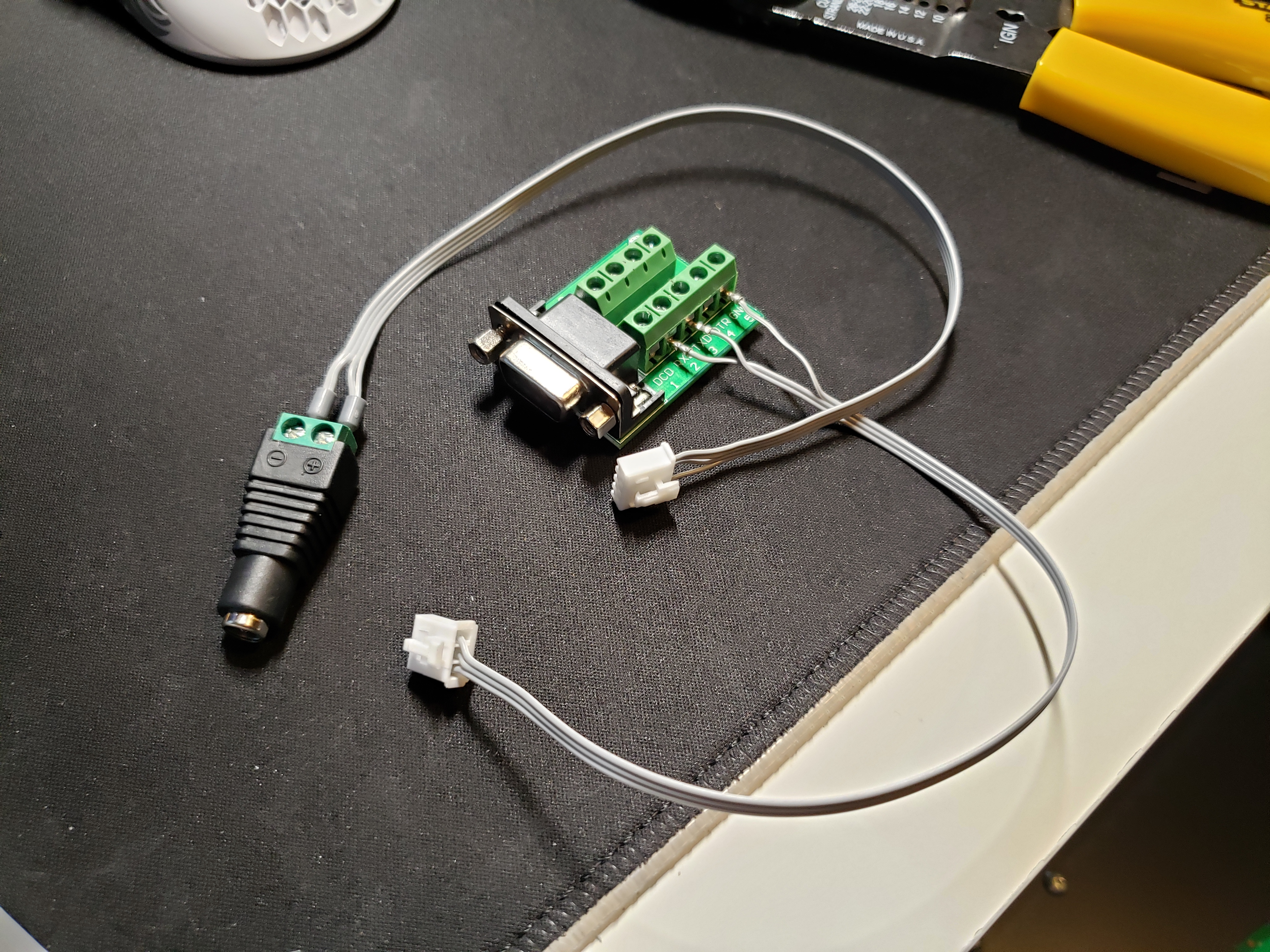
Basic steps: 0. Wire up your slider's 12v and DB9. Crimps recommended. 11" 4 wire recommended for 12v, 9" 3 wire for DB9.
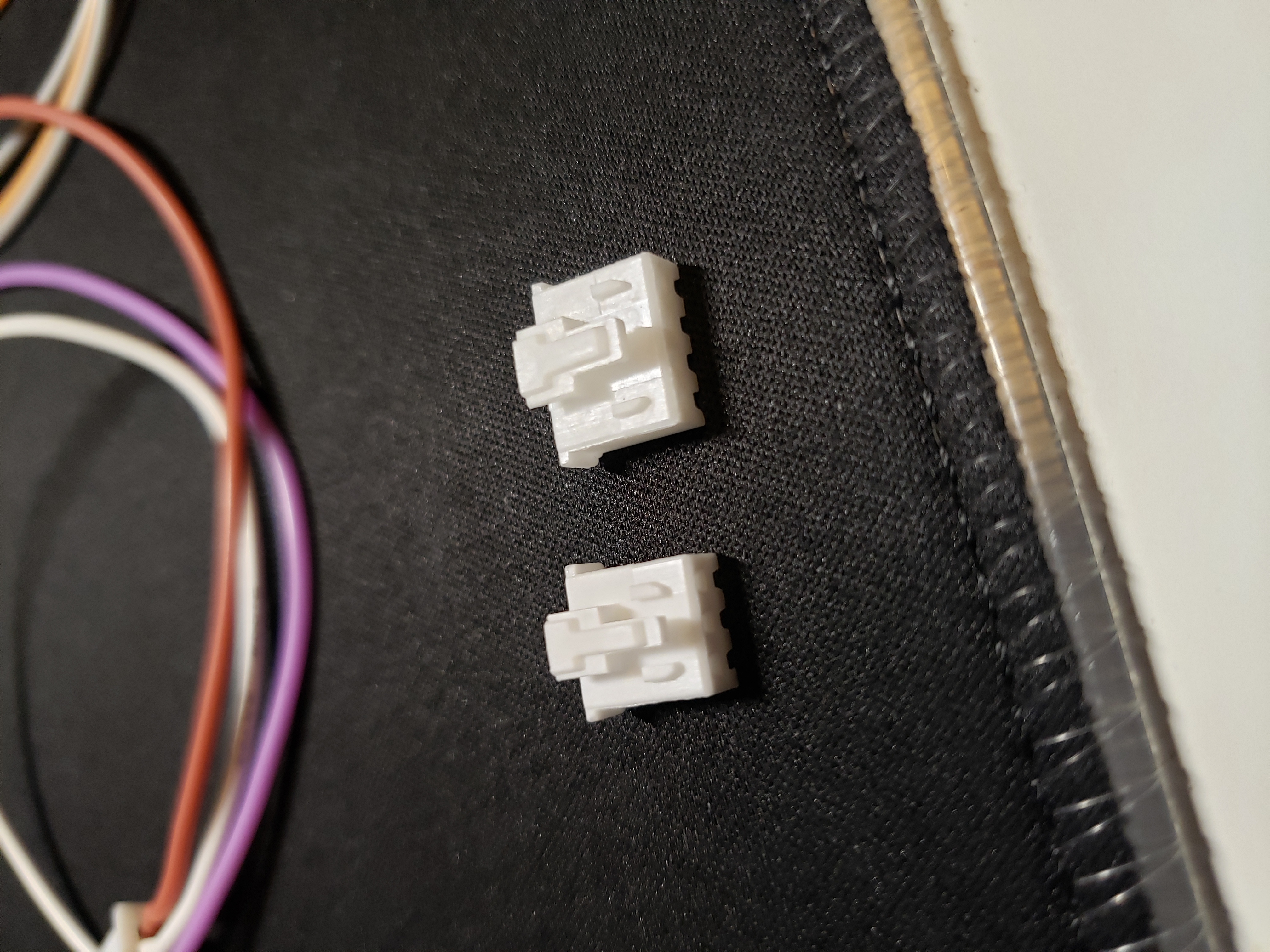
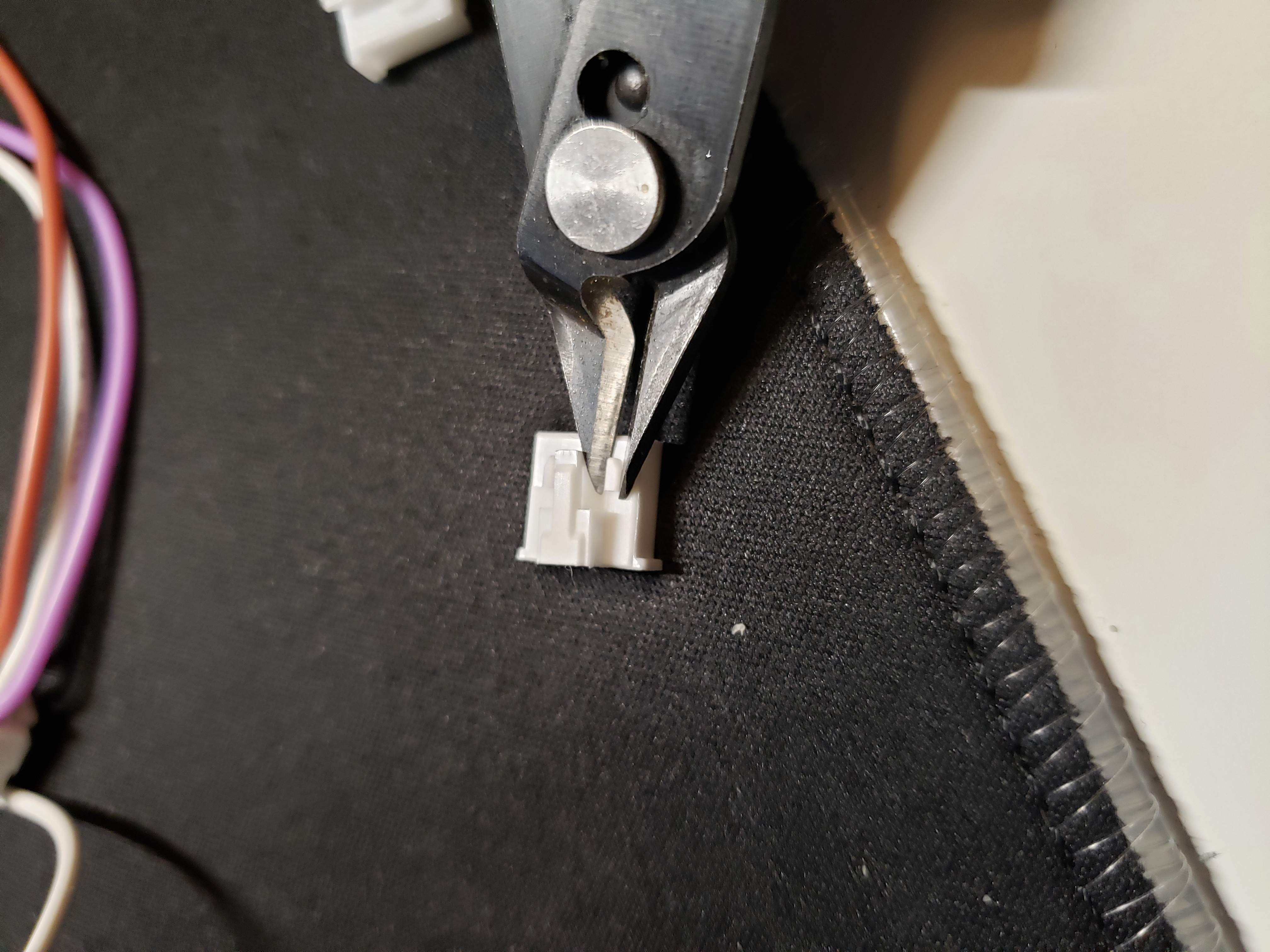
xa 1

xa 2

xa 3

db9 and 12v

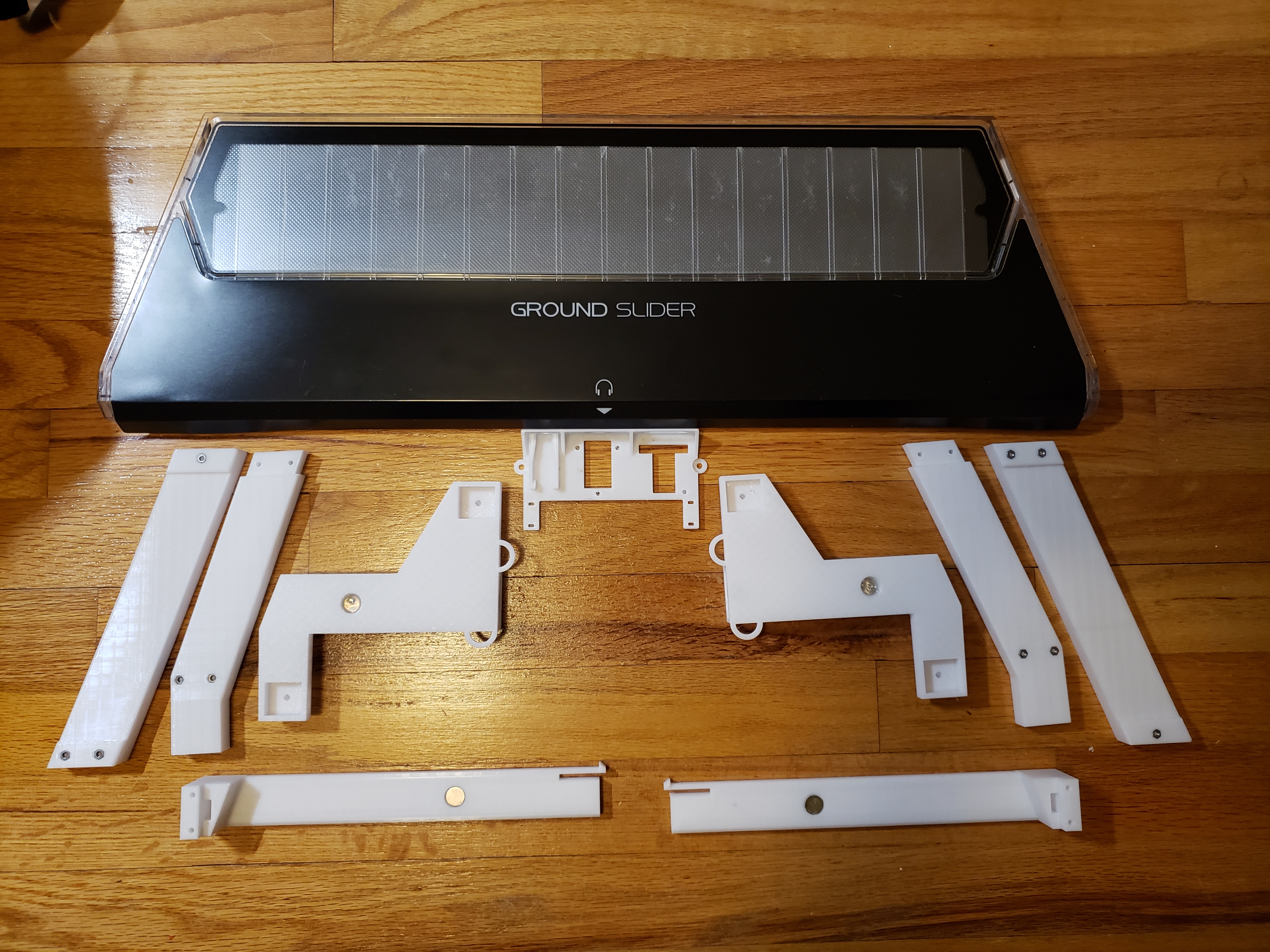
  1. Print parts. Then print a mirrored set. Glue magnets with super glue except for the one on slider which is inserted from the outside - glue that one in with hot glue. Pay attention to the magnetic poles!!

chunair 3d print

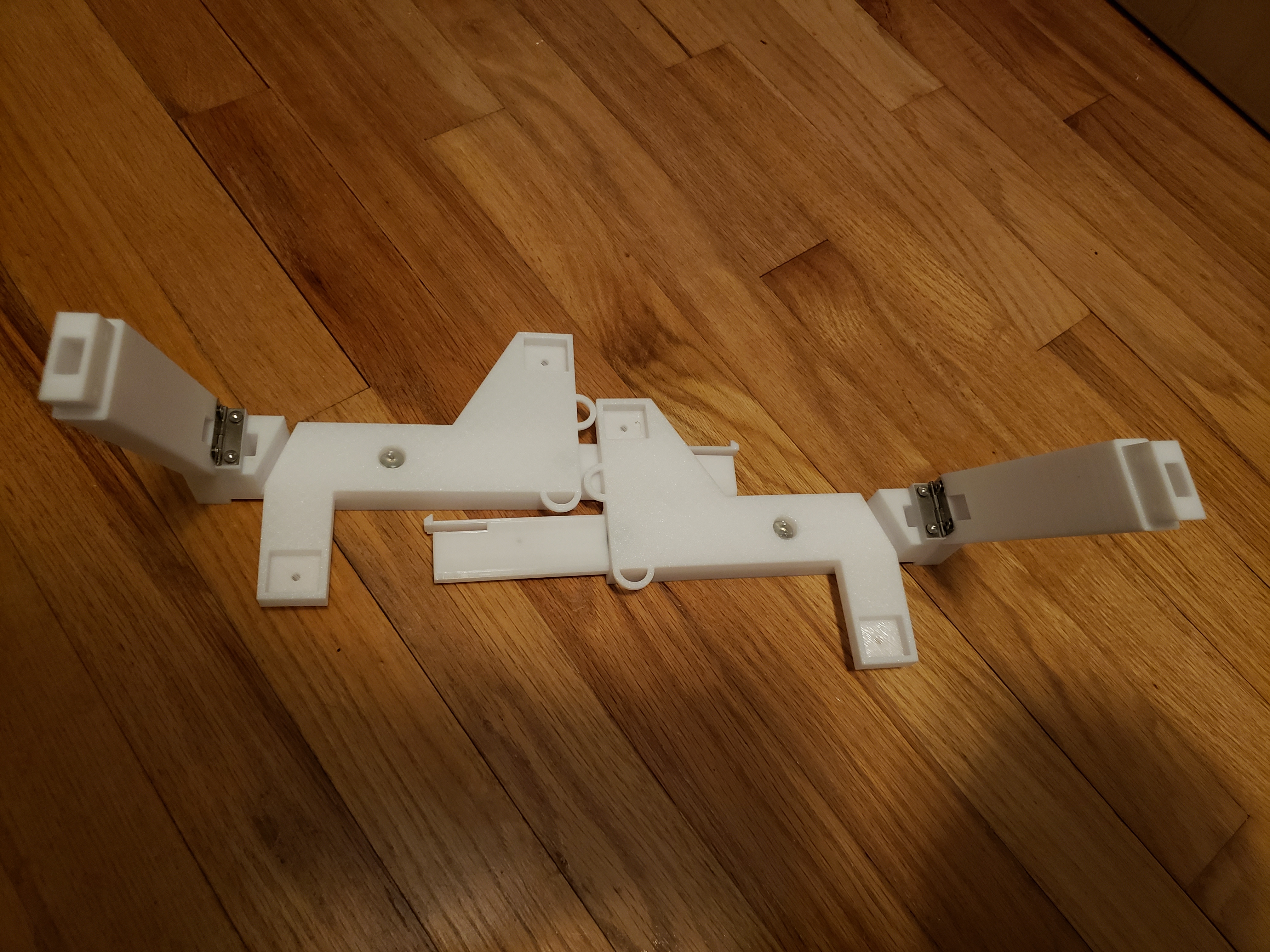
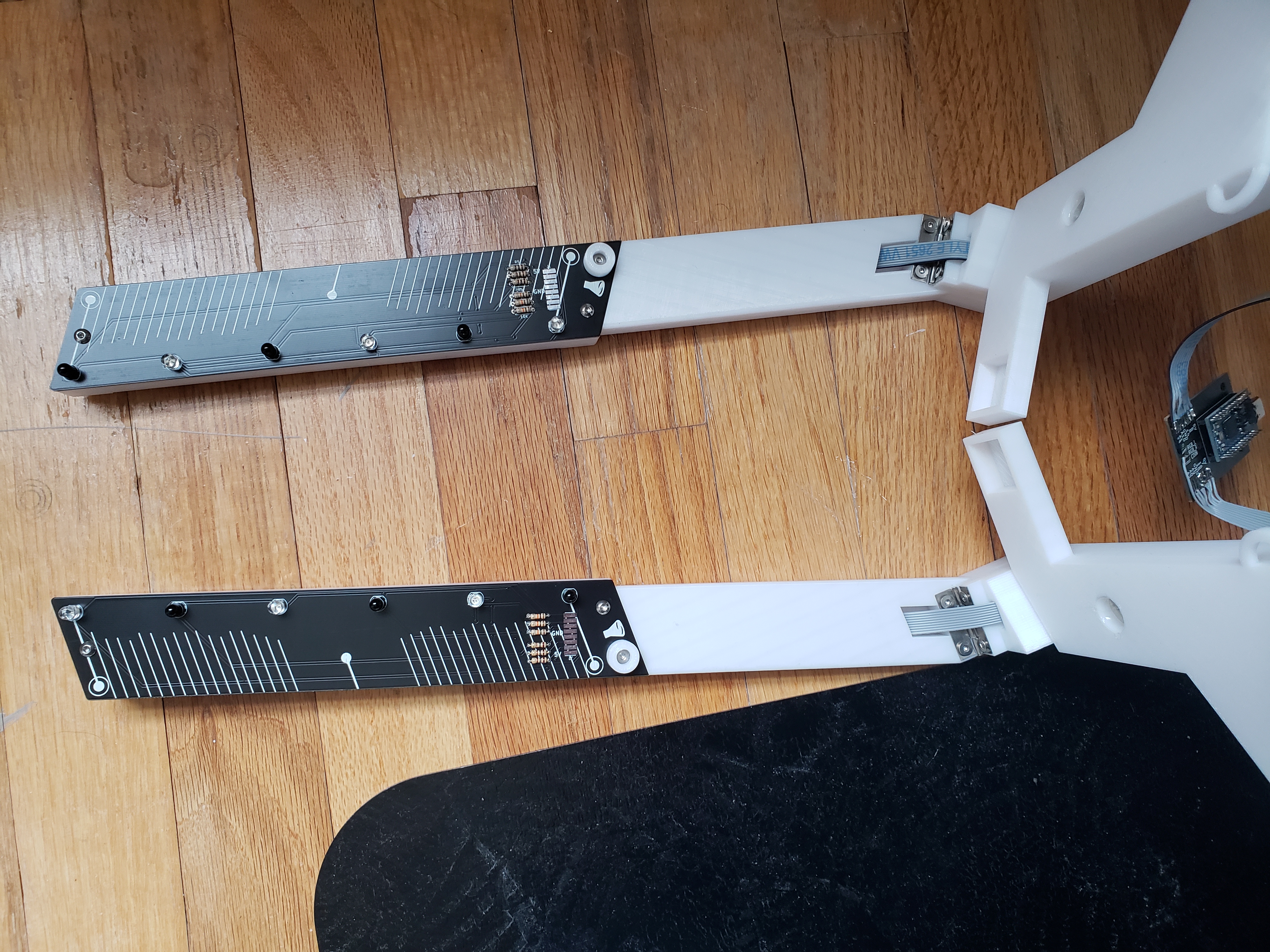
  1. Assemble slider_rail and air_tower with hinge, flat head screws, and nuts and insert into slider (double check orientation)

hinge

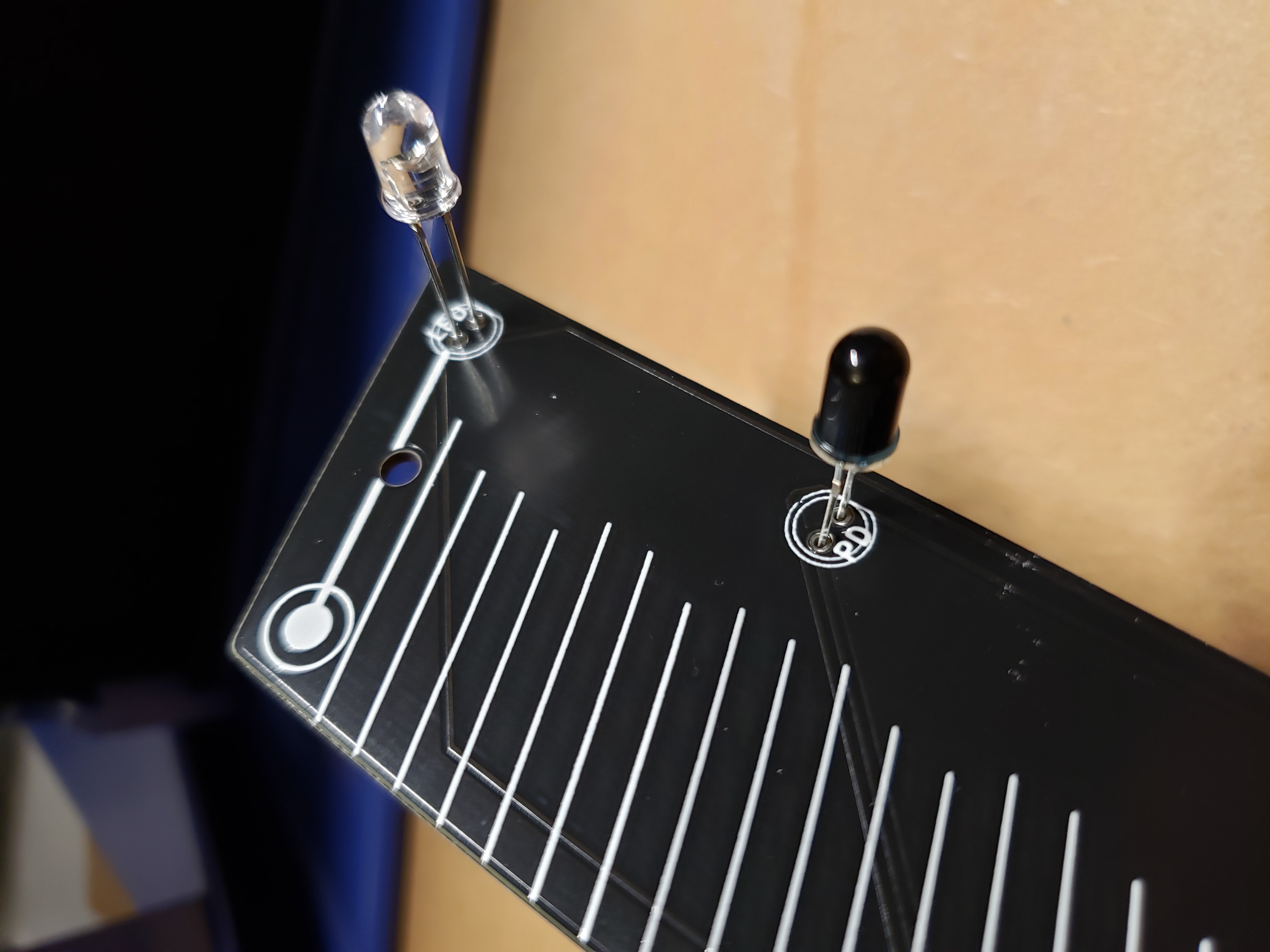
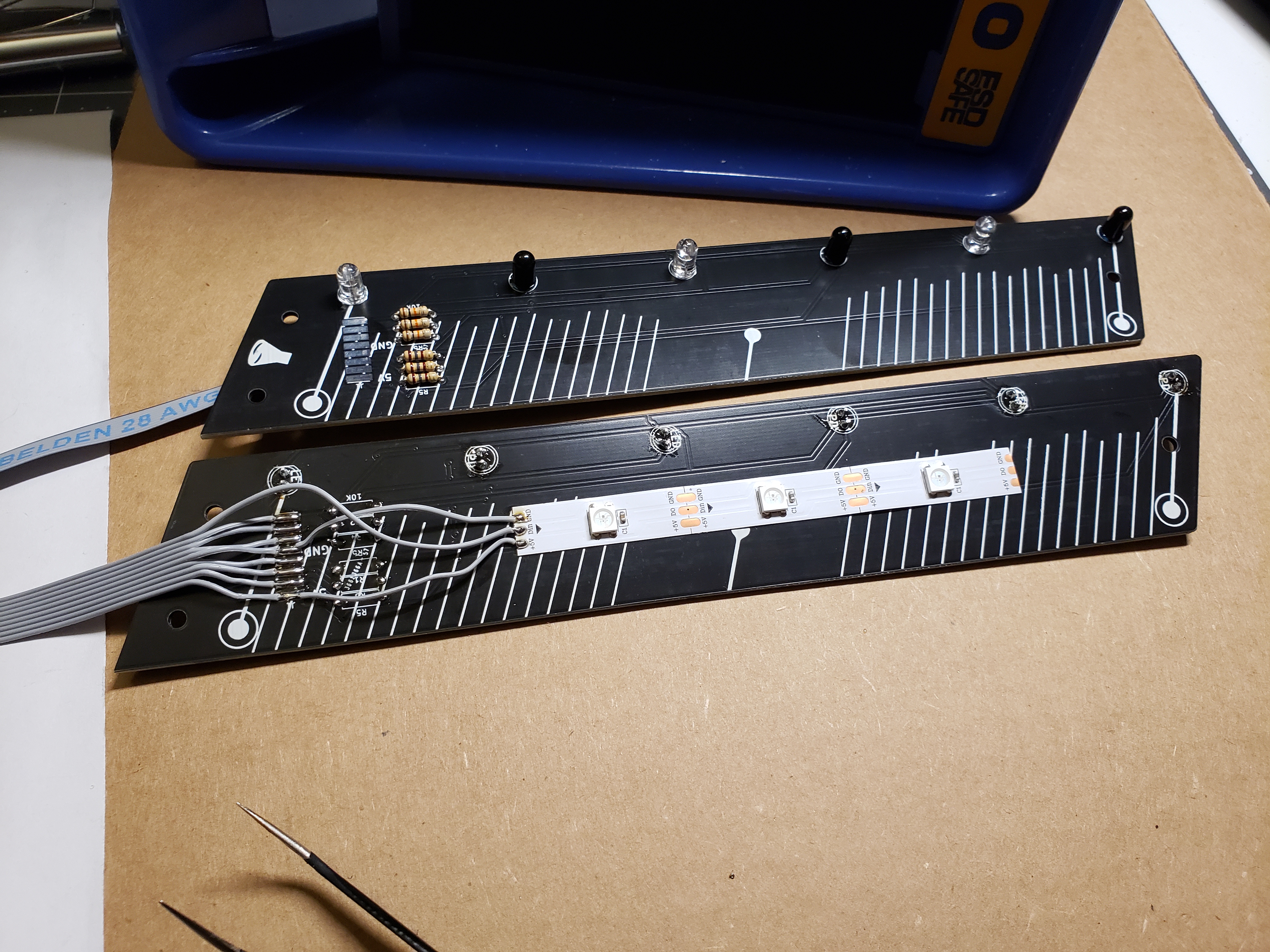
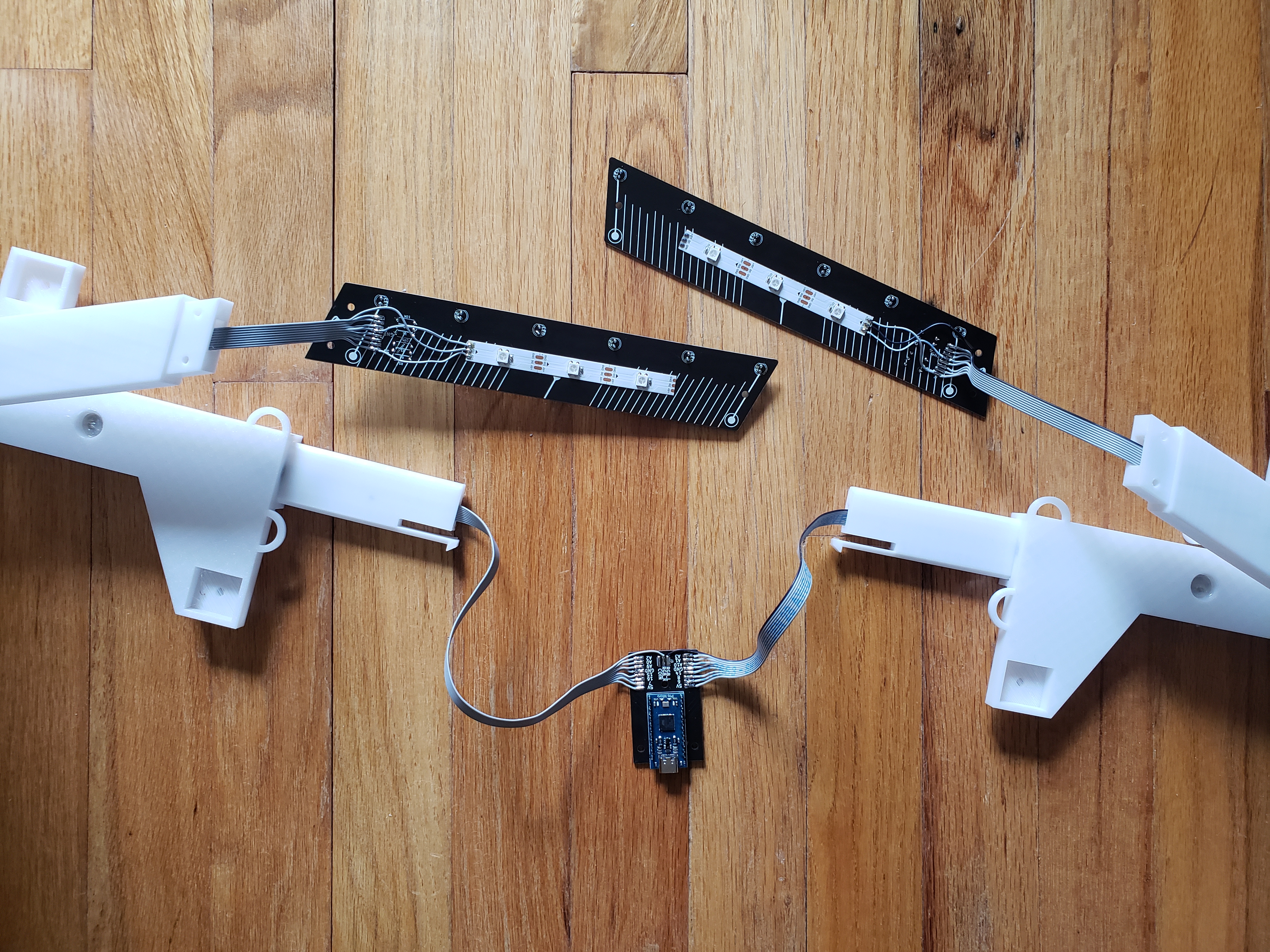
  1. Glue leds/pds if you are using air_tower_top_1. Wire according to the diagram in "ac chuni/wiring.png". If you have PCB, solder resistors and leds/pds - 10K resistors are marked, the other 3 are 150 ohm resistors. With PCB, recommended wire length is around 30", 9 wires for RGB, 8 for no RGB.
    3a. If you want RGB, add a 3 piece WS2812B LED strip in the middle and solder it up like the picture.

led

led pcb

  1. Shove unsoldered end of ribbon cable through the channel.
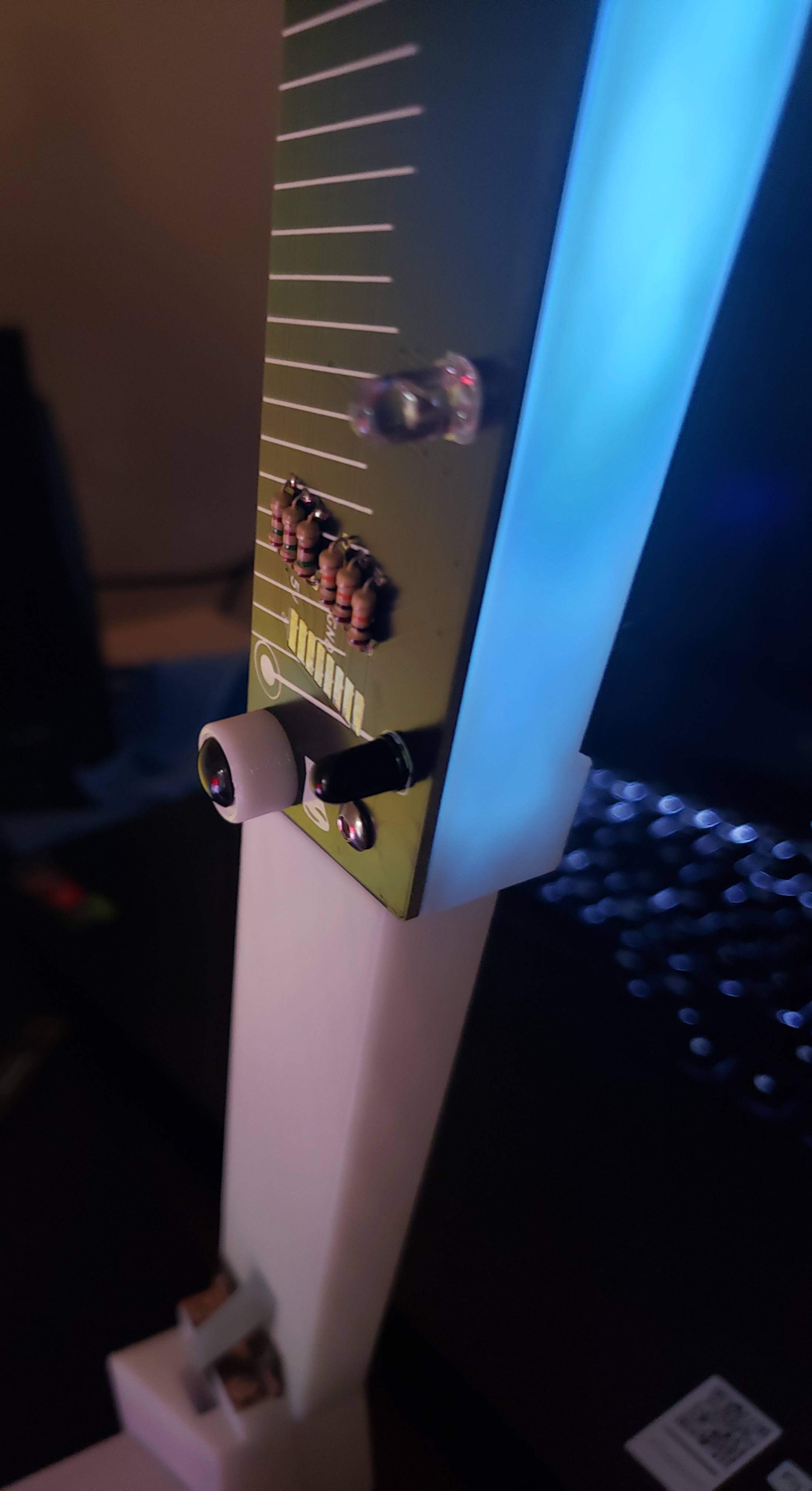
  2. Screw air_tower_top_2 to the pcb or air_tower_top_1(depending on which you have) using rounded m3 heads while threading through air_tower. Don't forget to put the printed bumper piece on one of the screws.

bumper

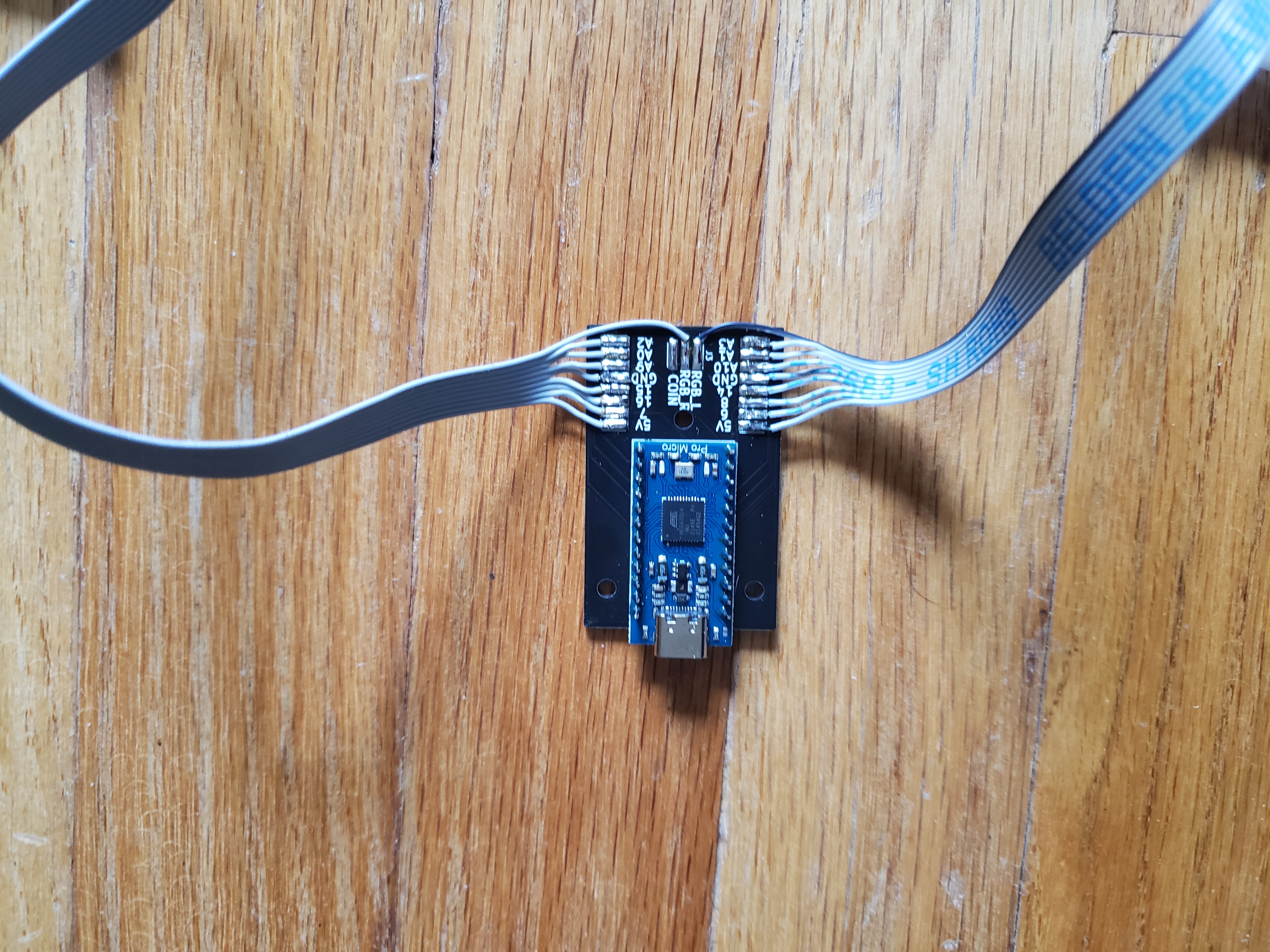
  1. Solder to Pro Micro or chunair_core pcb depending on what you have. Make sure you slide the slider_rail into the slider first before soldering.

chunair core

  1. Repeat steps 2-6 for the other side.

chunair loose

chunair assembled

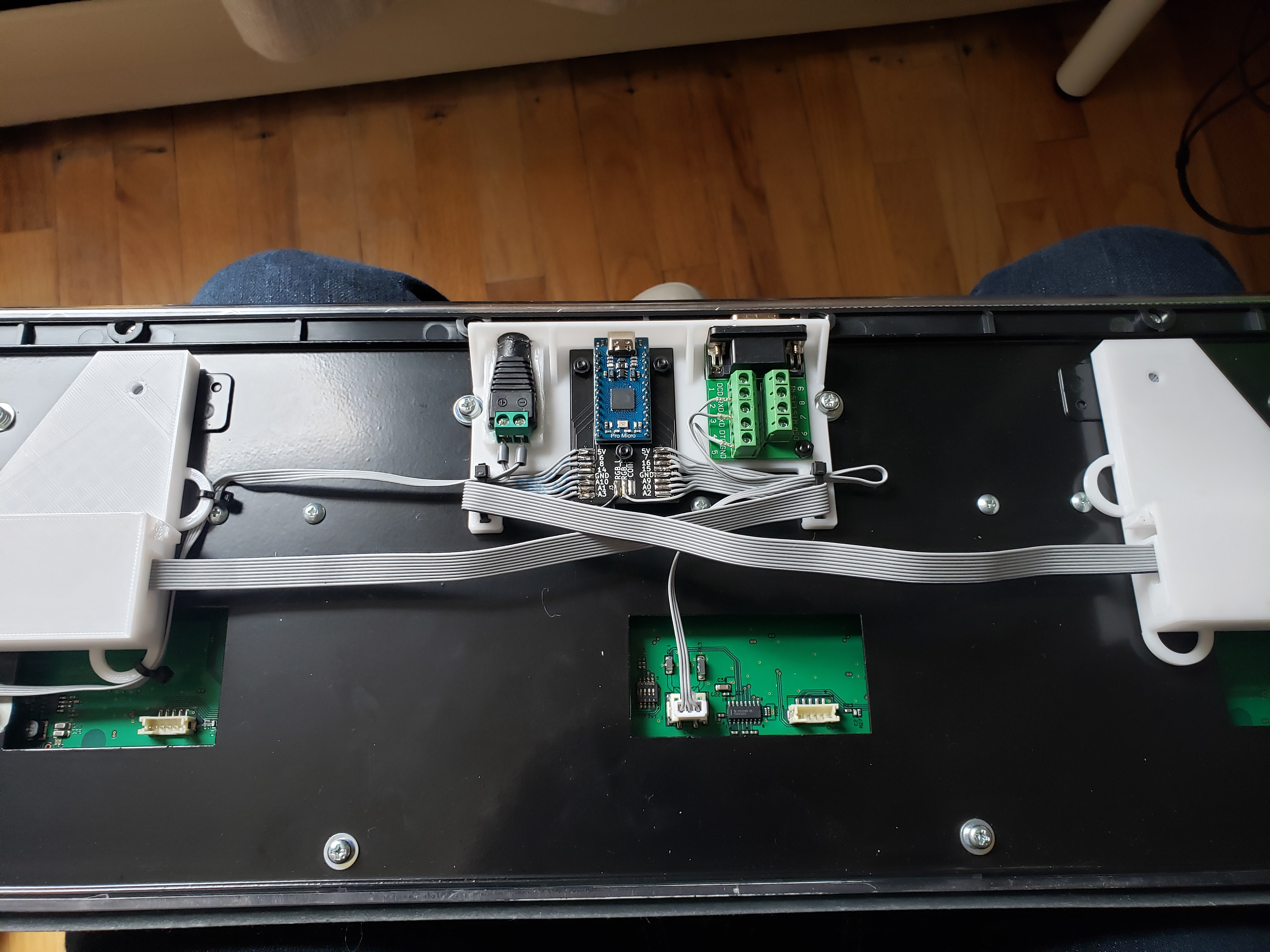
  1. Add zip ties to core. Use 4 m3x8 bolts and nuts to mount db9 and chunair_core to core. Press fit 12v barrel connector and hot glue into place.

chunair core

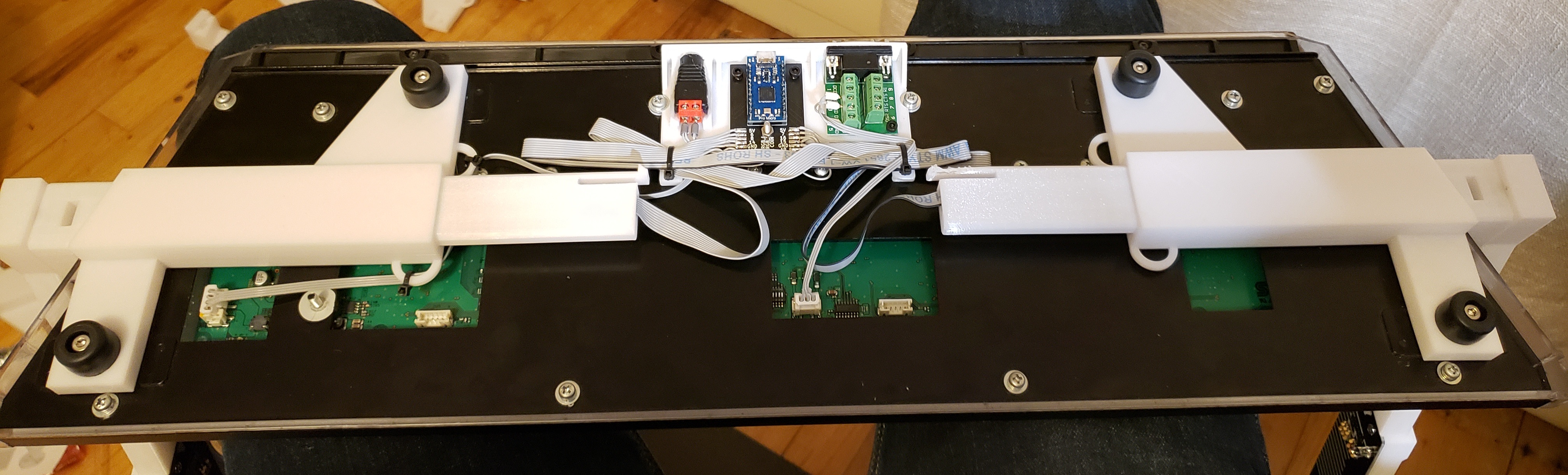
  1. Thread M4 screws through rubber foot and slider to mount to slider.

chunair core

  1. Use existing M4 screws on the chunithm slider to mount core. Zip tie down core & power cable
  2. Flash firmware and test to make sure everything works. Then add adhesive rubber feet on each bumper in addition to the bottom of the airs.

This work is licensed under a Creative Commons Attribution-NonCommercial-ShareAlike 4.0 International License.

Parts

21
QtyValueFootprintReferences
6LED_Dual_ACACchunair_local:LED_D5.0mm_FlatTopD1, D2, D3, D4, D5, D6
310KResistor_THT:R_Axial_DIN0207_L6.3mm_D2.5mm_P7.62mm_HorizontalR2, R4, R6
3150Resistor_THT:R_Axial_DIN0207_L6.3mm_D2.5mm_P7.62mm_HorizontalR1, R3, R5
3MountingHoleMountingHole:MountingHole_3.2mm_M3H1, H2, H3
2Conn_01x08_Malechunair_local:SMD_8PinJ1, J2
2LOGOchunair_local:logo_smallG***, G***
1LOGOchunair_local:air_art_backG***
1LOGOchunair_local:air_artG***

More from speedypotato/chuni-lite

2
  • 2 layers218.5 × 37.6 mmChunair, the printed circuit board in 3D

    Chunair

    speedypotato/chuni-lite

    slidy air towers for an arcade chuni slider

    17 parts17
  • 2 layers34 × 53 mmChunair core, the printed circuit board in 3D

    Chunair core

    speedypotato/chuni-lite

    slidy air towers for an arcade chuni slider

    8 parts17

Similar boards

  • 2 layers28.3 × 39.8 mmLevelShifter, the printed circuit board in 3D

    LevelShifter

    gusmanb/logicanalyzer

    24 channel, 100Msps logic analyzer hardware and software

    21 parts5.1kGPL-3.0
  • 2 layers171.2 × 72.9 mmAmiga gfxcard before pour, the printed circuit board in 3D

    Amiga gfxcard before pour

    mntmn/amiga2000-gfxcard

    MNT VA2000, an Open Source Amiga 2/3/4000 Graphics Card (Zorro II/III), written in Verilog

    21 parts1k
  • 2 layers93.9 × 46 mmRectifier, the printed circuit board in 3D

    Rectifier

    rene-dev/stmbl

    AC Servo Driver for STM32F4

    21 parts990GPL-3.0
  • 2 layers45.5 × 42.9 mmEsphome han reader, the printed circuit board in 3D

    Esphome han reader

    hackclub/OnBoard

    💡 Join 1,000 teenagers and make your first PCB with a $100 grant!

    21 parts915
  • 2 layers31.8 × 14.5 mmEsp prog, the printed circuit board in 3D

    Esp prog

    drandyhaas/KiCadRoutingTools

    A set of Python/Rust tools to aid routing in KiCad

    21 parts744MIT
  • 2 layers23.5 × 15.8 mmQuiverAttachPCB, the printed circuit board in 3D

    QuiverAttachPCB

    Arrow-air/project-quiver

    Project Quiver documentation, designs, and project artifacts.

    21 parts617CERN-OHL-S-2.0
  • 2 layers69.9 × 41.3 mmHeaterMeterLCD, the printed circuit board in 3D

    HeaterMeterLCD

    CapnBry/HeaterMeter

    HeaterMeter and LinkMeter Arduino BBQ Controller

    21 parts557MIT
  • 2 layers161.3 × 111.8 mmDoj, the printed circuit board in 3D

    Doj

    kelu124/echomods

    Open source ultrasound processing modules and building blocks

    21 parts463

Questions

How big is the Chunair PCB?

It measures 218.5 × 37.6 mm and has 2 copper layers, 1.6 mm thick.

What parts does the Chunair use?

21 parts. The full list of its parts is on this page, with links to each part's symbol and footprint where PCBKit's library has them.

Where can I download the Chunair KiCad files?

From the speedypotato/chuni-lite repository on GitHub, at the commit this page was made from: the board is chunair/chunair/chunair_v2/chunair.kicad_pcb. PCBKit opens the board in the browser, with nothing to install.

Can I use the Chunair design in my own project?

Its repository states no licence, so its author keeps all rights: ask speedypotato before reusing the design.