2 layers59.1 × 99.9 mm
Cheap FOCer 2 60mm
shamansystems/Cheap-FOCer-2
Low-Cost Motor Controller based on the VESC 6
193 parts407

 Sp1me/dvaboard
My first custom keyboard. It's kind of scuffed.
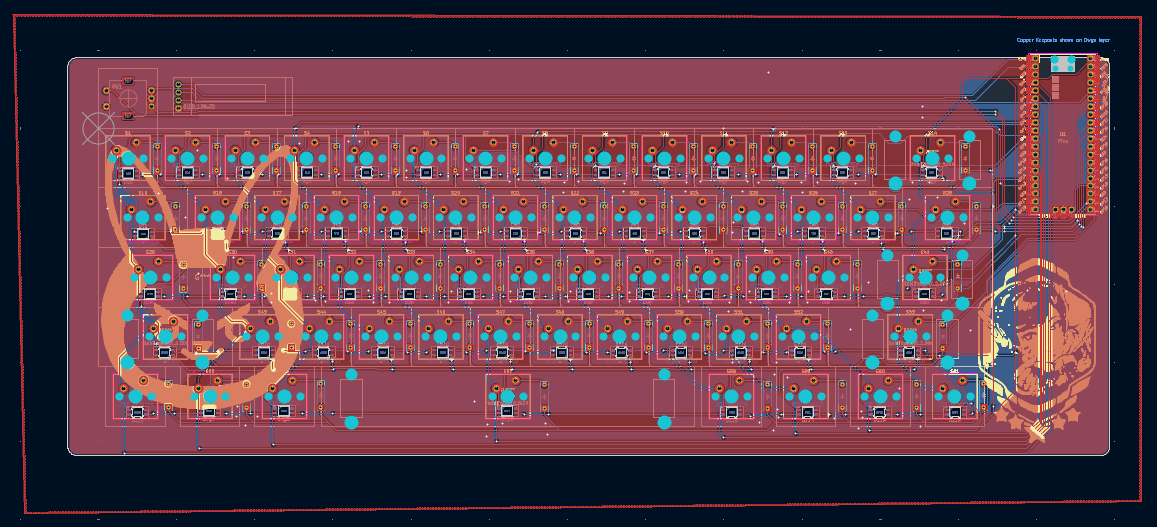
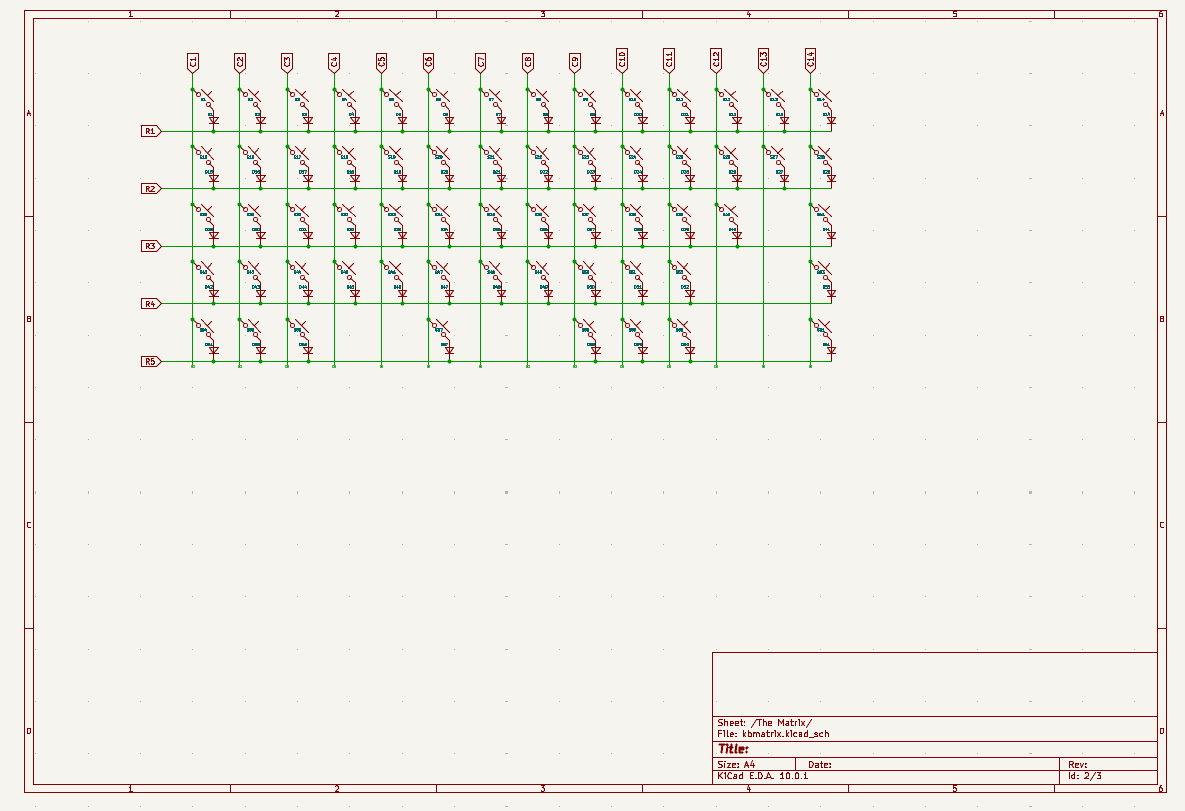
Keyboard is an open-source printed circuit board by Sp1me, from the Sp1me/dvaboard repository on GitHub, published under the MIT licence. It is a 2-layer board of 333.2 × 127.2 mm with 193 parts on 165 nets, routed with 1,489 tracks and 323 vias.
Its parts include 122 diodes, 62 switches, 1 IC and 1 connector. It belongs with the keyboards and input boards and the RP2040 boards of this library.
My first custom keyboard. It's kind of scuffed. This is a 60% custom mechanical keyboard, powered by a Raspberry Pi Pico. Almost completely designed from scratch using KiCad and Autodesk Fusion. I wanted to make this project because there's a huge custom keyboard community online, which means theres tons of resources for me to draw upon. As a beginner, I really just wanted to learn the basics of KiCad and (regular) CAD while also doing a genuinely impressive and cool project. I also really like how you can personalize everything you do and make it completely your own by putting images and text on both the PCBs and the case, which is definitely a benefit of building something completely from scratch.
I honestly don't really know, it was the first thing that came to mind since I play Overwatch a lot and she's my main.
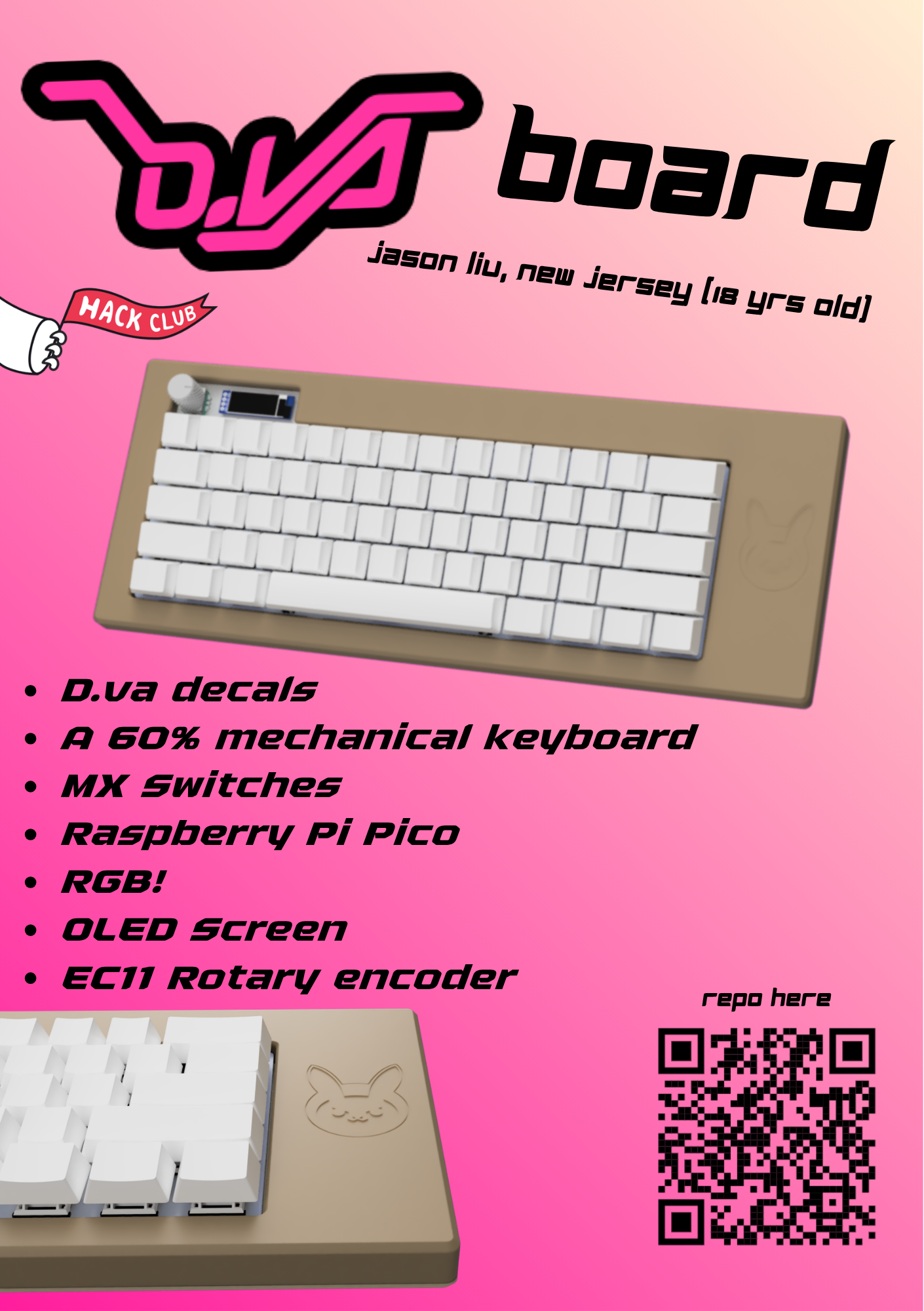
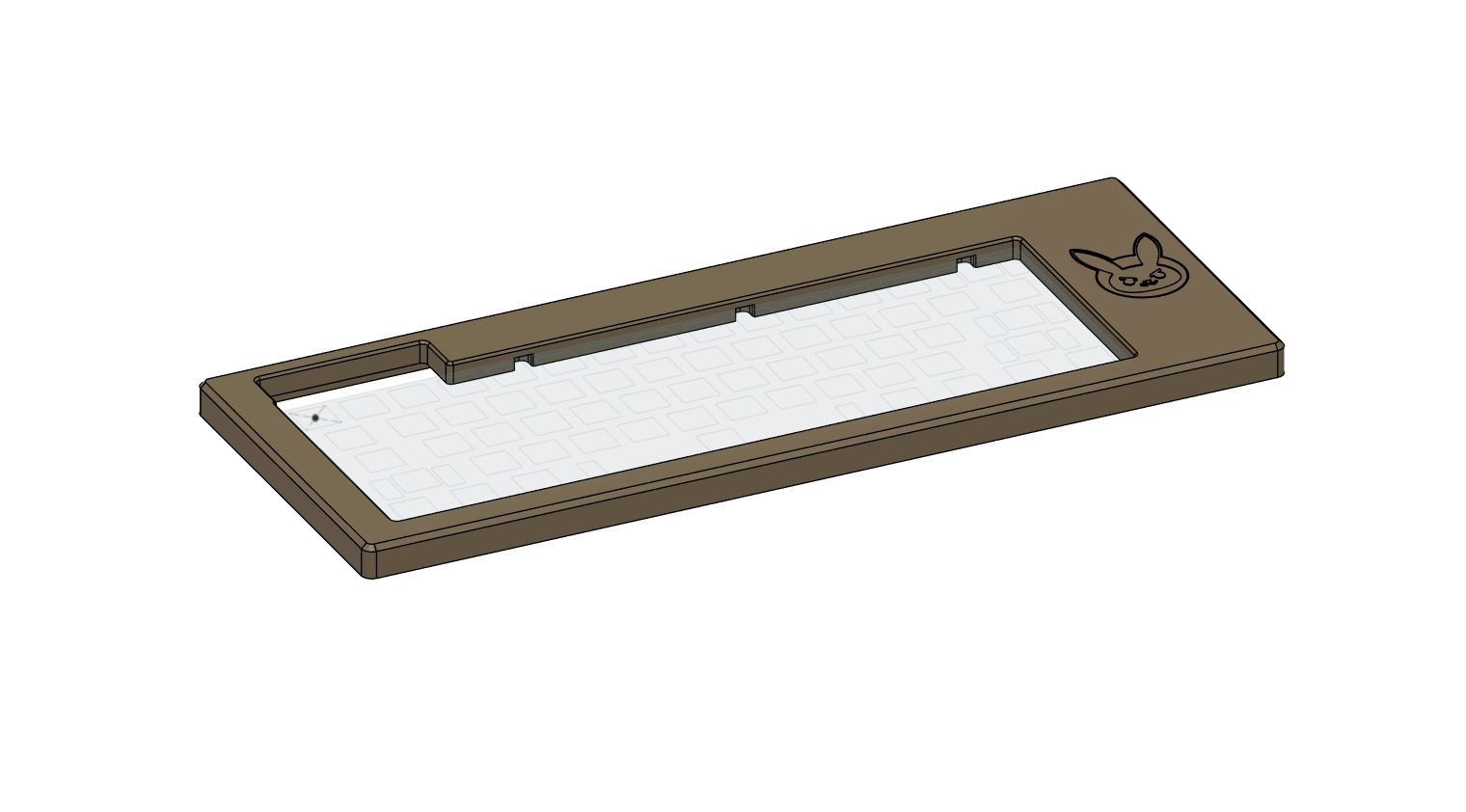
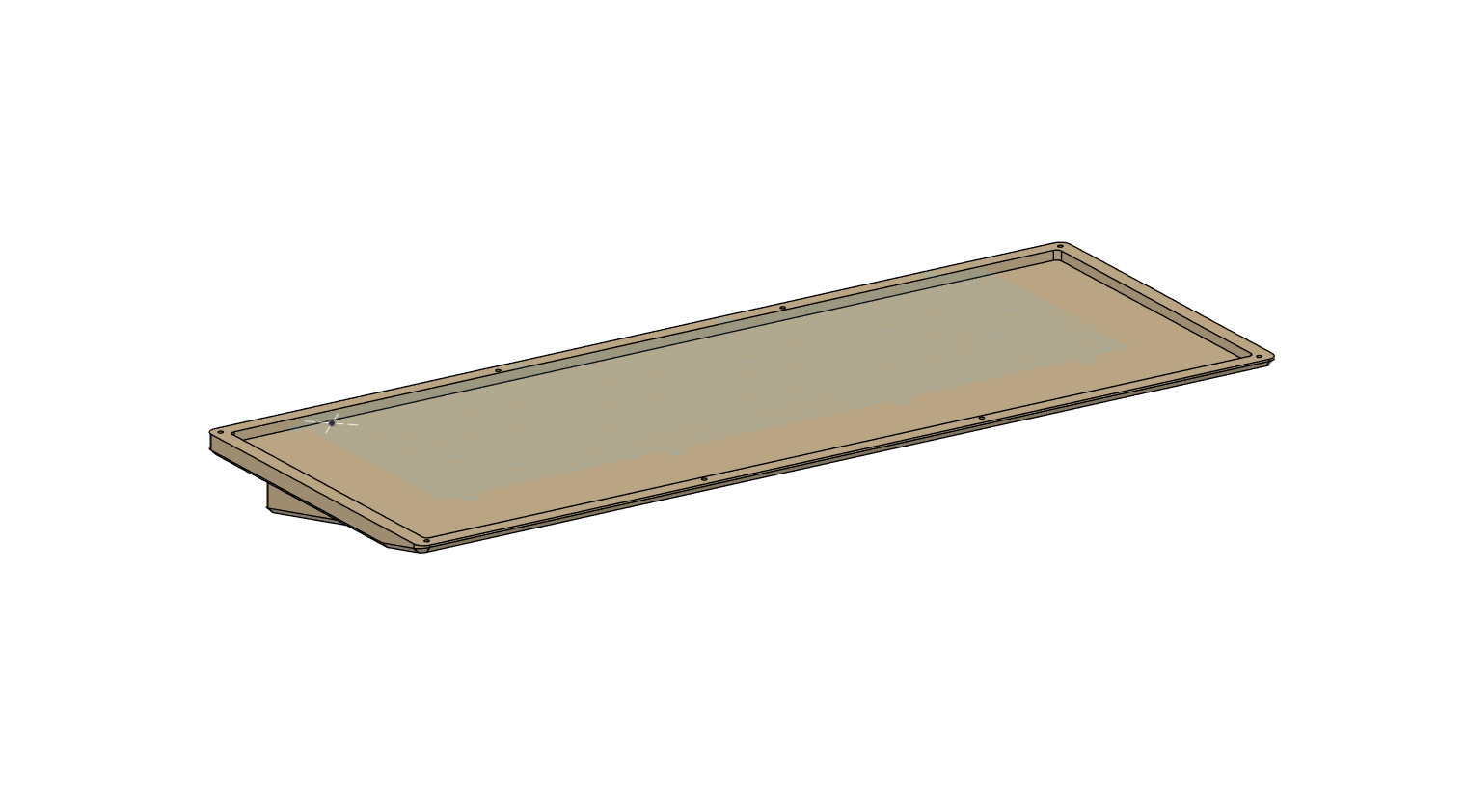
I actually haven't built this yet, but the idea is to 3D print the case, get the PCB delivered by JLC PCB, and then attatch everything together with M2 screws. The PCB would be attatched through the keyboard plate and all the electronic components would need to be soldered onto the PCB (Except the switches which should just pop on). I also haven't flashed the firmware yet because I haven't built it, so I will update when I get that done.
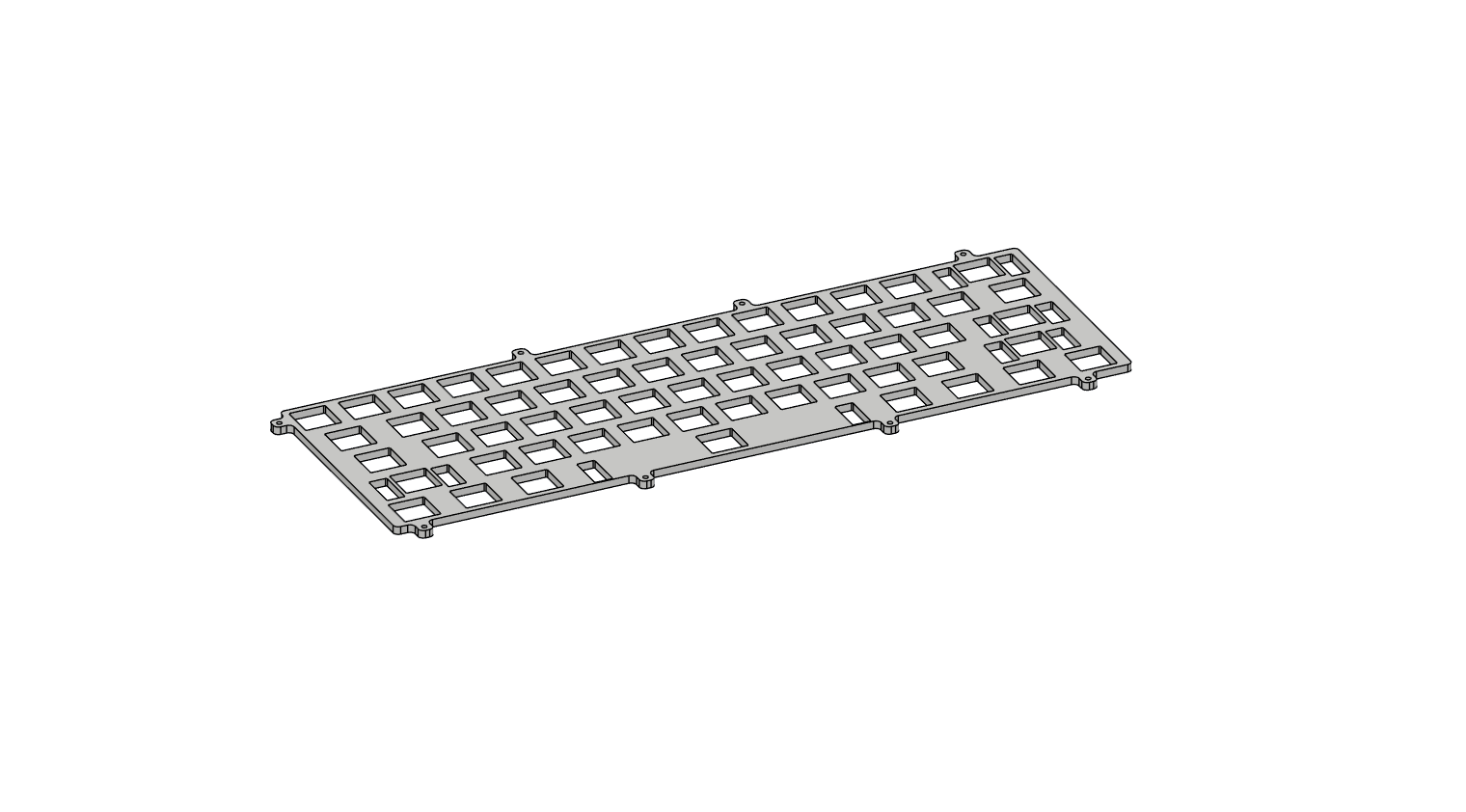
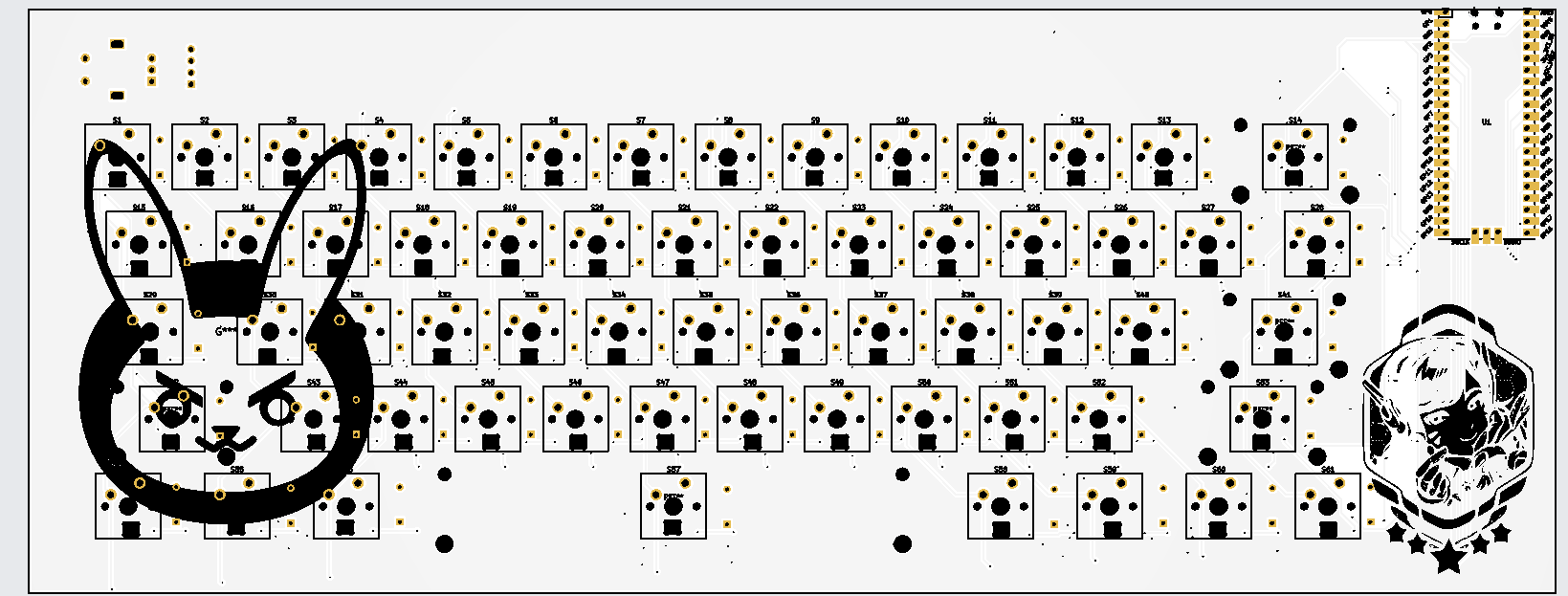
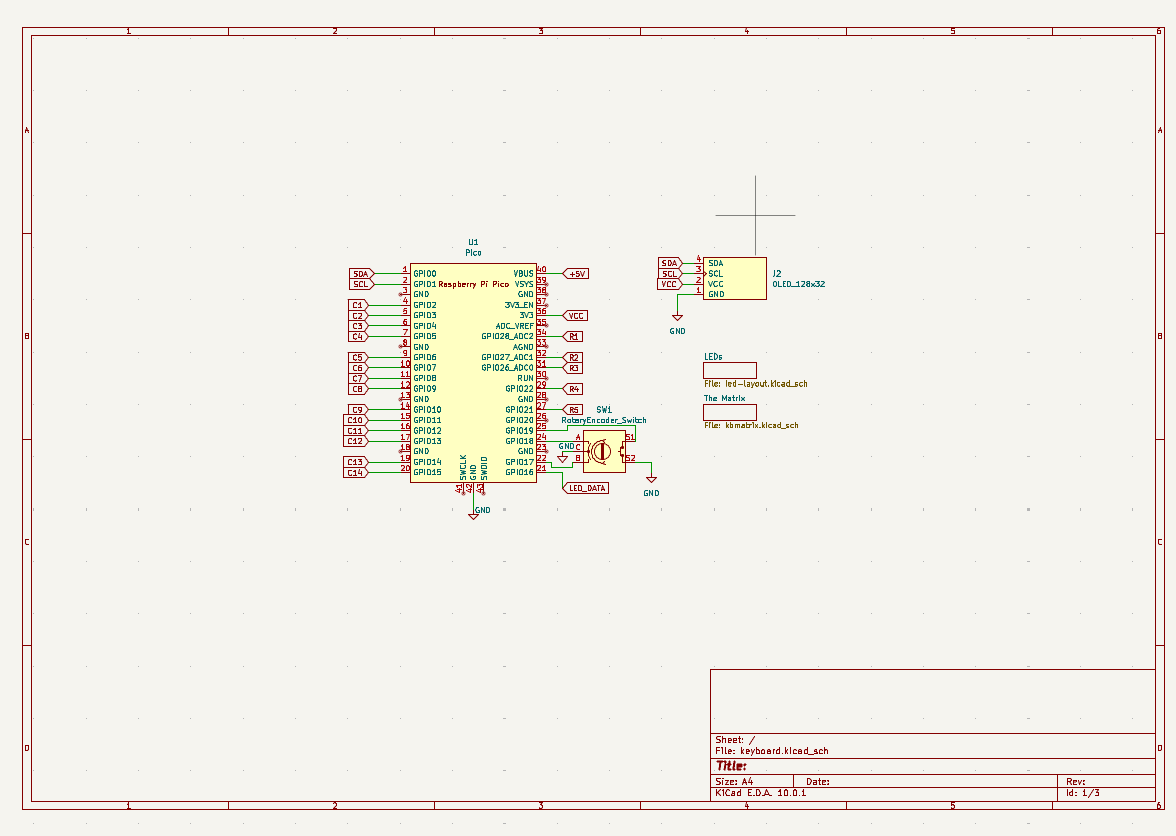
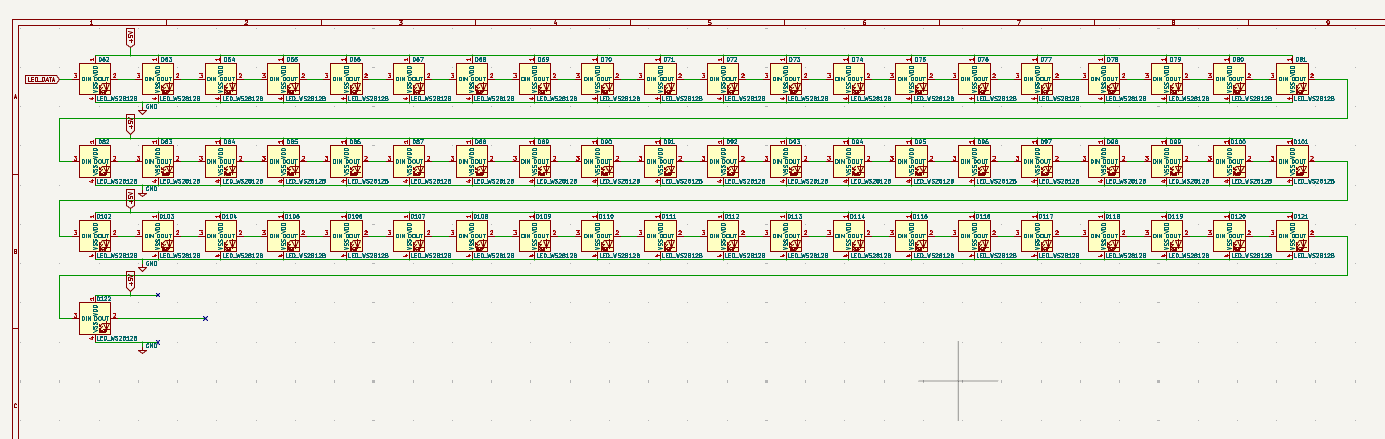
| Component | Quantity | Price (total) | Manufacturer | Purchase link |
|---|---|---|---|---|
| I2C OLED Display Module | 1 | $0.99 | — | AliExpress |
| SK6812 Mini-e | 61 | $18.00 | — | Keebio |
| Raspberry Pi Pico | 1 | $4.00 | — | Mouser |
| EC11 Rotary Encoder | 1 | $2.00 | — | Keebio |
| MX Switches | 61 | $40.00 | — | Amazon |
| EC11 Rotary Encoder Knob | 1 | $1.95 | — | AliExpress |
| DO-35 Diode | 61 | $3.36 | — | Digi-Key |
| Rubber feet | 4 | $2.00 | — | ScottoKeebs |
| Keyboard PCBs | 5 | $40.91 | JLCPCB | — |
| Keycaps (60%) | 1 | $29.99 | — | Pwnage |
| M2 Screws | 8 | $9.00 | — | Amazon |
| Total | $152.20 |
The original spreadsheet is also available as BOM.csv.
| Qty | Value | Footprint | References |
|---|---|---|---|
| 61 | LED_WS2812B | LED_SMD:LED_SK6812MINI-E_3.2x2.8mm_P1.5mm_ReverseMount | D100, D101, D102, D103, D104, D105, D106, D107, D108, D109, D110, D111, D112, D113, D114, D115 +45 |
| 61 | ~ | ScottoKeebs_Components:Diode_DO-35 | D1, D2, D10, D11, D12, D13, D14, D15, D16, D17, D18, D19, D20, D21, D22, D23 +45 |
| 46 | ~ | switches-with-keycaps:MX_PCB_1.00u_Keycap2 | S1, S2, S10, S11, S12, S13, S16, S17, S18, S19, S20, S21, S22, S23, S24, S25 +30 |
| 7 | ~ | switches-with-keycaps:MX_PCB_1.25u_Keycap | S54, S55, S56, S58, S59, S60, S61 |
| 2 | LOGO | LOGO | G***, G*** |
| 2 | ~ | switches-with-keycaps:MX_PCB_2.25u_Keycap | S41, S42 |
| 2 | ~ | switches-with-keycaps:MX_PCB_1.50u_Keycap | S15, S28 |
| 1 | OLED_128x32 | ScottoKeebs_Components:OLED_128x32 | J2 |
| 1 | Pico | RPi_Pico:RPi_Pico_SMD_TH | U1 |
| 1 | RotaryEncoder_Switch | switches-with-keycaps:Encoder_EC11_MX_with_knob | SW1 |
| 1 | ~ | switches-with-keycaps:MX_PCB_Spacebar_Keycap | S57 |
| 1 | ~ | switches-with-keycaps:MX_PCB_2.75u_Keycap | S53 |
| 1 | ~ | switches-with-keycaps:MX_PCB_2.00u_Keycap | S14 |
| 1 | ~ | switches-with-keycaps:MX_PCB_1.75u_Keycap | S29 |
The 188 most common of 193 parts.
It measures 333.2 × 127.2 mm and has 2 copper layers, 1.6 mm thick.
193 parts. The full list of its parts is on this page, with links to each part's symbol and footprint where PCBKit's library has them.
From the Sp1me/dvaboard repository on GitHub, at the commit this page was made from: the board is kicad/keyboard.kicad_pcb and its schematic kicad/kbmatrix.kicad_sch. PCBKit opens the board in the browser, with nothing to install.
Its repository publishes it under the MIT licence: you may reuse it on that licence's terms (keep the author's notice, and for a copyleft licence share your changes alike).
shamansystems/Cheap-FOCer-2
Low-Cost Motor Controller based on the VESC 6


kurozz/dsp_amp_2to4
Amplifier with DSP based on TPA3116D2 and ADAU1701 with 4 outputs and stereo input.

kasamikona/HeikouBox
A project towards running "Parallelogram" demo by lft (Linus Åkesson).