
2 layers90 × 44 mm
Nixie clock
snakeye/nixie-clock
Nixie clock based on ESP32-C3 Super Mini module and Soviet IN-14 tubes
22 parts

 snakeye/nixie-clock
Nixie clock based on ESP32-C3 Super Mini module and Soviet IN-14 tubes
Nixie main is an open-source printed circuit board by snakeye, from the snakeye/nixie-clock repository on GitHub. It is a 2-layer board of 90 × 44 mm with 12 parts on 20 nets, routed with 59 tracks and 3 vias.
It is built around the WS2812B-2020. Its parts include 3 resistors, 3 connectors, 2 ICs, 2 switches and 1 capacitor. It belongs with the lEDs and displays boards and the ESP32 and RISC-V boards of this library.
An ESP32-C3 powered Nixie clock built around custom KiCad hardware and Arduino firmware.
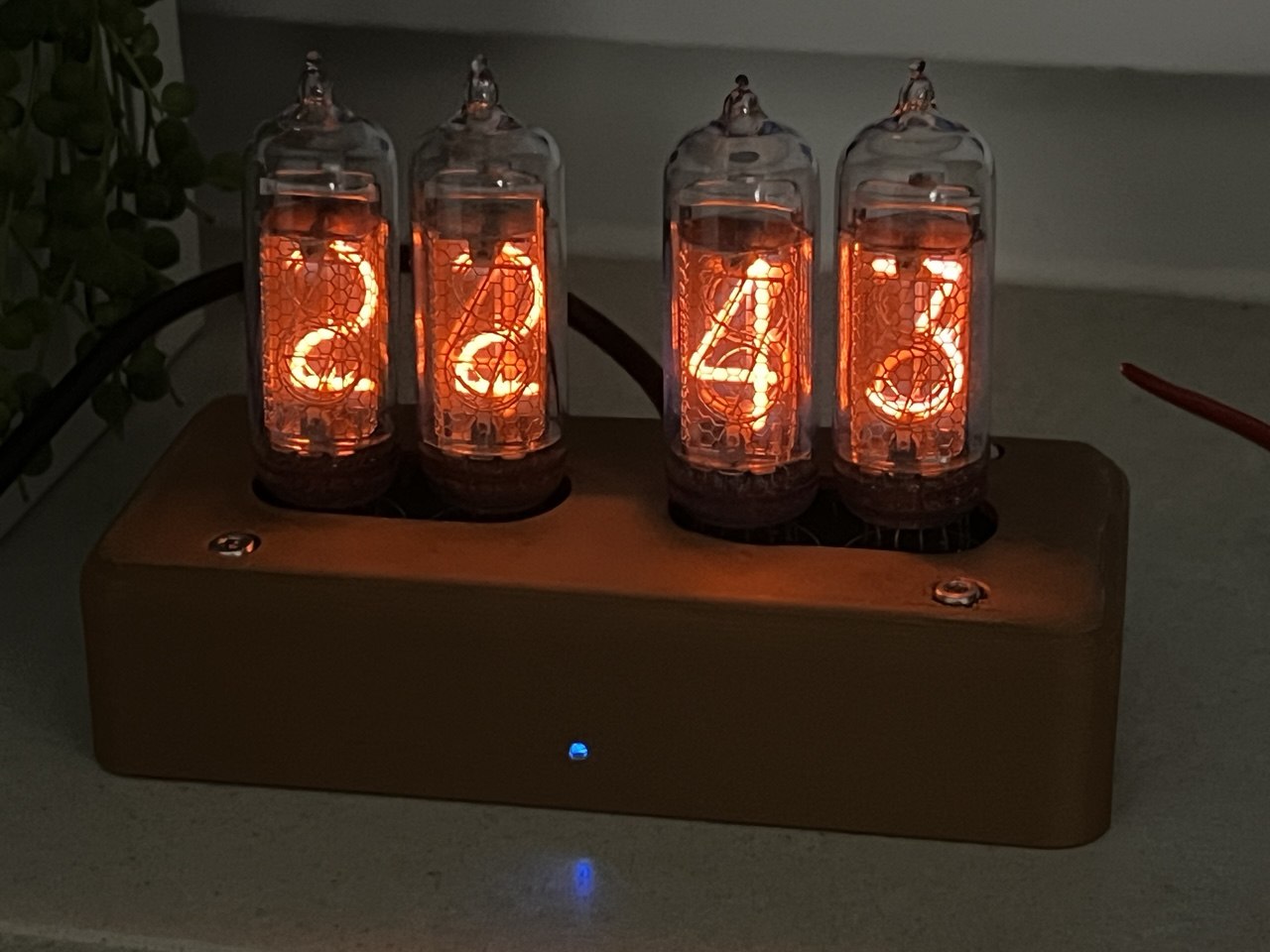
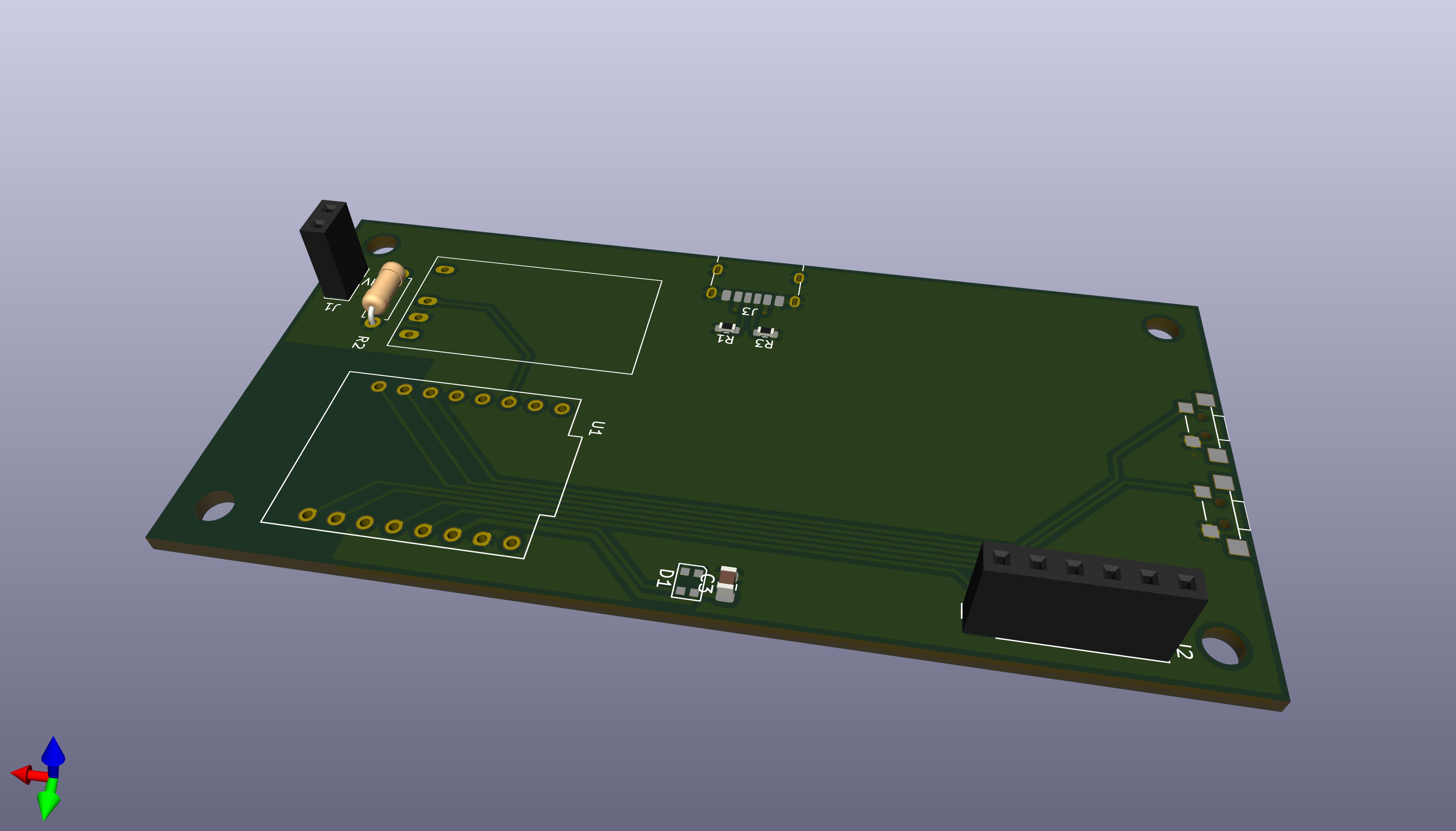
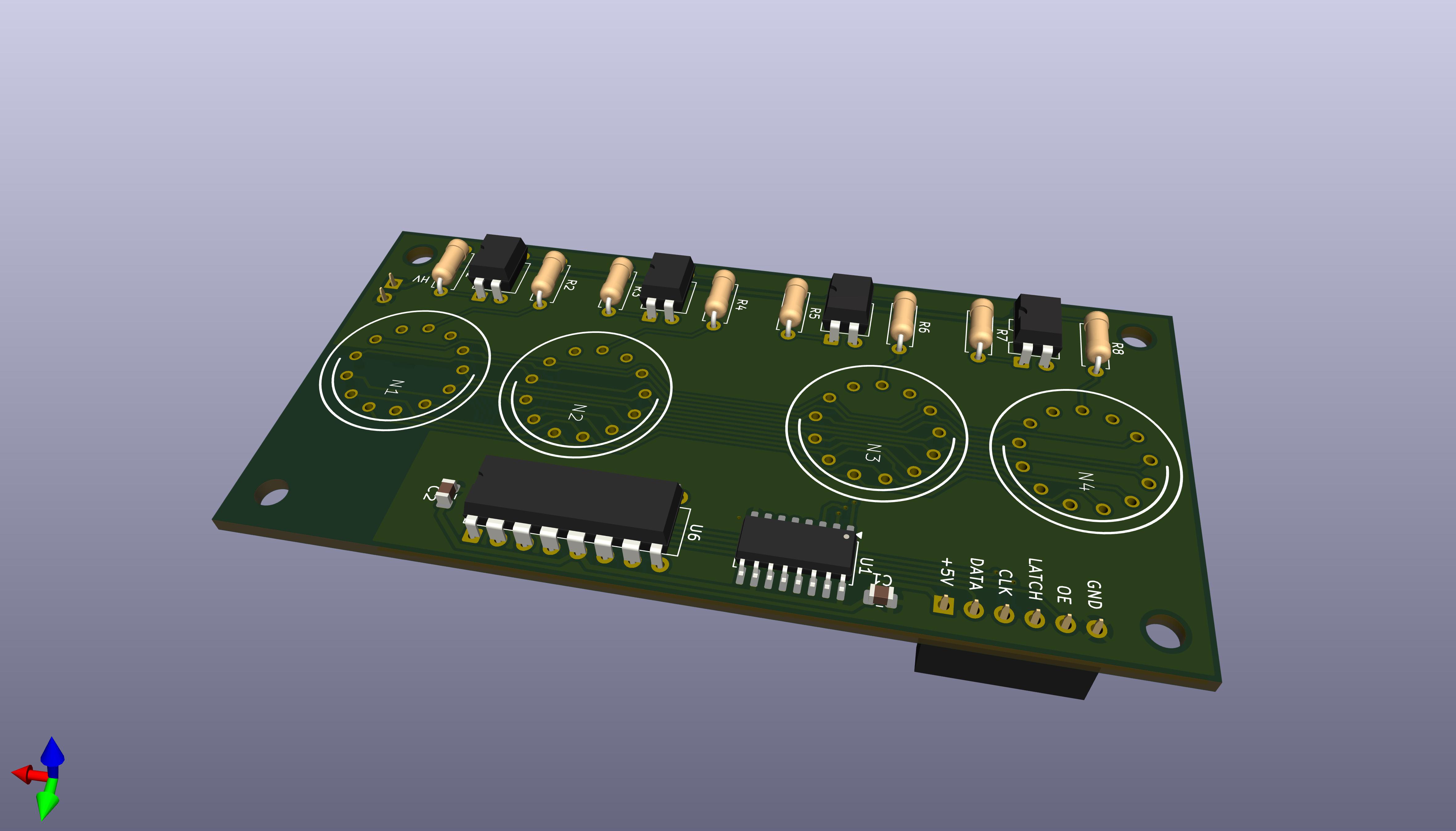
This repository contains the hardware and firmware for a four-digit Nixie clock. It uses Wi-Fi to sync time from NTP, drives the tubes with a multiplexed display stage, and keeps the high-voltage supply disabled until the clock has a valid time.
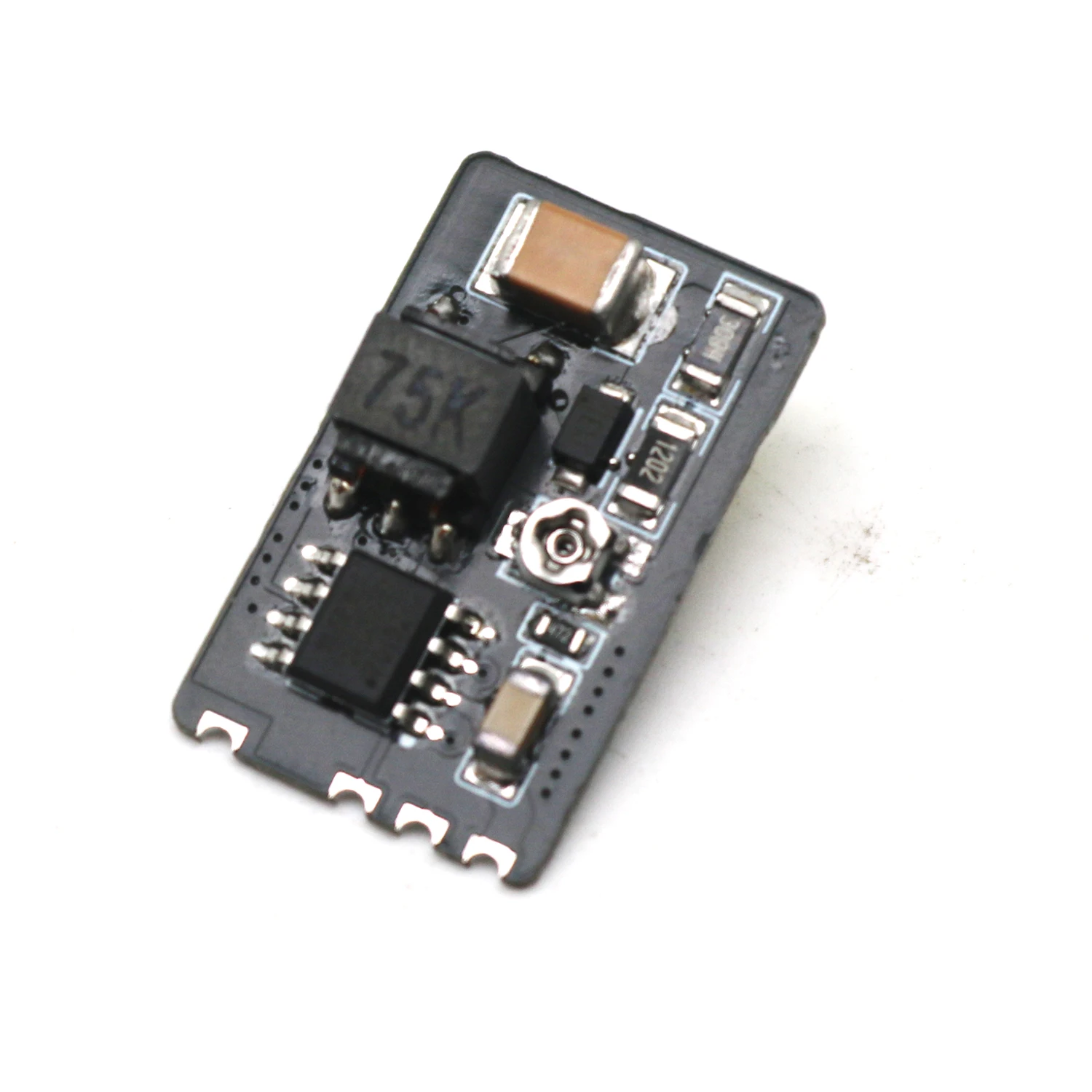
I've used this particular module found on AliExpress. It features voltage adjustment. Other modules should also work, but they'll require proper wiring.
The firmware boots in a safe state with the display blanked and the high-voltage rail off. After Wi-Fi connects and NTP provides a valid time, the clock enables the high-voltage section and starts showing the current time.
When a successful sync happens, the firmware opens a short OTA maintenance window. If an upload starts, the high-voltage rail is disabled while the update is in progress.
Button 1 has a long-press action that starts cathode cleaning manually. The same cleaning routine also runs automatically once per day when the clock reaches midnight.
firmware/ - PlatformIO project for the ESP32-C3hardware/main/ - main KiCad project for the clock boardhardware/indicators/ - indicator-board KiCad projectdocs/ - photos and other documentation assetsfirmware/ in PlatformIO or your preferred VS Code setup.firmware/src/config.h.example to firmware/src/config.h.esp32c3 environment.The firmware is configured for the esp32-c3-devkitm-1 board.
nixie-clock.firmware/src/config.h is ignored by Git so local Wi-Fi credentials stay machine-specific.| Qty | Value | Footprint | References |
|---|---|---|---|
| 2 | 5.1k | Resistor_SMD:R_0603_1608Metric | R1, R3 |
| 2 | SW_Push | nixie:BUTTON | SW1, SW2 |
| 1 | 1M | Resistor_THT:R_Axial_DIN0207_L6.3mm_D2.5mm_P7.62mm_Horizontal | R2 |
| 1 | 1uF | Capacitor_SMD:C_0805_2012Metric | C3 |
| 1 | ESP32-C3_SUPERMINI | ESP32:MODULE_ESP32-C3_SUPERMINI_TH | U1 |
| 1 | HV | Connector_PinSocket_2.54mm:PinSocket_1x02_P2.54mm_Vertical | J1 |
| 1 | MCU | Connector_PinSocket_2.54mm:PinSocket_1x06_P2.54mm_Vertical | J2 |
| 1 | USB_C_Receptacle_PowerOnly_6P | Connector_USB:USB_C_Receptacle_HRO_TYPE-C-31-M-17 | J3 |
| 1 | WS2812B-2020 | LED_SMD:LED_WS2812B-2020_PLCC4_2.0x2.0mm | D1 |
| 1 | ~ | nixie:SIP-5 | U3 |
snakeye/nixie-clock
Nixie clock based on ESP32-C3 Super Mini module and Soviet IN-14 tubes


VimDrones/AM32_esc_development_board
Open Source AM32 ESC development board

rianadon/Cosmos-Keyboard-PCBs
Open-Source keyboard PCB designs for the Cosmos Keyboard Generator

phil31/NerdEKO-Gamma
fork of the NerdOCTAXE-Gamma design (https://github.com/Patsch91/NerdOCTAXE-Gamma), with 12 x BM1370 (14TH/s SHA256)
It measures 90 × 44 mm and has 2 copper layers, 1.6 mm thick.
12 parts, built around the WS2812B-2020. The full list of its parts is on this page, with links to each part's symbol and footprint where PCBKit's library has them.
From the snakeye/nixie-clock repository on GitHub, at the commit this page was made from: the board is hardware/main/nixie-main.kicad_pcb and its schematic hardware/indicators/nixie-clock.kicad_sch. PCBKit opens the board in the browser, with nothing to install.
Its repository states no licence, so its author keeps all rights: ask snakeye before reusing the design.