2 layers50 × 35 mm
 smart-fun/elastick2
Connect vintage joysticks (Atari, CoCo...) to your modern PC via Bluetooth
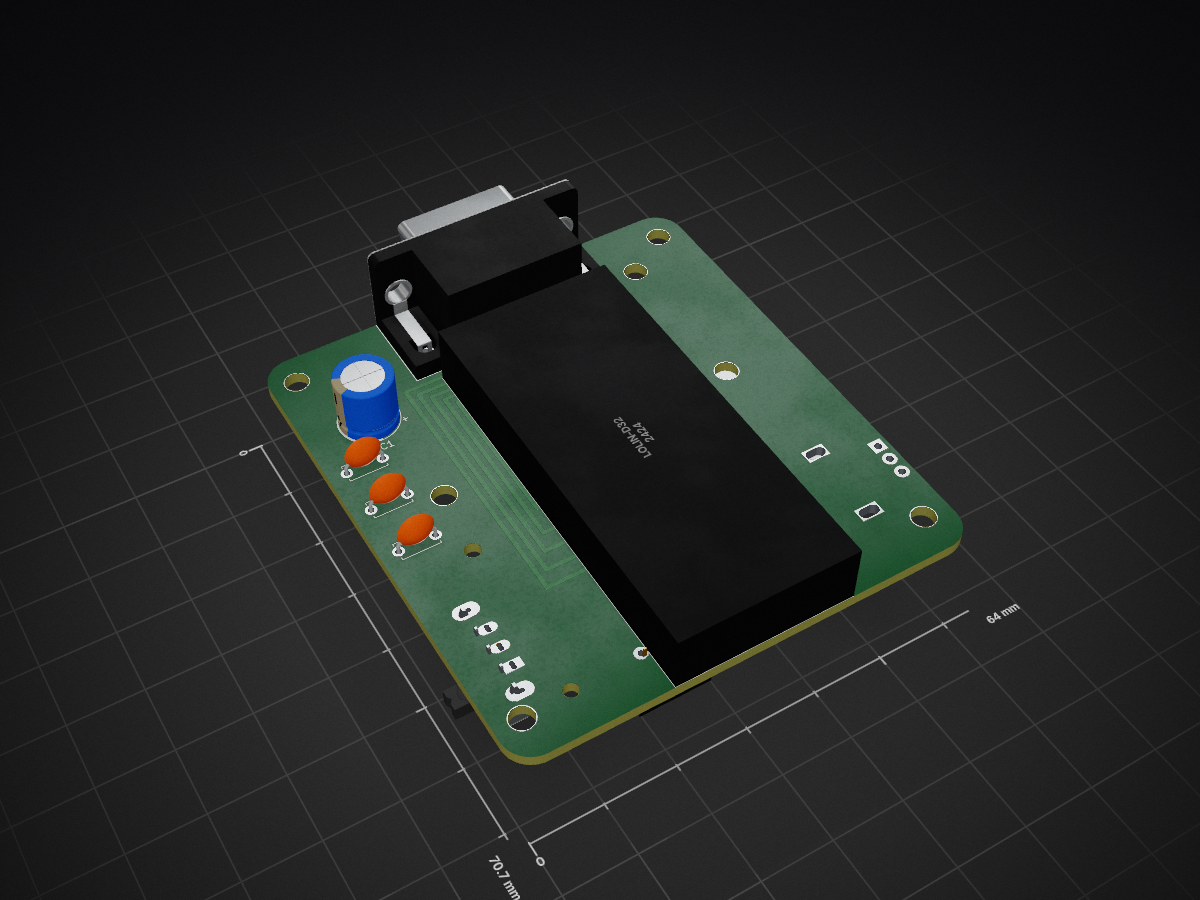
Elastick adapter is an open-source printed circuit board by smart-fun, from the smart-fun/elastick repository on GitHub, published under the Apache-2.0 licence. It is a 2-layer board of 64 × 70.7 mm with 17 parts on 34 nets, routed with 111 tracks and 0 vias.
Its parts include 4 capacitors, 2 switches, 1 IC and 1 connector. It belongs with the retro computing and games and keyboards and input boards of this library.
Connect vintage joysticks (Apple II, Atari, CoCo, Sega…) to a modern PC via Bluetooth.
🚧 WORK IN PROGRESS – NOT READY YET 🚧
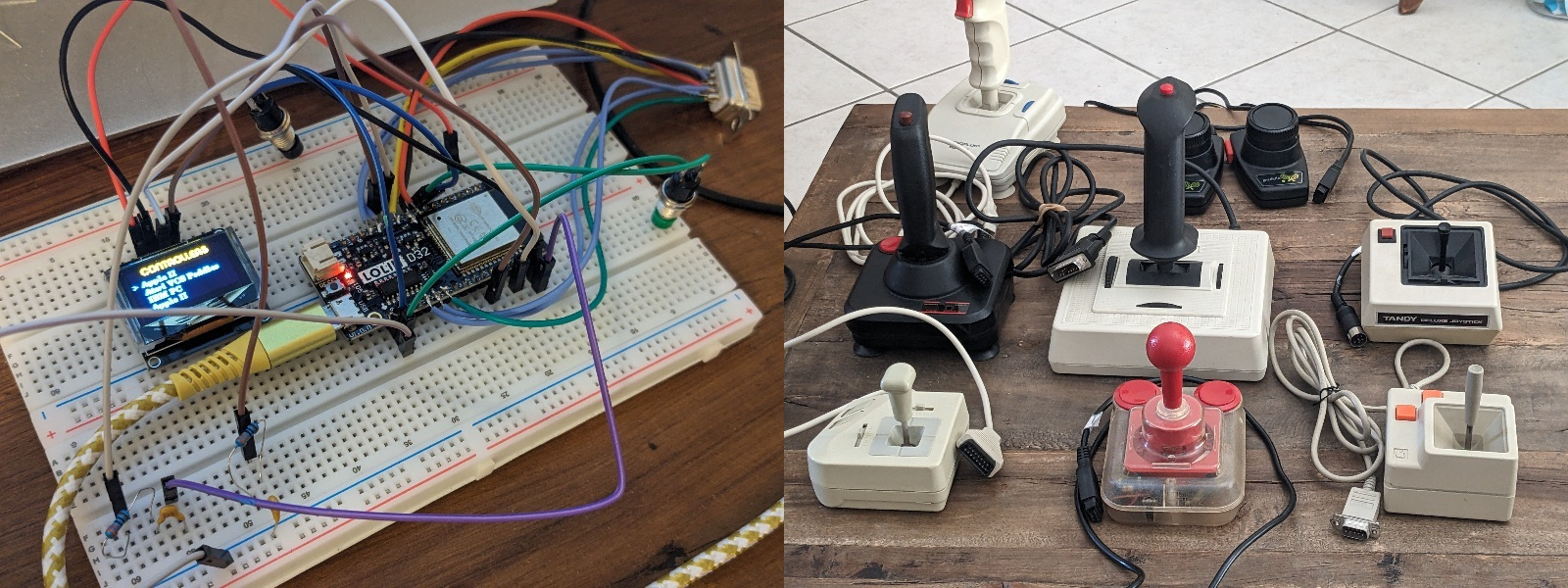
Elastick is a hardware and software project built around the ESP32‑based Lolin D32.
It interfaces with classic joysticks and exposes them as standard Bluetooth game controllers, compatible with emulators like MAME or with any modern game supporting gamepads.
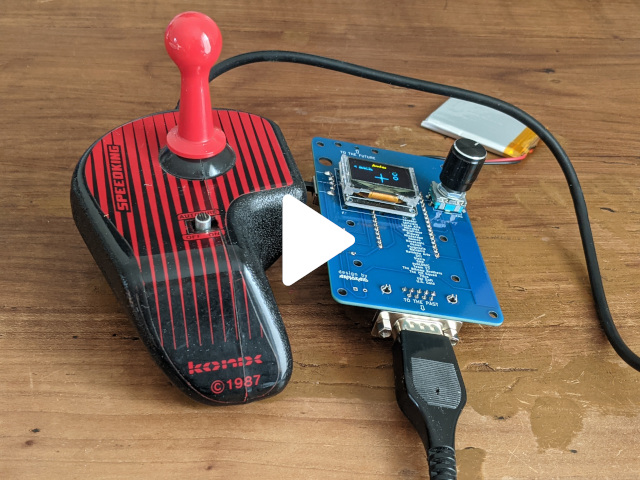
Vintage controllers can also be tested directly on the Elastick device itself, without needing a Bluetooth connection.
Josticks / Game Pads
Mouses
Paddles
The main code is located in the code/elastick folder. The project now works with VSCode IDE + PlatformIO extension. Simply open this folder from the PlatformIO extension, build and upload on the Elastick board!
The main folders:
Most devices work without using the VCC pin at all, but a few peripherals need a full 5‑volt supply to operate correctly. Since the Arduino only provides 3.3 V, these devices may fail to initialize or behave unpredictably. So far, only one mouse has shown this limitation; all other tested devices function normally.
Some ESP32 boards (including the Lolin D32) may reboot exactly when Bluetooth is initialized.
After investigation, the root cause was a regression in the ESP32 Arduino core (version 3.x) affecting BLE initialization. The board consistently reboots as soon as Bluetooth is started. Using the ESP32 Arduino core 2.0.17 restores full stability:
Using ESP32 Arduino core 2.0.17 fully resolves this issue.
This project was originally released under the MIT License. As of April 2026, it is distributed under the Apache License 2.0.
Copyright 2026 Arnaud Guyon
Licensed under the Apache License, Version 2.0 (the "License"); you may not use this file except in compliance with the License. You may obtain a copy of the License at
http://www.apache.org/licenses/LICENSE-2.0Unless required by applicable law or agreed to in writing, software distributed under the License is distributed on an "AS IS" BASIS, WITHOUT WARRANTIES OR CONDITIONS OF ANY KIND, either express or implied. See the License for the specific language governing permissions and limitations under the License.
| Qty | Value | Footprint | References |
|---|---|---|---|
| 2 | 22nF | Capacitor_THT:C_Disc_D5.0mm_W2.5mm_P5.00mm | C3, C4 |
| 1 | 100nF | Capacitor_THT:C_Disc_D5.0mm_W2.5mm_P5.00mm | C2 |
| 1 | 470µF | Capacitor_THT:CP_Radial_D8.0mm_P3.50mm | C1 |
| 1 | DE-9JOYSTICK | Connector_Dsub:DSUB-9_Pins_Horizontal_P2.77x2.84mm_EdgePinOffset7.70mm_Housed_MountingHolesOffset9.12mm | J1 |
| 1 | LOLIN-D32 | elastick:Lolin D32 | U1 |
| 1 | POWER | elastick:SW_90degrees_3pins | SW1 |
| 1 | ROTARY_SWITCH | elastick:rotary_encoder | SW2 |
| 1 | SSD1306 I2C OLED | elastick:oled_128_64_i2c | DS1 |
The 9 most common of 17 parts.
It measures 64 × 70.7 mm and has 2 copper layers, 1.6 mm thick.
17 parts. The full list of its parts is on this page, with links to each part's symbol and footprint where PCBKit's library has them.
From the smart-fun/elastick repository on GitHub, at the commit this page was made from: the board is elec/elastick_adapter_kicad/elastick_adapter.kicad_pcb and its schematic elec/elastick_adapter_kicad/elastick_adapter.kicad_sch. PCBKit opens the board in the browser, with nothing to install.
Its repository publishes it under the Apache-2.0 licence: you may reuse it on that licence's terms (keep the author's notice, and for a copyleft licence share your changes alike).


hoglet67/RGBtoHDMI
Bare-metal Raspberry Pi project that provides pixel-perfect sampling of Retro Computer RGB/YUV video and conversion to HDMI


hackclub/OnBoard
💡 Join 1,000 teenagers and make your first PCB with a $100 grant!

DDeGonge/OS-ARM
This arm is not industrial and it will not be fast, but that is not my goal. But it will hopefully be a very nice looking arm fully capable of 6dof motion, cheap enough to keep it accessable but capable enough to…

