2 layers28.4 × 22.6 mm

 shreeyuvan2020/Onekey
Oneencoder is an open-source printed circuit board by shreeyuvan2020, from the shreeyuvan2020/Onekey repository on GitHub. It is a 2-layer board of 31.6 × 14.3 mm with 2 parts on 5 nets, routed with 12 tracks and 0 vias.
Its parts include 1 connector and 1 switch.
These schematics are very concise, it's just a MCU, whatever input device, and magnetic pogo pin connectors(generic symbol). Plus neopixel for key. First one is encoder, second is keyswitch
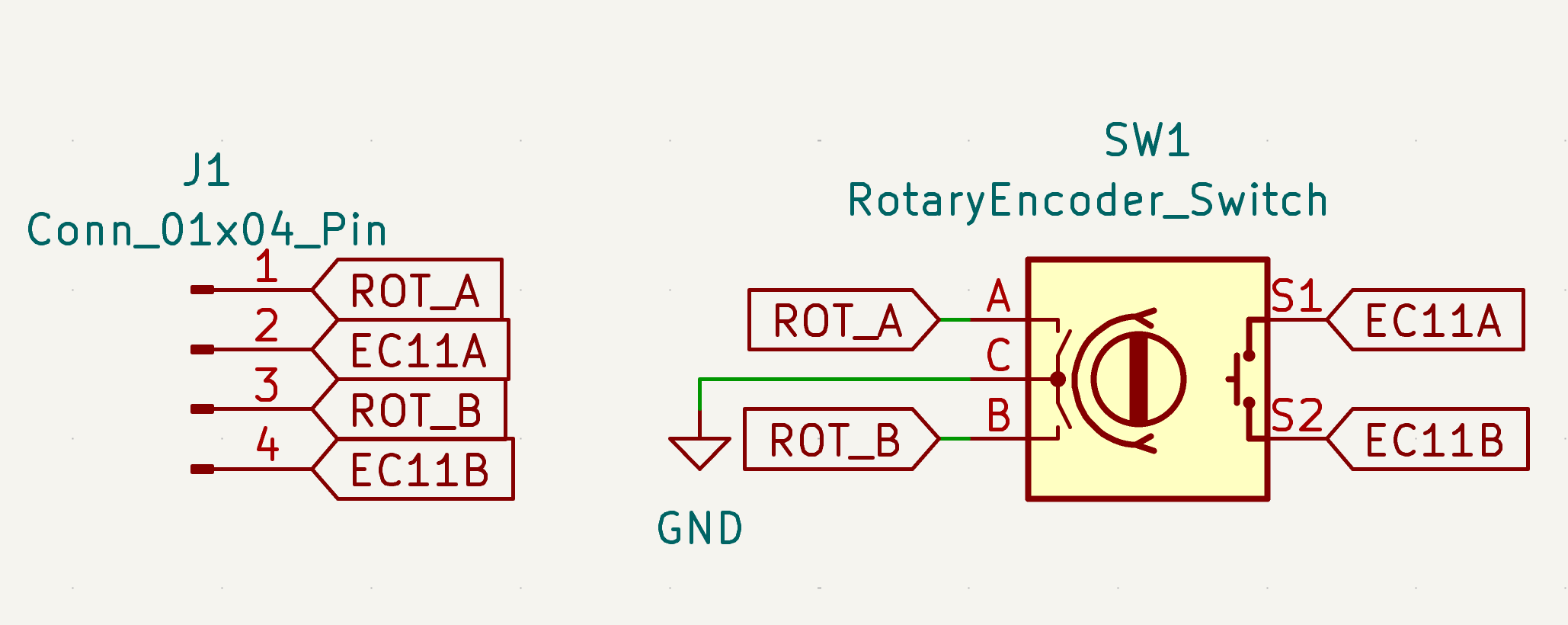
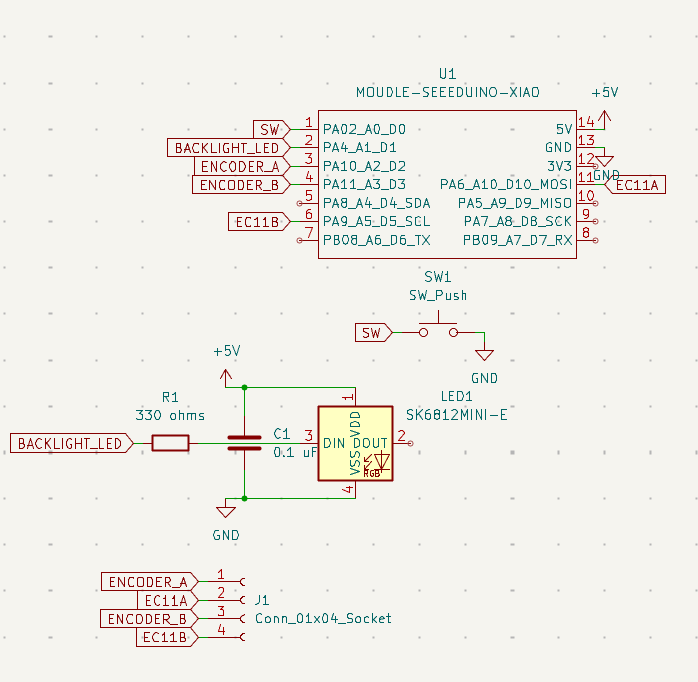
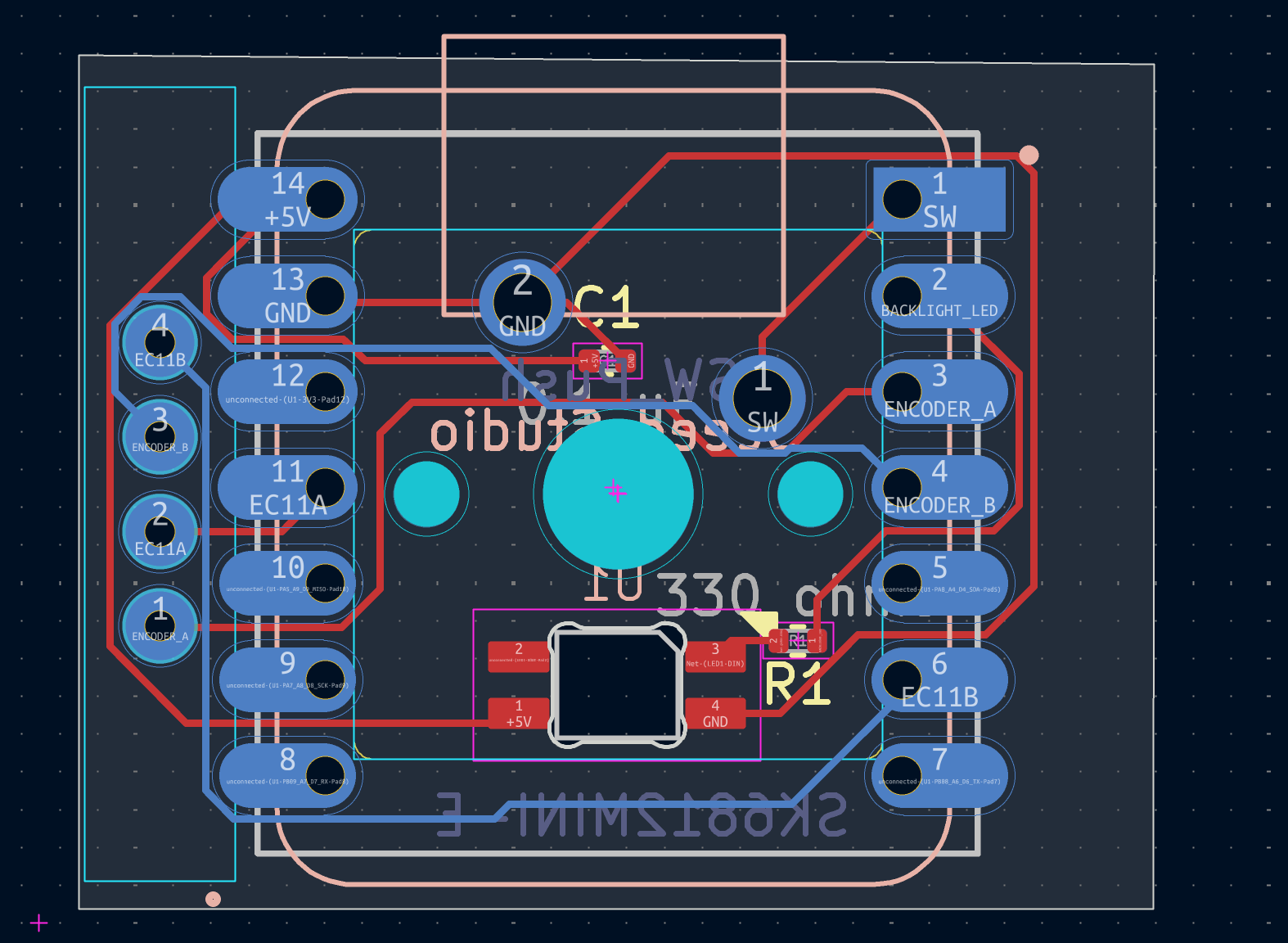
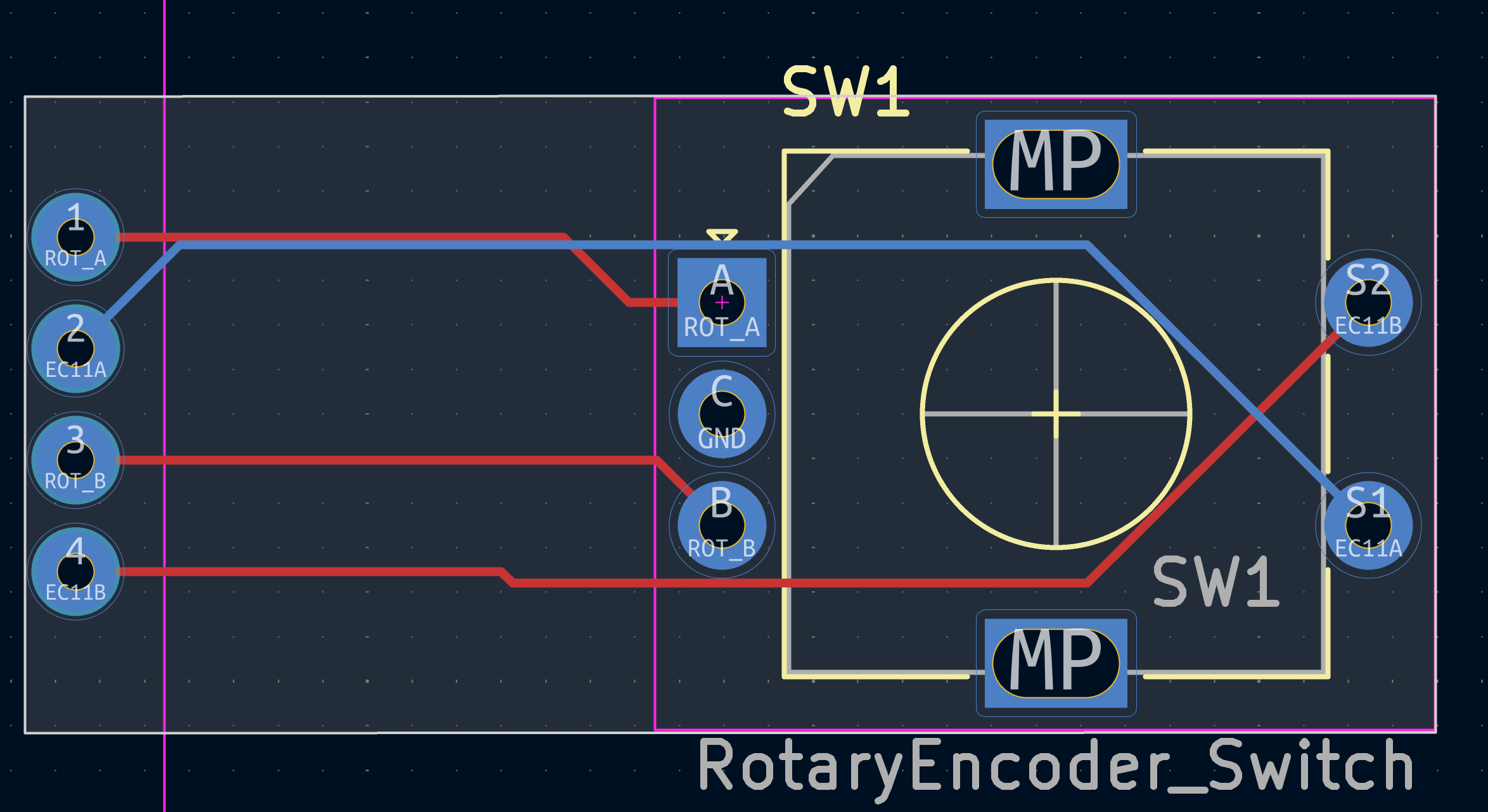
I designed the encoder PCB especially with a lot of care because the pcb had to stick out enough to reach into the case of the main onekey. The pcb with the key also took some time because at first I decided hotswap, but then changed to normal switches. I then made these basically centered. Also I had to work a bit on routing for the neopixel
I designed the CAD with portability, usability, and elegance in mind. I also had to design it with both a cutout for the USB and pogo pin connector.
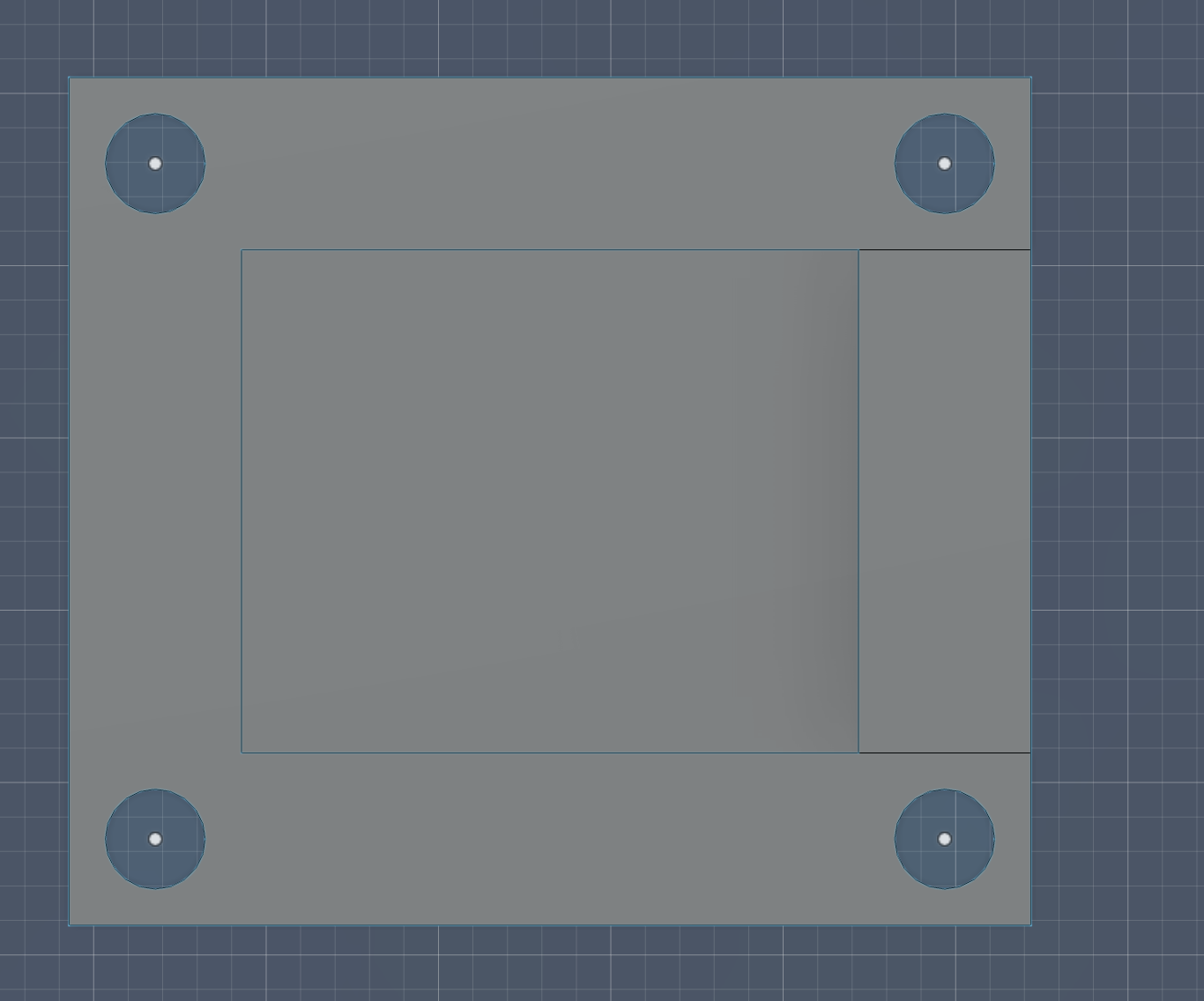
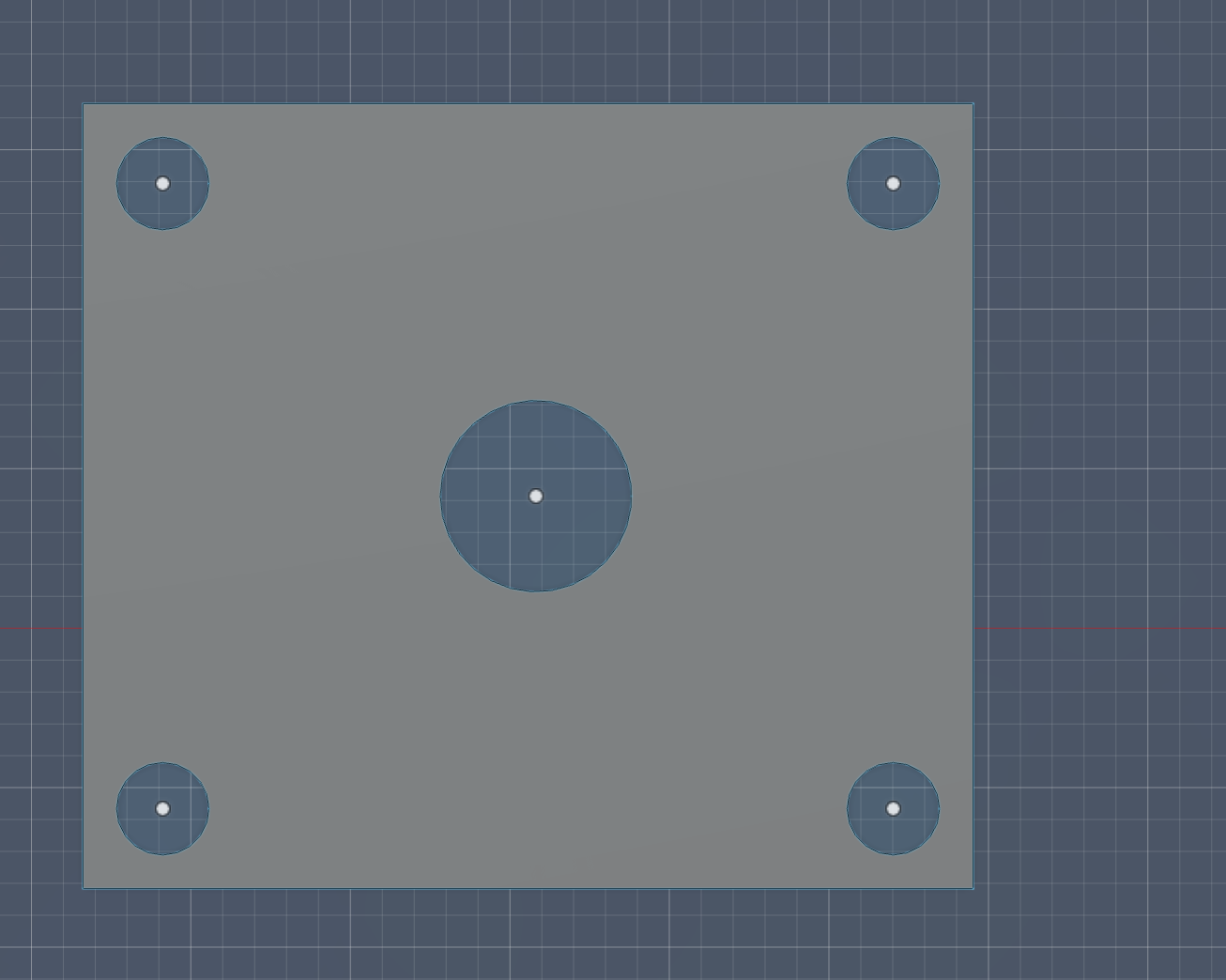
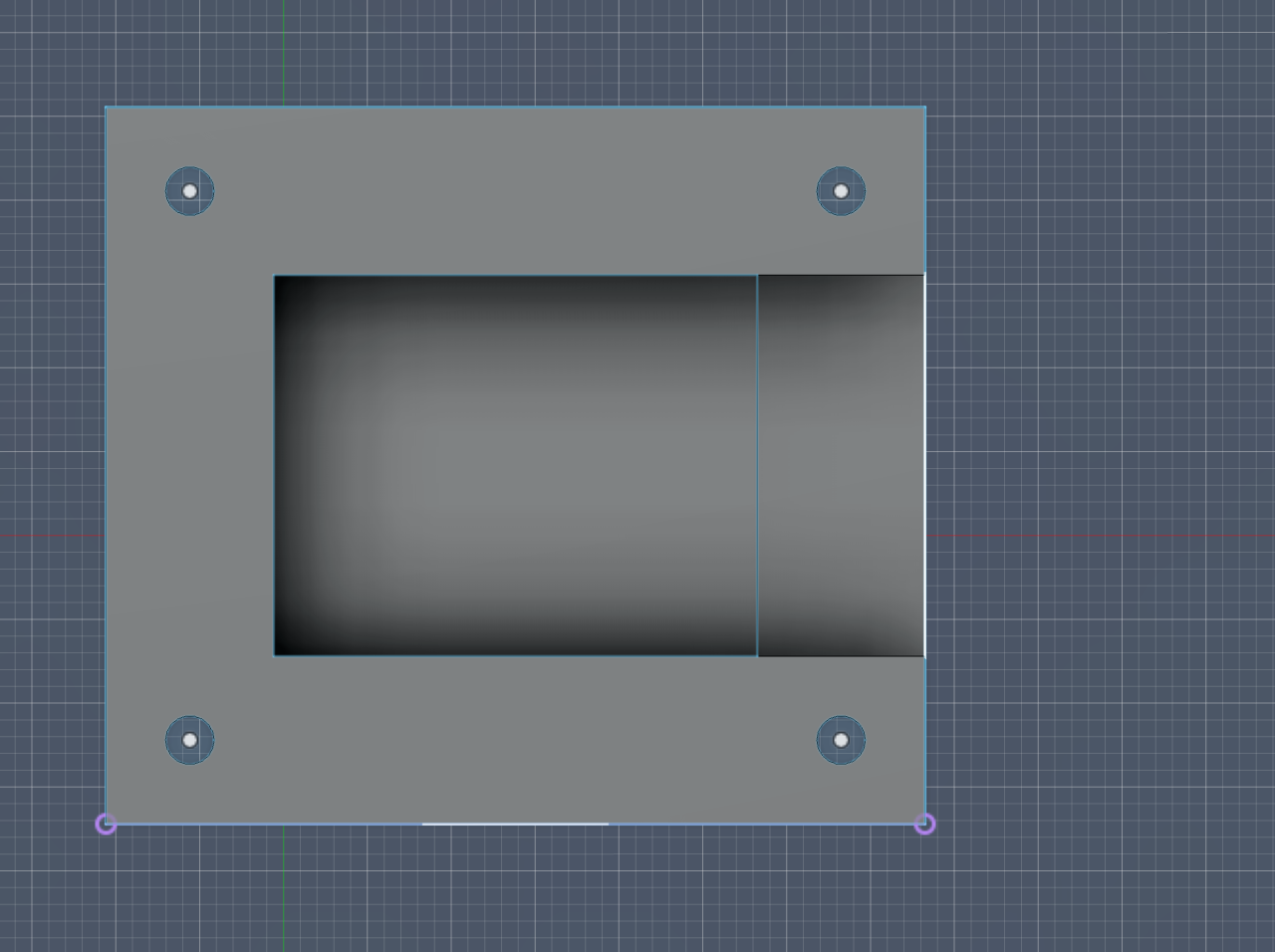
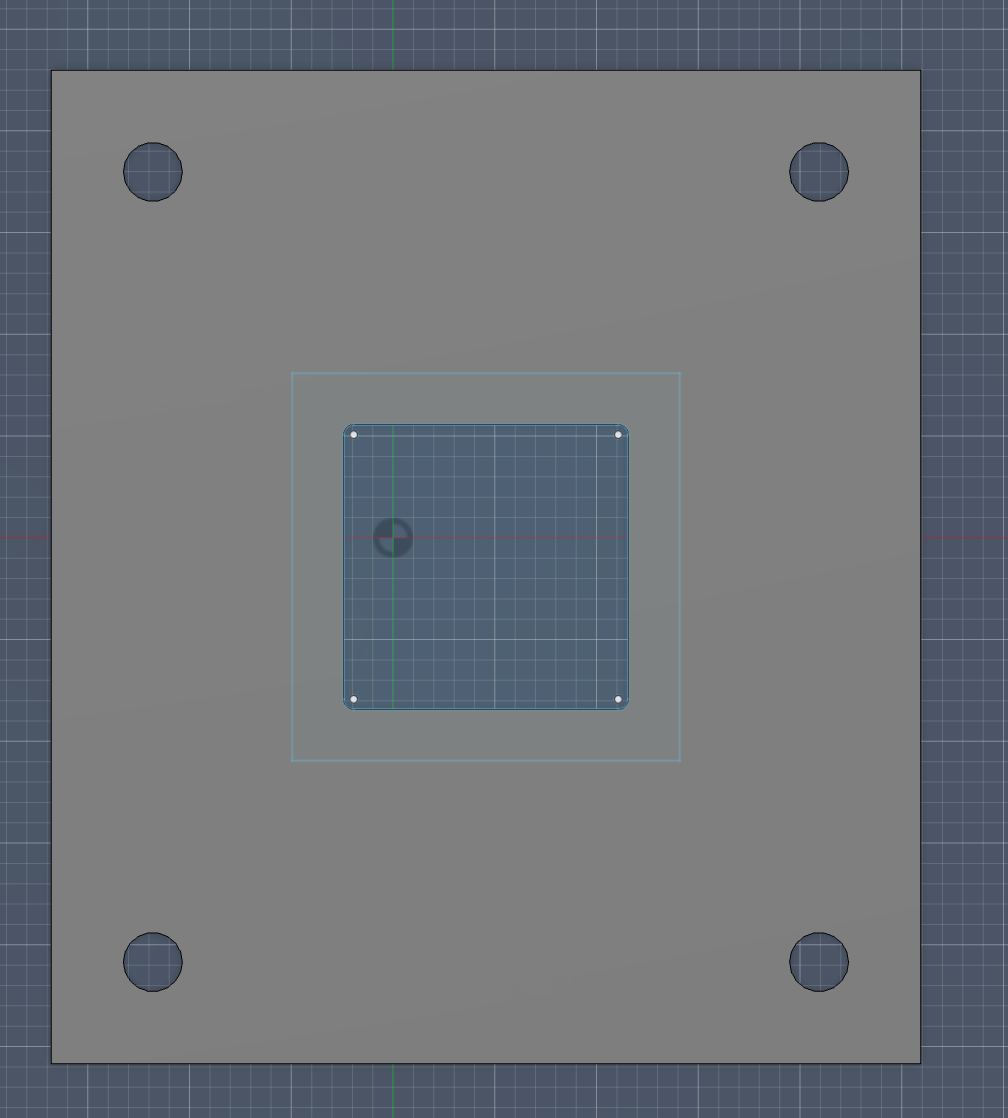
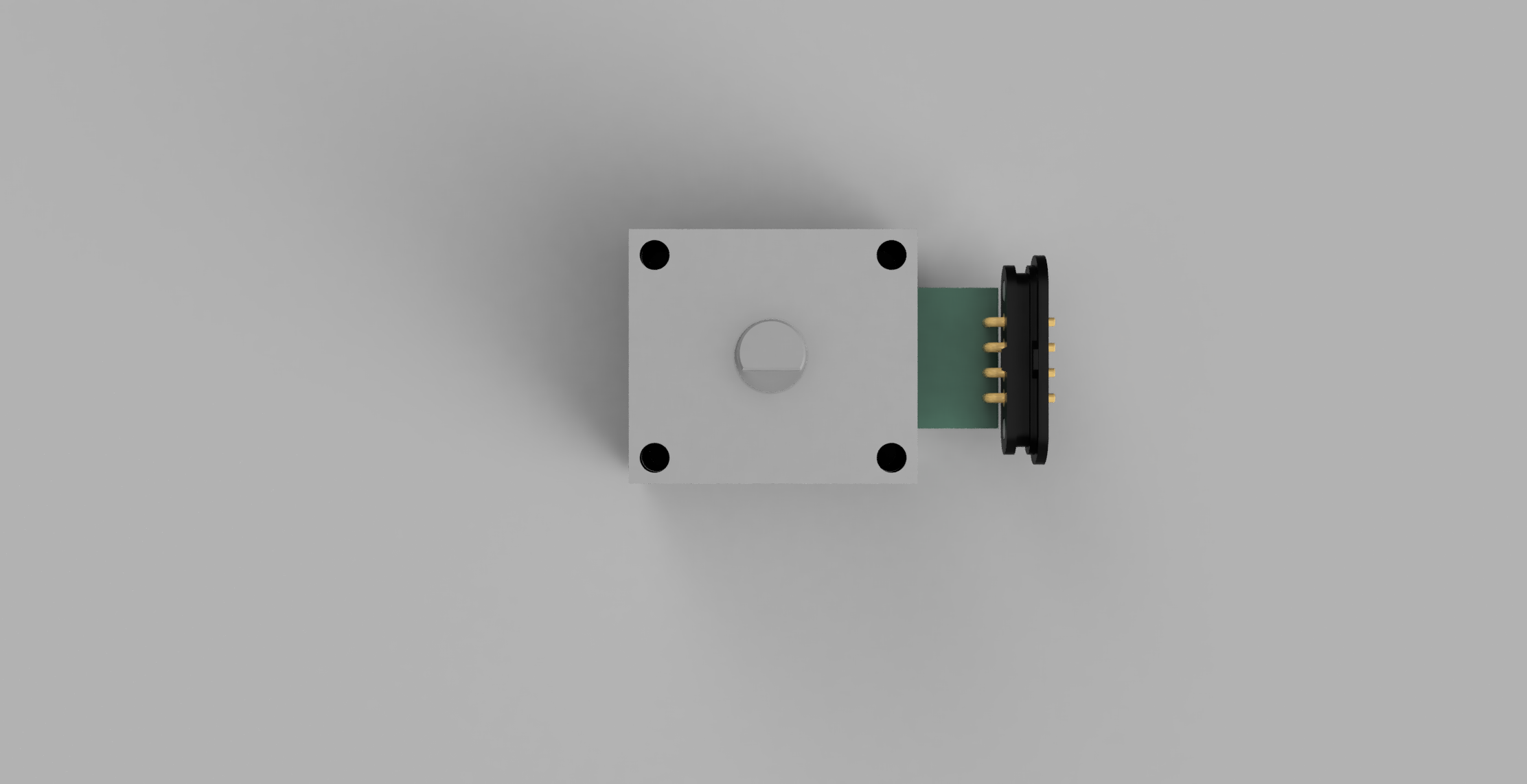
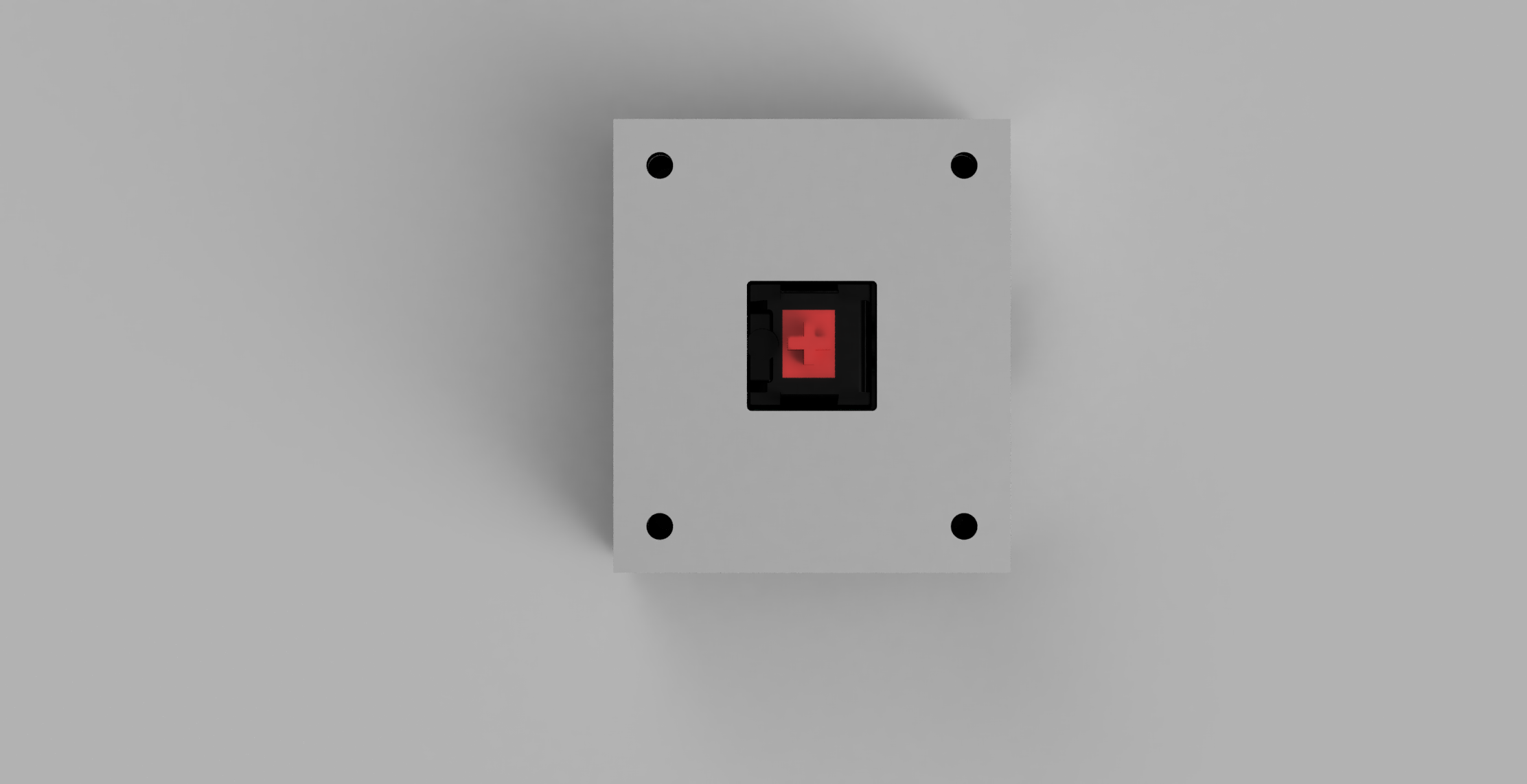
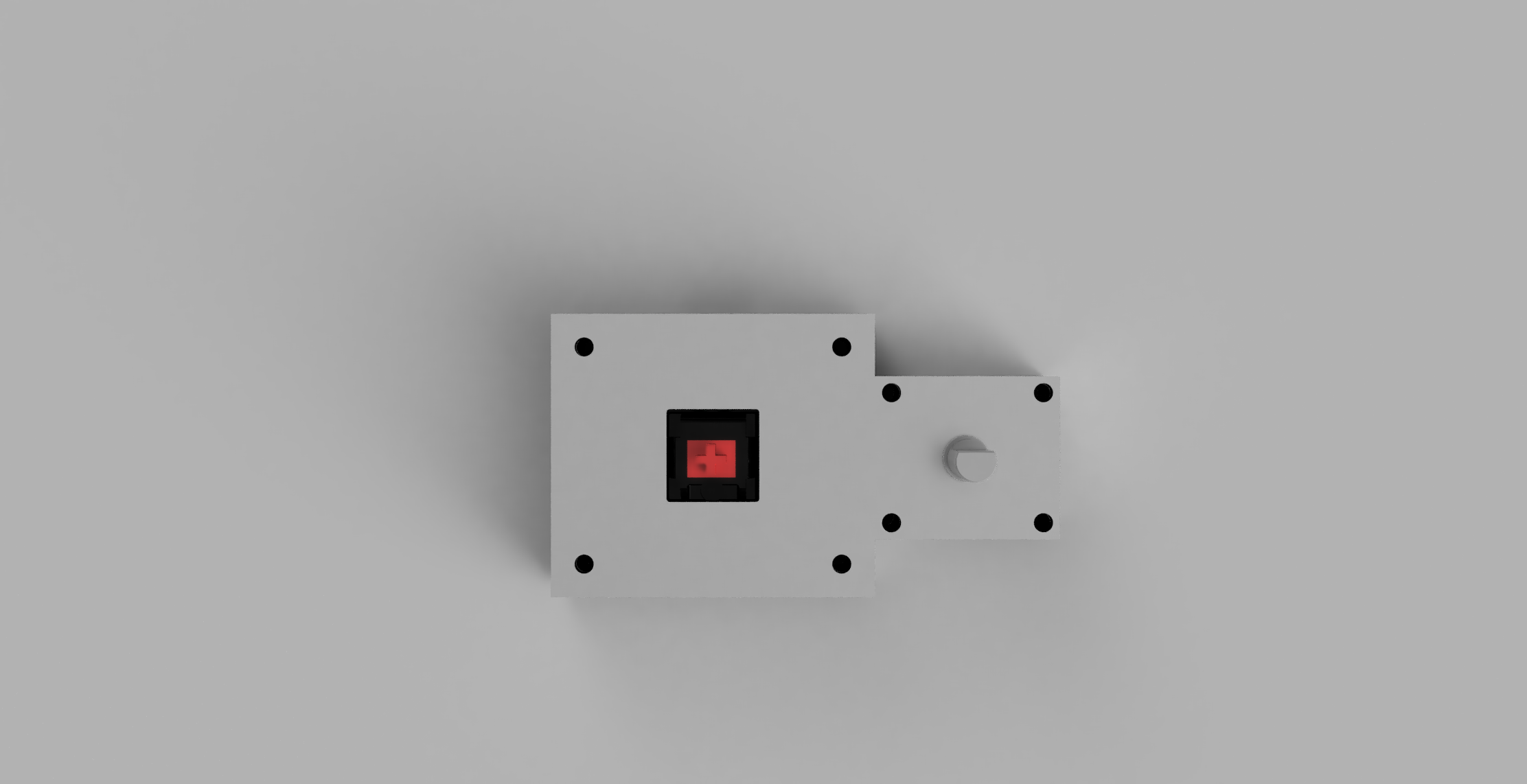
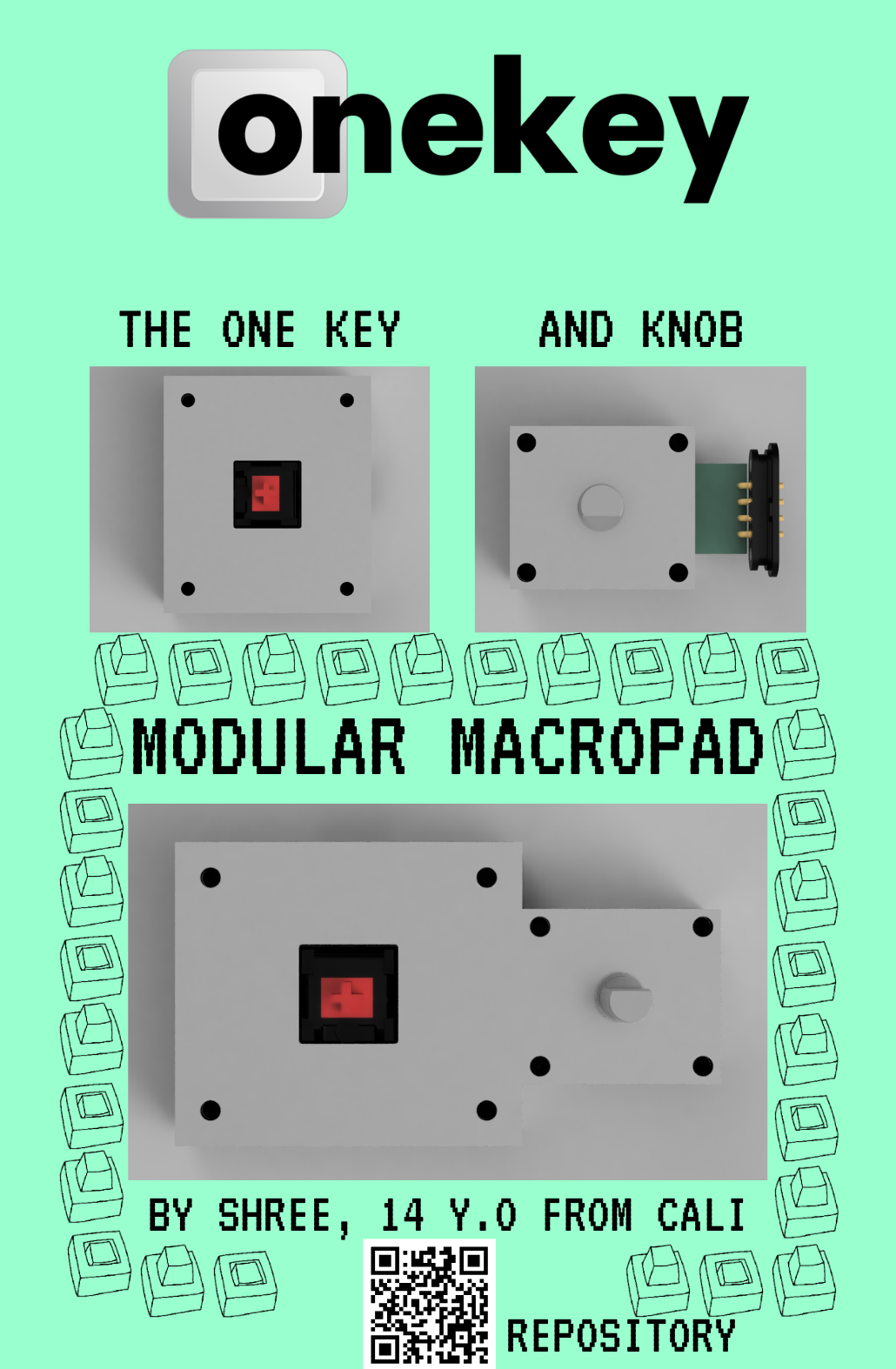 Zine is at zine.pdf too, that might not load properly, try using chrome. Or download it and open. It's a known github issue.
This project was helped by @owais. Thanks to fallout for sponsoring this!
| Qty | Value | Footprint | References |
|---|---|---|---|
| 1 | Conn_01x04_Pin | 829-22-003-20-001101:MILL-MAX_829-22-003-20-001101 | J1 |
| 1 | RotaryEncoder_Switch | Rotary_Encoder:RotaryEncoder_Alps_EC11E-Switch_Vertical_H20mm | SW1 |

hzeller/rpi-rgb-led-matrix
Controlling up to three chains of 64x64, 32x32, 16x32 or similar RGB LED displays using Raspberry Pi GPIO


adamws/kicad-kbplacer
KiCad plugin for automatic keyboard's key placement and routing

Luos-io/luos_engine
Open-source and real-time orchestrator for cyber-physical-systems, to easily design, test and deploy embedded applications and digital twins.

NVNTLabs/switch2-SDEX2M2
Micro SD Express to M.2 NVME Adapter for Nintendo Switch 2

BlueSCSI/BlueSCSI-v2
BlueSCSI v2/Ultra - an open source, open hardware, SCSI emulator using the Pi Pico PR2040 and Pico 2 RP2350

ohmtech-rdi/eurorack-blocks
Software to Hardware Prototyping for Eurorack using C++, Max/Gen~ or Faust

It measures 31.6 × 14.3 mm and has 2 copper layers, 1.6 mm thick.
2 parts. The full list of its parts is on this page, with links to each part's symbol and footprint where PCBKit's library has them.
From the shreeyuvan2020/Onekey repository on GitHub, at the commit this page was made from: the board is oneencoder/PCB/oneencoder.kicad_pcb and its schematic oneencoder/PCB/oneencoder.kicad_sch. PCBKit opens the board in the browser, with nothing to install.
Its repository states no licence, so its author keeps all rights: ask shreeyuvan2020 before reusing the design.