4 layers95 × 58 mm

 scottmsilver/treddy2
Controlling my procor-9.3x treadmill
PiZeroHat is an open-source printed circuit board by scottmsilver, from the scottmsilver/treddy repository on GitHub. It is a 2-layer board of 65 × 45 mm with 9 parts on 44 nets, routed with 65 tracks and 22 vias.
Its parts include 3 resistors, 2 capacitors, 2 connectors and 1 IC.
A 2005 treadmill that listens when you talk to it.
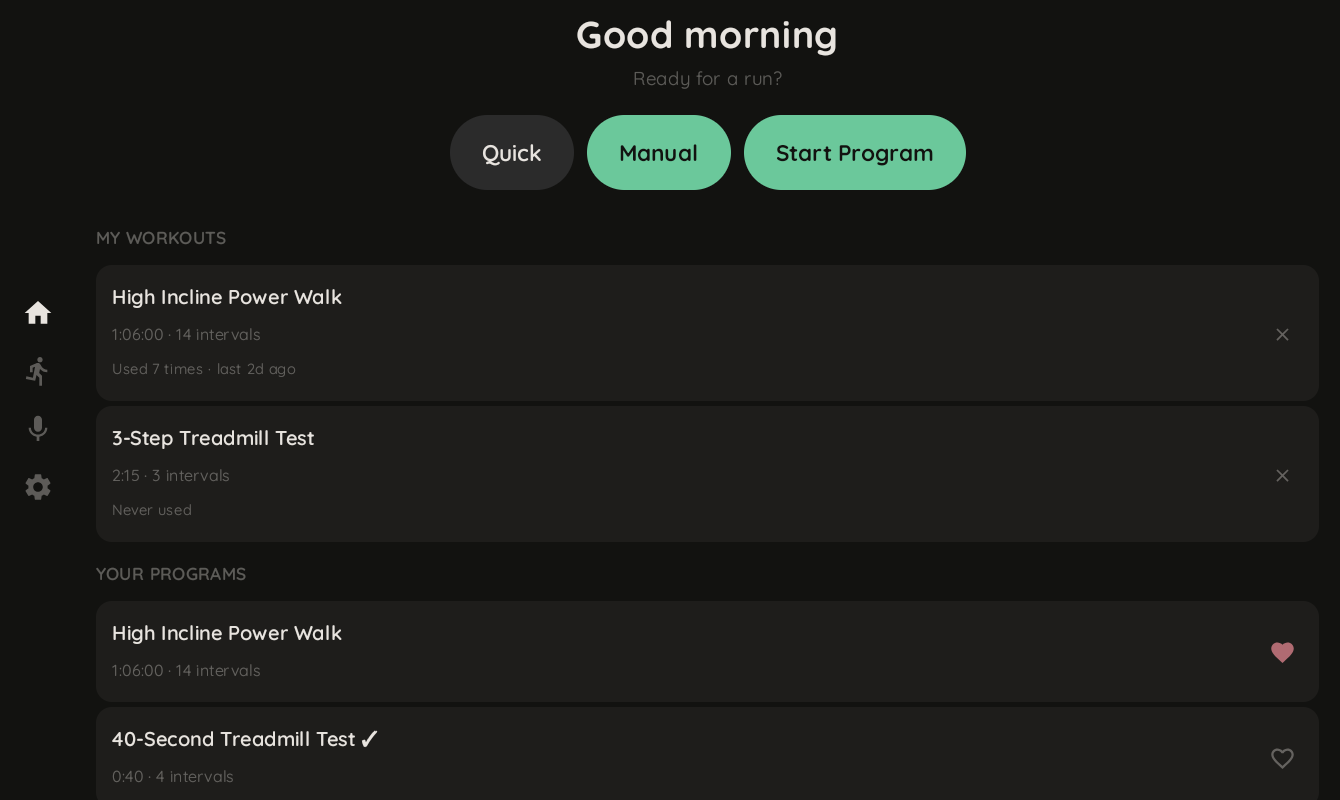
A Raspberry Pi sits between the console and motor controller of a Precor 9.31 treadmill, intercepting the serial bus. It runs an AI coach (Gemini), voice control, a tablet UI, and a Bluetooth daemon that makes Zwift think it's a modern smart treadmill.
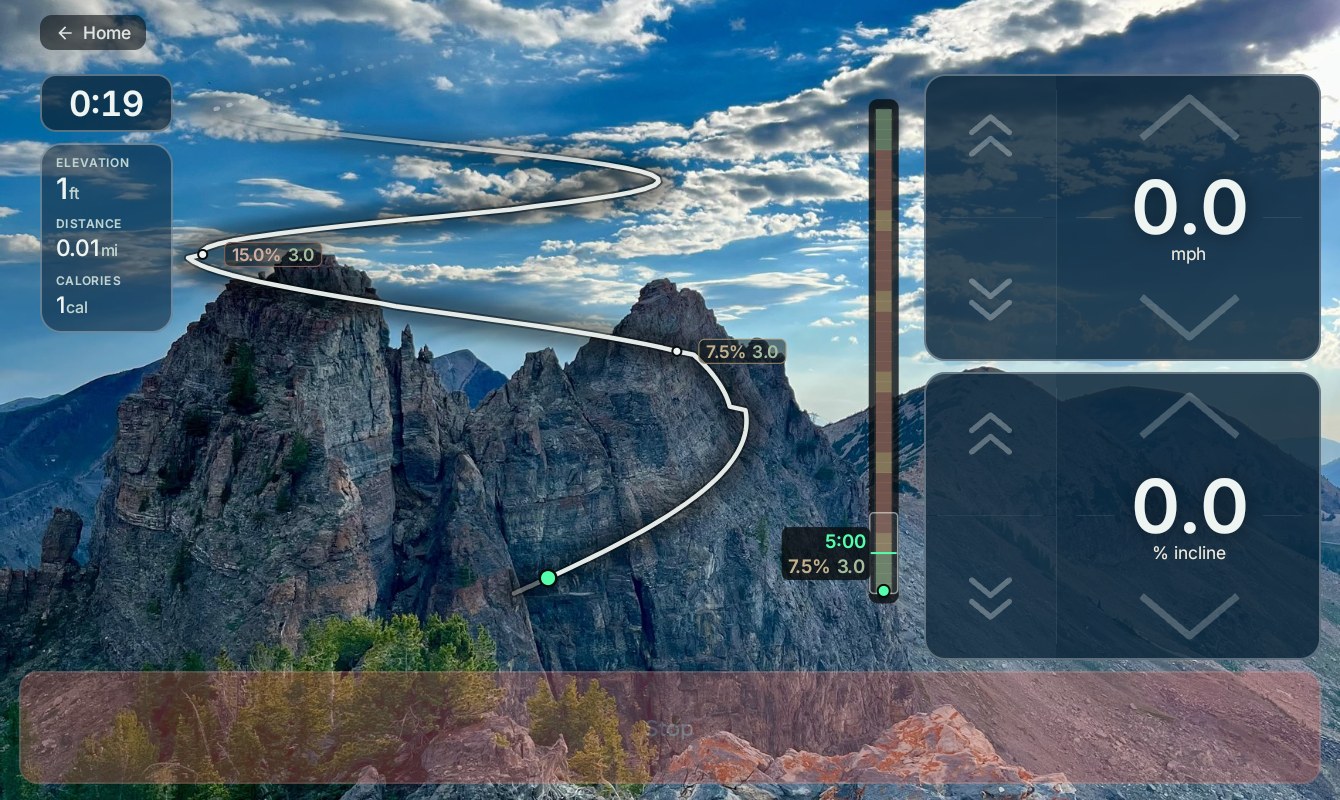
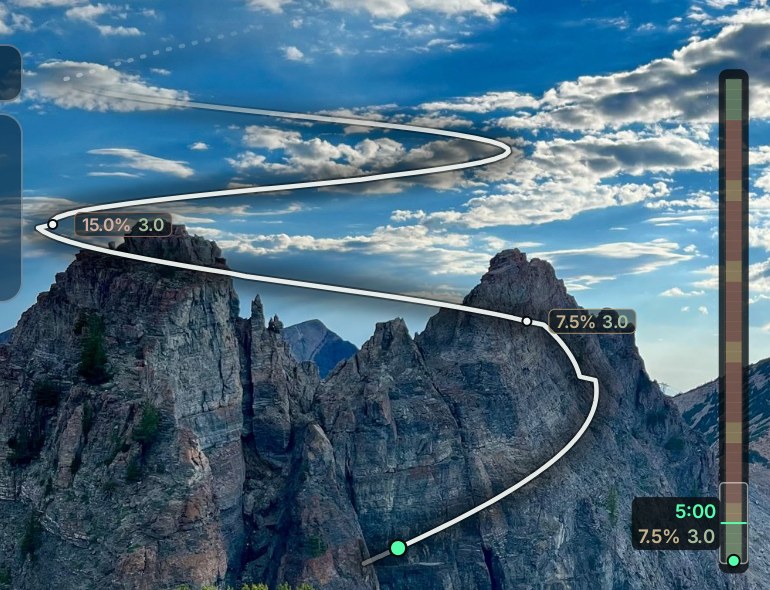
The Ridgeline HUD — your workout drawn as a trail up a real mountain. The route's switchbacks tighten with the grade, the strip on the right shows what's coming and when, and every panel is adaptive glass floating on the photo.
┌───────────────────────────────────────────────────────┐
│  Android (Kotlin + Compose)                           │
├───────────────────────────────────────────────────────┤
│  REST / WebSocket / Gemini Live (voice)               │
├───────────────────────────────────────────────────────┤
│  server.py (FastAPI)                                  │
│  Sessions, programs, AI chat, workout query DB        │
├──────────────────┬──────────────┬─────────────────────┤
│  treadmill_io    │  ftms-daemon │  hrm-daemon         │
│  C++20, GPIO     │  Rust, BLE   │  Rust, BLE          │
│  serial, safety  │  FTMS        │  heart rate         │
└──────────────────┴──────────────┴─────────────────────┘
                         │
                    Precor 9.31
RS-485 serial busDetails: CLAUDE.md
The serial protocol turned out to be plain ASCII text. We just had the polarity wrong and spent days decoding "binary" that was actually
[key:value]pairs with every bit flipped.
Full reverse engineering writeup →
Custom hardware: the breadboard tap was productized into a custom Pi
Zero 2 W hat — dual RJ45 (From Console / To Motor), a Pololu D24V10F5
buck so the treadmill's +8V rail powers the Pi, full 2×20 header. KiCad
sources, gerbers, and wiring guides are in
hardware/PiZeroHat/ (adapted from the
vasya-zh/PiZeroHat pogo-pin base).
You need: a Raspberry Pi (any aarch64 model — Zero 2 W or 4), the treadmill
serial tap (the custom hat in hardware/PiZeroHat/,
or a breadboard tap wired per HARDWARE.md), Docker on your dev
machine (for the cross toolchain), and a Gemini API key.
1. Build the OS image for your Pi. The Pi runs a stock Debian-based Pi
OS; you flash a reproducible image built for your hardware. See
provisioning/ for the image builder
(DietPi is the reference implementation — adapt the regulatory/board
settings for yours). Flash it, boot, confirm SSH.
2. Deploy the software. Compiled code is cross-built off-Pi in one
Docker toolchain — nothing is compiled on the Pi. The OS runtime
prerequisites (python3, libpigpio1) are installed automatically by
the deploy; you do not apt-install anything by hand.
make deploy        # cross-build → rsync → restart all 4 services
make deploy-key    # one-time per device: push your ./.gemini_key (a secret;
                   #   never rsync'd by a normal deploy)
make image         # OR: bake a flashable .img with everything pre-installed
Local dev (no Pi needed):
TREADMILL_MOCK=1 ./scripts/dev.sh # server.py in mock modeAPI reference, deploy details, tests: CLAUDE.md
MIT
| Qty | Value | Footprint | References |
|---|---|---|---|
| 3 | 100 | Resistor_THT:R_Axial_DIN0207_L6.3mm_D2.5mm_P10.16mm_Horizontal | R1, R2, R3 |
| 2 | 100nF | Capacitor_THT:C_Disc_D5.0mm_W2.5mm_P5.00mm | C3, C4 |
| 1 | D24V10F5 | Scott:D24V10F5 | U1 |
| 1 | From Console | Connector_RJ:RJ45_Amphenol_54602-x08_Horizontal | J1 |
| 1 | Raspberry Pi Zero v1.3 | Raspberry_Pi_Zero_v.1.3_Hat:RASPI_ZERO_FULL | A1 |
| 1 | To Motor | Connector_RJ:RJ45_Amphenol_54602-x08_Horizontal | J2 |
It measures 65 × 45 mm and has 2 copper layers, 1.6 mm thick.
9 parts. The full list of its parts is on this page, with links to each part's symbol and footprint where PCBKit's library has them.
From the scottmsilver/treddy repository on GitHub, at the commit this page was made from: the board is hardware/PiZeroHat/kicad/PiZeroHat.kicad_pcb and its schematic hardware/Esp32Tap/kicad/Esp32Tap.kicad_sch. PCBKit opens the board in the browser, with nothing to install.
Its repository states no licence, so its author keeps all rights: ask scottmsilver before reusing the design.


FrameworkComputer/ExpansionCards
Reference designs and documentation to create Expansion Cards for the Framework Laptop

VoronDesign/Voron-Hardware
Cool Hardware designed by the Voron Design group

hackclub/OnBoard
💡 Join 1,000 teenagers and make your first PCB with a $100 grant!


adamws/kicad-kbplacer
KiCad plugin for automatic keyboard's key placement and routing