2 layers139.1 × 107.7 mm

 schuay/cirrus4019
A 40% split mechanical keyboard with a focus on usable rotary encoders
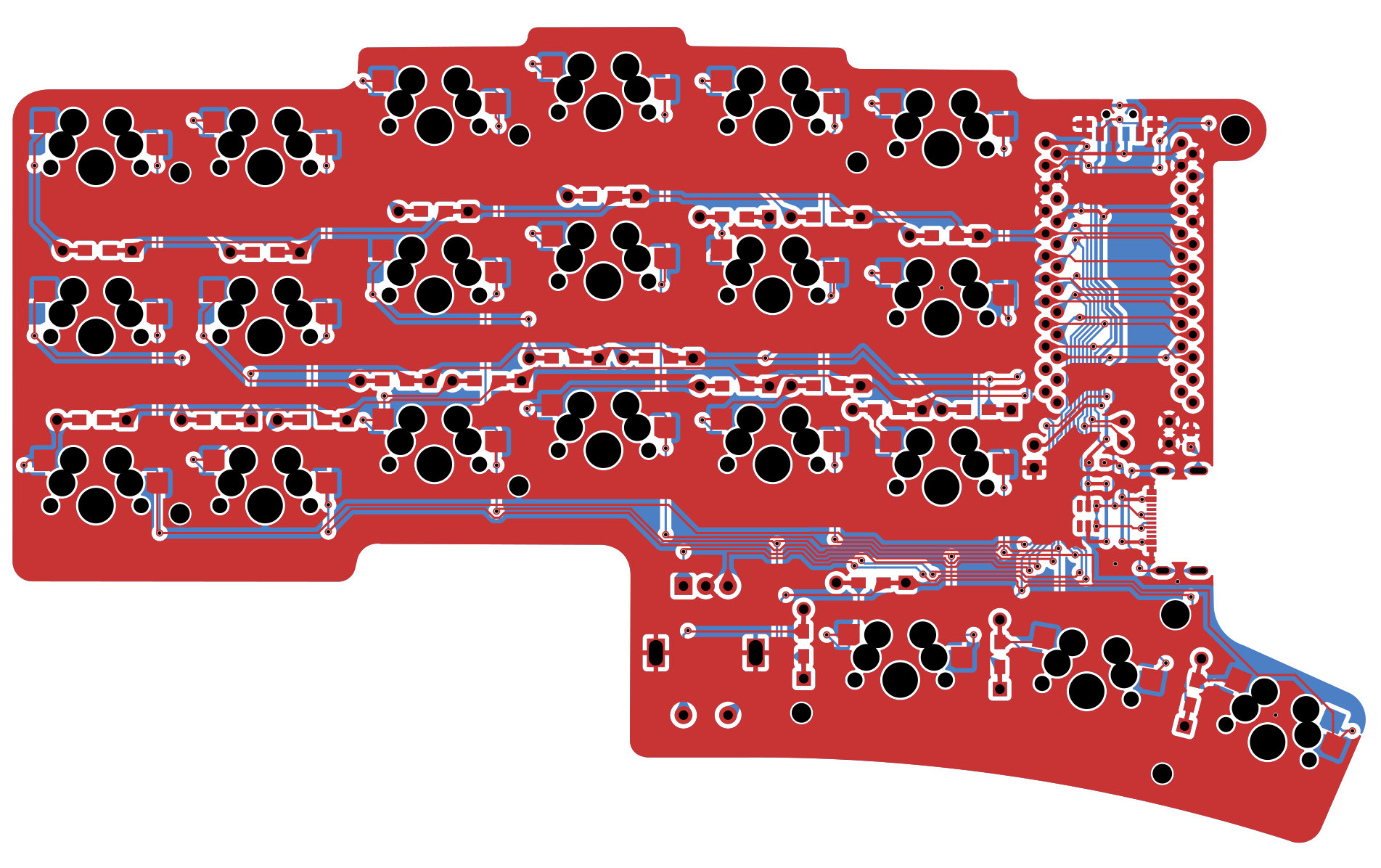
Cirrus40 is an open-source printed circuit board by schuay, from the schuay/cirrus40 repository on GitHub, published under the CC-BY-4.0 licence. It is a 2-layer board of 133 × 91.4 mm with 71 parts on 66 nets, routed with 482 tracks and 83 vias.
It is built around the SRV05-4 and MSK12C02. Its parts include 21 diodes, 20 switches, 3 ICs and 2 connectors. It belongs with the keyboards and input boards and the AVR (ATmega, ATtiny) boards of this library.


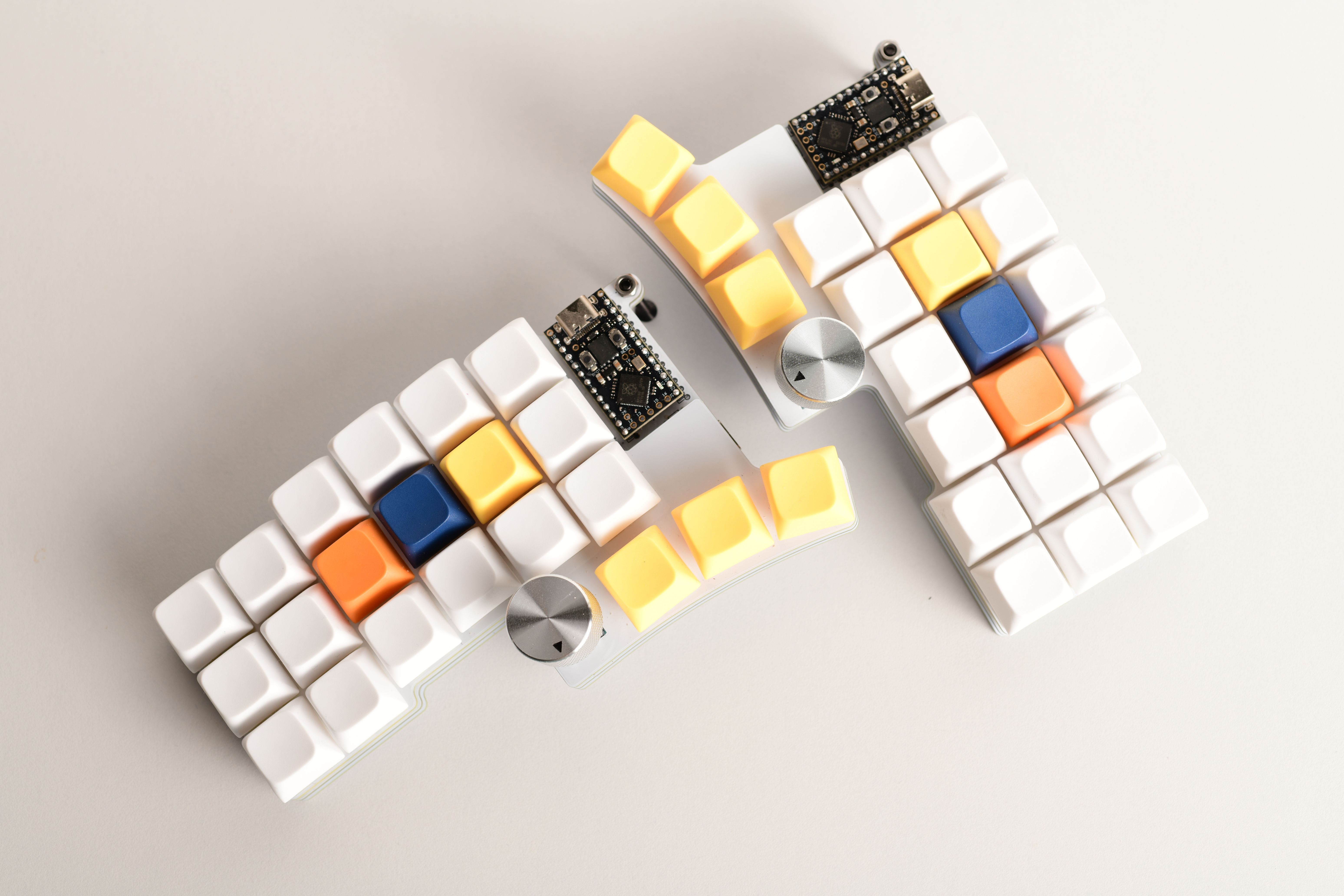
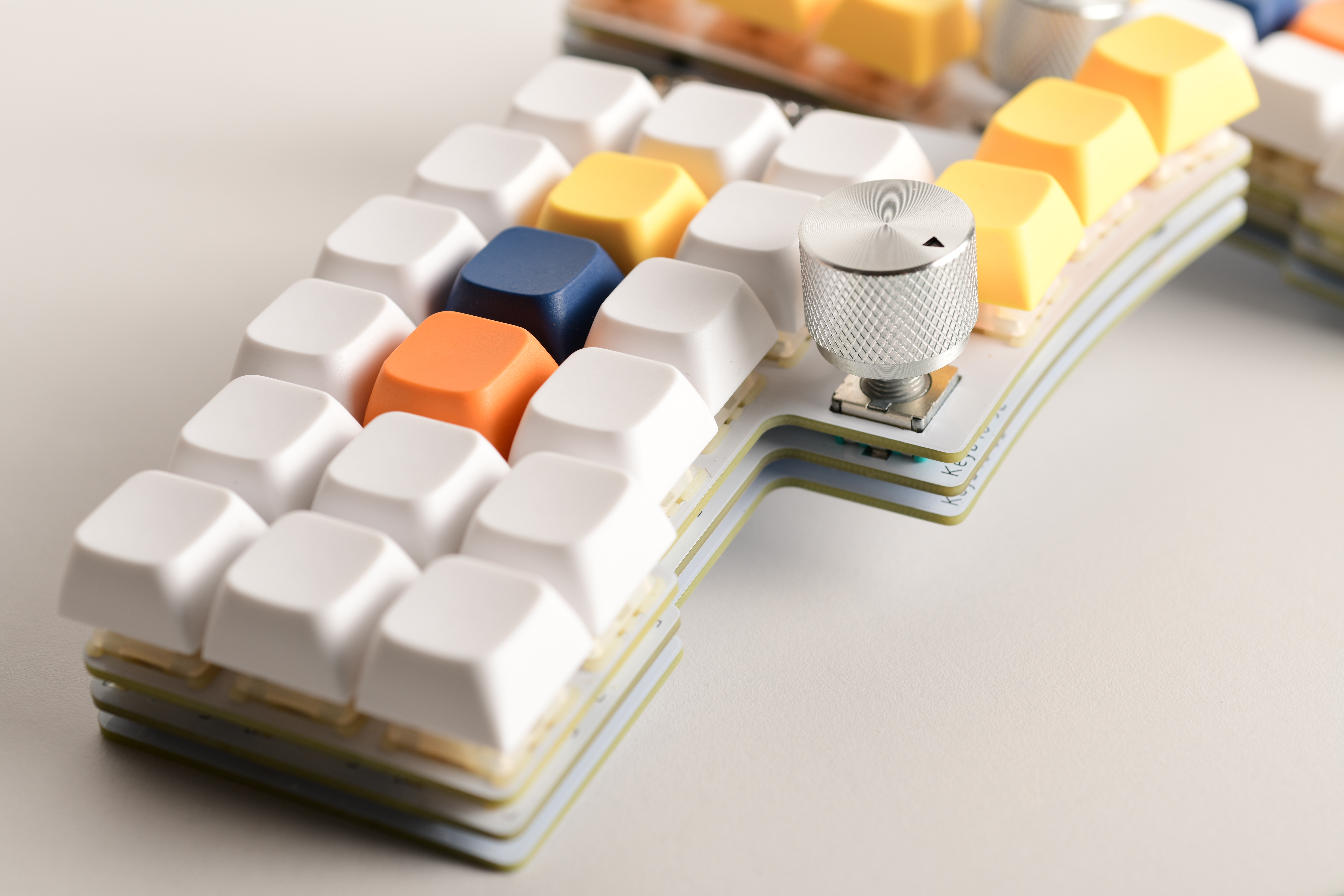
The Cirrus40 is a 40% split mechanical keyboard, with an ortholinear layout and a focus on usable rotary encoders.
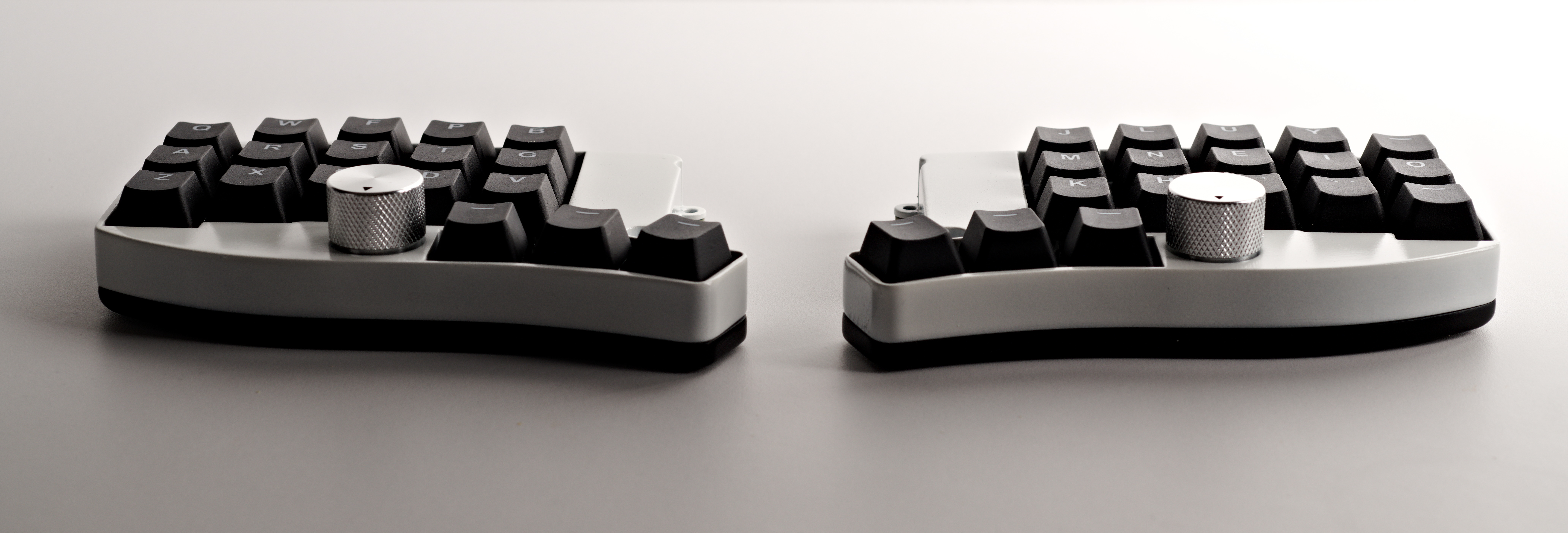
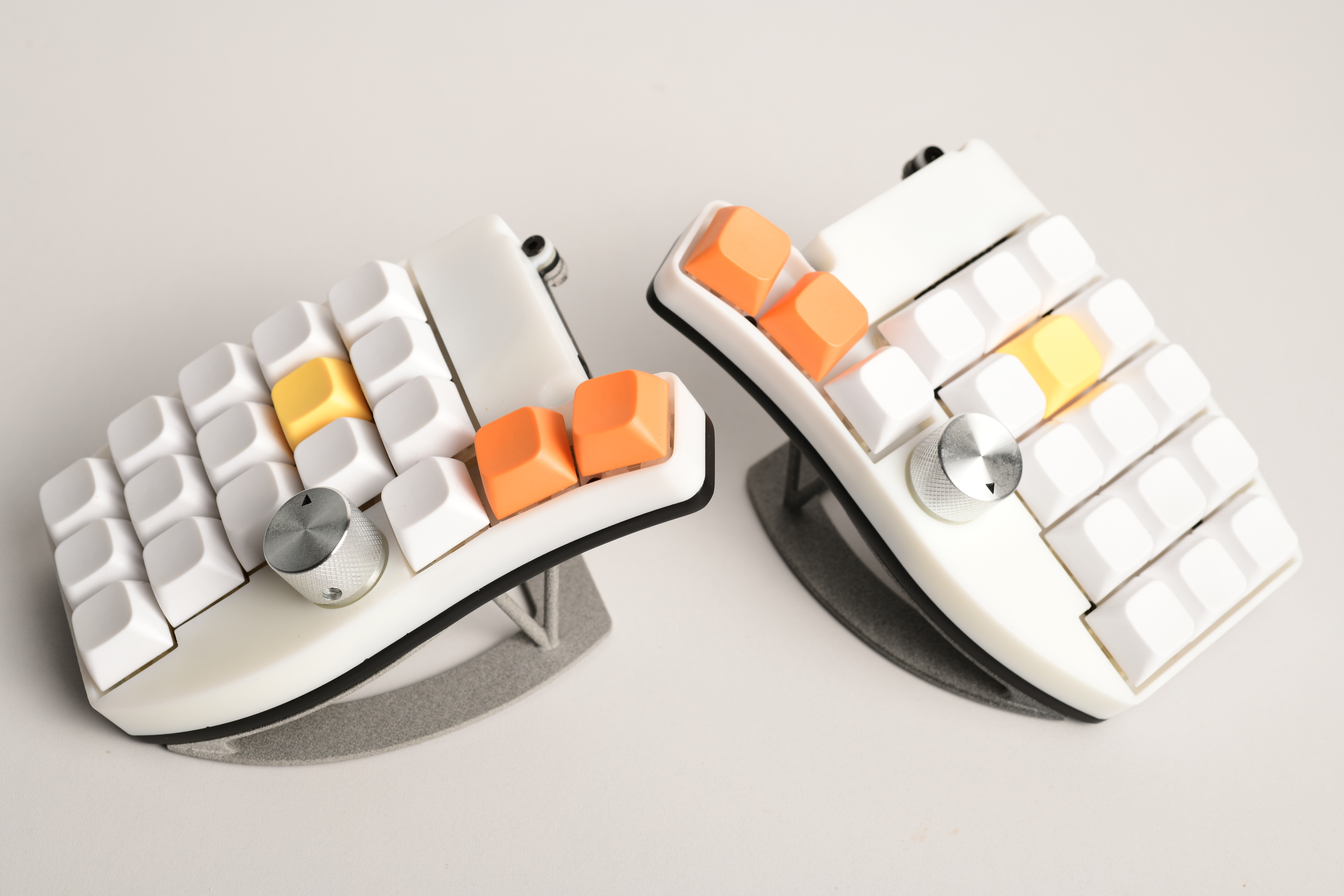
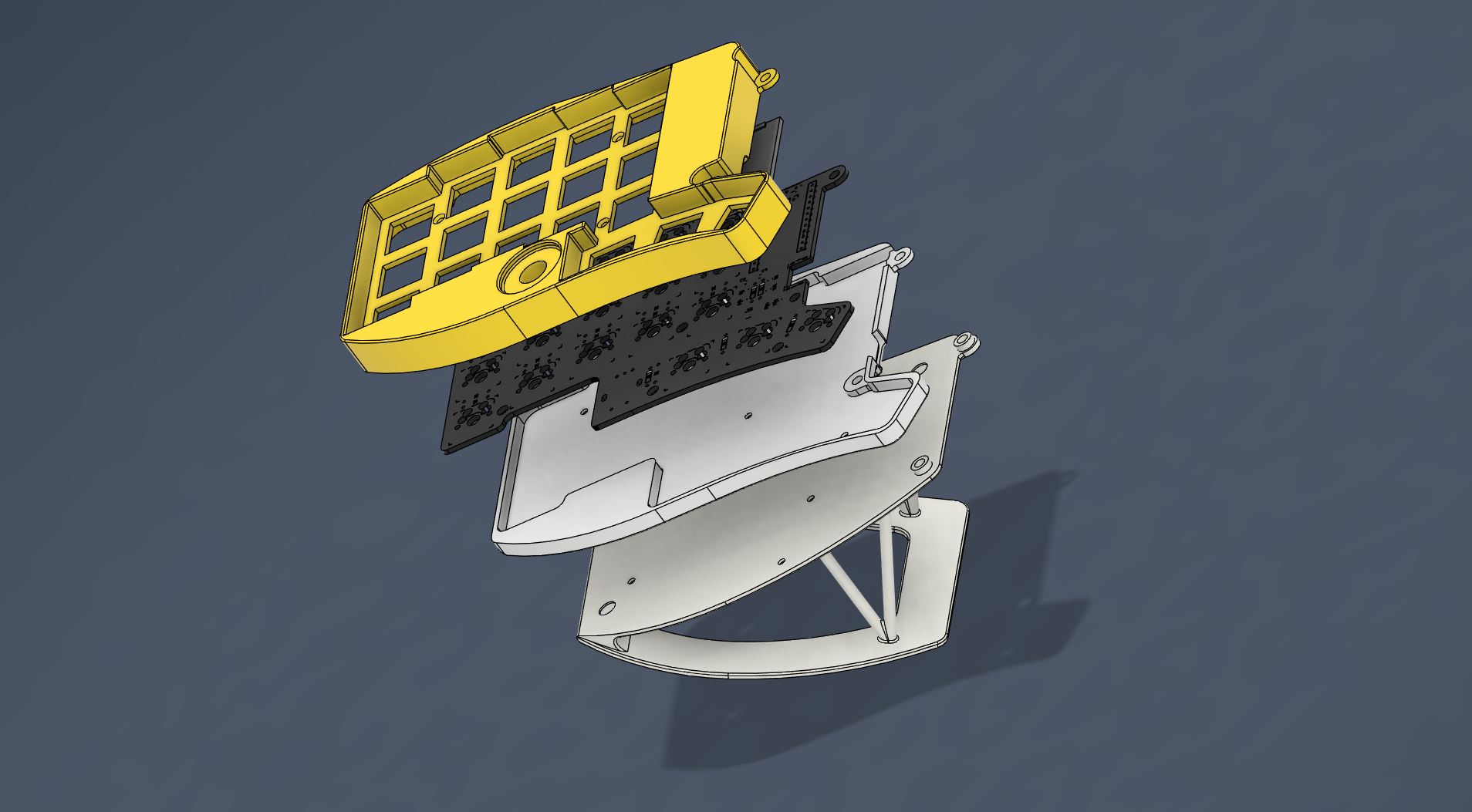
The Cirrus40 combines some of the favorite aspects of my previous builds (the Cheapino's thumb cluster and the Lotus58's key layout and USB-C interconnect). I got a bit fixated on optimizing encoder precision and ergonomics, which is why you'll see the hardware debouncing circuit, the below-palm position, and the strong recommendation for quality Alps encoders.
QMK: qmk_firmware. My own keymap is available as an example at qmk_userspace.
ZMK: Contributions welcome. zmk-config hasn't been updated for Cirrus40 Revision 2 yet.
All files required for manufacture are located in the most recent release directory.
TLDR: PCB and case manufacturing from JLCPCB, electronics components from LCSC, and the rest from AliExpress with Choice shipping.
Note: jlcpcb.com and lcsc.com offer combined shipping; this is not recommended, as it was more complex, more expensive, and slower when I tried it.
A detailed, step-by-step build guide is not yet available. Contributions on this front are very welcome!
However, the build process is straightforward for those with some experience in hand-soldering keyboards. The soldering difficulty is medium-to-easy; the surface-mount components are in a large (0805) package and are suitable for hand-soldering. The USB-C connector is also simpler than it looks: the wiring is such that all data pins can simply be bridged together (i.e. precise drag-soldering is not strictly needed).
I usually do the USB-C connector and SMD components first, followed by diodes and hotswap sockets; and finally the MCU plus socket and encoders. All components (except the encoder) go on the bottom side of the PCB. Consult the kicad files if something is unclear. A multimeter is good to have around for verification and error search.
A single keyboard build costs around 80EUR including shipping and customs from JLCPCB and LCSC.
Core Components
| Part | Quantity | Notes |
|---|---|---|
| Reversible PCB | 2 | From the Gerber files |
| 3D Printed Case | 1 | From the STEP files. Tenting stand is optional. |
| MX switches | 36 | |
| MX hotswap sockets | 36 | |
| EC11 rotary encoders | 2 | ALPS EC11E15244G1 is strongly recommended. |
| Encoder knobs | 2 | |
| 1N4148 or 1N4148W diodes | 40 | SOD-123 or SOD-323 package |
| 100nF capacitors | 4 | 0805 package |
| 10kOhm resistors | 4 | 0805 package |
| 8.2kOhm resistors | 4 | 0805 package |
| MCU Sockets / Pin Headers | 2 sets | For socketing the microcontrollers |
Wired Build Components
| Part | Quantity | Notes |
|---|---|---|
| Pro Micro (RP2040) MCU | 2 | |
| Ferrite beads | 4 | 0805 package, e.g., 220Ω@100MHz |
| USB-C mid-mount connector | 2 | e.g., LCSC C963373 |
| ESD protection diode | 2 | e.g., LCSC C558418 |
Wireless Build Components
| Part | Quantity | Notes |
|---|---|---|
| nice!nano v2 MCU | 2 | |
| LiPo Battery | 2 | 301230 (110 mAh) size recommended |
| Power slide switch | 2 | e.g., LCSC C431540 |
Hardware
| Part | Quantity | Notes |
|---|---|---|
| M2x4mm screws | 20 | Use M2x6mm for the 4 case holes if using the tenting stand |
| M2x7mm spacers | 10 | |
| M3 screws and nuts | 4 (opt) | For basic, non-stand tenting |
Released files can be found in the releases/ directory.
| Qty | Value | Footprint | References |
|---|---|---|---|
| 21 | DIODE | footprints:Diode-dual | D1, D2, D3, D4, D10, D11, D12, D13, D14, D15, D16, D17, D18, D19, D20, D21 +5 |
| 18 | SW_Push | footprints:SW_MX_HotSwap_Reversible | K1, K2, K3, K4, K5, K6, K7, K10, K11, K12, K13, K14, K15, K16, K17, K18 +2 |
| 4 | 10kOhm | Resistor_SMD:R_0805_2012Metric_Pad1.20x1.40mm_HandSolder | 10kΩ, 10kΩ, 10kΩ, 10kΩ |
| 4 | 470nF | Capacitor_SMD:C_0805_2012Metric_Pad1.18x1.45mm_HandSolder | 100nF, 100nF, 100nF, 100nF |
| 4 | 8kOhm | Resistor_SMD:R_0805_2012Metric_Pad1.20x1.40mm_HandSolder | 8.2kΩ, 8.2kΩ, 8.2kΩ, 8.2kΩ |
| 4 | Ferrite Bead | Capacitor_SMD:C_0805_2012Metric_Pad1.18x1.45mm_HandSolder | FB1, FB2, FB3, FB4 |
| 2 | MSK12C02 | footprints:MSK12C02 | S1, S2 |
| 2 | SRV05-4 | footprints:SOT-23-6 | U1, U2 |
| 1 | Conn_01x02 | footprints:PinHeader_1x02_P2.54mm_Vertical | J2 |
| 1 | MountingHole_3.2mm_M3 | MountingHole:MountingHole_3.2mm_M3 | |
| 1 | ProMicro | footprints:ProMicro_Reversible_orig | U3 |
| 1 | RotaryEncoder_Switch_MP | footprints:RotaryEncoder_Alps_EC11E-Switch_Vertical_H20mm | ENC1 |
| 1 | USB_C_Receptacle_USB2.0_16P | footprints:Molex-216990_GCT-USB45xx_HRO-TYPE-C-31-M-13x-PiMicro_1_DOUBLESIDED | J1 |
The 64 most common of 71 parts.
It measures 133 × 91.4 mm and has 2 copper layers, 1.6 mm thick.
71 parts, built around the SRV05-4 and MSK12C02. The full list of its parts is on this page, with links to each part's symbol and footprint where PCBKit's library has them.
From the schuay/cirrus40 repository on GitHub, at the commit this page was made from: the board is pcb/pcb.kicad_pcb and its schematic pcb/pcb.kicad_sch. PCBKit opens the board in the browser, with nothing to install.
Its repository publishes it under the CC-BY-4.0 licence: you may reuse it on that licence's terms (keep the author's notice, and for a copyleft licence share your changes alike).


TweetyDaBird/Lotus-58-Classic
A split ergo linear keyboard derived from the Lily58 family


ozkan/Cockpit-Keyboard
A hot swap system column staggered mechanical keyboard, running QMK Firmware on Pro Micro controllers.

Ardakilic/woodpecker-keyboard
5 row ortholinear keyboard, based on Lumberelite and Lumberjack

AndreiVladescu/LibrePLC32
The goal of the project is to create a compact, hackable, and well-documented PLC platform for industrial automation experiments, prototyping, education, and open hardware development.