2 layers116.8 × 30 mm
Type d
google/mozc-devices
Circuit diagrams and firmware source code for Gboard DIY keyboards
14 parts3kApache-2.0

 RoboTakao/NX197
[Controll with Dabble] M5Stamp C3 sketch : NX19M5StampC3ikUnitVIMU.ino
NX19 is an open-source printed circuit board by RoboTakao, from the RoboTakao/NX19 repository on GitHub. It is a 2-layer board of 66 × 61 mm with 14 parts on 16 nets, routed with 125 tracks and 0 vias.
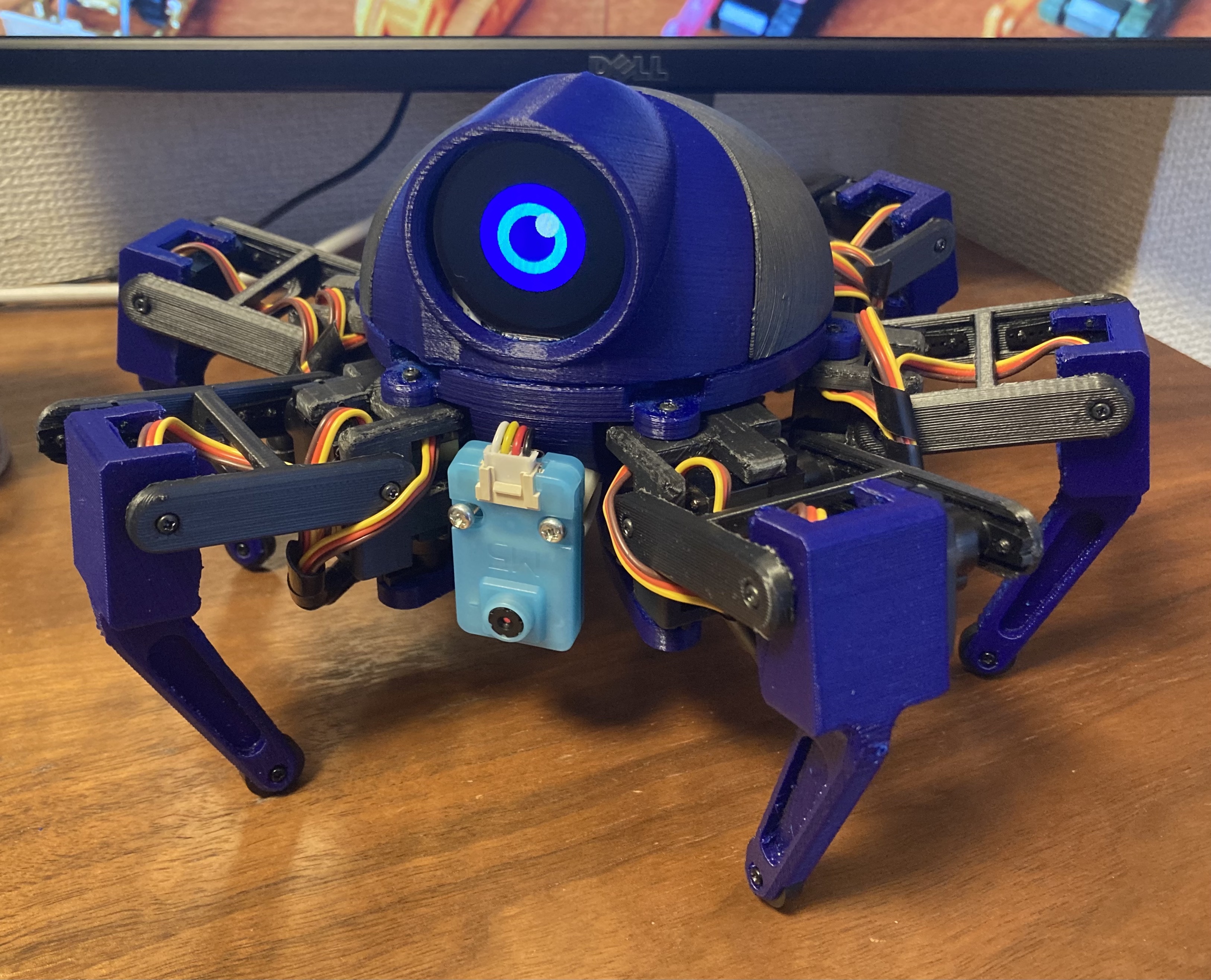
Summary:
Japanese http://robotakao.web.fc2.com/NX19/index.html
English http://robotakao.web.fc2.com/NX19/e/index.html
[Controll with Dabble]
M5Stamp C3 sketch : NX19_M5Stamp_C3_ik_UnitV_IMU.ino
[Cotroll with JoyC via BLE]
M5Stamp C3 sketch : NX19_M5Stamp_C3_ik_UnitV_IMU_joyC.ino
M5Stamp C3 sketch : NX19_M5Stamp_S3_ik_UnitV_IMU_joyC.ino
M5tickC with JoyC sketch : NX19_JoyC_M5StickC_BLE.ino
[Unit V]
UnitV Python code : NX19_track_Face.py
| Qty | Value | Footprint | References |
|---|---|---|---|
| 4 | Conn_01x01 | Connector_PinHeader_2.54mm:PinHeader_1x01_P2.54mm_Vertical | J1, J2, J4, J5 |
| 3 | Conn_01x03 | Connector_PinHeader_2.54mm:PinHeader_1x03_P2.54mm_Vertical | J10, J15, J16 |
| 2 | Conn_01x04 | Connector_PinHeader_2.54mm:PinHeader_1x04_P2.54mm_Vertical | J12, J17 |
| 2 | Conn_01x06 | Connector_PinHeader_2.54mm:PinHeader_1x06_P2.54mm_Vertical | J3, J8 |
| 1 | Conn_01x02 | Connector_JST:JST_XH_B2B-XH-A_1x02_P2.50mm_Vertical | J6 |
| 1 | Conn_01x02 | Connector_PinHeader_2.54mm:PinHeader_1x02_P2.54mm_Vertical | J9 |
| 1 | Conn_01x08 | Connector_PinSocket_2.54mm:PinSocket_1x08_P2.54mm_Vertical | J7 |
google/mozc-devices
Circuit diagrams and firmware source code for Gboard DIY keyboards


hackclub/OnBoard
💡 Join 1,000 teenagers and make your first PCB with a $100 grant!


Twotoz/C5VRX
Ultra-minimal, zero-CPU 5.8 GHz analog FPV video receiver using ESP32-C5 Wi-Fi 6 PHY MODEM_DIAG, BitScrambler WBFM demodulation & resistor DAC CVBS


It measures 66 × 61 mm and has 2 copper layers, 1.6 mm thick.
14 parts. The full list of its parts is on this page, with links to each part's symbol and footprint where PCBKit's library has them.
From the RoboTakao/NX19 repository on GitHub, at the commit this page was made from: the board is KiCad/NX19.kicad_pcb. PCBKit opens the board in the browser, with nothing to install.
Its repository states no licence, so its author keeps all rights: ask RoboTakao before reusing the design.