2 layers36.1 × 21 mm

 rmingon/just-a-dice
Electronic dice with CH32V003 RISC-V microcontroller. Press the PCB bottom to roll - 6 LEDs display random results. USB-powered, compact 45mm design.
Just a dice is an open-source printed circuit board by rmingon, from the rmingon/just-a-dice repository on GitHub. It is a 2-layer board of 45 × 45 mm with 27 parts on 31 nets, routed with 155 tracks and 35 vias.
It is built around the CH32V003F4P6 and AMS1117-3.3. Its parts include 8 resistors, 6 diodes, 4 capacitors, 2 ICs and 2 connectors. It belongs with the RISC-V boards of this library.


An electronic dice based on the CH32V003 RISC-V microcontroller with bottom-mounted switch activation.
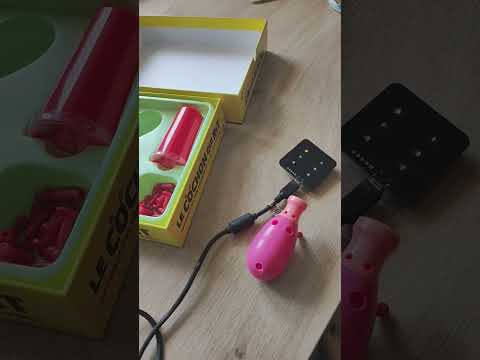
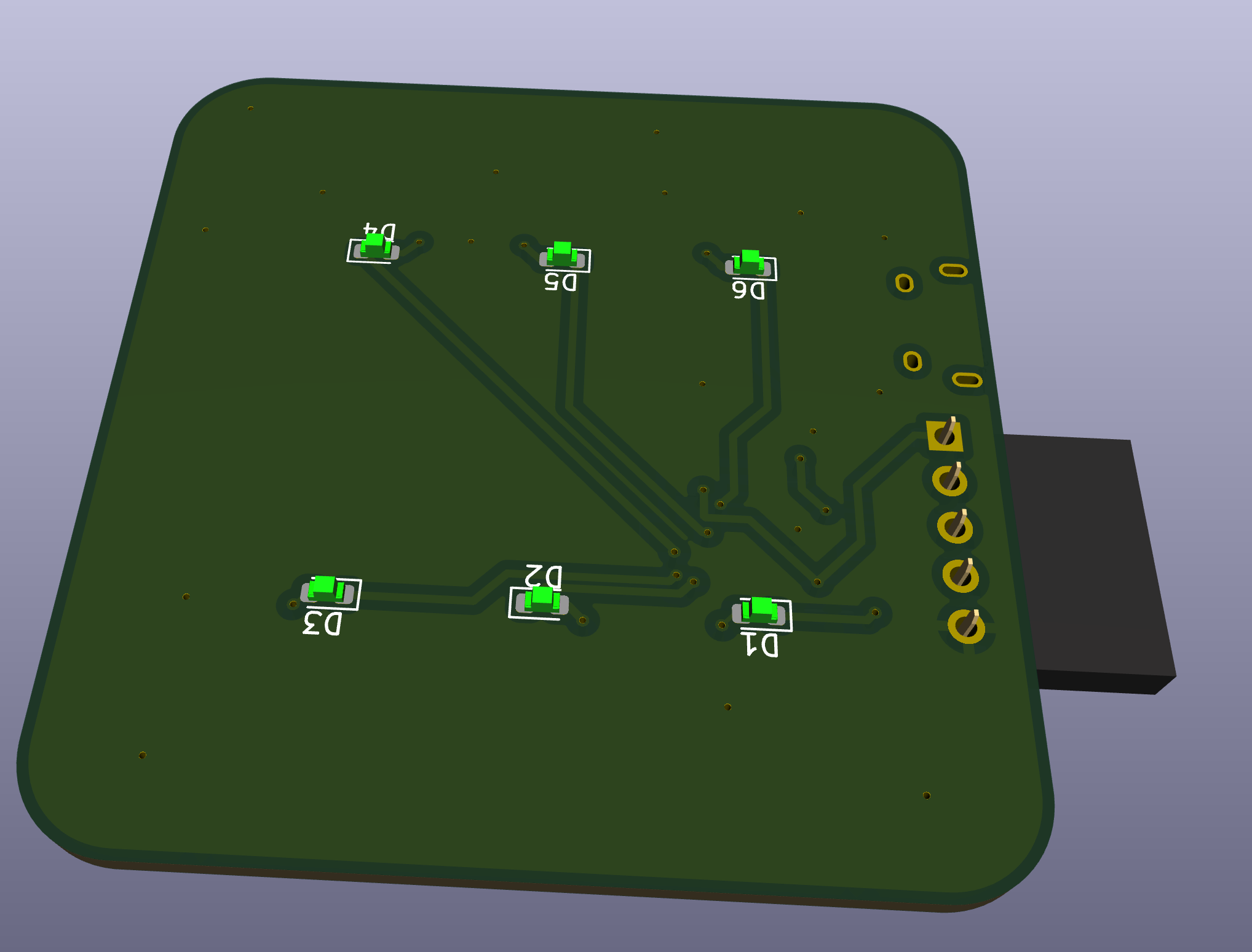
This project is a compact electronic dice that uses bottom-mounted switch buttons for activation. Simply press the PCB from the bottom to activate the switches and generate a random number displayed on 6 LEDs arranged in a traditional dice pattern.
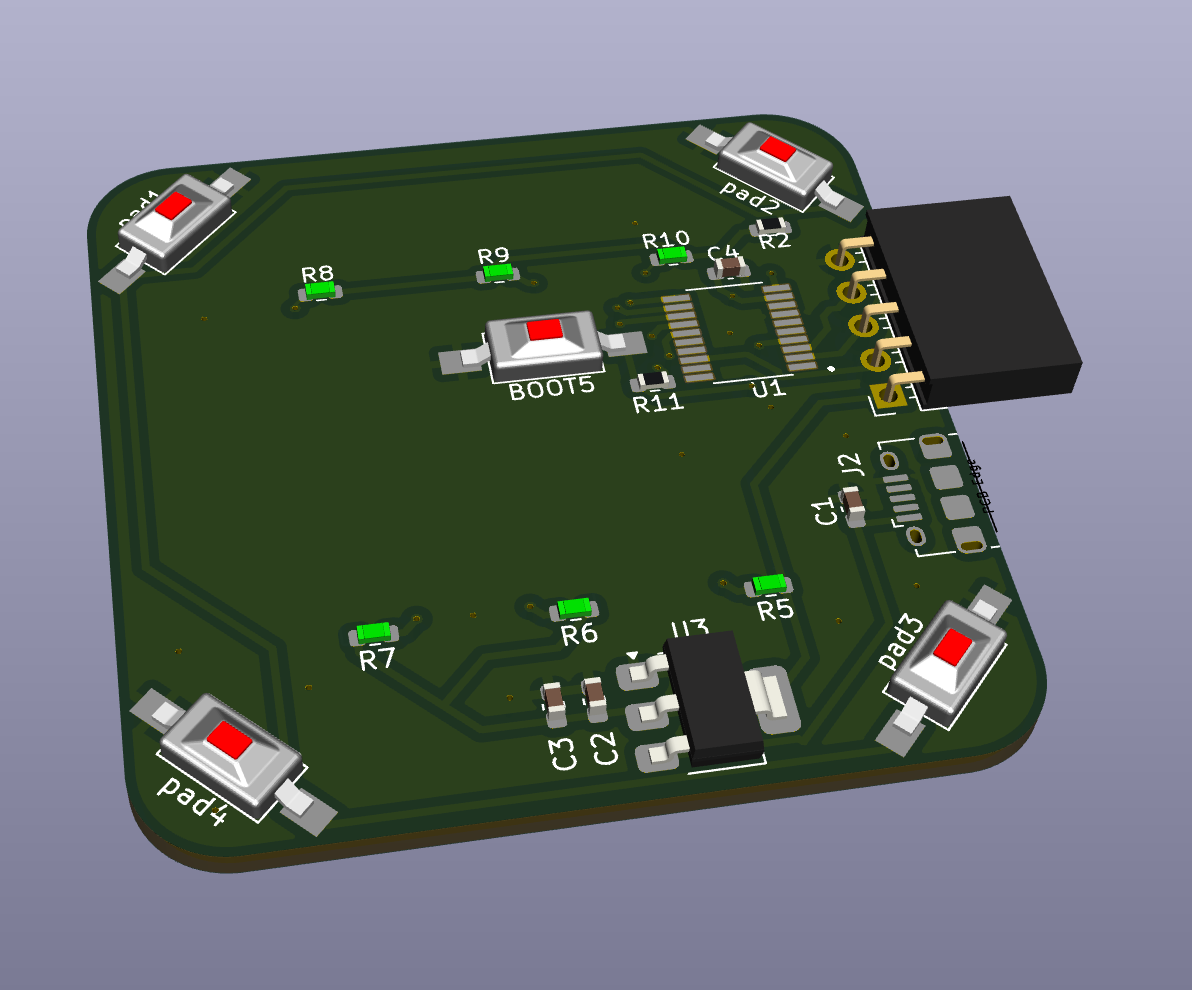
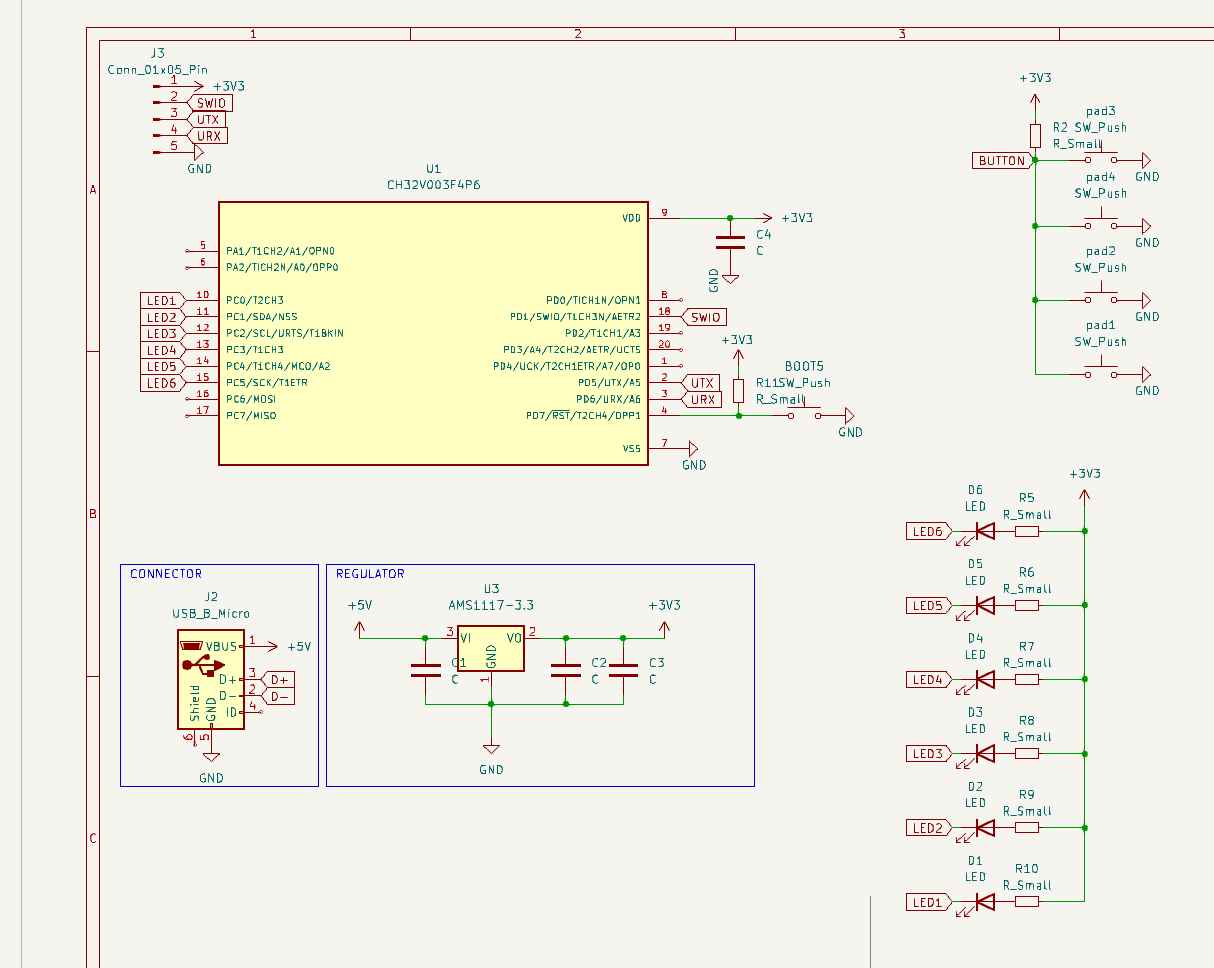
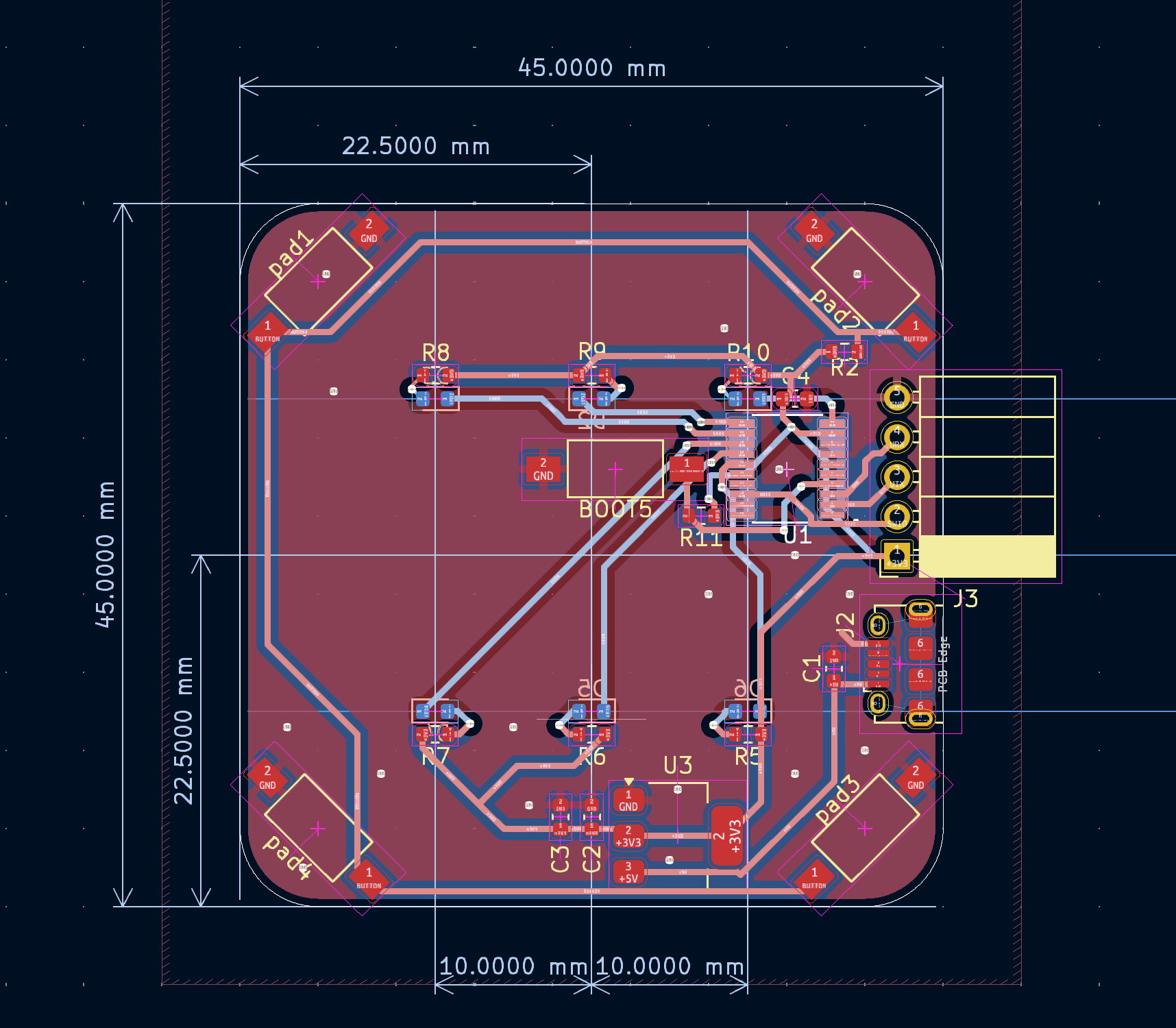
The CH32V003 can be programmed via the SWD interface using the onboard programming header (J3). Hold the BOOT switch while powering on to enter programming mode.
This project is licensed under the CERN Open Hardware Licence Version 2 - Strongly Reciprocal (CERN-OHL-S).
hardware/: KiCad PCB design filesschematic.png: Circuit schematicpcb.png: PCB layout3d_top.png: 3D render of PCB top3d_bottom.png: 3D render of PCB bottom showing touch pads| Qty | Value | Footprint | References |
|---|---|---|---|
| 8 | R_Small | Resistor_SMD:R_0603_1608Metric | R2, R5, R6, R7, R8, R9, R10, R11 |
| 6 | LED | LED_SMD:LED_0603_1608Metric | D1, D2, D3, D4, D5, D6 |
| 5 | SW_Push | Button_Switch_SMD:SW_SPST_FSMSM | BOOT5, pad1, pad2, pad3, pad4 |
| 4 | C | Capacitor_SMD:C_0603_1608Metric | C1, C2, C3, C4 |
| 1 | AMS1117-3.3 | Package_TO_SOT_SMD:SOT-223-3_TabPin2 | U3 |
| 1 | CH32V003F4P6 | CH32V003F4P6:SOP65P640X121-20N | U1 |
| 1 | Conn_01x05_Pin | Connector_PinSocket_2.54mm:PinSocket_1x05_P2.54mm_Horizontal | J3 |
| 1 | USB_B_Micro | Connector_USB:USB_Micro-B_Amphenol_10118194_Horizontal | J2 |

gili-yankovitch/SwordOfSecrets
To solve the challenge you will need to discover a series of flags, hidden inside the sword. Each one will help you unlock the next step in the challenge, to finally reveal the ultimate secret the sword holds.

bsidestlv/bsidestlv-2025-badge
To solve the challenge you will need to discover a series of flags, hidden inside the badge. Each one will help you unlock the next step in the challenge, to finally reveal the ultimate secret the badge holds.


It measures 45 × 45 mm and has 2 copper layers, 1.6 mm thick.
27 parts, built around the CH32V003F4P6 and AMS1117-3.3. The full list of its parts is on this page, with links to each part's symbol and footprint where PCBKit's library has them.
From the rmingon/just-a-dice repository on GitHub, at the commit this page was made from: the board is hardware/hardware.kicad_pcb and its schematic hardware/hardware.kicad_sch. PCBKit opens the board in the browser, with nothing to install.
Its repository states no licence, so its author keeps all rights: ask rmingon before reusing the design.