2 layers100 × 100 mm

 RiceMiceA/ECE_445
For Sp26 ECE445 Project - Griffin, Jackson, Tony
IR Sensor is an open-source printed circuit board by RiceMiceA, from the RiceMiceA/ECE_445 repository on GitHub. It is a 2-layer board with 12 parts on 11 nets, routed with 81 tracks and 3 vias.
Its parts include 5 connectors, 4 resistors, 2 capacitors and 1 IC. It belongs with the sensors and measurement boards of this library.
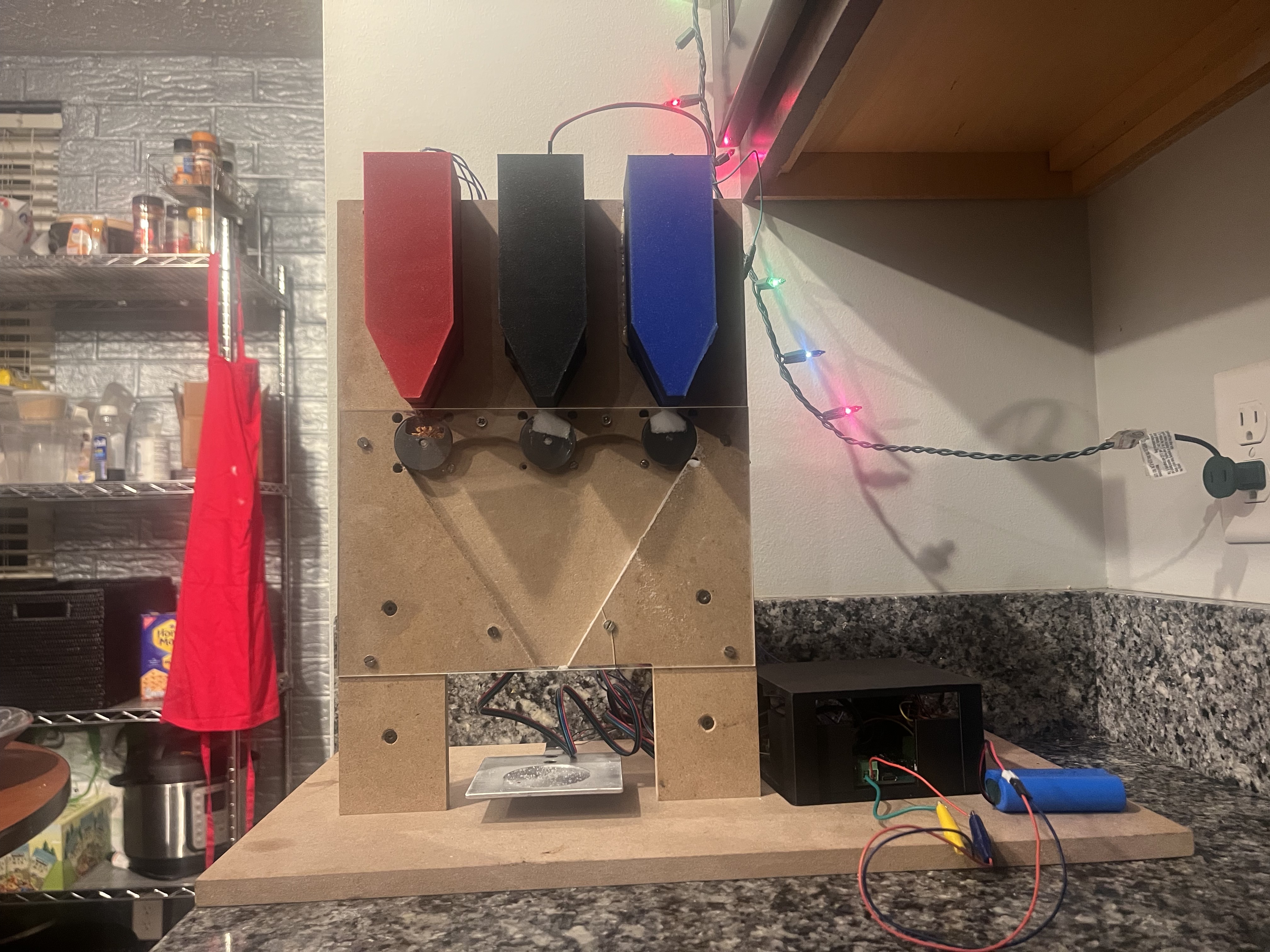
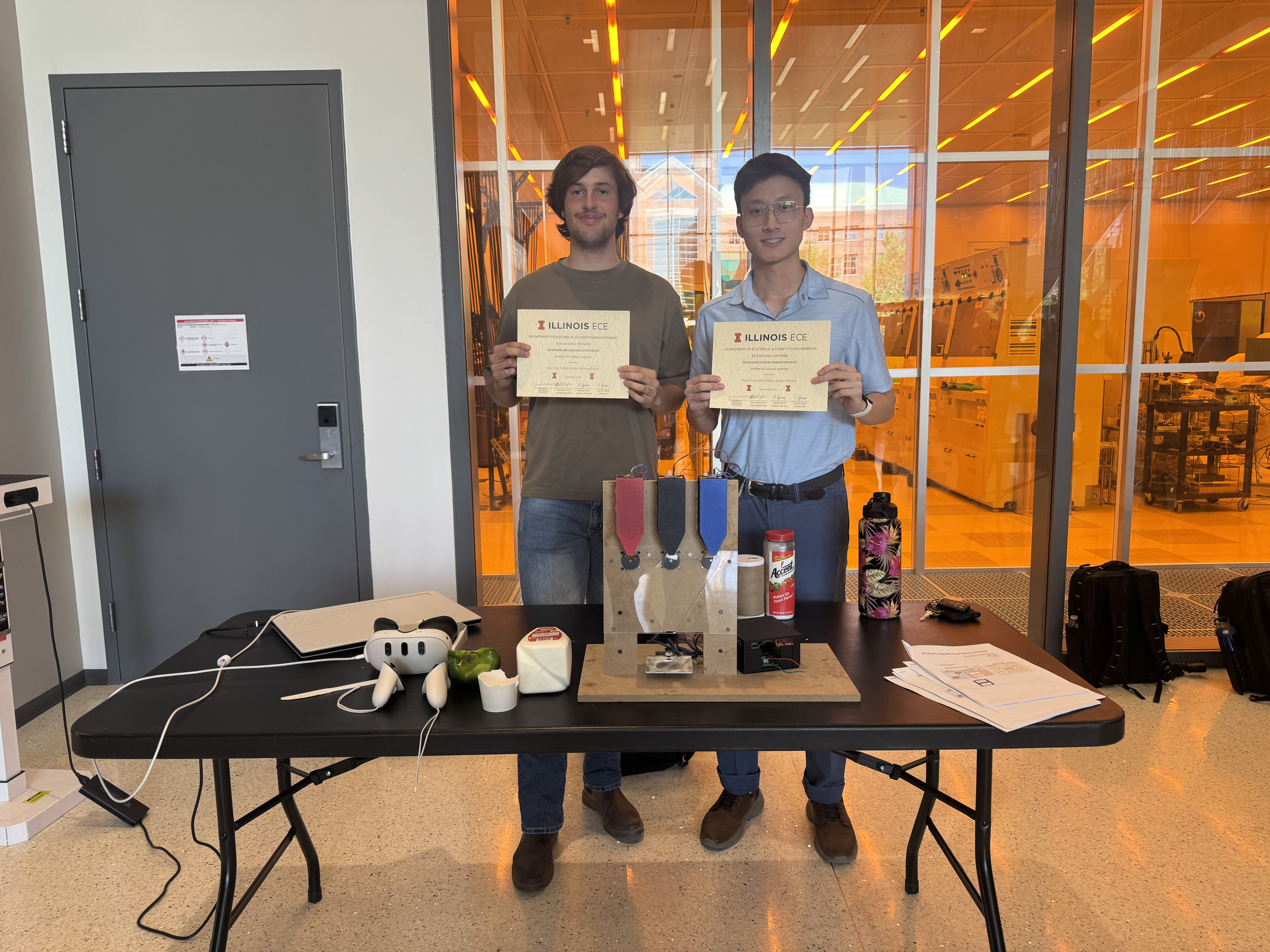
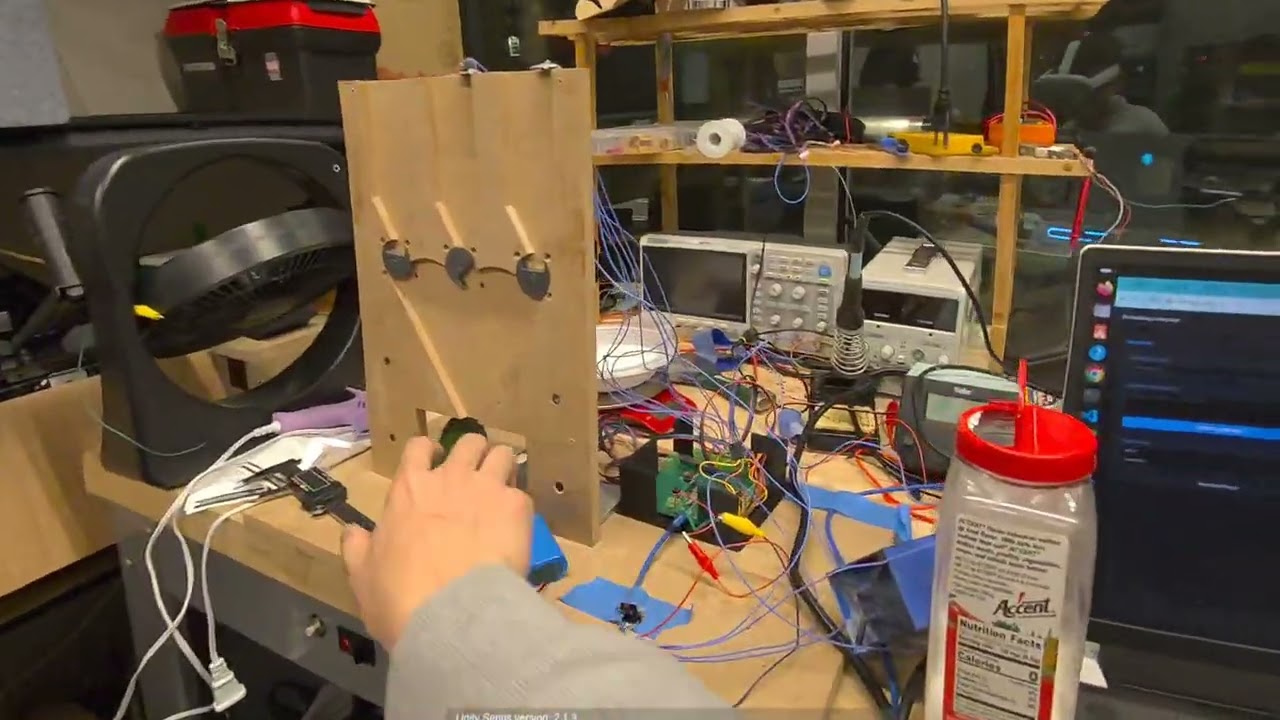
git clone --recurse-submodules <repo-url>This does everything:
git submodule update --init --recursivegit pull
git submodule update --init --recursivecd path/to/submodule
git checkout main
git pull origin main
git add .
git commit -m "Update submodule"
git push origin main
cd /path/to/parent-repo
git add Software/src/Unity-PassthroughCameraApiSamples
git commit -m "Bump submodule"
git push origin maingit submodule statusgit config --global submodule.recurse true
# if we wanna track the specific branch
git submodule set-branch --branch tony Software/src/Unity-PassthroughCameraApiSamples
git submodule update --remotekill $(lsof -t -i:8000) Check the current ip address: When switching networks, update the backend IP (192.168.x.x) in these files:
Note: The ESP32 now communicates via BLE (not WiFi), so it no longer needs an IP address or network config.
Then start the backend and BLE bridge:
# Terminal 1 — backend
cd Software/src/web_app
source .env   # loads OPENAI_API_KEY, OPENAI_MODEL, USE_LLM_PLANNER from .env file
uvicorn backend:app --host 0.0.0.0 --port 8000 --reload

# Terminal 2 — BLE bridge (connects to ESP32 over Bluetooth, forwards to backend)
pip install bleak httpx   # first time only
python ble_bridge.py~/.platformio/penv/bin/pio run 2>&1 | tail -20NuChef-Dispenser within a few seconds.ble_bridge.py. Linux's BlueZ stack sometimes caches stale BLE data./dev/ttyACM0 ↔ /dev/ttyACM1)After a reset or replug the port may shift. Check with:
ls /dev/ttyACM*Then update upload_port and monitor_port in Software/src/esp_driver/platformio.ini if you need to re-flash.
/dev/ttyACM*sudo usermod -aG dialout $USER
# then log out & back in (or reboot) for the group to take effectuvicorn) and ble_bridge.py are both running.BACKEND_URL in script.js is window.location.origin (not a hardcoded IP).BLE CMD → and write OK logs when you click Dispense.# Direct BLE test — bypasses the backend entirely
python3 -c "
import asyncio
from bleak import BleakClient, BleakScanner
SVC = '4e7a9b1c-d203-4e2a-b8f1-67c1d9e3f5a0'
CMD = '4e7a9b1c-d203-4e2a-b8f1-67c1d9e3f5a1'
async def test():
dev = await BleakScanner.find_device_by_name('NuChef-Dispenser', timeout=10)
async with BleakClient(dev) as c:
await c.write_gatt_char(CMD, b'spin', response=True)
await asyncio.sleep(5)
await c.write_gatt_char(CMD, b'stop', response=True)
asyncio.run(test())
"Meta Quest, "Unity-UtilityPackages," GitHub. [Online]. Available: https://github.com/meta-quest/Unity-UtilityPackages. [Accessed: May 7, 2026].
MIT License attribution:
Unity Utility Packages
Copyright (c) Meta Platforms, Inc. and affiliates.
Licensed under the MIT License.
https://github.com/meta-quest/Unity-UtilityPackages| Qty | Value | Footprint | References |
|---|---|---|---|
| 4 | 4.7k | Resistor_SMD:R_0805_2012Metric_Pad1.20x1.40mm_HandSolder | R1, R2, R3, R4 |
| 2 | Conn_01x05_Pin | TerminalBlock_Phoenix:TerminalBlock_Phoenix_MKDS-1,5-5_1x05_P5.00mm_Horizontal | J3, J4 |
| 1 | 100nF | Capacitor_SMD:C_0805_2012Metric_Pad1.18x1.45mm_HandSolder | C1 |
| 1 | 4.7uF | Capacitor_SMD:C_0805_2012Metric_Pad1.18x1.45mm_HandSolder | C2 |
| 1 | Conn_01x02_Pin | TerminalBlock_Phoenix:TerminalBlock_Phoenix_MKDS-1,5-2_1x02_P5.00mm_Horizontal | J5 |
| 1 | Conn_01x03_Pin | TerminalBlock_Phoenix:TerminalBlock_Phoenix_MKDS-1,5-3_1x03_P5.00mm_Horizontal | J2 |
| 1 | Conn_01x07_Pin | TerminalBlock_Phoenix:TerminalBlock_Phoenix_MKDS-1,5-7_1x07_P5.00mm_Horizontal | J1 |
| 1 | VL53L0CXV0DH1 | Sensor_Distance:ST_VL53L1x | U1 |
12 parts. The full list of its parts is on this page, with links to each part's symbol and footprint where PCBKit's library has them.
From the RiceMiceA/ECE_445 repository on GitHub, at the commit this page was made from: the board is Hardware/IR_Sensor/IR_Sensor.kicad_pcb and its schematic Hardware/Food_Dispenser_Control/Food_Dispenser_Control.kicad_sch. PCBKit opens the board in the browser, with nothing to install.
Its repository states no licence, so its author keeps all rights: ask RiceMiceA before reusing the design.

github-linguist/linguist
Language Savant. If your repository's language is being reported incorrectly, send us a pull request!


google/mozc-devices
Circuit diagrams and firmware source code for Gboard DIY keyboards


hackclub/OnBoard
💡 Join 1,000 teenagers and make your first PCB with a $100 grant!

VoronDesign/Voron-Tap
Tap is a nozzle-based z-probe for the V2 and Trident printer designs. The entire toolhead moves to trigger an optical switch. Tap offers many advantages:

stacksmashing/pico-tpmsniffer
A simple, very experimental TPM sniffer for LPC bus