
2 layers116.8 × 30 mm
Type d
google/mozc-devices
Circuit diagrams and firmware source code for Gboard DIY keyboards
14 parts3kApache-2.0
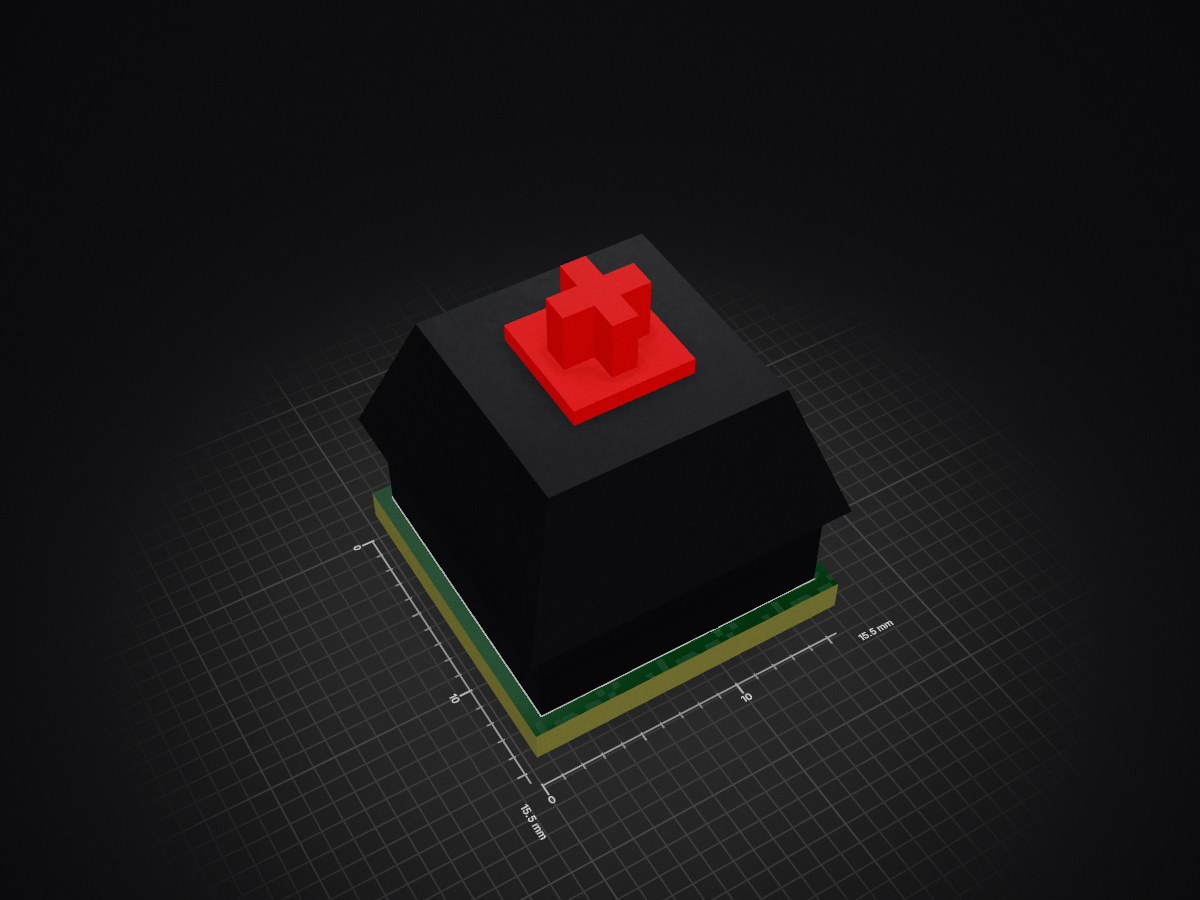
PCB with a neopixel for handwired keyboards.
Keycap is an open-source printed circuit board by PitBarber, from the PitBarber/PCB_for_HandwiredKeyboards repository on GitHub, published under the GPL-3.0 licence. It is a 2-layer board of 15.5 × 15.5 mm with 14 parts on 7 nets, routed with 81 tracks and 12 vias.
Its parts include 10 connectors, 1 capacitor, 1 diode and 1 switch. It belongs with the keyboards and input and lEDs and displays boards of this library.


Files you can find here are only the kicad project about the PCB design,
3D design or entire keyboard firmware will be linked in this description.This project provides to handwired keyboards a support to have underglow keycaps. PCBs was designed for keyboard with different form factors, for example: dactyl manuform. Its geometry makes makers hard to desing flexible PCBs, and them could be available only for some kind of dactyl manuform. These 15mmx15mm PCBs are near to size of a keyboard Switch, so there can be placed in any custom keyboard, if a switch fits, a PCB will do it so, this is suitable for customizable keyboards. Every PCB was designed with a LED neopixel, 100nF capacitor and a 1n4148 diode.
3D design used in this project - 5x6 dactyl manuform 3D design por 3D printing by @joseandres42
In case you want to use the same design, @joseandres42 has a spanish dvorak layout for this version of dactyl manuform right in this forked repo


Handsoldering entire PCB is possible and i did it with the 62 PCBs.
Top of the PCB only has the builtin SK6812 4020 neopixel, they can be mounted sized or faceup. Footprint isn't in kicad's official libraries ( a merge will be done).
Bottom has a 100nF capacitor, necesary for the neopixel, a 1n4148 diode, for ROW to COL wiring ( remember it for the QMK config) and finally, the connection pads:
I will show you some technical data about boad sizes and LED SK6812 footprint:

Here you can see the size of the pcb, distance between pads and pads size.
Now, important information about SK6812 footprint, pads and sizes:

This information is directly collected from official SK6812 SIDE 4020 datasheet

Footprint was designed using the FootPrint editing Tool provided by Kicad.
COL wiring:

ROW wiring:

This is the wiring in the lefthand keyboard, the righthand will be the same, but mirrored.

About the neopixel wiring, every DOUT is connected to de next DIN PCB node.
Be carefull with VCC and GND propagation, dont do it lineal, i mean, you can connect VCC and GND eachother, no matters the order. But if you only have one connection to VCC at start and VCC propagates linear througt PCB it will experiment a fall of ~0.3V that will cause some fliker due to less voltage feeding.
Best light brightness is between 80-110/255 when you config the lights in QMK.
QMK neopixel documentation- Neopixel animations and configuration tips
#define DIODE_DIRECTION COL2ROW

// WS2812 RGB LED strip input and number of LEDs
#define	RGB_DI_PIN F4
#define	RGBLED_NUM 31

/* number of backlight levels */
#define RGBLIGHT_LIMIT_VAL 100
#define BACKLIGHT_LEVELS 3
More information at the provided link before.
QMK Firmware - keyboard firmware based on the tmk_keyboard firmware


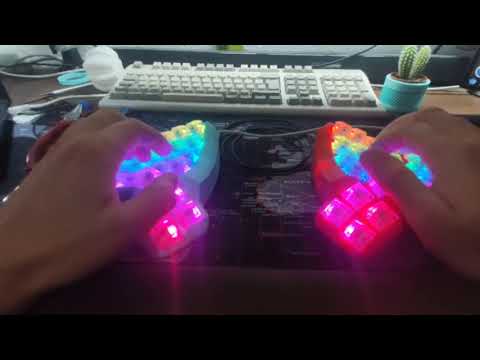
Final result + ASMR siwtch video.
| Qty | Value | Footprint | References |
|---|---|---|---|
| 10 | Conn_01x01_Female | Connector_Wire:SolderWirePad_1x01_SMD_1x2mm | J1, J2, J3, J4, J5, J6, J7, J8, J9, J10 |
| 1 | 0.1uF | Capacitor_SMD:C_1206_3216Metric | C1 |
| 1 | 1N4148 | Diode_SMD:D_SOD-323_HandSoldering | D1 |
| 1 | SW_Push_Open | Button_Switch_Keyboard:SW_Cherry_MX_1.00u_Plate | SW1 |
The 13 most common of 14 parts.
google/mozc-devices
Circuit diagrams and firmware source code for Gboard DIY keyboards


hackclub/OnBoard
💡 Join 1,000 teenagers and make your first PCB with a $100 grant!


Twotoz/C5VRX
Ultra-minimal, zero-CPU 5.8 GHz analog FPV video receiver using ESP32-C5 Wi-Fi 6 PHY MODEM_DIAG, BitScrambler WBFM demodulation & resistor DAC CVBS


It measures 15.5 × 15.5 mm and has 2 copper layers, 1.6 mm thick.
14 parts. The full list of its parts is on this page, with links to each part's symbol and footprint where PCBKit's library has them.
From the PitBarber/PCB_for_HandwiredKeyboards repository on GitHub, at the commit this page was made from: the board is keycap/keycap.kicad_pcb. PCBKit opens the board in the browser, with nothing to install.
Its repository publishes it under the GPL-3.0 licence: you may reuse it on that licence's terms (keep the author's notice, and for a copyleft licence share your changes alike).