2 layers98.4 × 190.5 mm

 mihranrazaa/WayBoard
a 60% keyboard design
Keyboard is an open-source printed circuit board by mihranrazaa, from the mihranrazaa/WayBoard repository on GitHub, published under the MIT licence. It is a 2-layer board of 311.9 × 100 mm with 128 parts on 104 nets, routed with 397 tracks and 14 vias.
Its parts include 66 switches, 61 diodes and 1 IC. It belongs with the keyboards and input boards and the RP2040 boards of this library.
A Keyboard Design for ME and YOU
a 60% keyboard design With very minimal design, it is based on RP2040 plus with a type C port which came in-built with the MCU, there total of 61 MX switches design with 5 Stabilizer type switches. A small minimal keyboard :).
The keyboard is designed to be sleek and plane it has RP2040 plus as the MCU and Cherry MX Brown Switches for the keys which are used for versatile purposes (that's what i saw at least). The main firmware is KMK based and the Firmware has already been released, you can find that in the Firmware and Production folder, I hate using different cables so having type c inbuilt in the RP2040 plus is a win-win. I added A small space in the bottom right of the keyboard which will act as a handle kind of things and also look good
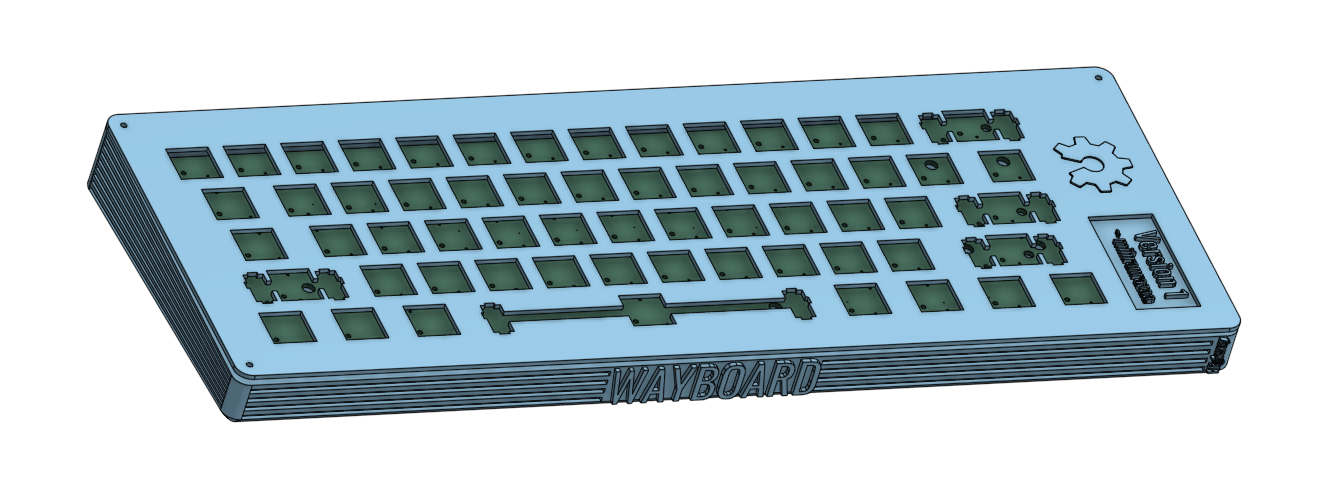
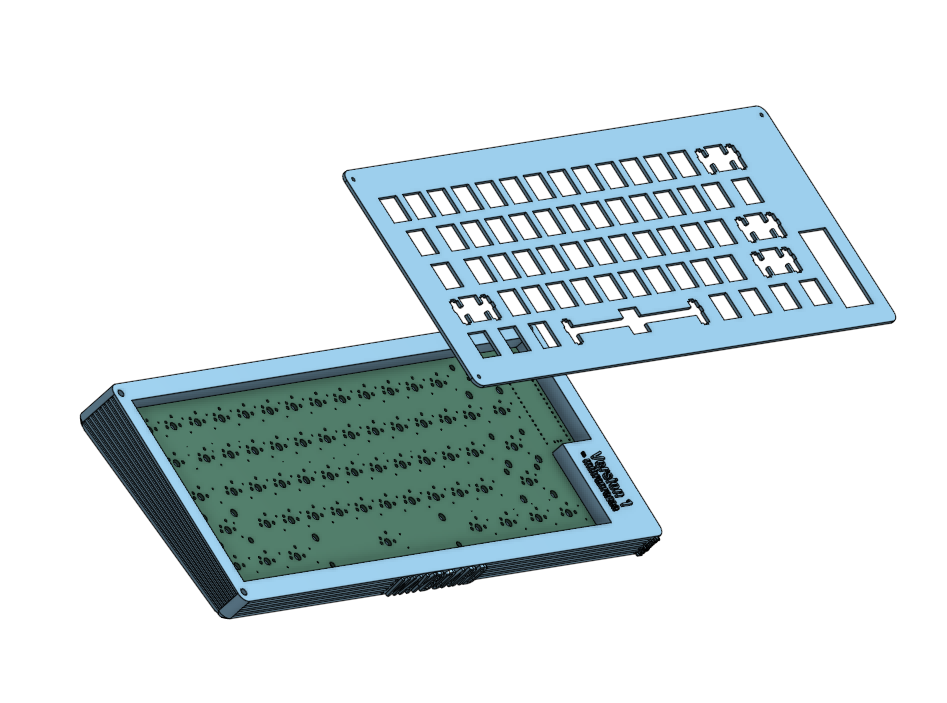
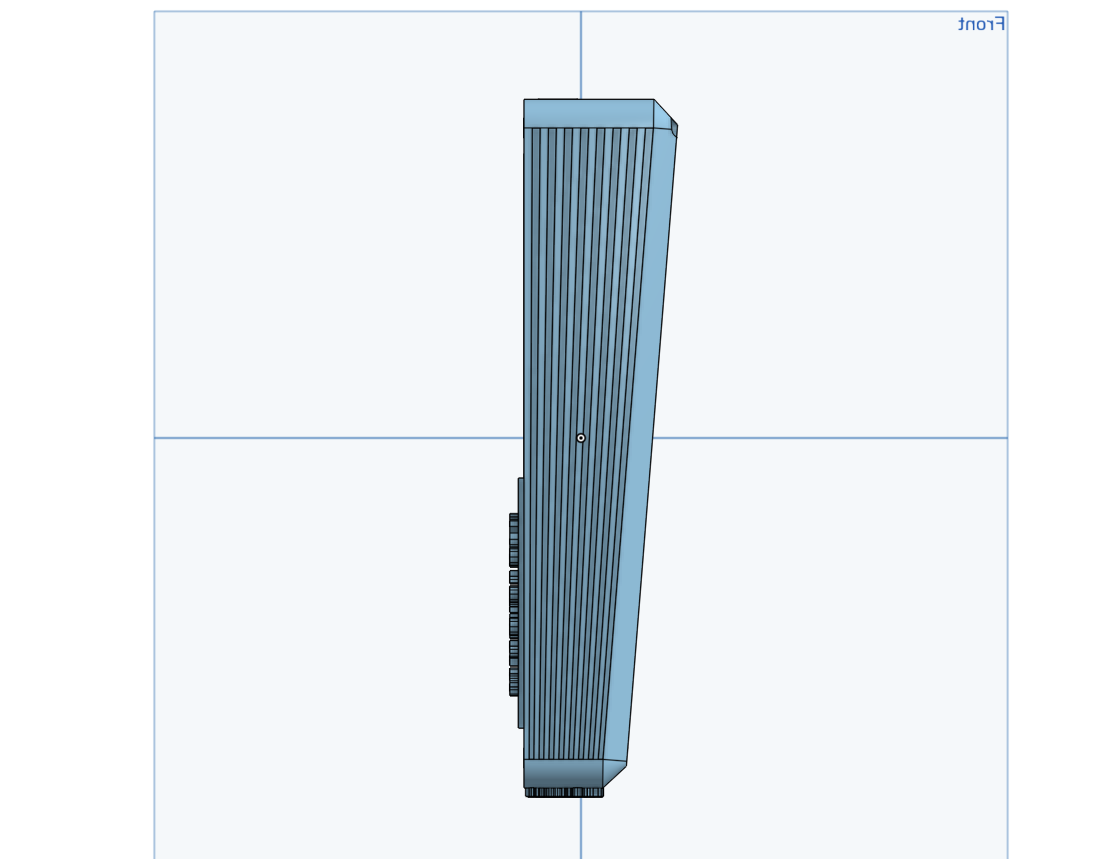
THE ABOVE IMAGES ARE THE LATEST ITERATION OF CAD
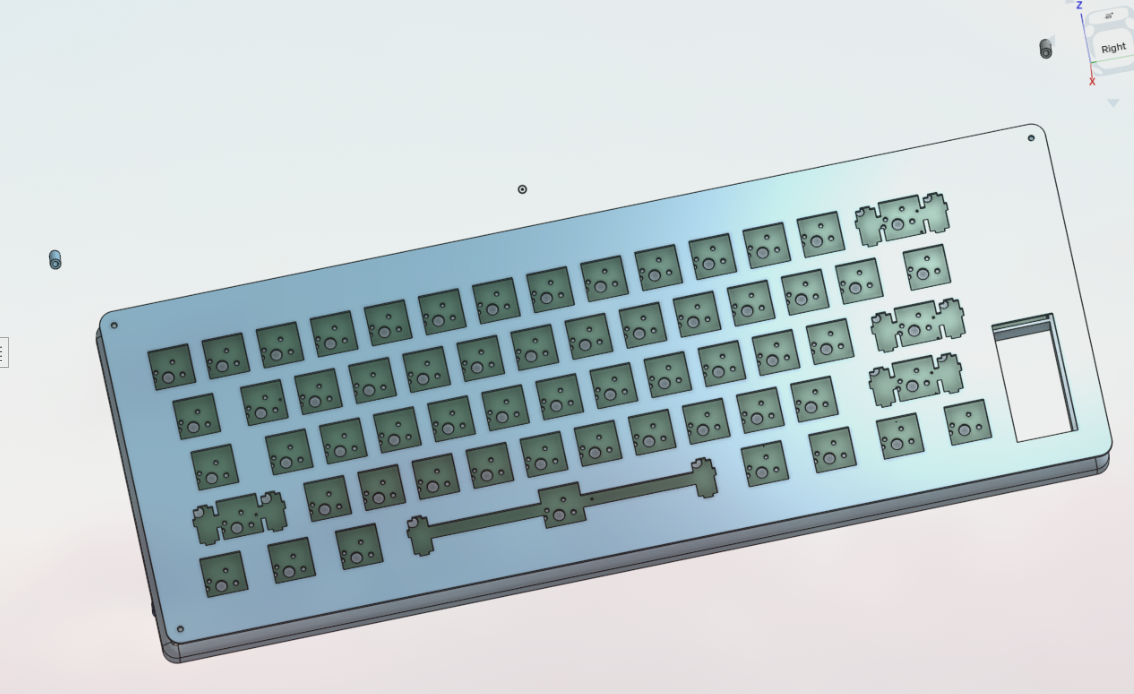
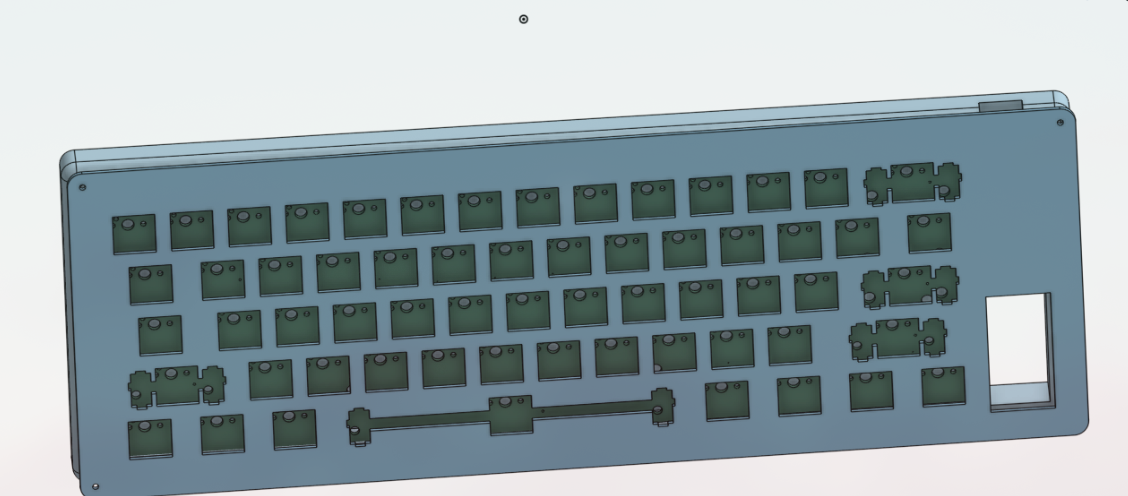
The files for the PCB and Schematics are available in the PCB folder and gerber files are added in the Production folder..
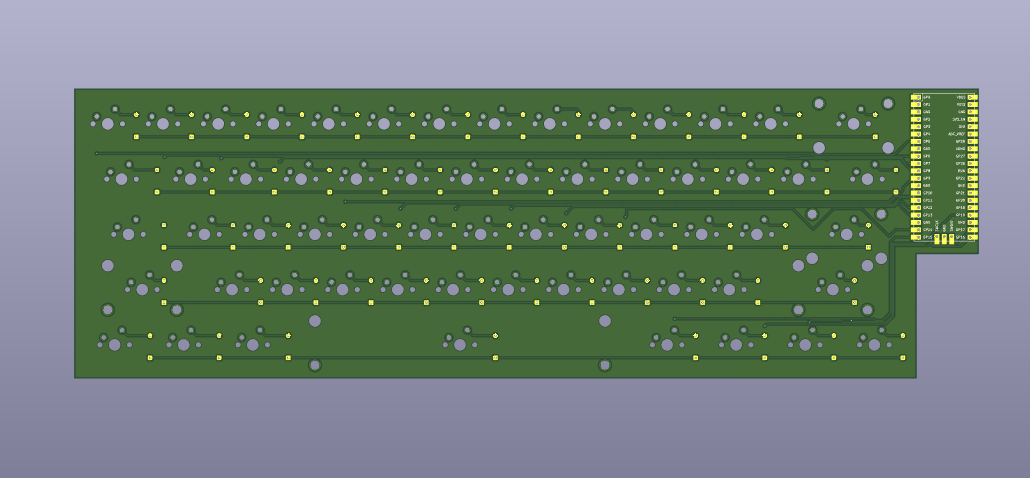
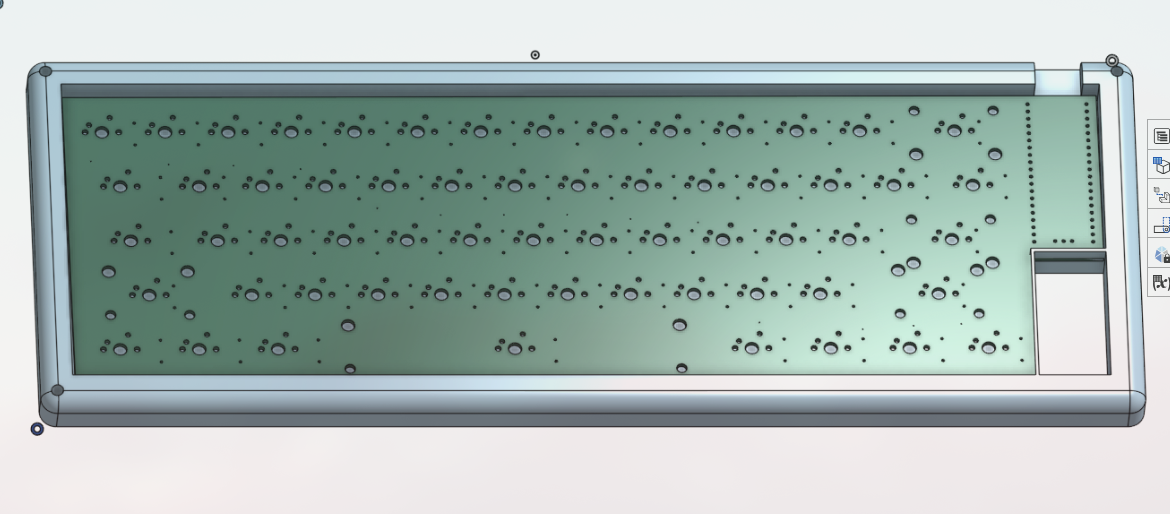
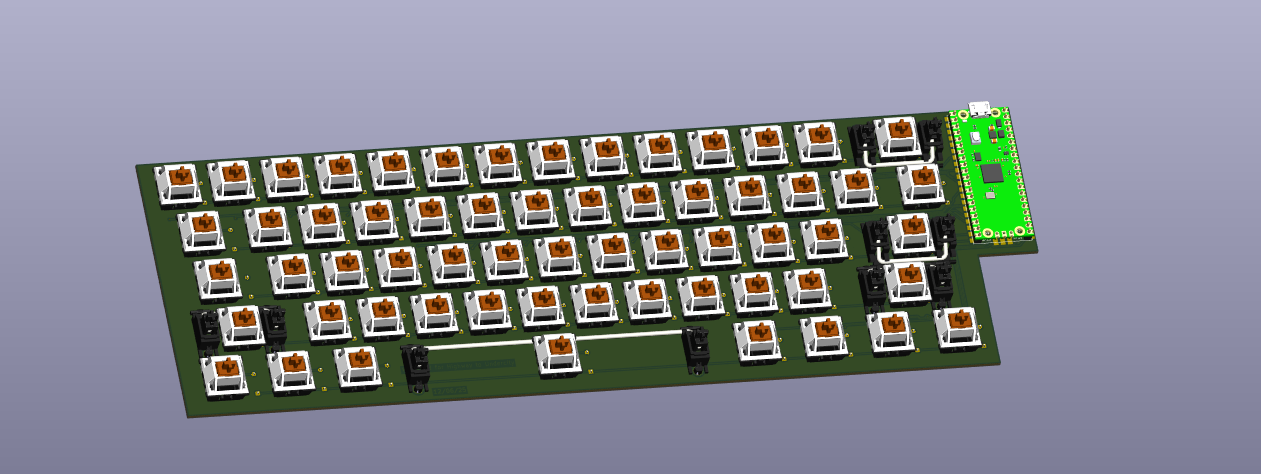
The step files for the keyboard are available in the CAD folder and also in the Production Folder.
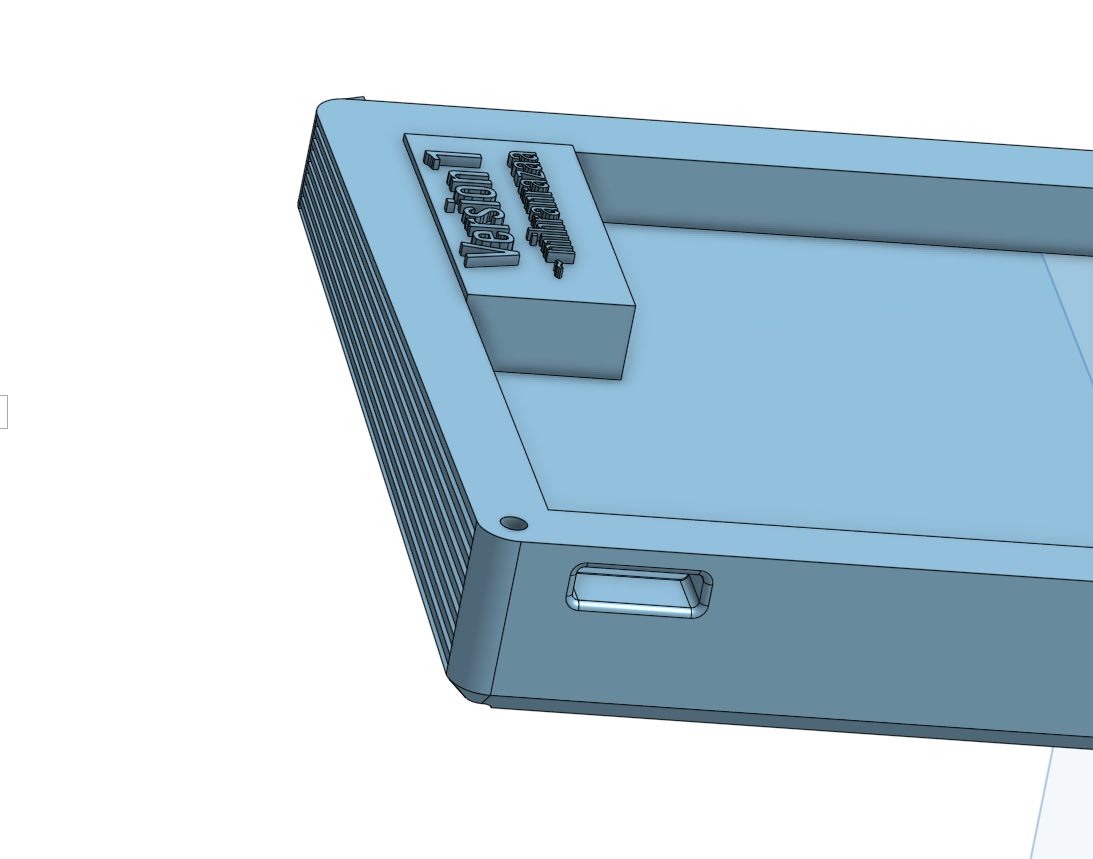
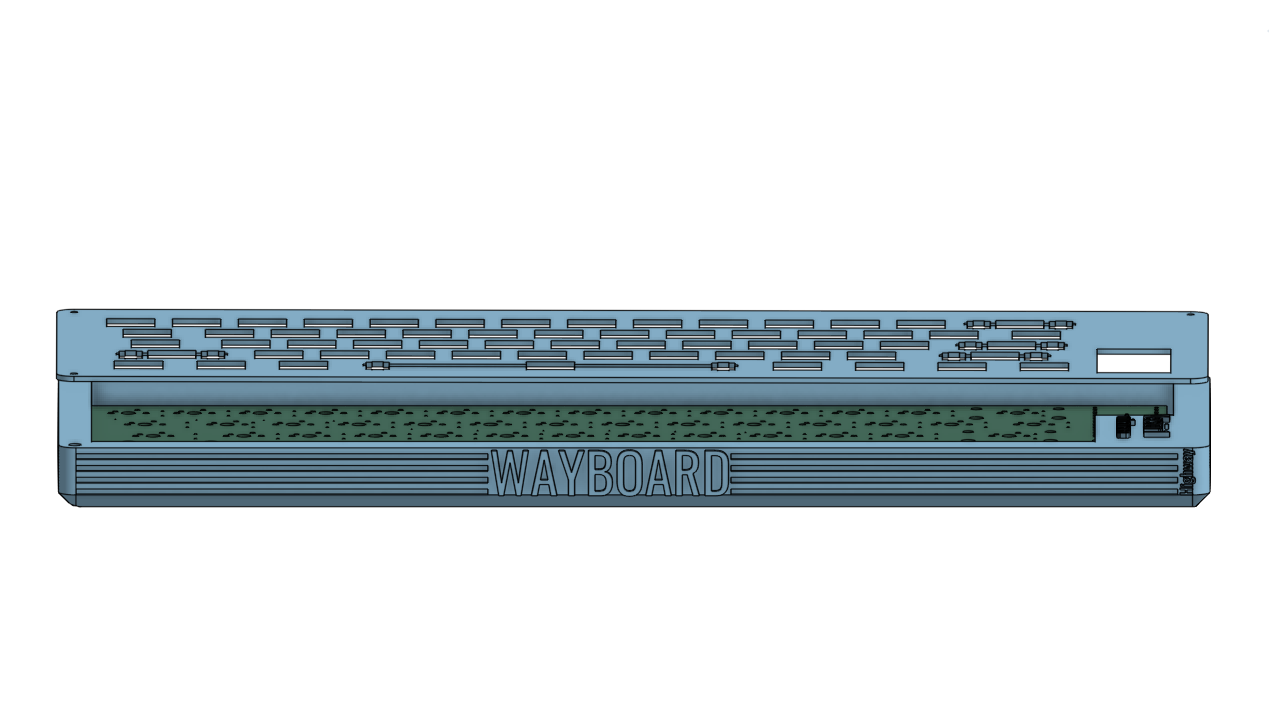
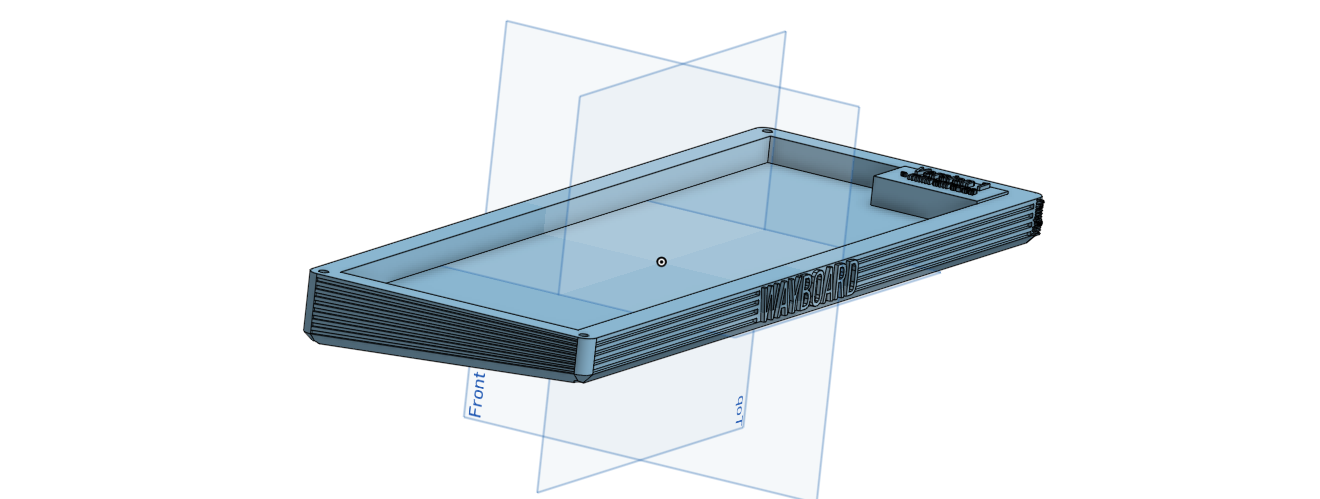
Can't add a combine image of pcb with components my laptop can't handle all that together.. Other than this you just have to purchase the Components given below and assemble them.
| Component | Quantity | Note | Price | Link |
|---|---|---|---|---|
| Cherry MX Switches(Brown) | 1 | Couldn't find a proper retailer on Amazon.They are selling for the right amount i think, | 32USD | Available |
| White Keycaps set | 1 | Good Asthetics are important I will keep the body grey :) | 25USD | Available |
| Stabilizer set | 1 | It has 2 extra Stabilizers just in case.. | 20USD | Available Available |
| Case & PCB | 1 | I will make them through any local business | 15-20USD | |
| TOTAL | 100USD |
Other than this you also need M3 srews but i didn't included them as i already have them..
Check my BLOG ~ mihranrazaa
BYEEE
| Qty | Value | Footprint | References |
|---|---|---|---|
| 61 | 1N4148 | Diode_THT:D_DO-35_SOD27_P7.62mm_Horizontal | D1, D2, D10, D11, D12, D13, D14, D15, D16, D17, D18, D19, D20, D21, D22, D23 +45 |
| 51 | Switch | PCM_marbastlib-mx:SW_MX_1u | SW1, SW2, SW10, SW11, SW12, SW13, SW14, SW16, SW17, SW18, SW19, SW20, SW21, SW22, SW23, SW24 +35 |
| 7 | Switch | PCM_marbastlib-mx:SW_MX_1.25u | SW54, SW55, SW56, SW58, SW59, SW60, SW61 |
| 2 | MX_stab | PCM_marbastlib-mx:STAB_MX_P_2.25u | S3, S4 |
| 2 | Switch | PCM_marbastlib-mx:SW_MX_1.5u | SW15, SW28 |
| 1 | MX_stab | PCM_marbastlib-mx:STAB_MX_P_2.75u | S5 |
| 1 | MX_stab | PCM_marbastlib-mx:STAB_MX_P_2u | S2 |
| 1 | MX_stab | PCM_marbastlib-mx:STAB_MX_P_6.25u | S1 |
| 1 | Raspberry_Pi_Pico | JoeScottoMCU:Raspberry_Pi_Pico | U1 |
| 1 | Switch | PCM_marbastlib-mx:SW_MX_1.75u | SW29 |
It measures 311.9 × 100 mm and has 2 copper layers, 1.6 mm thick.
128 parts. The full list of its parts is on this page, with links to each part's symbol and footprint where PCBKit's library has them.
From the mihranrazaa/WayBoard repository on GitHub, at the commit this page was made from: the board is PCB/Keyboard.kicad_pcb and its schematic PCB/Keyboard.kicad_sch. PCBKit opens the board in the browser, with nothing to install.
Its repository publishes it under the MIT licence: you may reuse it on that licence's terms (keep the author's notice, and for a copyleft licence share your changes alike).

ctag-fh-kiel/ctag-tbd
CTAG TBD >>to be determined<< an extendible open source Eurorack sound module

QuinnFreedman/modular
A collection of free & open source DIY synthesizer module designs for Eurorack


yanghu/unicorne
A one-piece 40% ortho keyboard design inspired by crkbd, Kyria and Ferris.

kerikun11/IR-Station
Infrared Remote Controller with ESP8266 WiFi-module. You can control your home appliances with your smartphone or laptop.
