2 layers60 × 30 mm
Controller
google/mozc-devices
Circuit diagrams and firmware source code for Gboard DIY keyboards
11 parts3kApache-2.0
 lava-developer/Custom-Macropad
A macropad made by me for personal use.
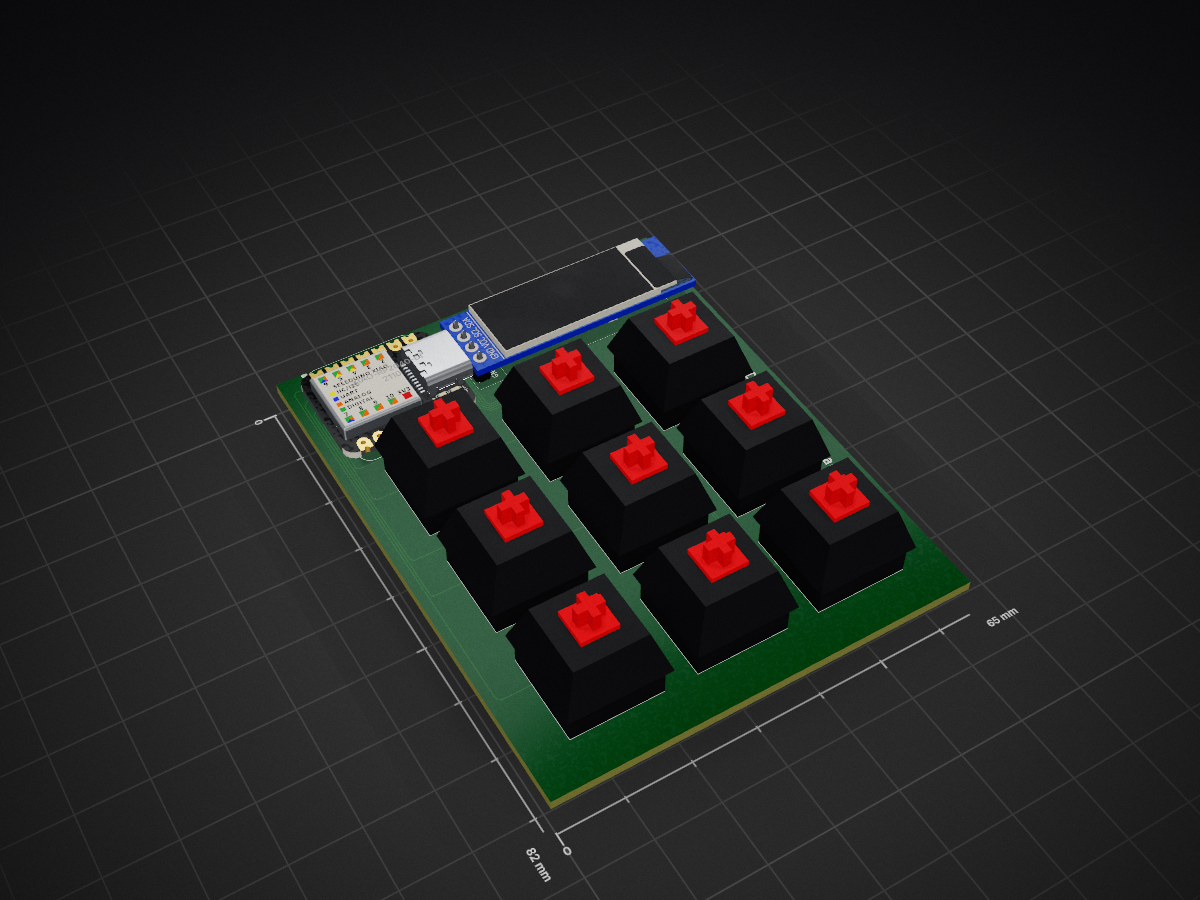
Macropad is an open-source printed circuit board by lava-developer, from the lava-developer/Custom-Macropad repository on GitHub. It is a 2-layer board of 65 × 82 mm with 11 parts on 14 nets, routed with 114 tracks and 0 vias.
Its parts include 9 switches, 1 IC and 1 diode. It belongs with the keyboards and input boards and the RP2040 boards of this library.
A macropad made by me for personal use
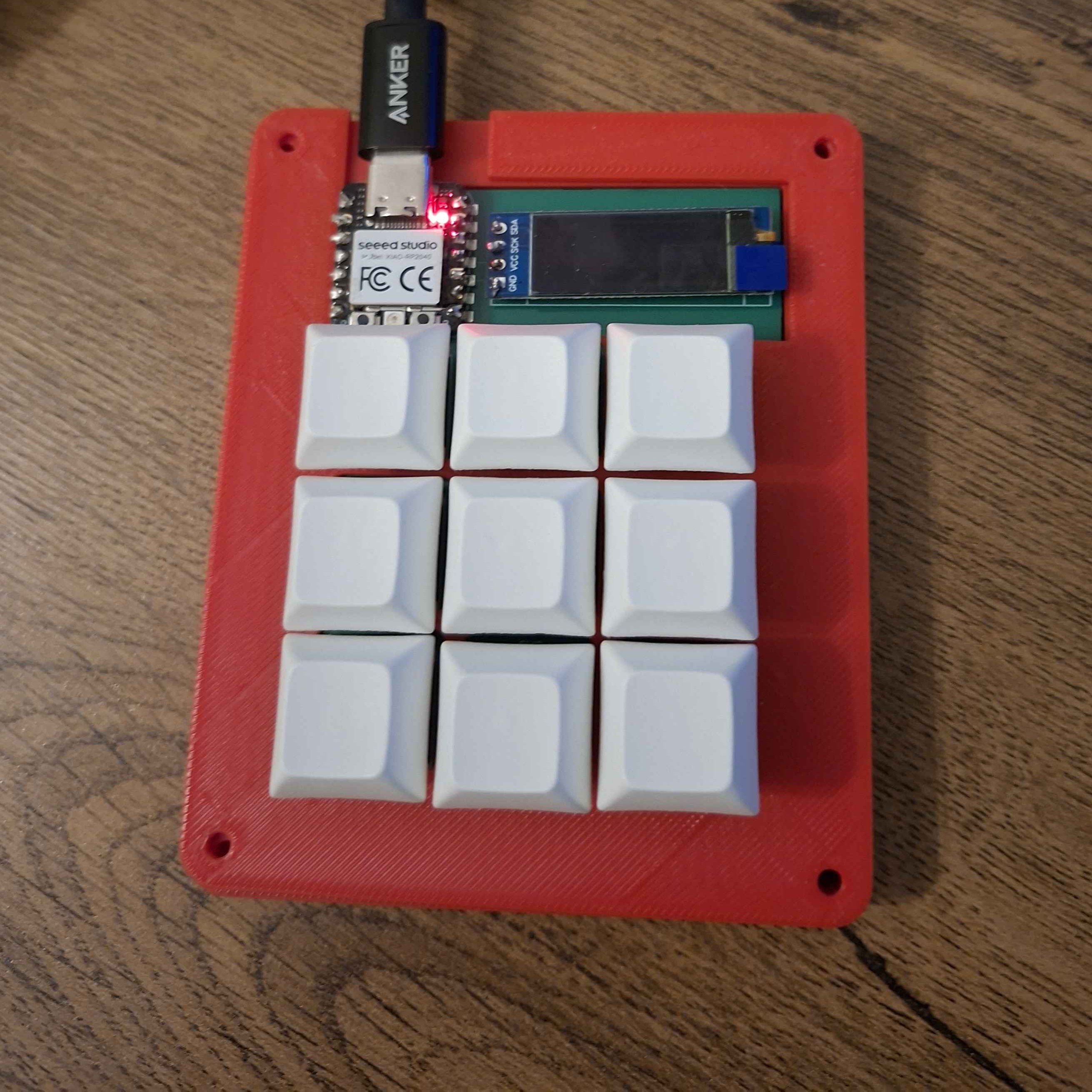
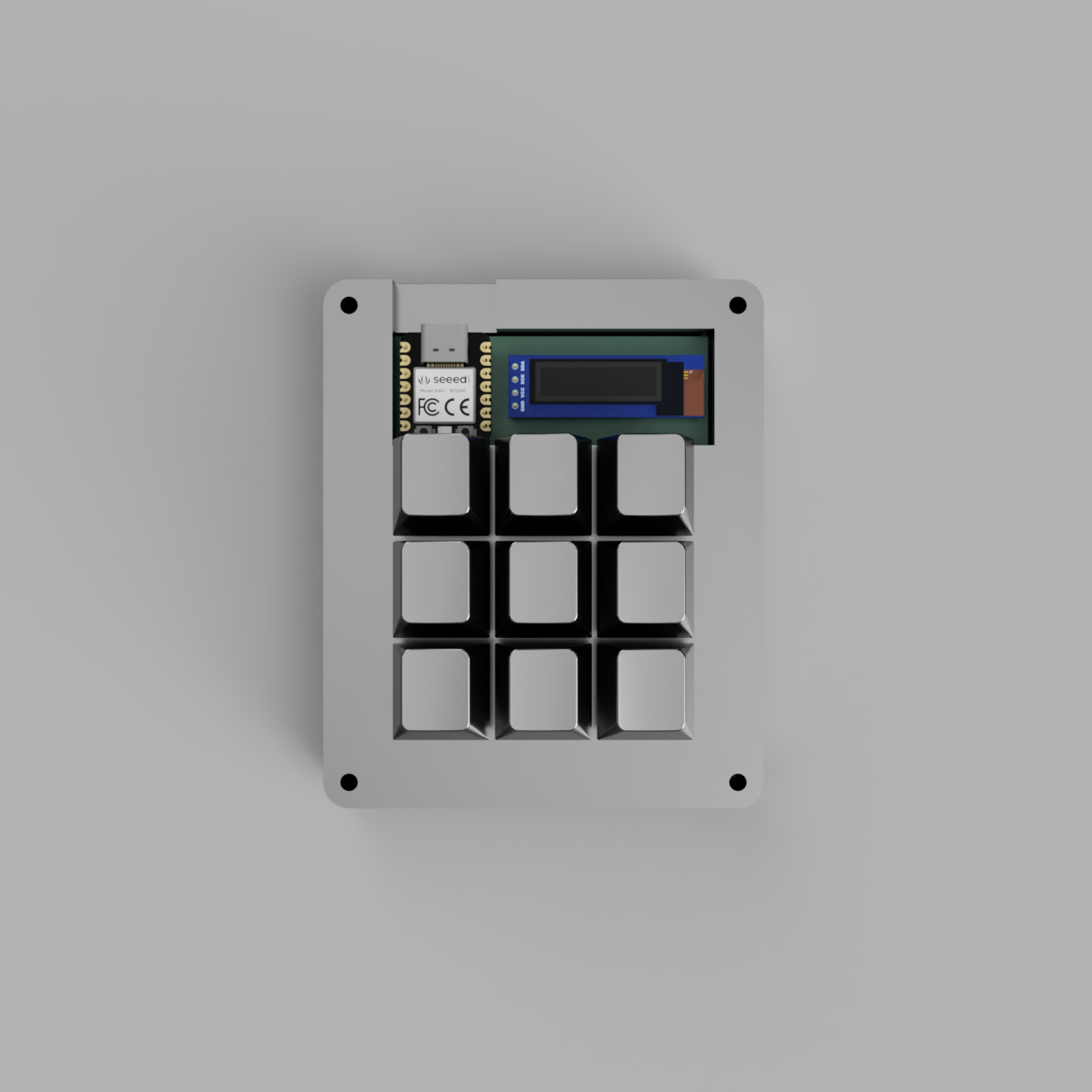
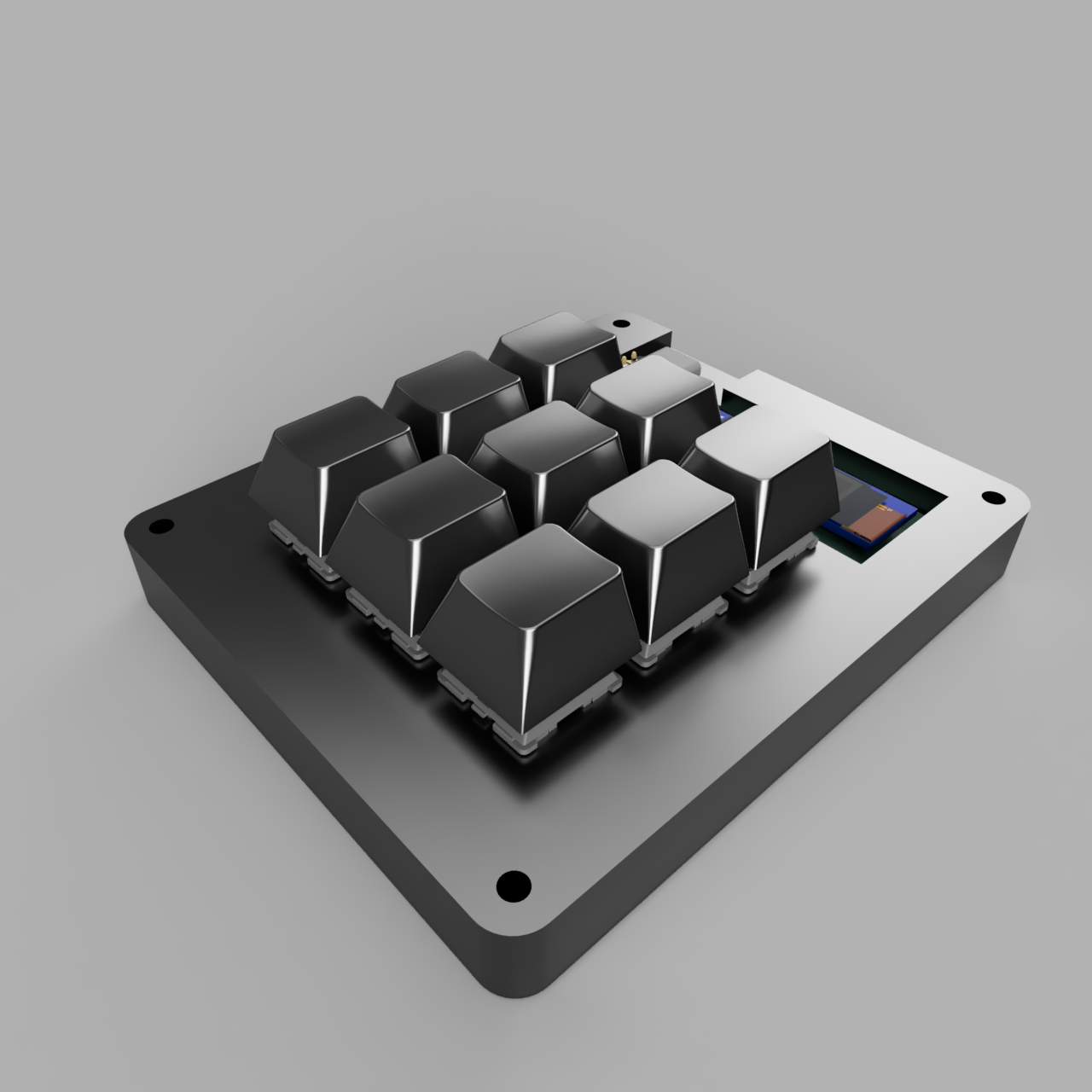
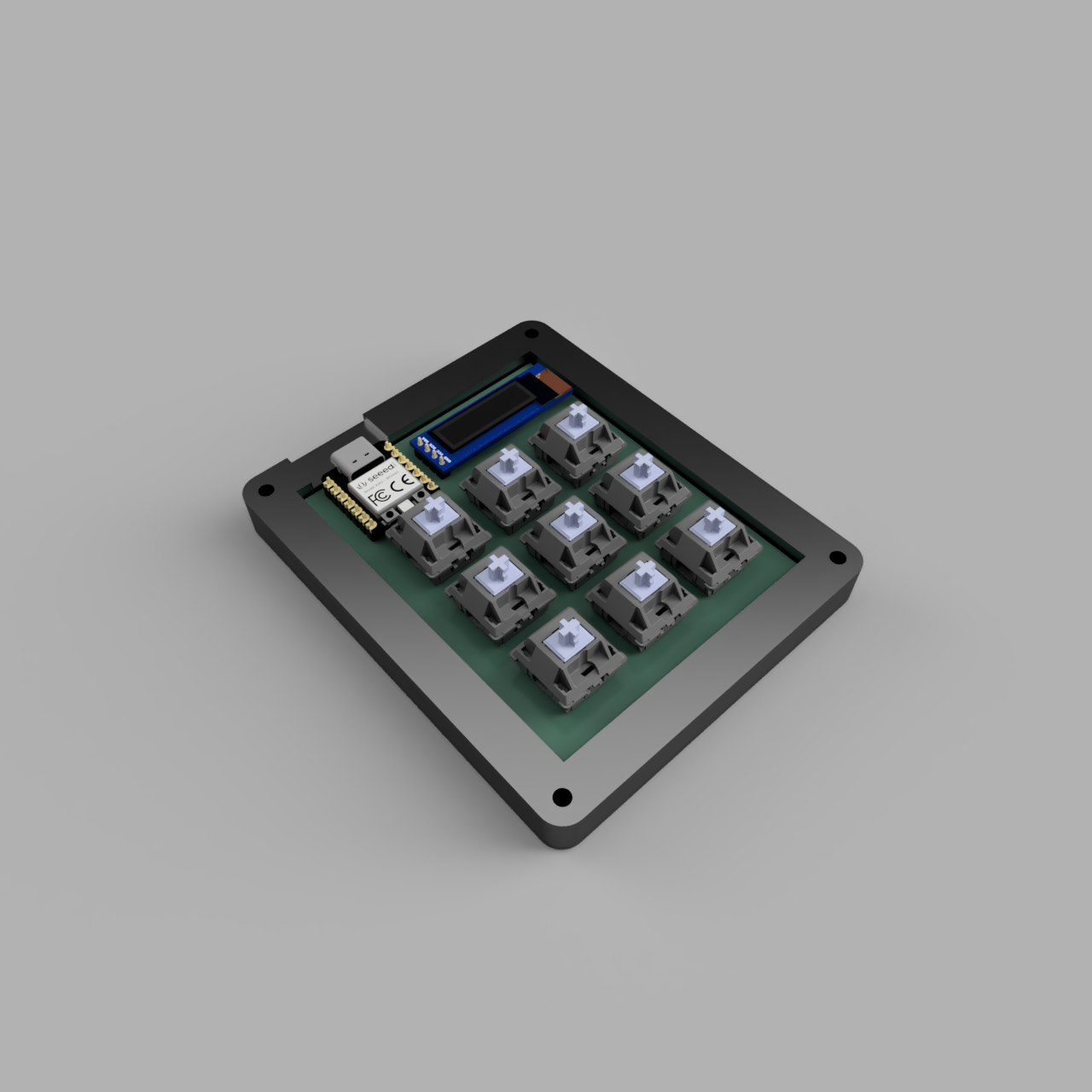
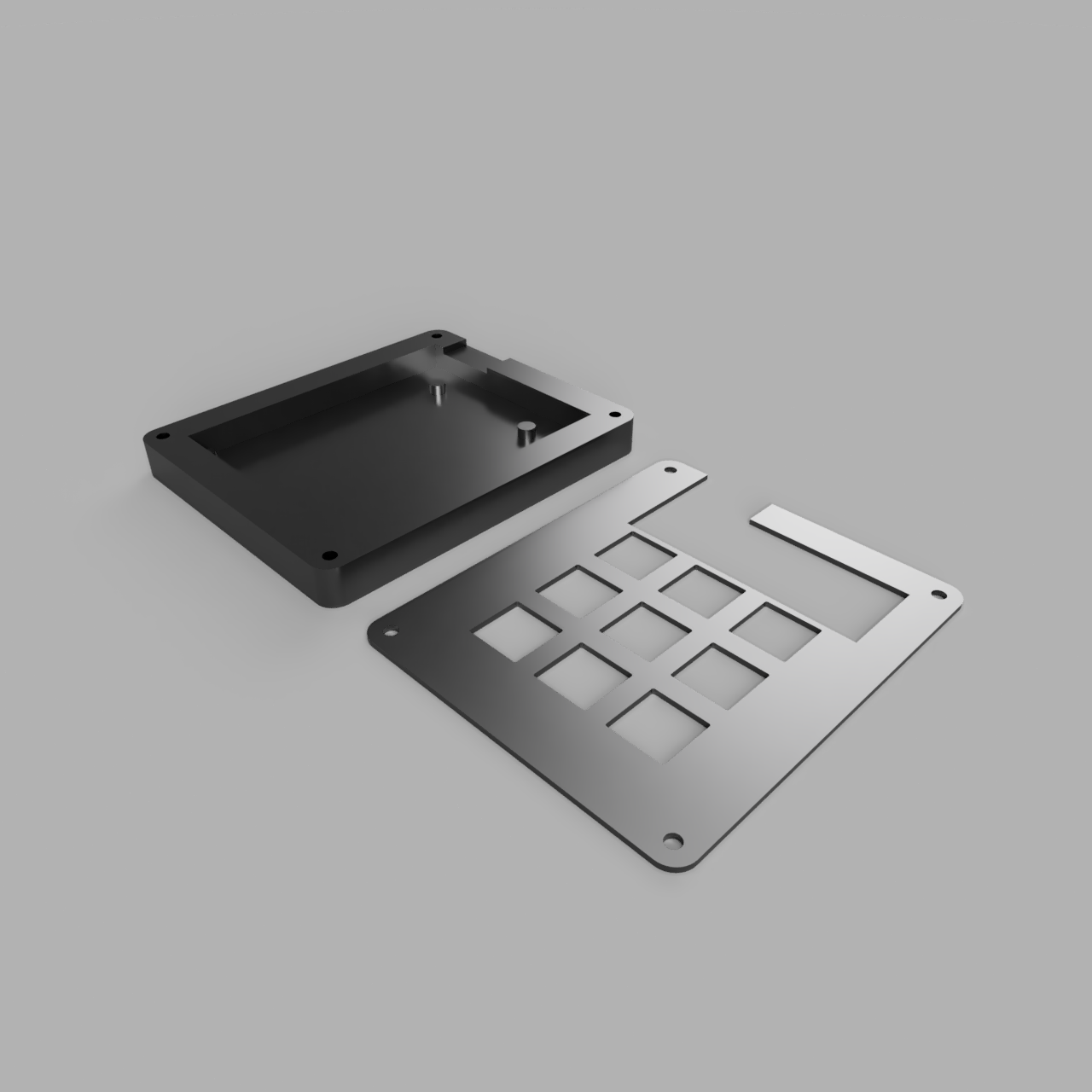
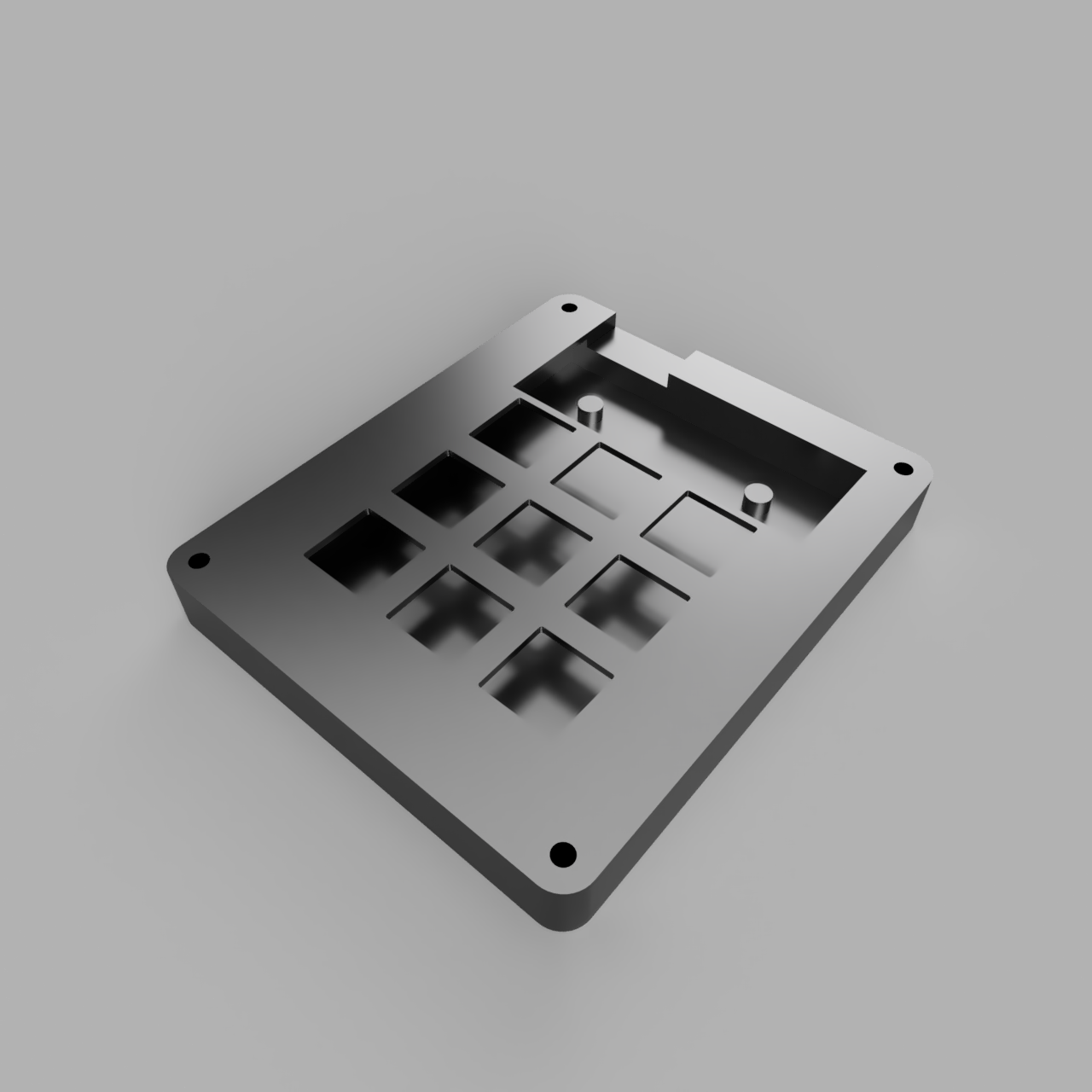
| Case | Case - Assembled |
|---|---|
 |  |
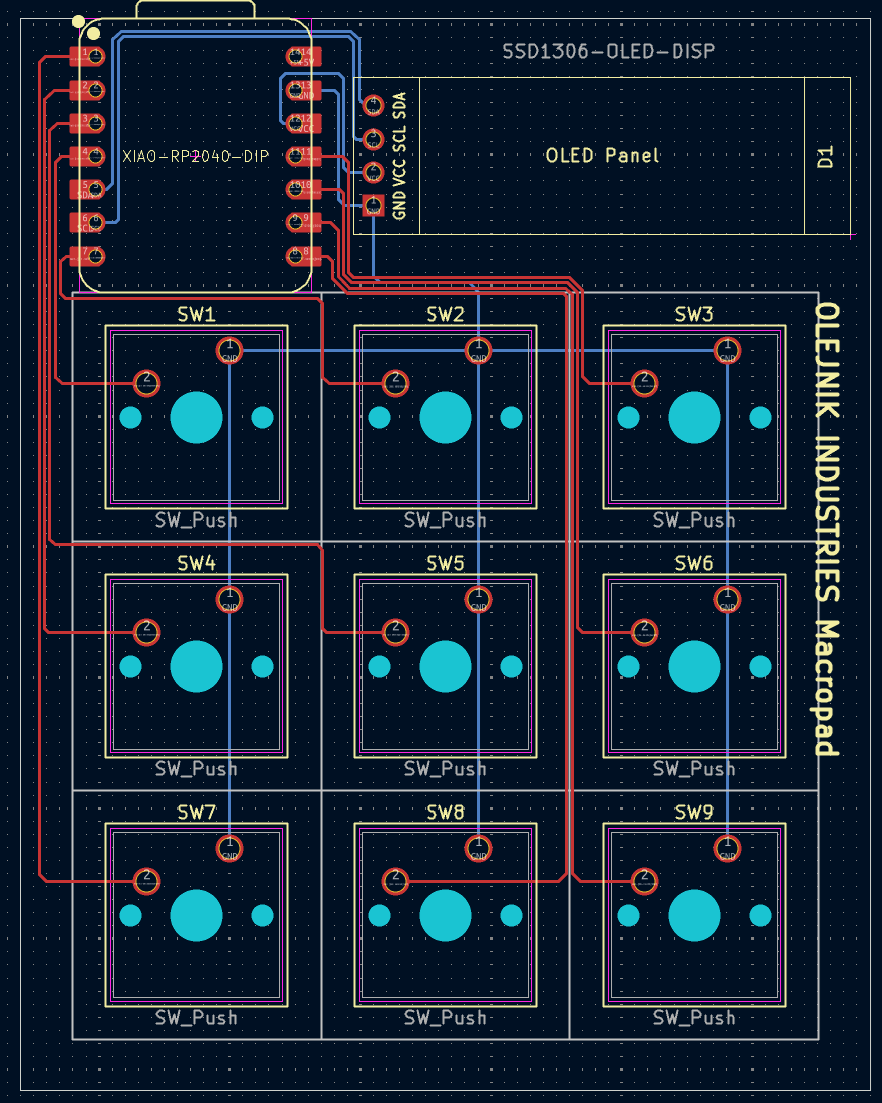
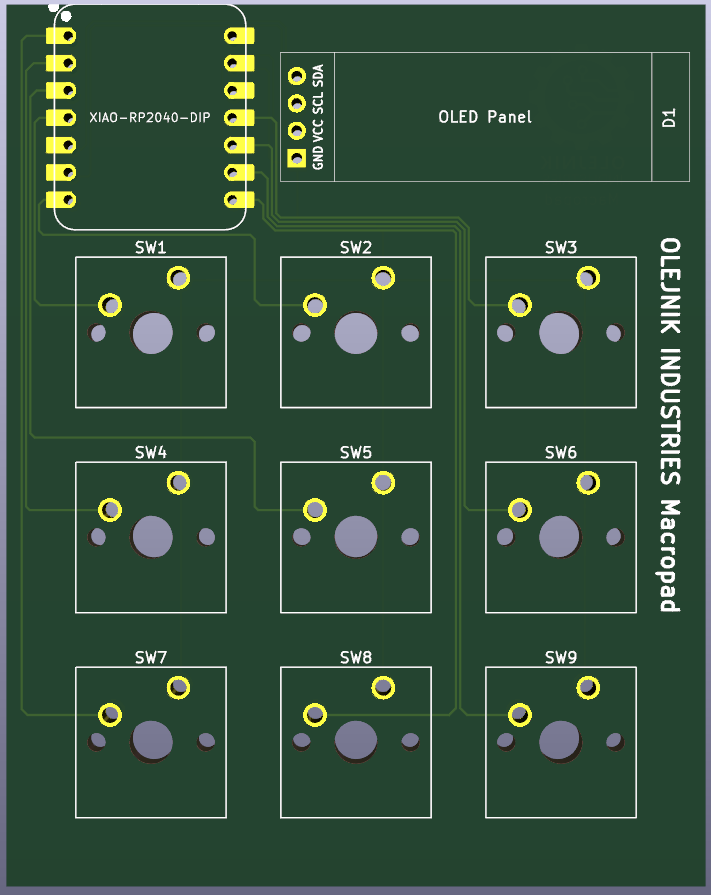
| Schematic | PCB | PCB - 3D Render |
|---|---|---|
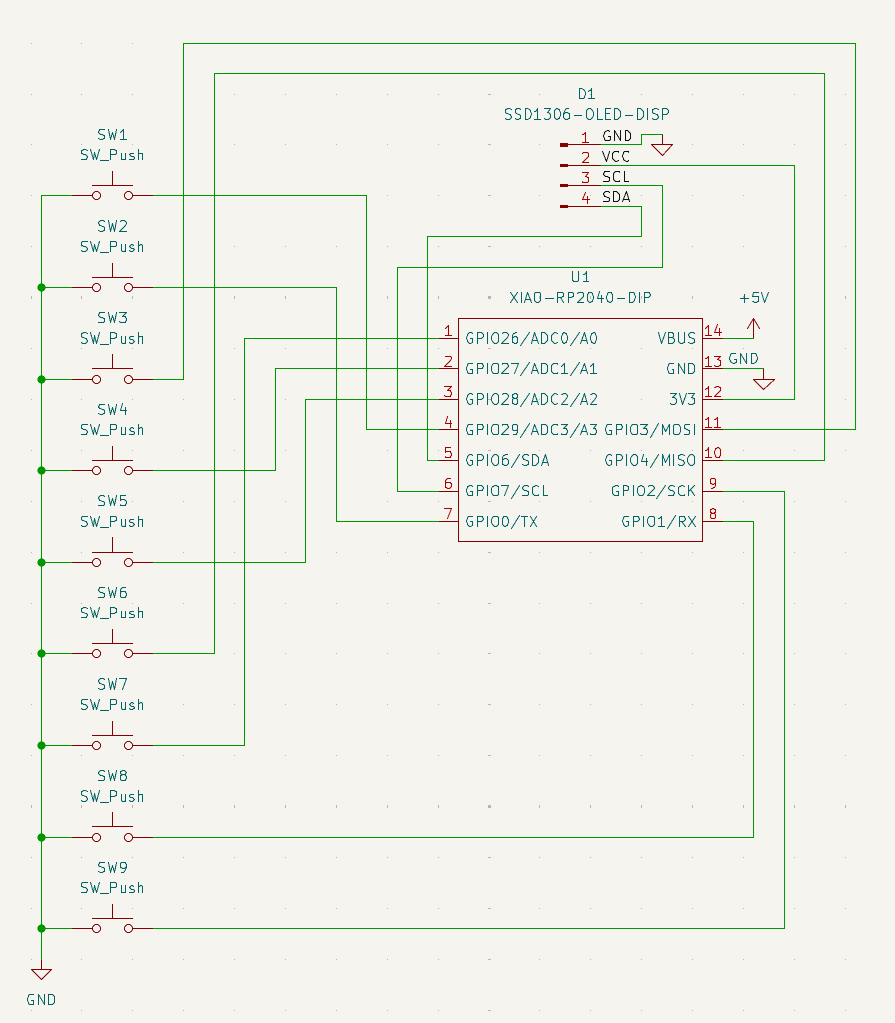 |  |  |
My keyboard doesn't have a numpad and I needed more keys for 3D modelling, programming and designing.
The macropad features 9 programmable keys and a programmable 128x32 OLED display. It runs on the Seeed Studio XIAO RP2040 microcontroller.
The current firmware in the main.py file makes the thing a simple 1-9 numpad but it is easily changeable to serve desired purposes.
For this project I needed to learn KiCad and PCB design, as well as get better at python.
BOM:
1x Seeed Studio XIAO RP2040
9x Cherry MX Switches
9x Blank DSA Keycaps
1x SSD1306 0.91" OLED Display
4x M3 Heatset Insert
4x M3x16 Bolt
Other:
Custom PCB
3D-printed case: Bottom Case, Top Case
KMK software
| Qty | Value | Footprint | References |
|---|---|---|---|
| 9 | SW_Push | Button_Switch_Keyboard:SW_Cherry_MX_1.00u_PCB | SW1, SW2, SW3, SW4, SW5, SW6, SW7, SW8, SW9 |
| 1 | SSD1306-OLED-DISP | Display:SSD1306-0.91-OLED-4pin-128x32 | D1 |
| 1 | XIAO-RP2040-DIP | Seeed Studio XIAO Series Library:XIAO-RP2040-DIP | U1 |
google/mozc-devices
Circuit diagrams and firmware source code for Gboard DIY keyboards


FrameworkComputer/ExpansionCards
Reference designs and documentation to create Expansion Cards for the Framework Laptop

hoglet67/RGBtoHDMI
Bare-metal Raspberry Pi project that provides pixel-perfect sampling of Retro Computer RGB/YUV video and conversion to HDMI

hackclub/OnBoard
💡 Join 1,000 teenagers and make your first PCB with a $100 grant!


tardate/LittleArduinoProjects
a collection of "Little Electronic & Arduino Projects", most involving electronics or an Arduino in one way or another!

basilfx/TRADFRI-Hacking
Hacking IKEA TRÅDFRI products, such as light bulbs, window blinds and other accessories.
It measures 65 × 82 mm and has 2 copper layers, 1.6 mm thick.
11 parts. The full list of its parts is on this page, with links to each part's symbol and footprint where PCBKit's library has them.
From the lava-developer/Custom-Macropad repository on GitHub, at the commit this page was made from: the board is PCB/macropad.kicad_pcb and its schematic PCB/OPL_Kicad_Library/Grove Vision AI V2 Library/Grove - Vision AI Module V2.kicad_sch. PCBKit opens the board in the browser, with nothing to install.
Its repository states no licence, so its author keeps all rights: ask lava-developer before reusing the design.