4 layers108 × 25.3 mm
64MB SIMM
herzmx/cps3-nos
CPS3 NOS is an alternative to the original SIMMs for CPS3; currently, the available options include clone SIMMs with old-stock FLASH memory and Ultra SIMMs by DS.
39 parts12

 herzmx/cps3-nos12
CPS3 NOS is an alternative to the original SIMMs for CPS3; currently, the available options include clone SIMMs with old-stock FLASH memory and Ultra SIMMs by DS.
SIMM SWITCH is an open-source printed circuit board by herzmx, from the herzmx/cps3-nos repository on GitHub. It is a 2-layer board of 122.5 × 36.6 mm with 7 parts on 4 nets, routed with 72 tracks and 13 vias.
Its parts include 6 connectors and 1 switch.

CPS3 NOS is an alternative to the original SIMMs for CPS3; currently, the available options include clone SIMMs with old-stock FLASH memory and Ultra SIMMs by DS.
The project shares similarities with UltraSIMM but is not based on it. Instead, it is a new implementation built using publicly available pinouts and CPS3 schematics from FPGA projects.
The initial design aimed to use SPANSION NOR FLASH as the main memory, but this proved unfeasible due to speed limitations causing significant instability. As a result, MICRON NOR FLASH was used instead. While this is the same type of memory used in UltraSIMM and shares its pinout, but it's not directly compatible with UltraSIMM/UltraBIOS setup, because it is an entirely separate implementation.
The primary purpose of this project is to provide an alternative to SIMMs for catridges with original keys and battery, addressing the risks involved when updating the BIOS using the CPS3 SIMM/CARTRIDGE PORT ADAPTER for OSCR. This project is not intended to create a new multi-SIMM solution. Given this primary purpose, it is very likely that UltraSIMM would also works on catridges with original keys and battery, though I do not have access to one to confirm.
An issue was previously identified with the 128MB NOS module, causing intermittent problems after extended use and potentially impacting game performance.
This has been fixed by replacing the LS148 logic with LVC00 and LVC08 gates to handle bank switching on the 128MB memory. This change improved response speed, resulting in consistent and stable reads.
If you built a module before this fix, we recommend updating to the latest source files.
Gerber, BOM, and POS files are provided in the hw directory. You can send them directly to a PCB fabrication company or assemble the boards yourself.
When assembling, consider that the minimum pitch is 0.5mm, and the footprint for capacitors and resistors is 0603.
Important!!!, PCB tickness it's 1.2mm
For 64MB SIMMs, you can use the following parallel NOR FLASH memory chips:
For 128MB SIMMs, only Micron MT28EW01G parallel NOR FLASH is supported. During development and testing, Spansion memory did not work as expected with bank switching on the 128MB SIMM.
CPS3 can only handle four types of FLASH memory due to the instructions used for flashing new games through the system, these instructions are supported and coded in the BIOS.
To make a new NOR FLASH memory compatible with CPS3, a BIOS patch is required.
The bios_patch.py script allows you to apply patches to your current BIOS, adding compatibility for SPANSION and MICRON NOR FLASH.
For example, if you have a dump of Street Fighter III 3rd Strike, you can execute the following command to patch BIOS:
python bios_patch.py sfiii3_usa.29f400.u2 sfiii3| Before patch | After patch |
|---|---|
| MXCI | MXCI |
| SHARP/INTEL | SHARP/INTEL |
| HITACHI | SPANSION |
| MXIC | MICRON NOS/UltraSIMM |
Once the patch is applied, it's time to flash your updated BIOS onto the cartridge. There are two main methods you can use:
Using the CPS3 SIMM/CARTRIDGE PORT ADAPTER for OSCR
Traditional Method
Now your cartdrige it's compatible with NOS!
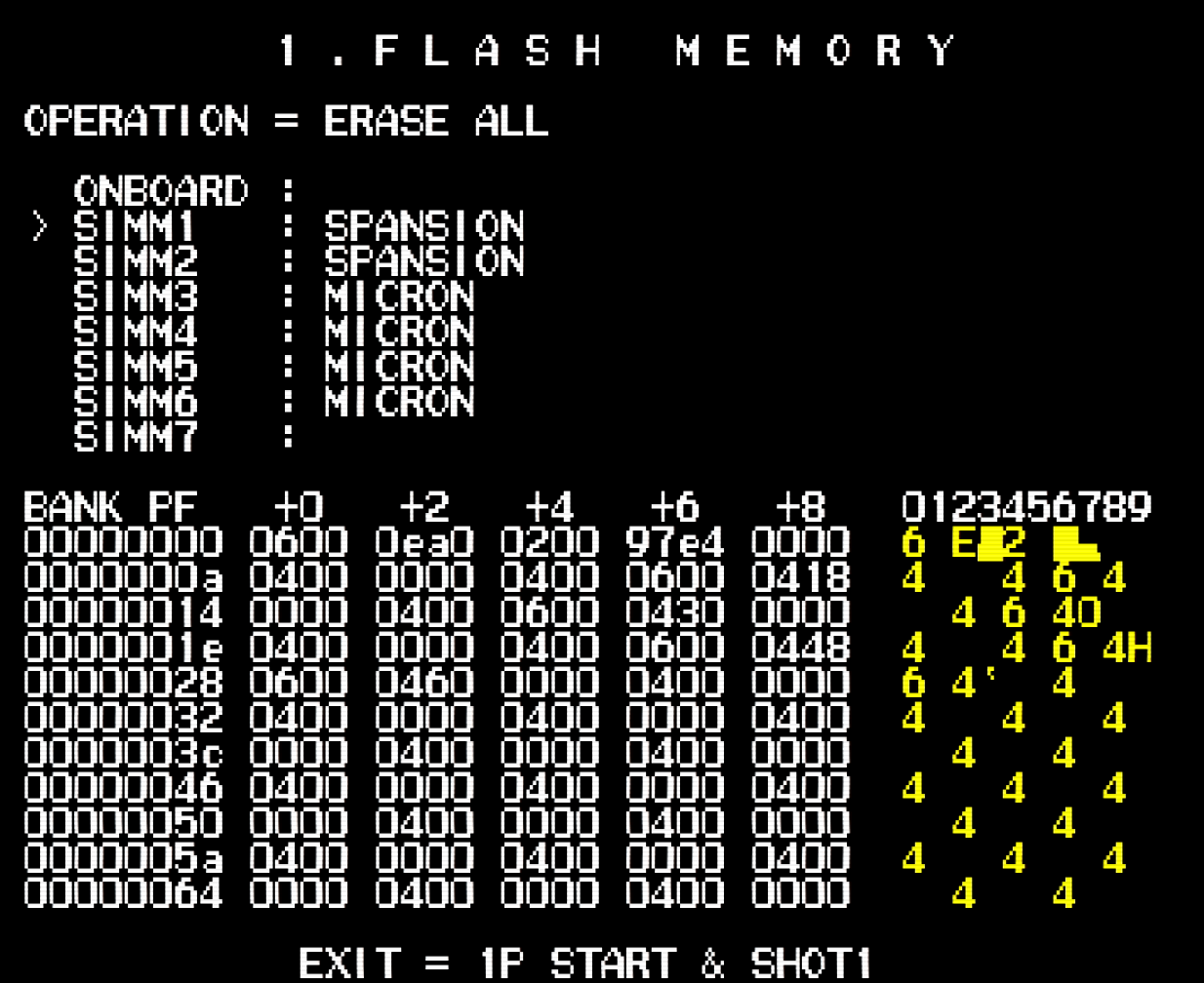
Currently, CPS3 NOS can only be programmed using the CPS3 SIMM/CARTRIDGE PORT ADAPTER for OSCR.
Dump or copy your CD-ROM files and organize them into a directory. For example, for Street Fighter III: 2nd Impact, the directory structure should look like this:
CDROM
└── SFIII2
    ├── 10
    ├── 20
    ├── 30
    ├── 31
    ├── 40
    ├── 41
    ├── 50
    ├── 51
    ├── 90
    ├── 91
    ├── 92
    └── 93
Concatenate files for each SIMM
Example (using a Unix terminal):
	cat WAZARD/10WZ SFIII/10NG SFIII2/10 JOJO/10JO SFIII3B/103S2 JOJOBA/10JB > NOS10

   cat WAZARD/10WZFix SFIII/10NG SFIII2/10 JOJO/10JO SFIII3B/103S2 JOJOBA/10JB > NOS10

   cat WAZARD/20WZ SFIII/20NG SFIII2/20 JOJO/20JO SFIII3B/203S2 JOJOBA/20JB > NOS20

   cat WAZARD/30WZ WAZARD/31WZ SFIII/30NG SFIII/31NG SFIII2/30 SFIII2/31 JOJO/30JO JOJO/31JO SFIII3B/303S2 SFIII3B/313S2 JOJOBA/30JB JOJOBA/31JB > NOS30

   cat WAZARD/40WZ WAZARD/41WZ SFIII/40NG SFIII/41NG SFIII2/40 SFIII2/41 JOJO/40JO JOJO/41JO SFIII3B/403S2 SFIII3B/413S2 JOJOBA/40JB JOJOBA/41JB > NOS40

   cat WAZARD/50WZ WAZARD/51WZ SFIII/50NG SFIII/51NG SFIII2/50 SFIII2/51 JOJO/50JO JOJO/51JO SFIII3B/503S2 SFIII3B/513S2 JOJOBA/50JB JOJOBA/51JB > NOS50

   cat WAZARD/60WZ WAZARD/61WZ SFIII/60NG SFIII/61NG SFIII2/60 SFIII2/61 JOJO/60JO JOJO/61JO SFIII3B/603S2 SFIII3B/613S2 JOJOBA/60JB JOJOBA/61JB > NOS60
Important Notes
10 as 20 for SIMM 2.50 four times for SIMM 5.40 as 60 for SIMM 6.| 1 | 2 | 3 | 4 | 5 | 6 | |
|---|---|---|---|---|---|---|
| Street Fighter III: New Generation | 64MBit | - | 128MBit | 128MBit | 32MBit | - |
| Street Fighter III: New Generation (filled) | 64MBit | 64MBit | 128MBit | 128MBit | 128MBit | 128MBit |
Alternatively, you can use the ds2nos.py script to convert UltraSIMM files to NOS format.
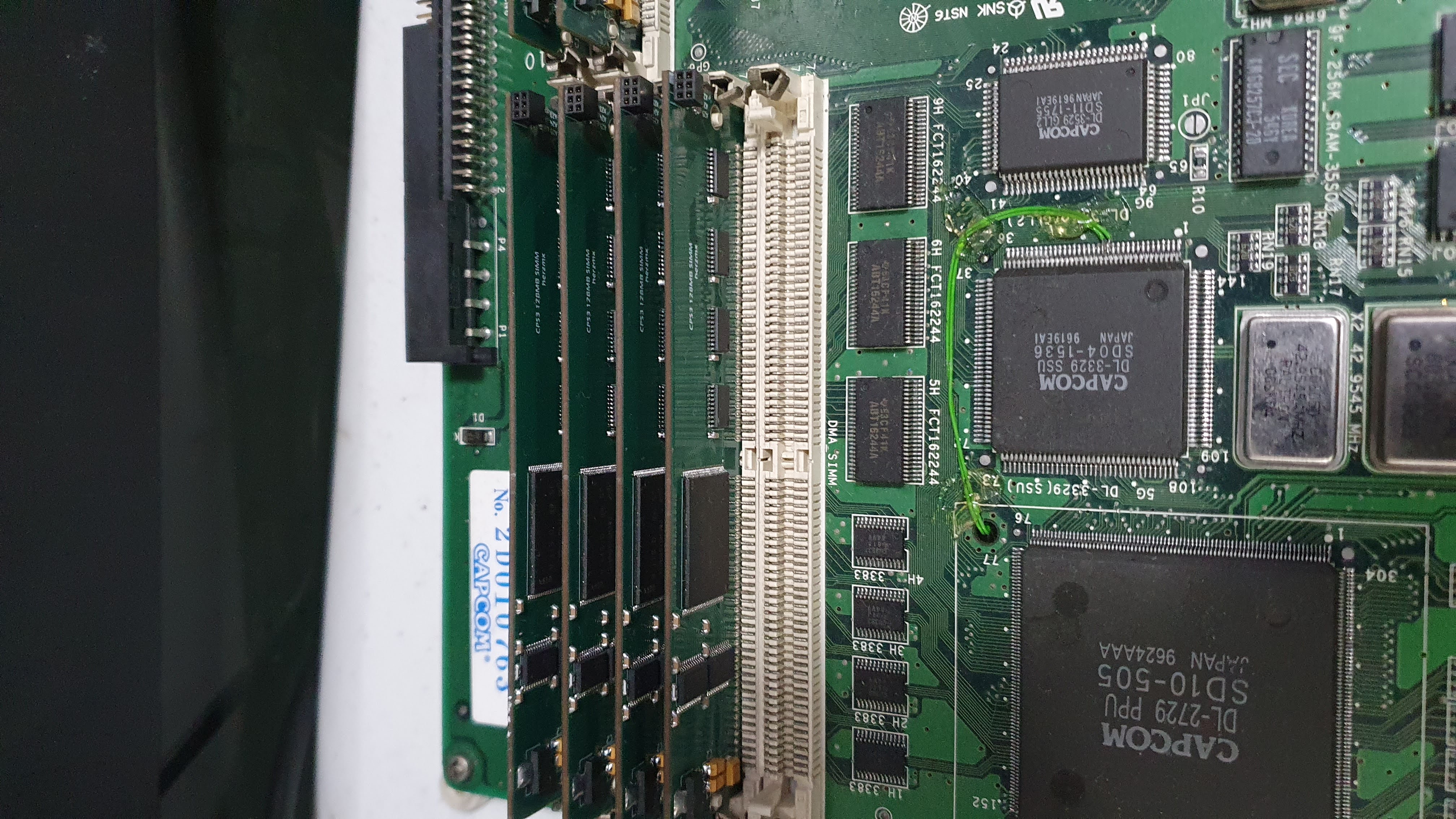
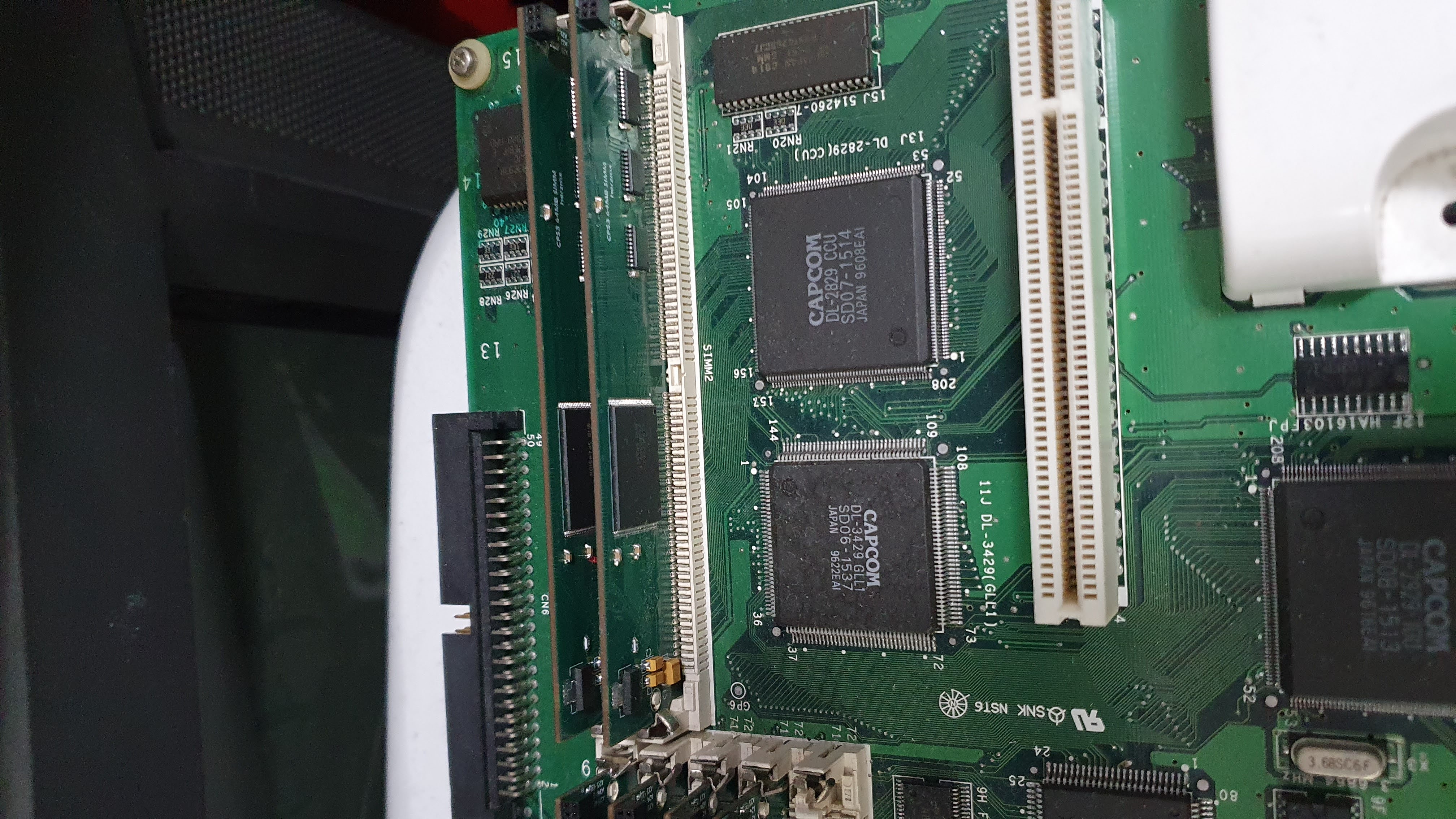
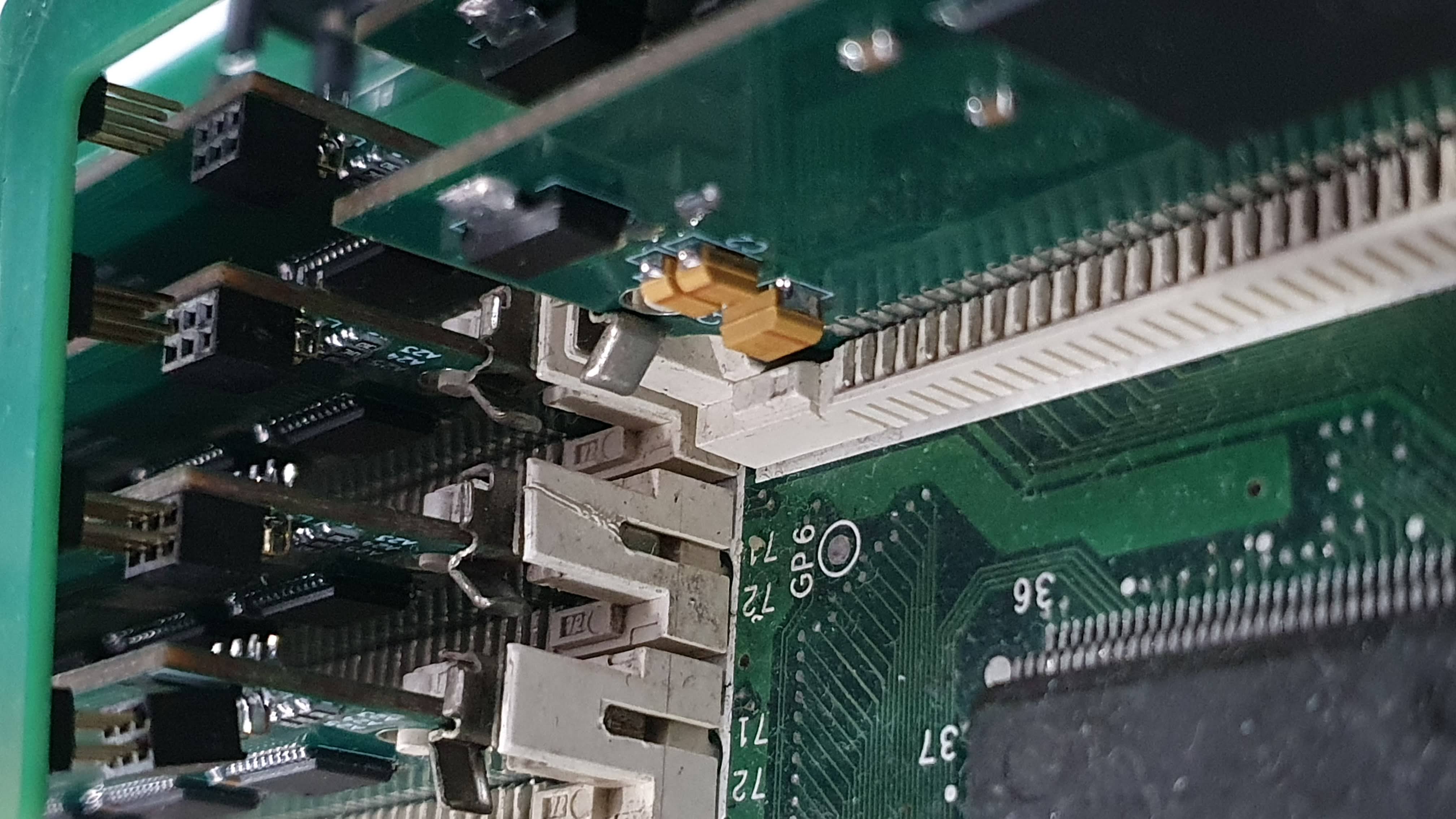
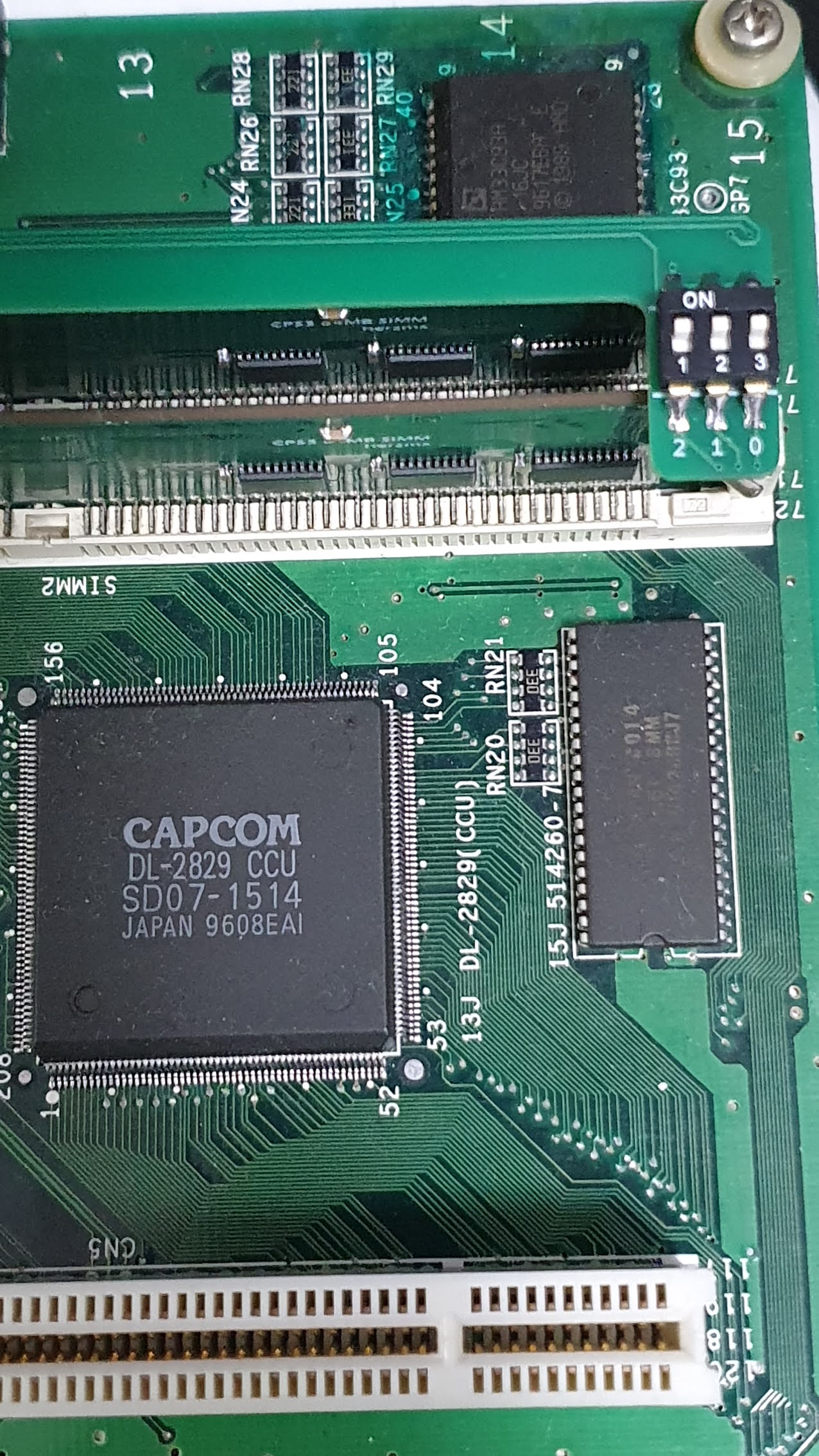
The CPS3 SIMM/CARTRIDGE PORT ADAPTER for OSCR has designated slots for 64M and 128M SIMMs. Insert your NOS into the corresponding slot and connect the headers for additional addressing.
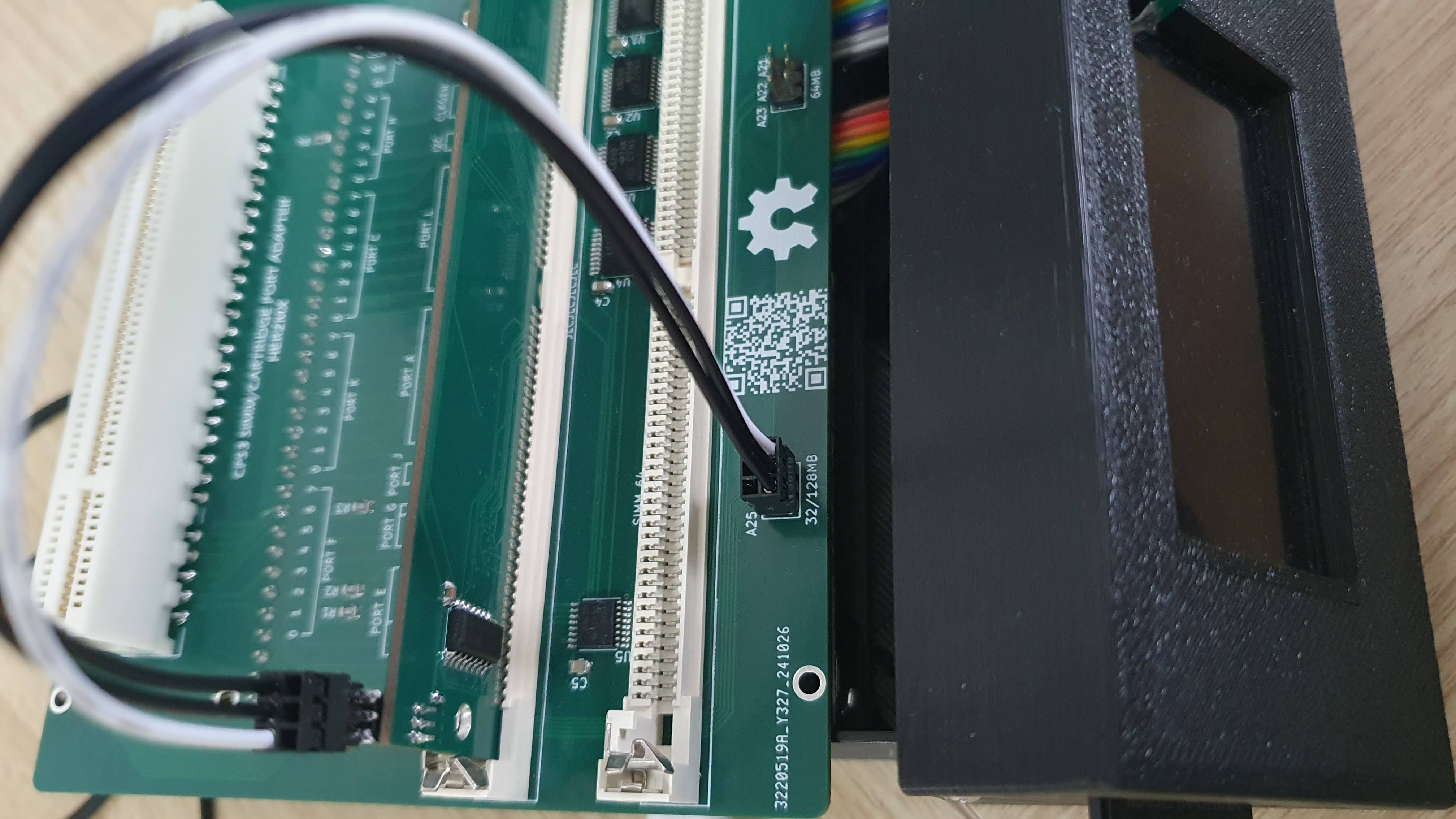
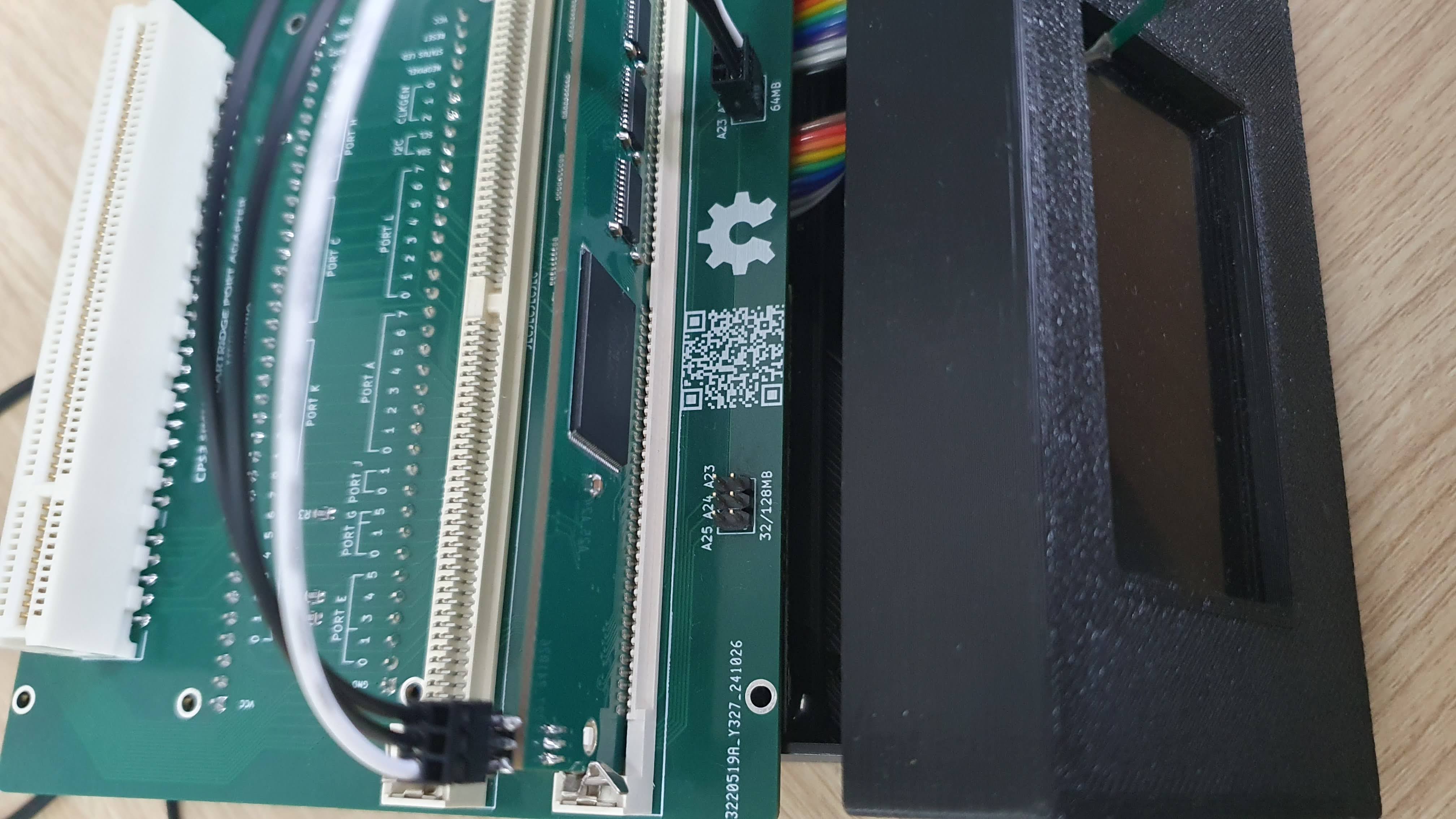
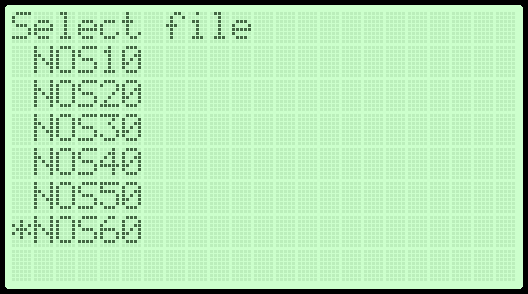
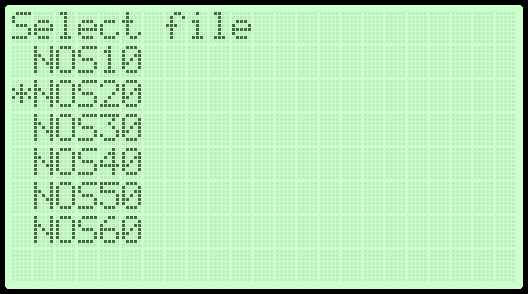
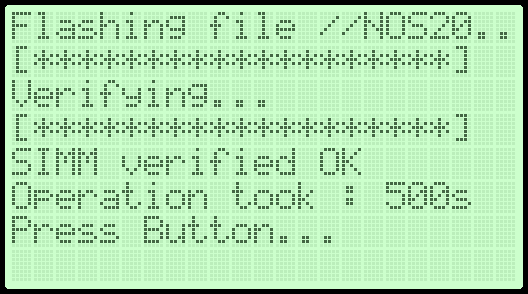
Prepare your SD, copy NOS10* to NOS60* in root
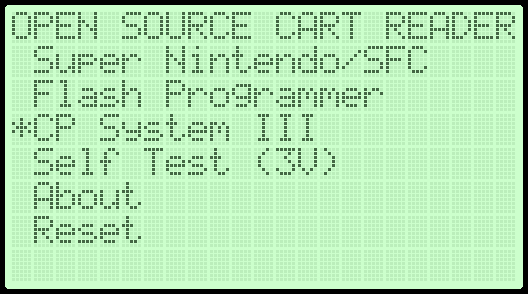
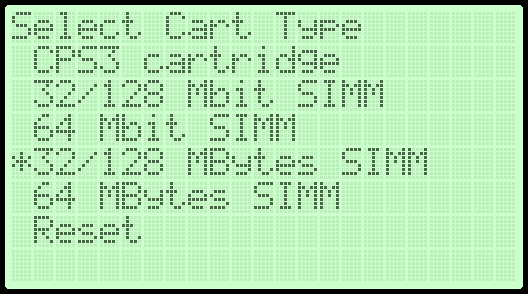
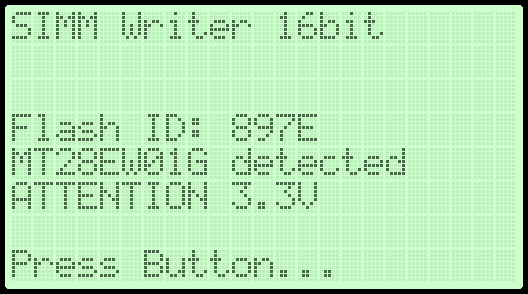
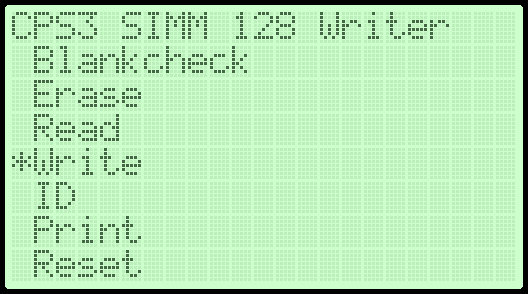
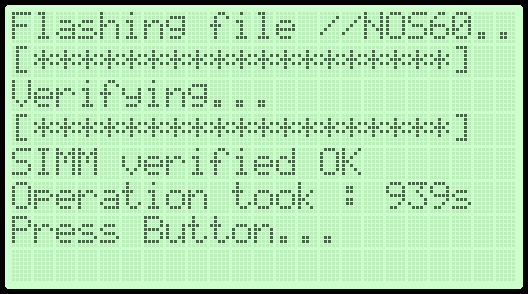
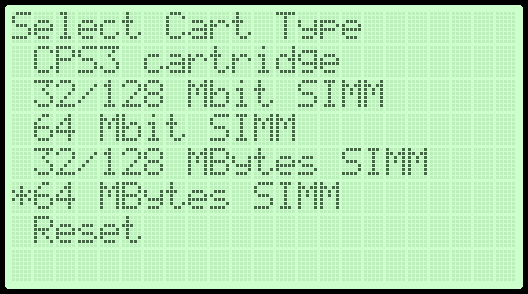
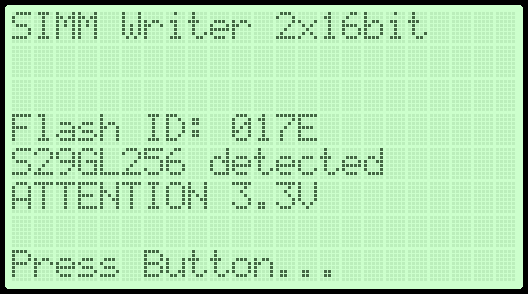
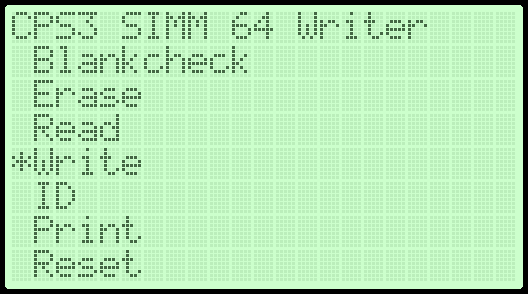
Use Capcom System III menu options to write files
128 MB
64 MB
| SW Config | |
|---|---|
 | GAME 1 |
 | GAME 2 |
 | GAME 3 |
 | GAME 4 |
 | GAME 5 |
 | GAME 6 |
 | GAME 7 |
 | GAME 8 |
I am not responsible for any damage to your CPS3 cartridges or system. At this time, it remains untested in live cartridges, so use it at your own risk!

This work is licensed under a Creative Commons Attribution-NonCommercial-ShareAlike 4.0 International. You are able to reusers to distribute, remix, adapt, and build upon the material in any medium or format for noncommercial purposes only, and only so long as attribution is given. If you remix, adapt, or build upon the material, you must license the modified material under identical terms.
| Qty | Value | Footprint | References |
|---|---|---|---|
| 6 | Conn_02x03_Odd_Even | Connector_PinHeader_1.27mm:PinHeader_2x03_P1.27mm_Vertical_SMD | J1, J2, J3, J4, J5, J6 |
| 1 | SW_DIP_x03 | CPS3:SW-SMD_6P-L8.6-W6.2-P2.54-LS9.8 | SW1 |
herzmx/cps3-nos
CPS3 NOS is an alternative to the original SIMMs for CPS3; currently, the available options include clone SIMMs with old-stock FLASH memory and Ultra SIMMs by DS.

herzmx/cps3-nos
CPS3 NOS is an alternative to the original SIMMs for CPS3; currently, the available options include clone SIMMs with old-stock FLASH memory and Ultra SIMMs by DS.

byrantech/laptop
anyon_e, a highly integrated, high end, open source laptop. Attempt the impossible.


AxxAxx/AxxSolder
STM32 Based soldering station for JBC cartridges, 9-24 VDC and USB-PD power


jamro/tiny-engineer
A small desktop robot that brings an AI coding assistant to life, physically acting out when it reads files, thinks, writes code, and finishes work.

hoglet67/RGBtoHDMI
Bare-metal Raspberry Pi project that provides pixel-perfect sampling of Retro Computer RGB/YUV video and conversion to HDMI

It measures 122.5 × 36.6 mm and has 2 copper layers, 1.2 mm thick.
7 parts. The full list of its parts is on this page, with links to each part's symbol and footprint where PCBKit's library has them.
From the herzmx/cps3-nos repository on GitHub, at the commit this page was made from: the board is src/SIMM-SWITCH/SIMM-SWITCH.kicad_pcb and its schematic src/128MB-SIMM/128MB-SIMM.kicad_sch. PCBKit opens the board in the browser, with nothing to install.
Its repository states no licence, so its author keeps all rights: ask herzmx before reusing the design.