
4 layers99 × 53.3 mm
PSLab
fossasia/pslab-hardware
PSLab Hardware Design and Schematics https://pslab.io
199 parts1.7kApache-2.0
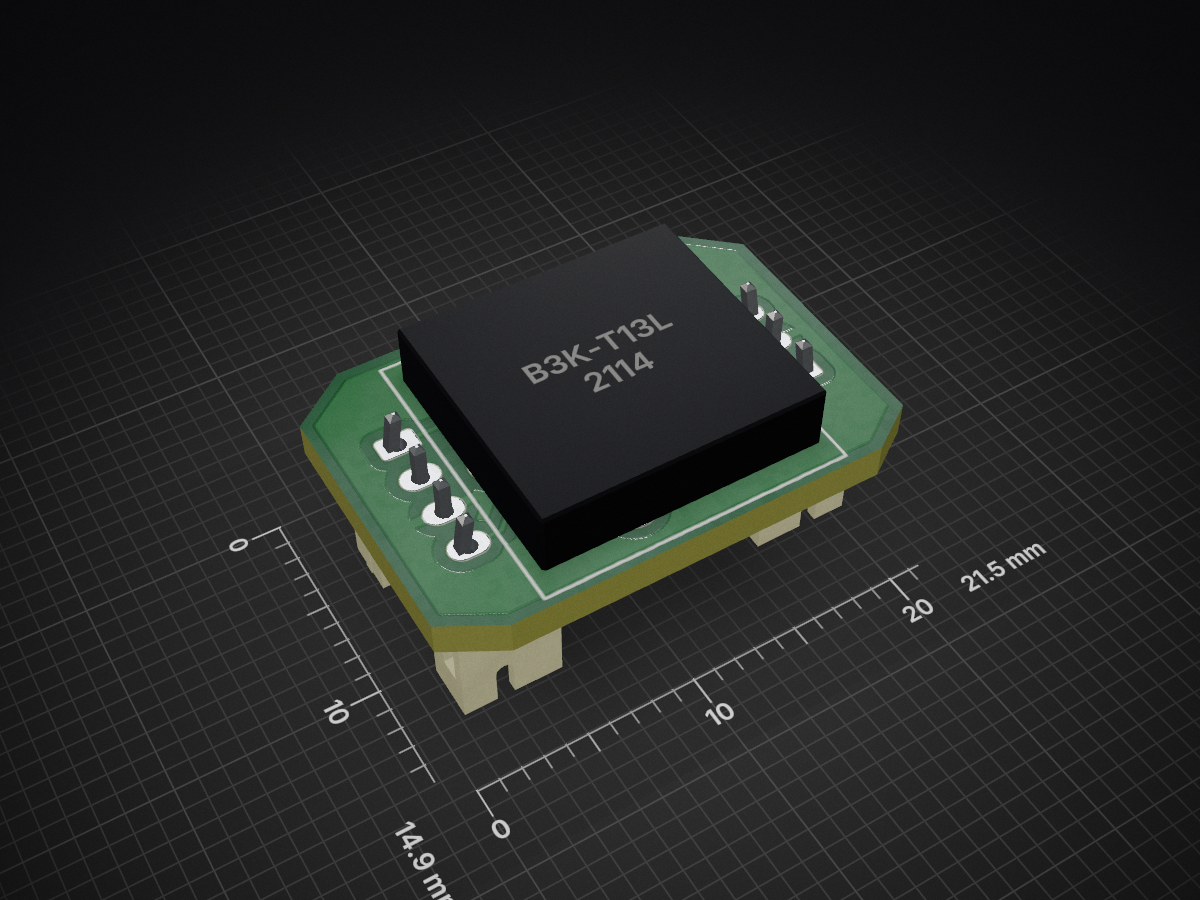
 Gi7mo/G-CodeButtons11
Ws2812buttons is an open-source printed circuit board by Gi7mo, from the Gi7mo/G-CodeButtons repository on GitHub, published under the GPL-3.0 licence. It is a 2-layer board of 21.5 × 14.9 mm with 6 parts on 5 nets, routed with 33 tracks and 0 vias.
It is built around the WS2812B. Its parts include 2 connectors, 1 IC and 1 diode.
G-Code Button PCB for Agent Cain's Gcode Buttons
BOM
| Part NO. | Qty | LCSC | Ali |
|---|---|---|---|
| Conn_01x03 | 1 | C131339 | Link |
| Conn_01x04 | 1 | C131334 | Link |
| WS2812-5050 | 1 | C114586 | Link |
| ROMER_G | 1 | --- | Link |
Assembly
[gcode_button _EMERGENCY]
pin: ^!PE8
press_gcode:
M112[gcode_button _FILAMENT_UNLOAD]
pin: ^!PC12
press_gcode:
SET_LED LED=buttons RED=1 GREEN=0 BLUE=0 index=2
FILAMENT_UNLOAD
SET_LED LED=buttons RED=1 GREEN=0.5 BLUE=0 index=2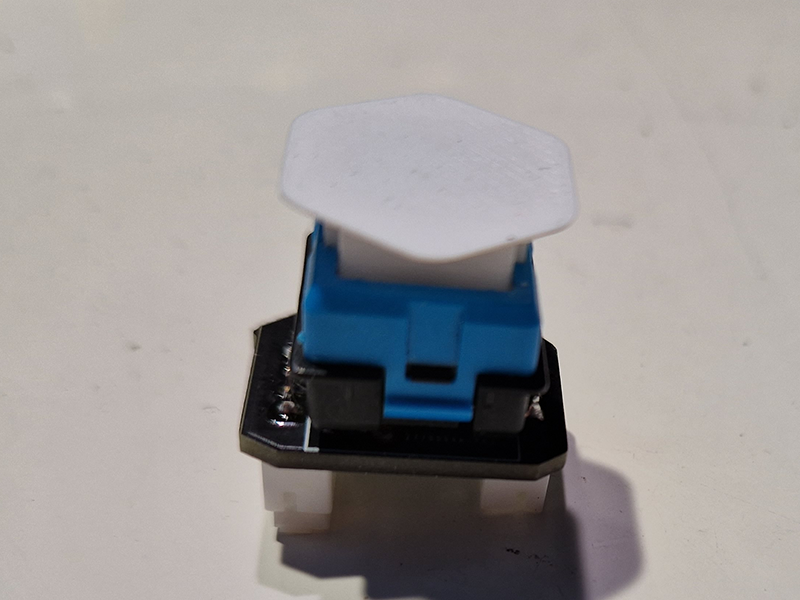
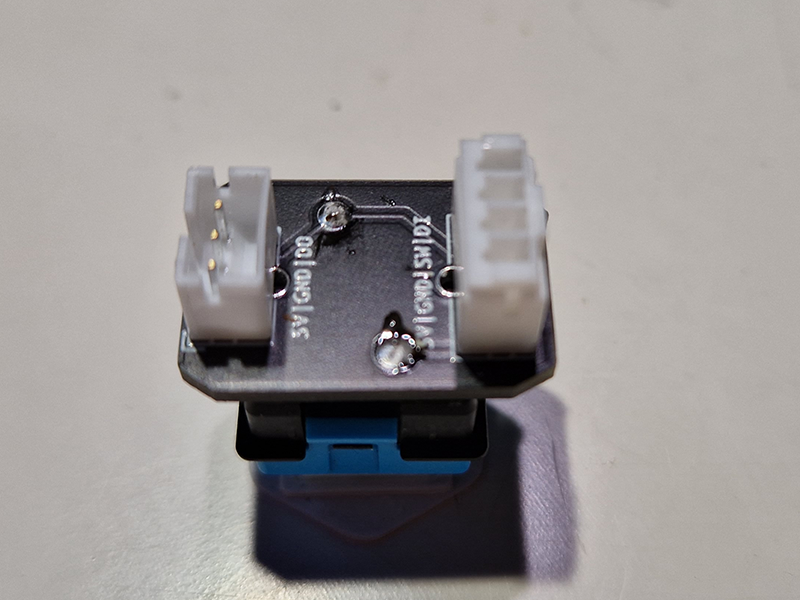
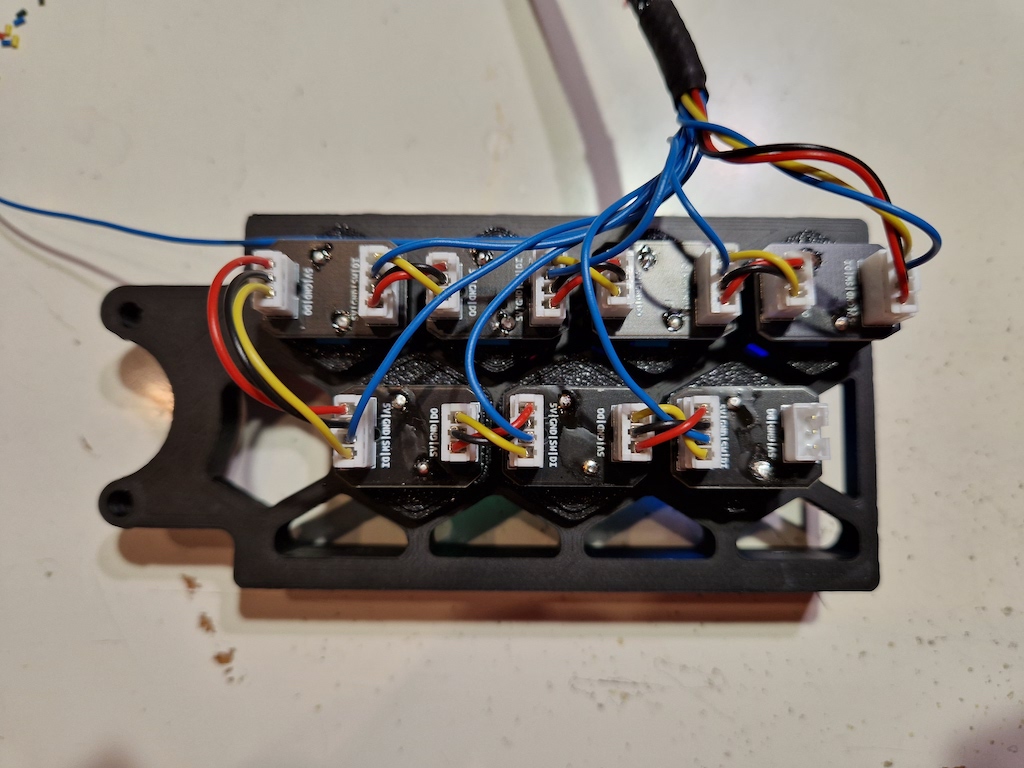
| Qty | Value | Footprint | References |
|---|---|---|---|
| 1 | B3K-T13L | _my_own:Omron B3K-T13L | U1 |
| 1 | Conn_01x03_Male | Connector_JST:JST_PH_B3B-PH-K_1x03_P2.00mm_Vertical | J2 |
| 1 | Conn_01x04_Male | Connector_JST:JST_PH_B4B-PH-K_1x04_P2.00mm_Vertical | J1 |
| 1 | G*** | kibuzzard-62B786EE | kibuzzard-62B786EE |
| 1 | G*** | kibuzzard-62A4DD9F | kibuzzard-62A4DD9F |
| 1 | WS2812B | LED_SMD:LED_WS2812B_PLCC4_5.0x5.0mm_P3.2mm | D1 |
It measures 21.5 × 14.9 mm and has 2 copper layers, 1.6 mm thick.
6 parts, built around the WS2812B. The full list of its parts is on this page, with links to each part's symbol and footprint where PCBKit's library has them.
From the Gi7mo/G-CodeButtons repository on GitHub, at the commit this page was made from: the board is KiCad/ws2812buttons.kicad_pcb. PCBKit opens the board in the browser, with nothing to install.
Its repository publishes it under the GPL-3.0 licence: you may reuse it on that licence's terms (keep the author's notice, and for a copyleft licence share your changes alike).
fossasia/pslab-hardware
PSLab Hardware Design and Schematics https://pslab.io

FrameworkComputer/ExpansionCards
Reference designs and documentation to create Expansion Cards for the Framework Laptop


PrintersForAnts/Micron
If you want to purchase full kits there are 3 available (Kits are slowly updating to R1 hardware just make sure to double check the included hardware in your kit and if you have any questions reach out in the discord)


