2 layers160 × 100 mm
Base
florolf/lab-automation
Plugs into relay and can be used to provide switchable 5V USB power to downstream devices.
83 parts1

 florolf/lab-automation1
Plugs into relay and can be used to provide switchable 5V USB power to downstream devices.
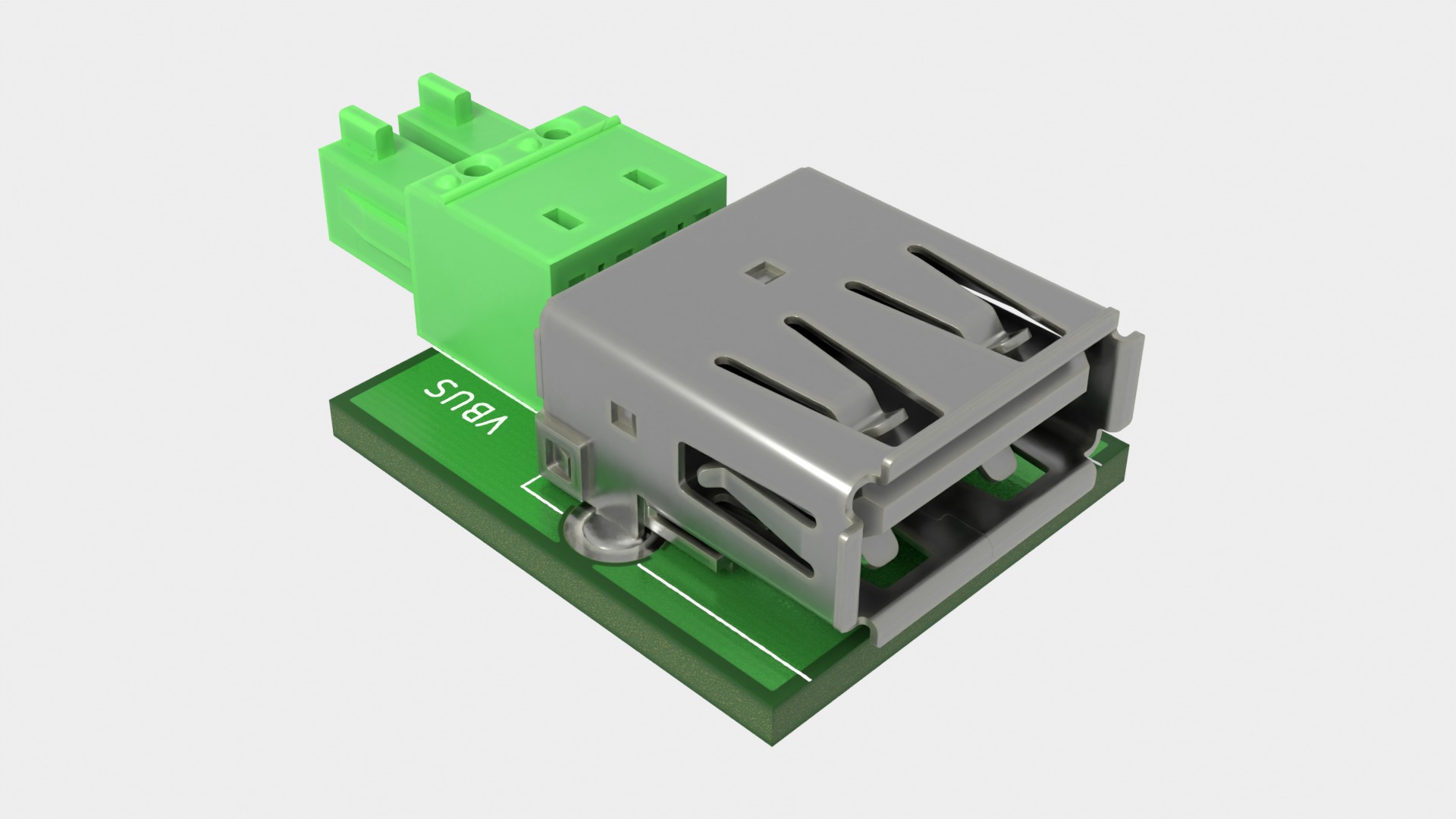
Usb plug is an open-source printed circuit board by florolf, from the florolf/lab-automation repository on GitHub. It is a 2-layer board of 18 × 21.7 mm with 2 parts on 4 nets, routed with 8 tracks and 0 vias.
| Qty | Value | Footprint | References |
|---|---|---|---|
| 1 | IMC 1,5/ 2-G-3,81 | local:PhoenixContact_1862577 | J1 |
| 1 | USB_A | Connector_USB:USB_A_CONNFLY_DS1095-WNR0 | J2 |

hzeller/rpi-rgb-led-matrix
Controlling up to three chains of 64x64, 32x32, 16x32 or similar RGB LED displays using Raspberry Pi GPIO


adamws/kicad-kbplacer
KiCad plugin for automatic keyboard's key placement and routing

Luos-io/luos_engine
Open-source and real-time orchestrator for cyber-physical-systems, to easily design, test and deploy embedded applications and digital twins.

NVNTLabs/switch2-SDEX2M2
Micro SD Express to M.2 NVME Adapter for Nintendo Switch 2

BlueSCSI/BlueSCSI-v2
BlueSCSI v2/Ultra - an open source, open hardware, SCSI emulator using the Pi Pico PR2040 and Pico 2 RP2350

ohmtech-rdi/eurorack-blocks
Software to Hardware Prototyping for Eurorack using C++, Max/Gen~ or Faust

It measures 18 × 21.7 mm and has 2 copper layers, 1.6 mm thick.
2 parts. The full list of its parts is on this page, with links to each part's symbol and footprint where PCBKit's library has them.
From the florolf/lab-automation repository on GitHub, at the commit this page was made from: the board is hw/usb-plug/usb-plug.kicad_pcb and its schematic hw/base/main.kicad_sch. PCBKit opens the board in the browser, with nothing to install.
Its repository states no licence, so its author keeps all rights: ask florolf before reusing the design.
