2 layers35 × 50 mm

 floookay/zwerg5
a 40% ortholinear split keyboard
Zwerg is an open-source printed circuit board by floookay, from the floookay/zwerg repository on GitHub, published under the CERN-OHL-W-2.0 licence. It is a 2-layer board of 144.2 × 106.7 mm with 60 parts on 49 nets, routed with 739 tracks and 35 vias.
Its parts include 25 diodes, 1 IC and 1 connector. It belongs with the keyboards and input boards and the RP2040 boards of this library.
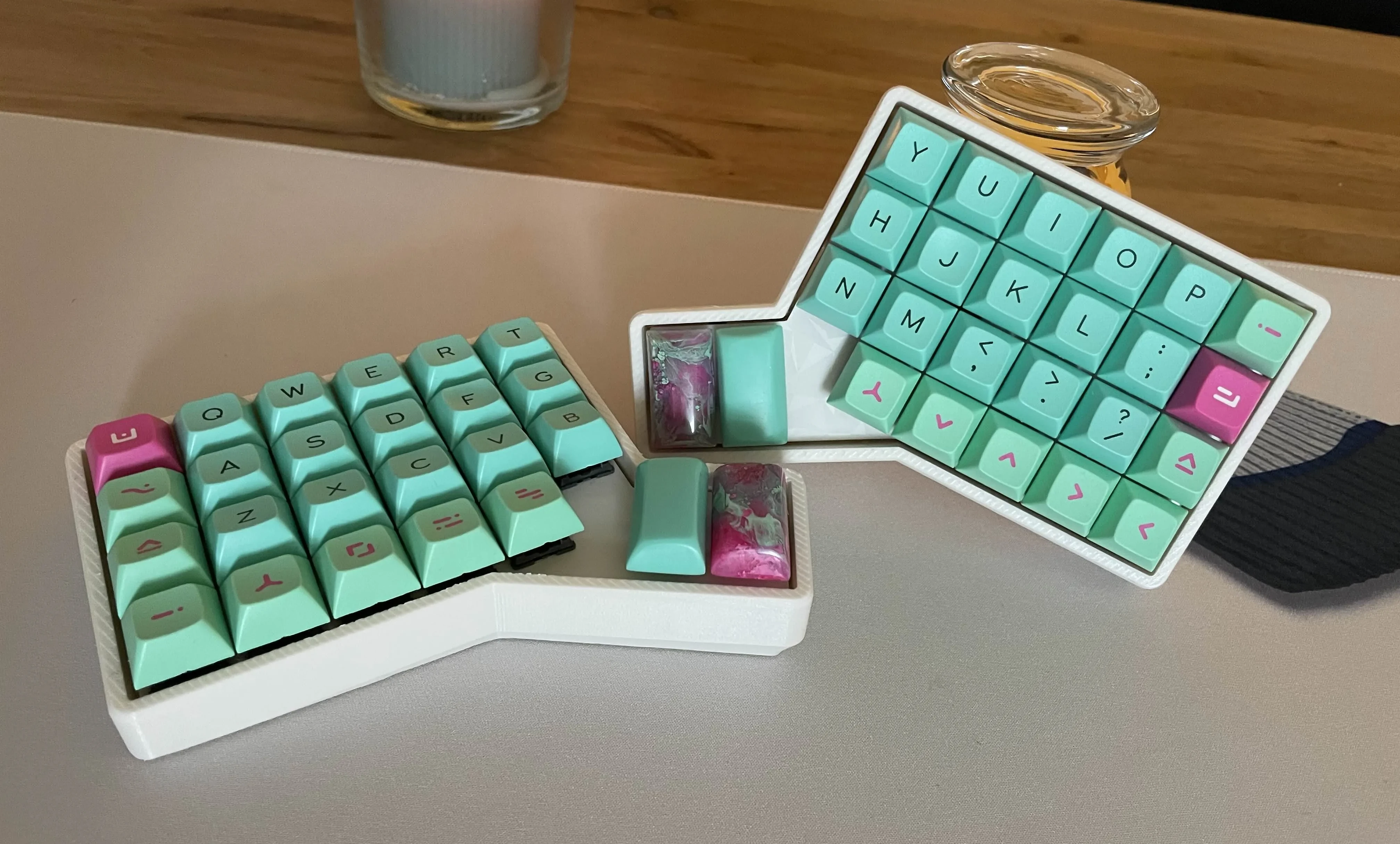
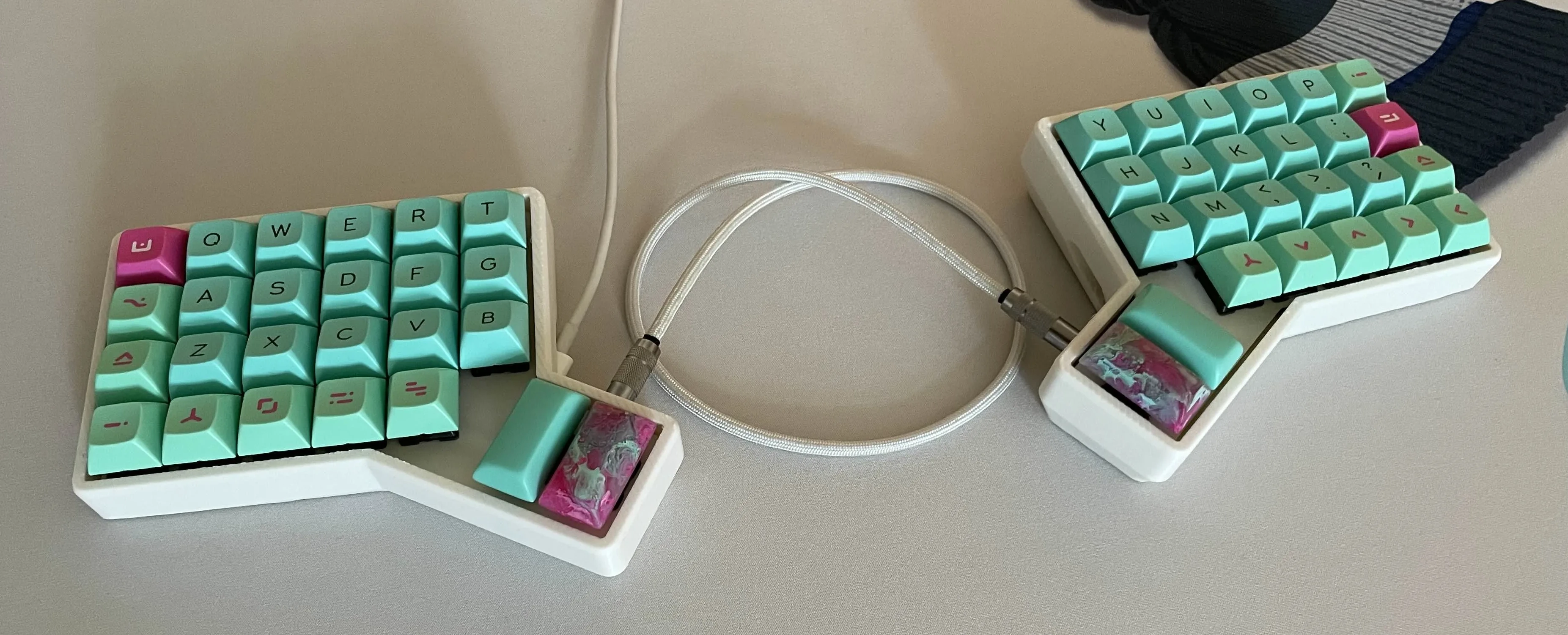
The zwerg is a 3x6 (well technically 4x6 I guess?) split ortholinear 40% keyboard. It's heavily inspired by RGBKB.net's Sol 3 of which I own two and absolutely adore.
[!Warning]
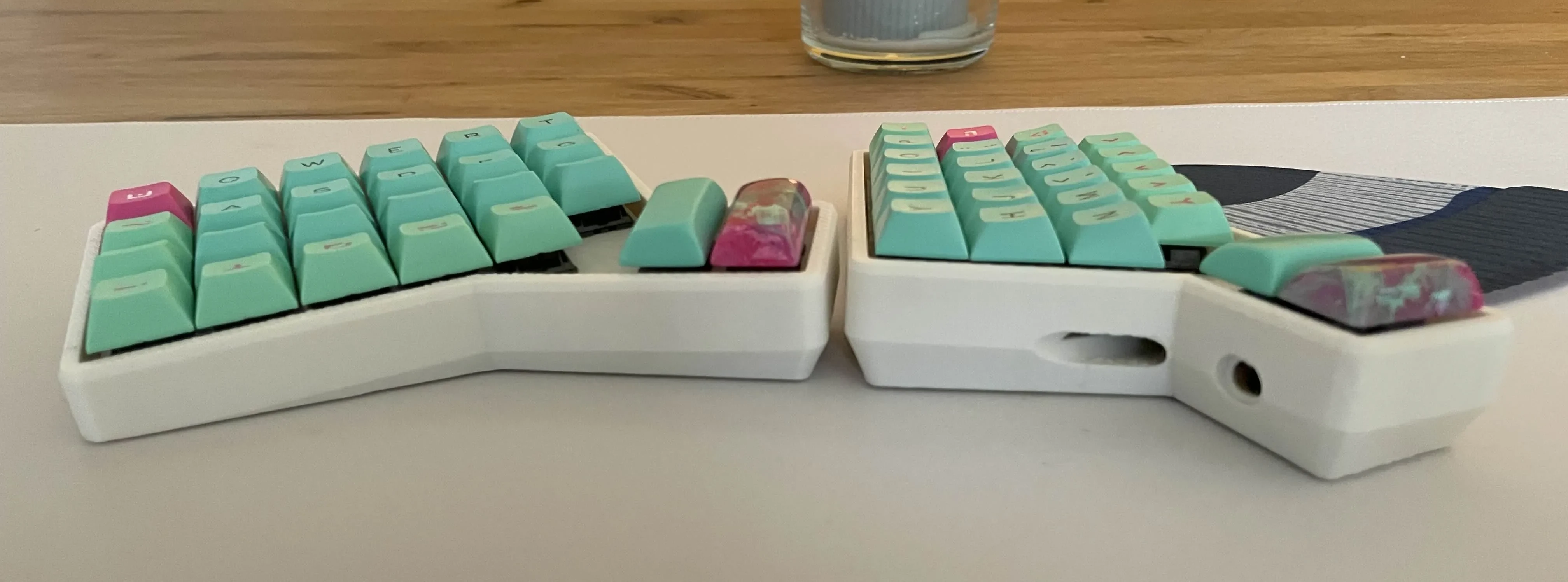
Please note that this design only works with a slim usb-c cable/connector (5.5mm).
KLE: https://www.keyboard-layout-editor.com/#/gists/f58560b496cb75689321efaddc96187e
The typing and tenting angle can be freely adjusted in the OpenSCAD file. I printed mine with a typing angle of 2° and tenting of 5°.
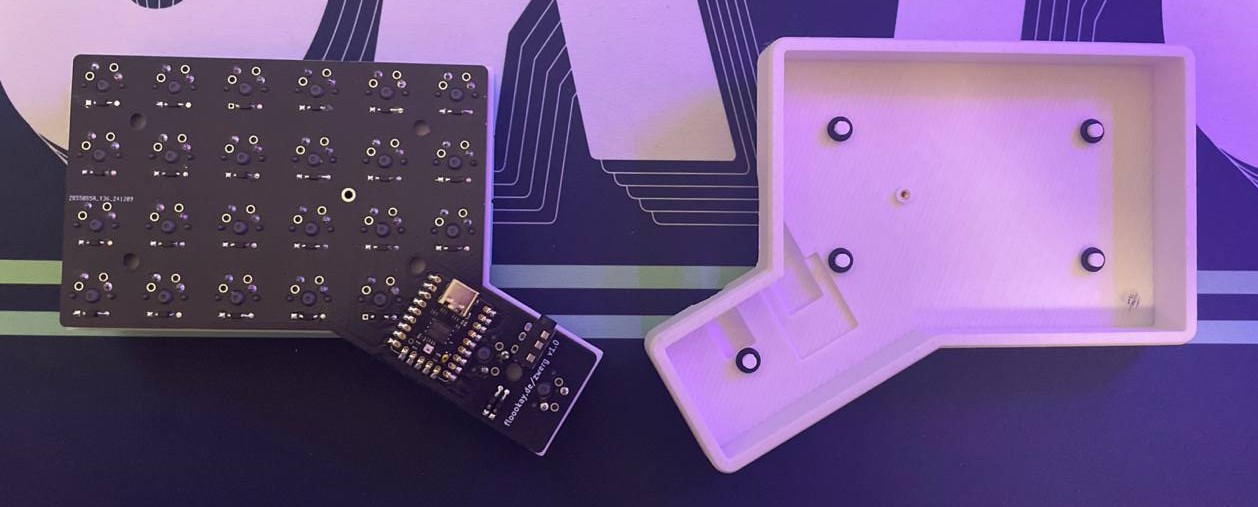
Building this keyboard is pretty straight forward I think. The only thing you need to look out for is that you solder all components on the same side (same goes for the mirrored pcb). Don't over tighten the screw that attaches the pcb to the case, it's supposed be screwed in lightly.
This keyboard is powered by qmk firmware, see here. Use the reset buttons on the Gemini for flashing the keyboard.
| Qty | Value | Footprint | References |
|---|---|---|---|
| 25 | D_45deg | zwerg:D3_TH_SMD | D1, D2, D10, D11, D12, D13, D14, D15, D16, D17, D18, D19, D20, D21, D22, D23 +9 |
| 25 | MX_SW_HS | PCM_marbastlib-xp-mx:SW_MX_Reversible_1u | MX1, MX2, MX10, MX11, MX12, MX13, MX14, MX15, MX16, MX17, MX18, MX19, MX20, MX21, MX22, MX23 +9 |
| 5 | MountingHole | MountingHole:MountingHole_4.3mm_M4 | H1, H2, H3, H4, H5 |
| 1 | AudioJack4 | PCM_marbastlib-xp-various:CON_MJ-4PP-9_Reversible | J1 |
| 1 | MountingHole | MountingHole:MountingHole_2.2mm_M2_DIN965_Pad_TopBottom | H6 |
| 1 | RP2040-Matrix | zwerg:RP2040-Matrix_fb | U1 |
The 58 most common of 60 parts.


sd2psx/pcb
The PCB must be produced in 0.8mm thickness. Production files are provided under the "Releases" tab. These do not include the through-hole OLED module.


BitDogLab/BitDogLab
Open-source educational hardware for embedded systems, programming, electronics, and physical computing.
It measures 144.2 × 106.7 mm and has 2 copper layers, 1.6 mm thick.
60 parts. The full list of its parts is on this page, with links to each part's symbol and footprint where PCBKit's library has them.
From the floookay/zwerg repository on GitHub, at the commit this page was made from: the board is pcb/zwerg.kicad_pcb and its schematic pcb/zwerg.kicad_sch. PCBKit opens the board in the browser, with nothing to install.
Its repository publishes it under the CERN-OHL-W-2.0 licence: you may reuse it on that licence's terms (keep the author's notice, and for a copyleft licence share your changes alike).