2 layers140.5 × 30 mm
Type e
google/mozc-devices
Circuit diagrams and firmware source code for Gboard DIY keyboards
16 parts3kApache-2.0
 felipeCapovilla/ThorProject2
This project involved building a home weather station entirely from scratch, covering both the physical and software infrastructures.
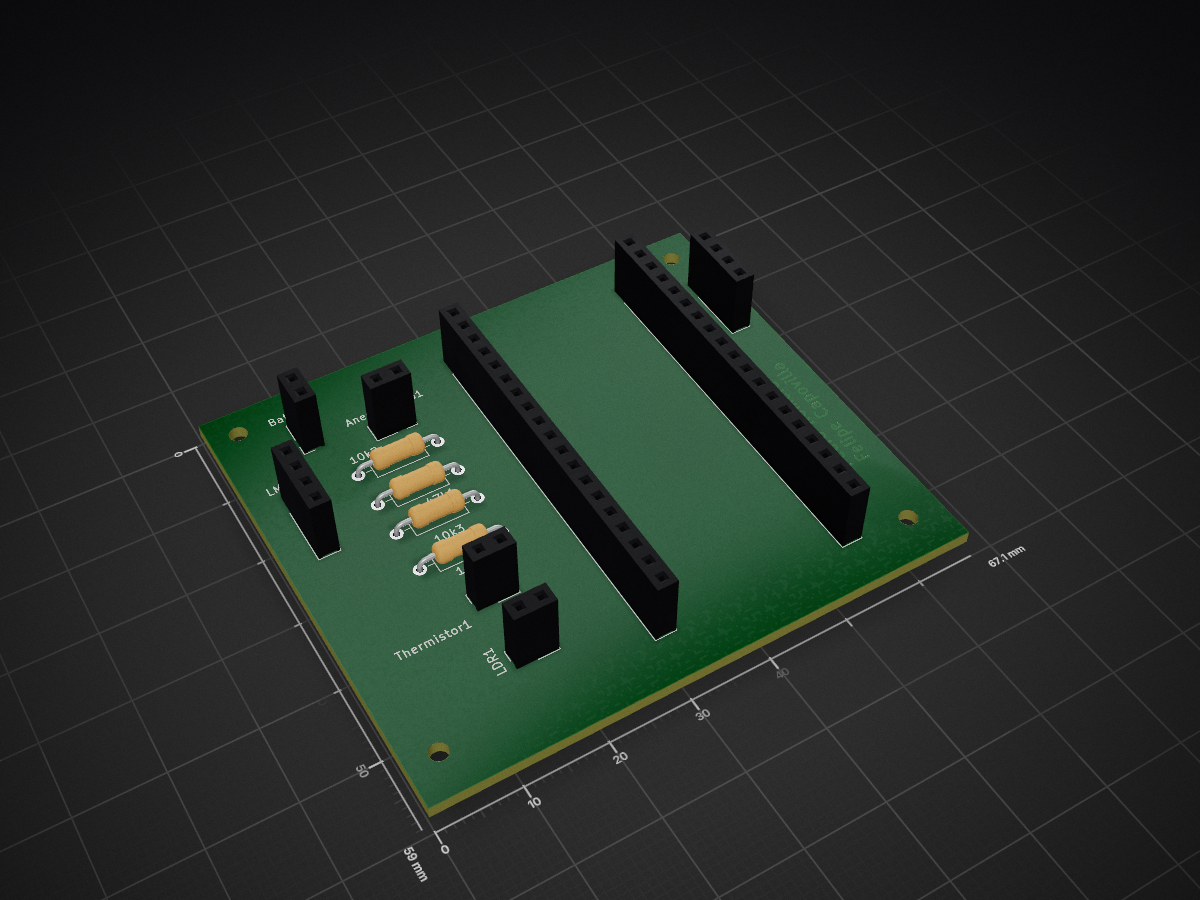
Projeto estufa is an open-source printed circuit board by felipeCapovilla, from the felipeCapovilla/ThorProject repository on GitHub. It is a 2-layer board of 67.1 × 59 mm with 16 parts on 40 nets, routed with 59 tracks and 0 vias.
This project involved building a home weather station entirely from scratch, covering both the physical and software infrastructures. The main goal was to learn and apply 3D modeling concepts which were developed using the software FreeCad alongside AWS serverless architecture, both of which were central to the project's development. Below is a picture of the final result.
| Top | Bottom |
|---|---|
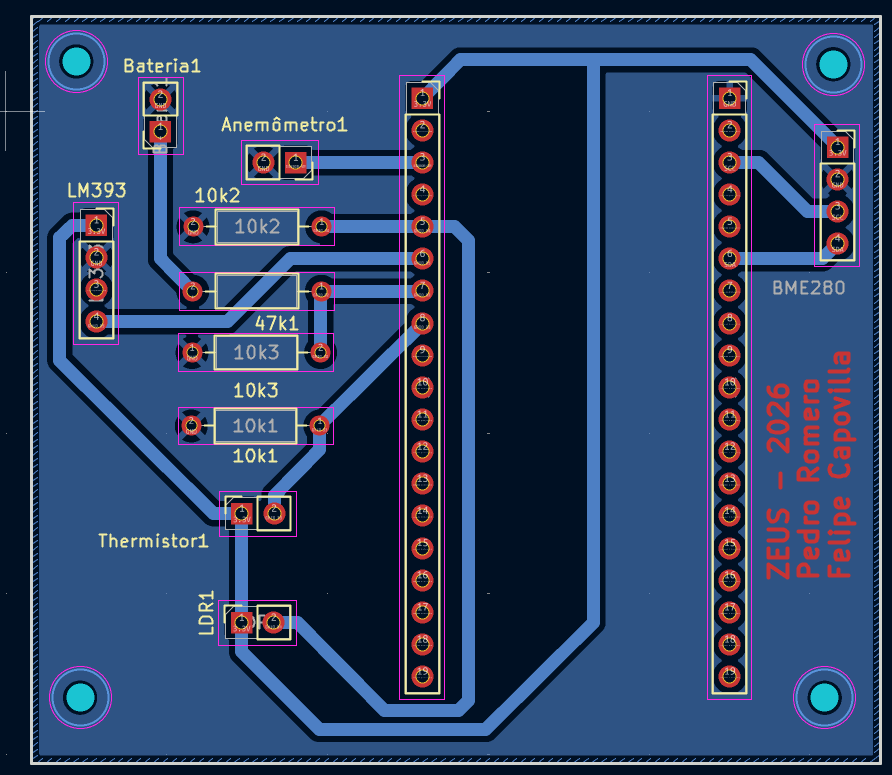 | 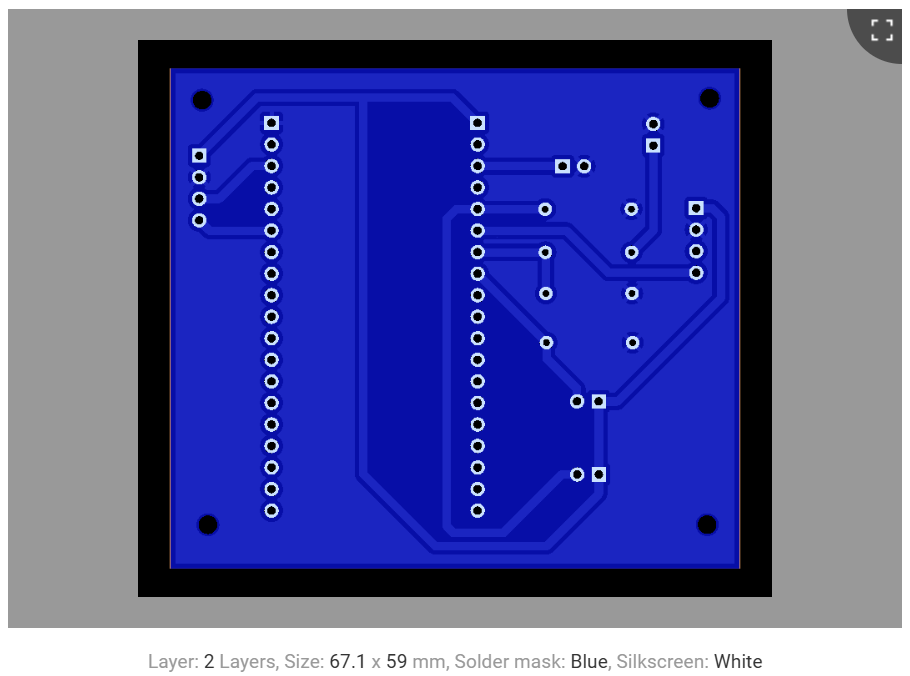 |
| 3D View 1 | 3D View 2 |
|---|---|
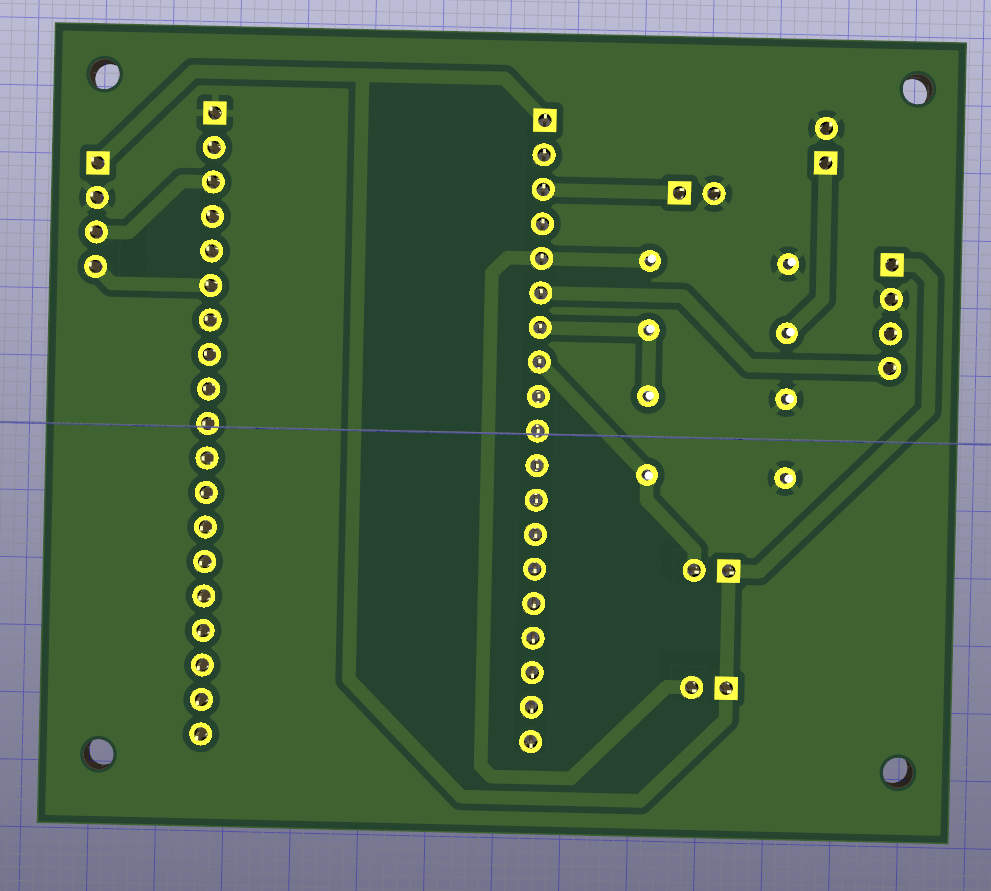 | 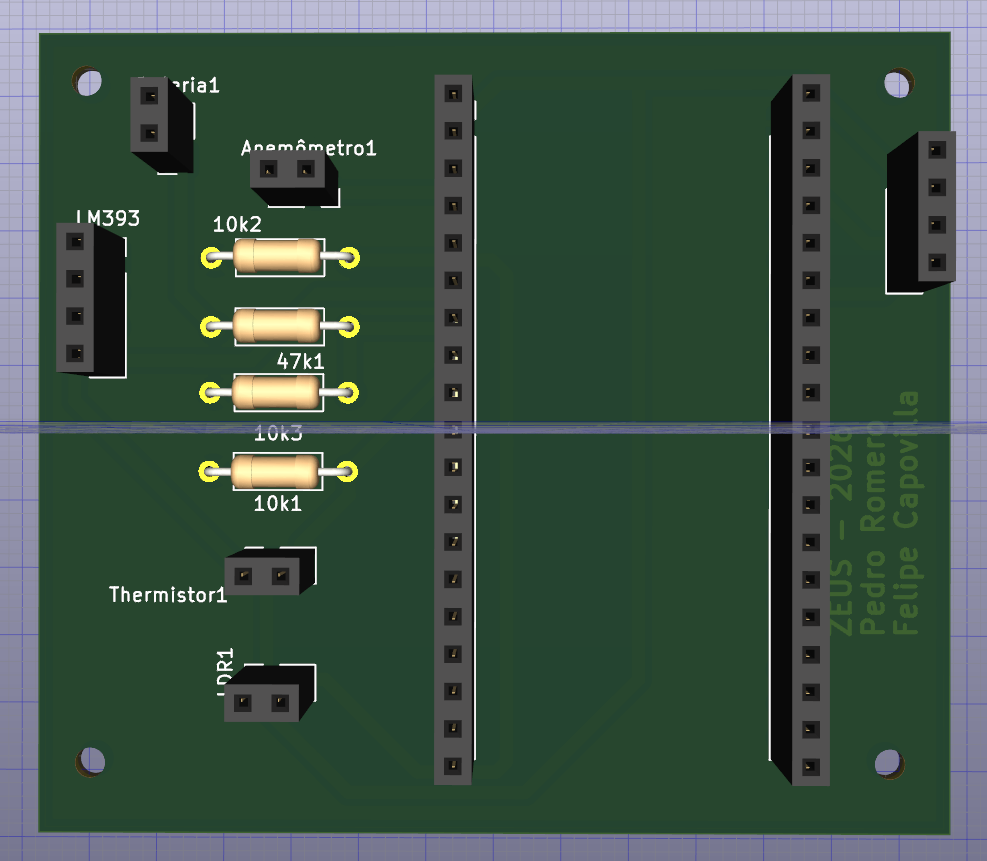 |
├── AWS
│   ├── samconfig.toml                  # Auto-generated AWS SAM configuration file.
│   ├── src                             # Source code for the AWS Lambda functions.
│   │   ├── insertData.py               # Lambda function to ingest and store weather data.
│   │   └── viewData.py                 # Lambda function to fetch the latest weather readings.
│   └── template.yaml                   # Infrastructure as Code (IaC) template for AWS SAM.
|
├── CAD                                 # 3D models and STL files for 3D printing.
│   ├── caixaPrincipal_baixo.stl        # Back enclosure for the main electronics.
│   ├── caixaPrincipal_cima.stl         # Front cover for the main electronics.
│   ├── stevenson_baixo.STL             # Stevenson screen (bottom section).
│   ├── stevenson_cima.STL              # Stevenson screen (top section).
│   ├── stevenson_meio.STL              # Stevenson screen (middle section/louvers).
│   └── suporte_haste.stl               # Mounting bracket for the BME280 and anemometer.
|
├── Esp32
│   └── main.cpp                        # C++ firmware for the ESP32 microcontroller.
|
├── Schematics                          # KiCad PCB project.
│   ├── projeto_estufa.kicad_pro        # KiCad project file.
│   ├── projeto_estufa.kicad_sch        # Schematic.
│   ├── projeto_estufa.kicad_pcb        # PCB layout.
│   ├── projeto_estufa.zip              # Gerber/drill files sent to the manufacturer.
│   └── Pictures                        # Photos of the manufactured PCB.
|
└── readme.md # Main project documentation.The backend utilizes the following AWS services:
insertData.py) and retrieval (viewData.py).template.yaml file.%%{init: {'themeVariables': { 'edgeLabelBackground':'transparent' }}}%%
graph LR
classDef hardware fill:#e2bc1490,stroke:#fff,stroke-width:0px,color:#fff;
classDef cloud fill:#2f78d190,stroke:#fff,stroke-width:0px,color:#fff;
A(Sensors):::hardware --> B(Esp32\n Every 60s):::hardware
B ---->|POST| C(AWS API Gateway):::cloud
C --> D(λ\n insertData):::cloud
D --> E(DynamoDB):::cloud
F(User Request):::hardware -->|GET| C
C --> G(λ\n viewData):::cloud
G<--E
G --> H(Output):::hardware| Qty | Value | Footprint | References |
|---|---|---|---|
| 4 | Conn_01x02_Socket | Connector_PinSocket_2.54mm:PinSocket_1x02_P2.54mm_Vertical | Anemômetro1, Bateria1, LDR1, Thermistor1 |
| 4 | MountingHole | MountingHole:MountingHole_2.2mm_M2 | H1, H2, H3, H4 |
| 3 | 10K Ohms | Resistor_THT:R_Axial_DIN0207_L6.3mm_D2.5mm_P10.16mm_Horizontal | 10k1, 10k2, 10k3 |
| 2 | Conn_01x19_Socket | Connector_PinSocket_2.54mm:PinSocket_1x19_P2.54mm_Vertical | J1, J2 |
| 1 | 47K Ohms | Resistor_THT:R_Axial_DIN0207_L6.3mm_D2.5mm_P10.16mm_Horizontal | 47k1 |
| 1 | BME 280 | Connector_PinSocket_2.54mm:PinSocket_1x04_P2.54mm_Vertical | BME280 |
| 1 | LM393 - Comparador | Connector_PinSocket_2.54mm:PinSocket_1x04_P2.54mm_Vertical | LM393 |
google/mozc-devices
Circuit diagrams and firmware source code for Gboard DIY keyboards

conorpp/u2f-zero
U2F USB token optimized for physical security, affordability, and style

rusefi/rusefi
rusefi - GPL internal combustion engine control unit

VoronDesign/Voron-Hardware
Cool Hardware designed by the Voron Design group

hoglet67/RGBtoHDMI
Bare-metal Raspberry Pi project that provides pixel-perfect sampling of Retro Computer RGB/YUV video and conversion to HDMI

hackclub/OnBoard
💡 Join 1,000 teenagers and make your first PCB with a $100 grant!


It measures 67.1 × 59 mm and has 2 copper layers, 1.6 mm thick.
16 parts. The full list of its parts is on this page, with links to each part's symbol and footprint where PCBKit's library has them.
From the felipeCapovilla/ThorProject repository on GitHub, at the commit this page was made from: the board is Schematics/projeto_estufa.kicad_pcb and its schematic Schematics/projeto_estufa.kicad_sch. PCBKit opens the board in the browser, with nothing to install.
Its repository states no licence, so its author keeps all rights: ask felipeCapovilla before reusing the design.