2 layers89.2 × 82.6 mm
Desktop 50 Pin TopConn
BlueSCSI/BlueSCSI-v2
BlueSCSI v2/Ultra - an open source, open hardware, SCSI emulator using the Pi Pico PR2040 and Pico 2 RP2350
108 parts459GPL-3.0

 DiScarlet/Keyboard
Why are the Space and Tab keys so big? Completely unnecessary.
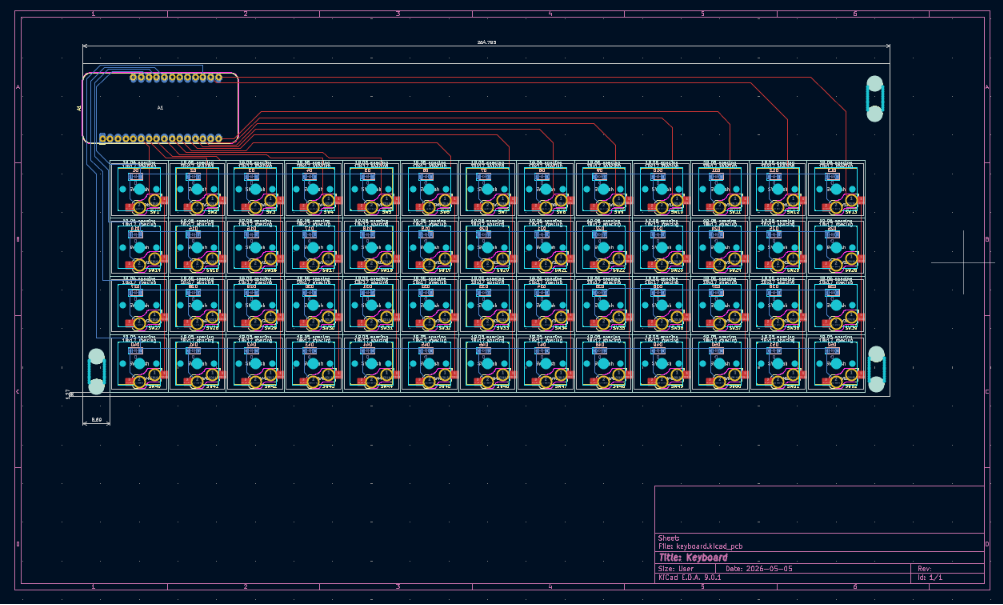
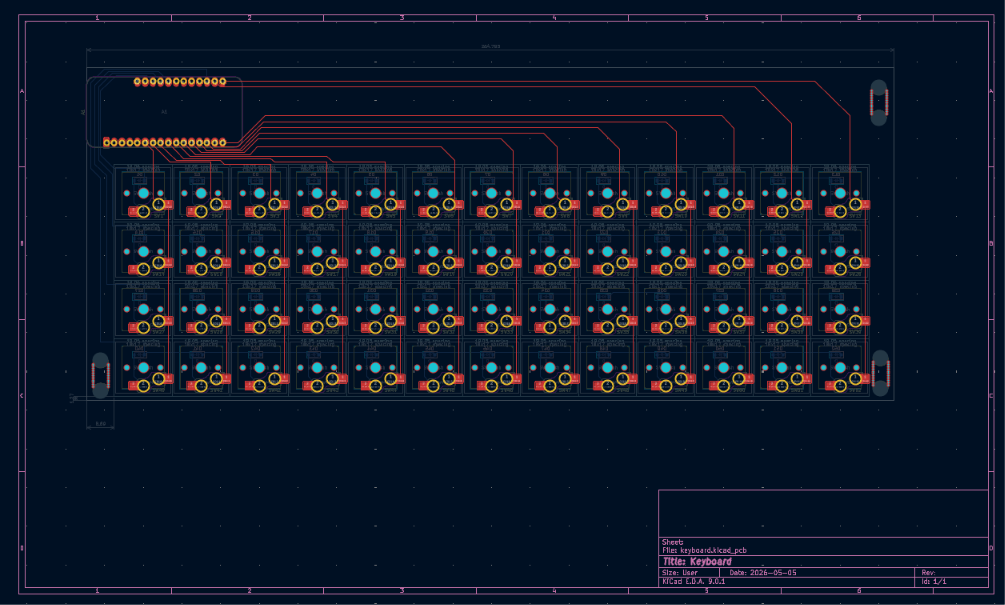
Keyboard is an open-source printed circuit board by DiScarlet, from the DiScarlet/Keyboard repository on GitHub. It is a 2-layer board of 264.8 × 109.2 mm with 108 parts on 79 nets, routed with 376 tracks and 81 vias.
Its parts include 52 diodes and 52 switches. It belongs with the keyboards and input boards and the ESP32 boards of this library.
Why are the Space and Tab keys so big? Completely unnecessary.
We are not accountants. Why should some keys get more space than others?
We demand equality. Equality and ducks.
52 keys. Zero keycap inequality.
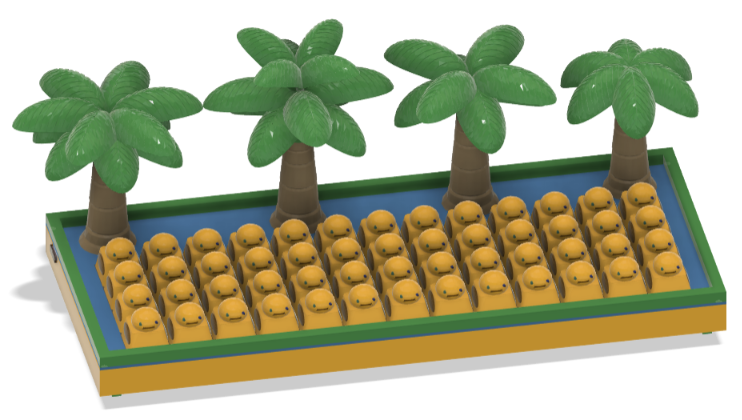
Ducks, palm trees, and pure summer vibes. Tactile. Compact.
And yes — it quacks when you press it.
Built for minimalists who still want to have fun.
Most keyboards dedicate excessive space to a handful of keys while the rest compete for room.
The Duck Keyboard rejects keycap inequality. Every key deserves equal treatment.
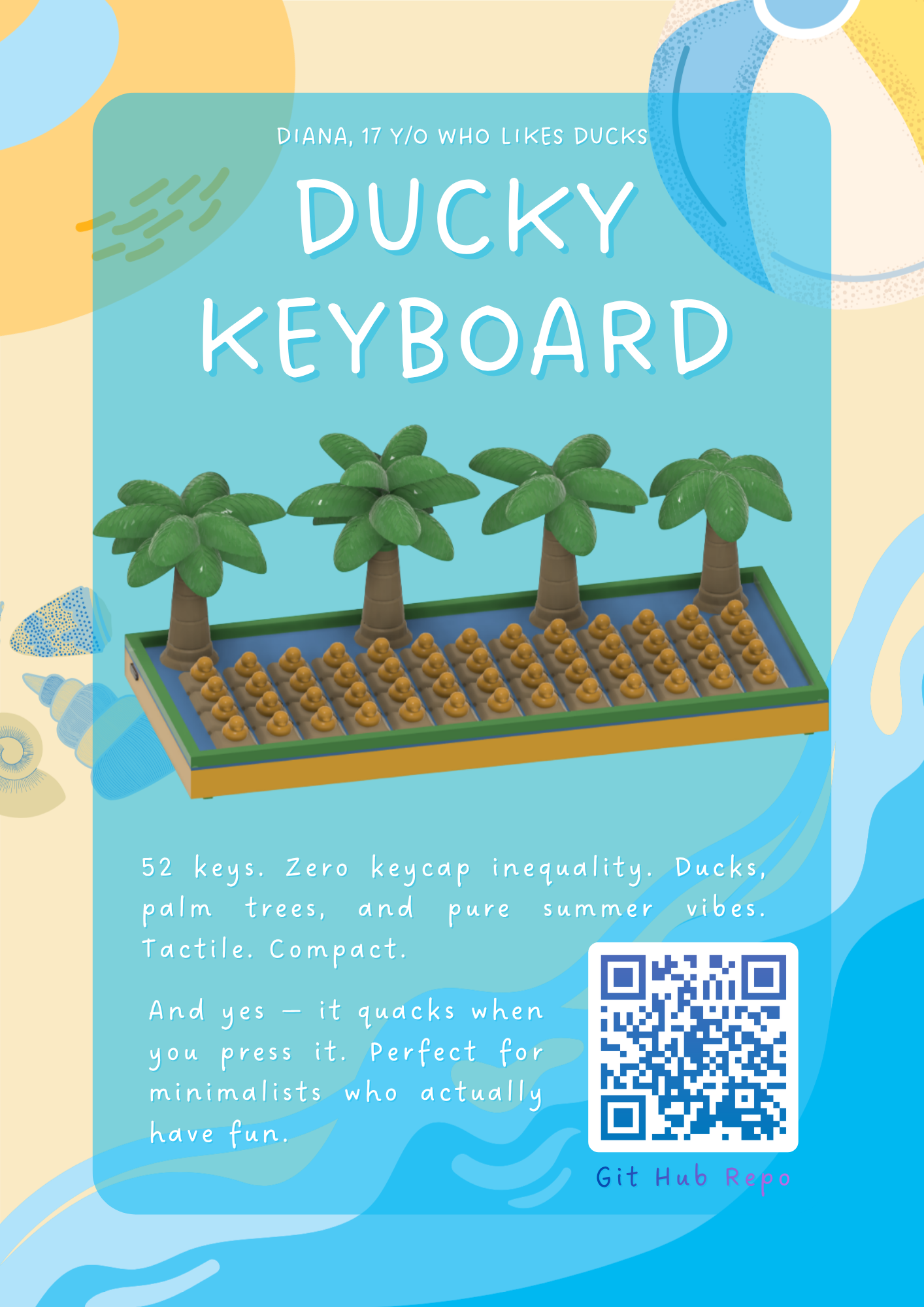
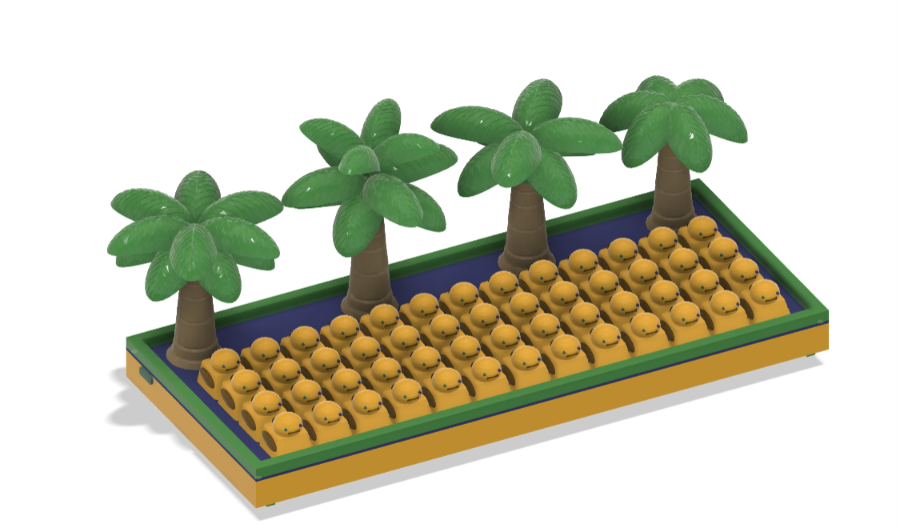
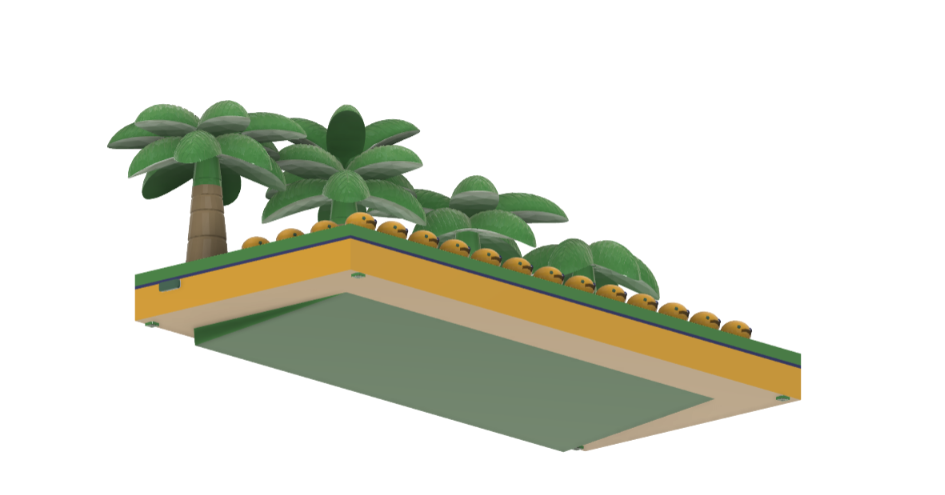
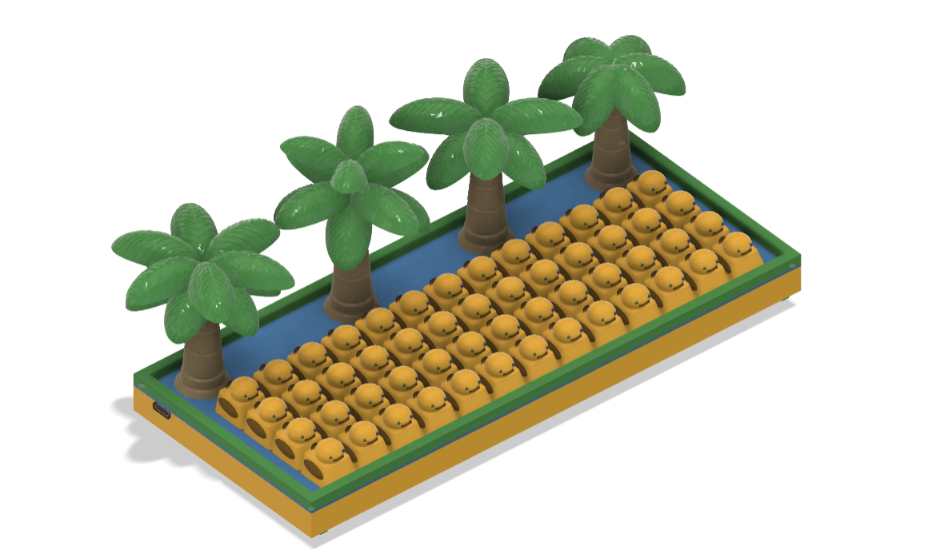
The keyboard case uses Gasket Mounting and was designed to complement the compact layout while maintaining a clean, minimalist appearance.
|  |
 |
|  |
 |
The keyboard electronics are based on a custom schematic designed usinf KiCAD.
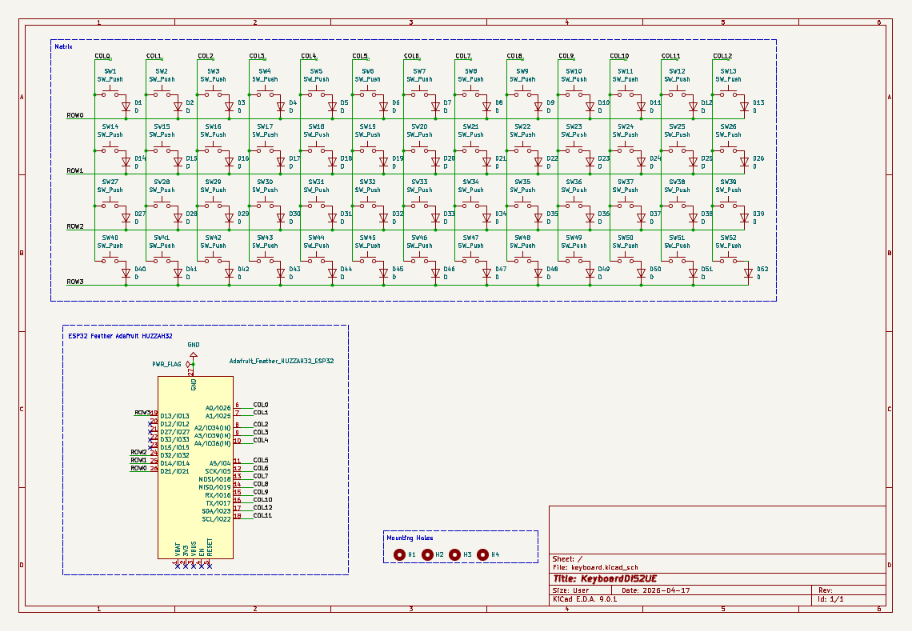
The custom PCB uses ESP32 Feather.
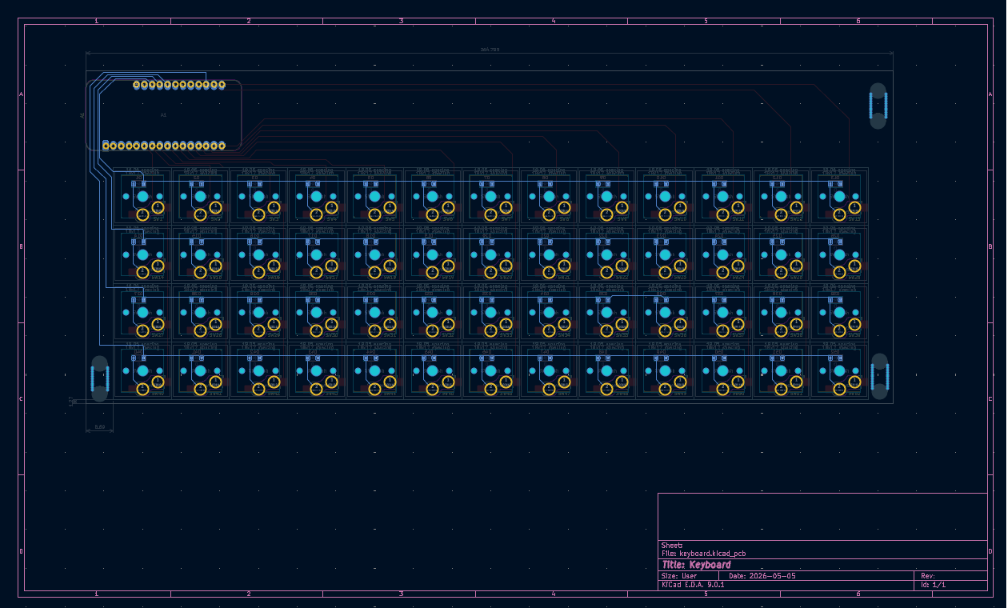
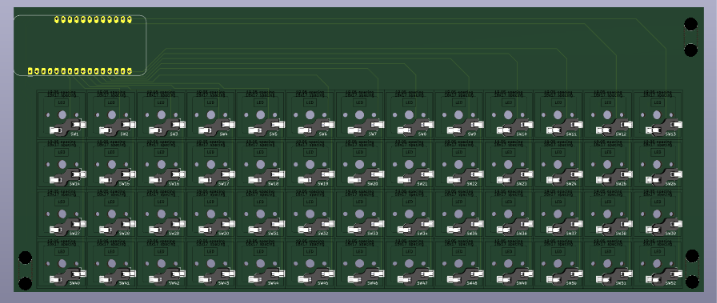
The project layout is:
BoM.csvREADME.mdCAD_Fusion/
ESP32-WROOM32-DEVBOARD_DIMENTIONS.f3dDownloaded/FullAssembly/PCB/SeparateElements/Docs/
ESP32HUZZAH32.txtkeyboard-layout.jsonLinks_to_parts.txtHardware/
keyboard.kicad_schkeyboard.kicad_pcbkeyboard.kicad_prokeyboard.kicad_prlkeyboard-backups/Libraries/Images/
CAD/PCB/macropad/
Firmware/kicad_care_package/kicad_macropad_project/Symbols/Refer to Firmware ReadMe
| Qty | Value | Footprint | References |
|---|---|---|---|
| 52 | D | Diode_SMD:D_SOD-123 | D1, D2, D10, D11, D12, D13, D14, D15, D16, D17, D18, D19, D20, D21, D22, D23 +36 |
| 52 | SW_Push | PCM_marbastlib-choc:SW_choc_v1_HS_CPG135001S30_1u | SW1, SW2, SW10, SW11, SW12, SW13, SW14, SW15, SW16, SW17, SW18, SW19, SW20, SW21, SW22, SW23 +36 |
| 3 | MountingHole | MountingHole:MountingHole_2.1mm | H1, H2, H3 |
| 1 | Adafruit_Feather_HUZZAH32_ESP32 | Module:Adafruit_Feather | A1 |
It measures 264.8 × 109.2 mm and has 2 copper layers, 1.6 mm thick.
108 parts. The full list of its parts is on this page, with links to each part's symbol and footprint where PCBKit's library has them.
From the DiScarlet/Keyboard repository on GitHub, at the commit this page was made from: the board is Hardware/keyboard.kicad_pcb and its schematic Hardware/keyboard.kicad_sch. PCBKit opens the board in the browser, with nothing to install.
Its repository states no licence, so its author keeps all rights: ask DiScarlet before reusing the design.
BlueSCSI/BlueSCSI-v2
BlueSCSI v2/Ultra - an open source, open hardware, SCSI emulator using the Pi Pico PR2040 and Pico 2 RP2350


sadekbaroudi/bgkeeb
This is a reversible 100mm x 100mm pcb with support for mx or choc switches (no hotswap), per key led, rotary encoders, and exposes the SDA/SCL/GND/VCC lines in the form of the pimoroni trackball pins (meaning you can…


Nuclear-Squid/Quacken
Libre, ergonomic, polymorphic: a single PCB for many possible layouts.

aroum/cn_tester
c!n tester is a hardware and software system designed for testing ProMicro-like microcontrollers.

FizzyApple12/Waccon
A repository for all of the files in my design for an open-source touch ring controller.

sebastian-stumpf/narfkb
rp2040 powered split keyboard with rotary encoders and 6mm tactile buttons