2 layers57 × 55.2 mm
LogicAnalyzer
gusmanb/logicanalyzer
24 channel, 100Msps logic analyzer hardware and software
10 parts5.1kGPL-3.0

 daleking/Amiga_A570_2MB11
2MB RAM Expansion for the Amiga A570 CD-ROM Drive
KiCad A572 is an open-source printed circuit board by daleking, from the daleking/Amiga_A570_2MB repository on GitHub, published under the MIT licence. It is a 2-layer board of 51 × 32 mm with 10 parts on 35 nets, routed with 841 tracks and 70 vias.
Its parts include 4 capacitors, 4 ICs and 1 connector. It belongs with the retro computing and games boards of this library.
This is a simple 2MB RAM expansion as others have done for the A570. It is simply an implementation of the Commodore schematics. People have done these before but frustratingly I couldn't find any gerbers to make my own, hence this implementation.
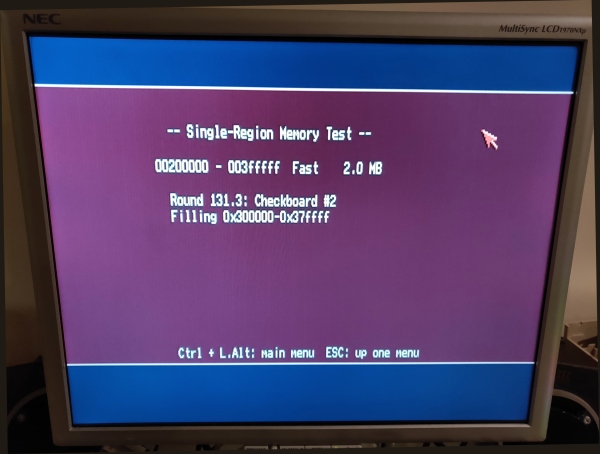
The PCB layout could be better - feel free to rework it. But as it is, the card is perfectly stable and works well. I used 514400J 1Mx4 SOJ DRAM chips which are easy to find. Interestingly 424400 chips don't work (at least the ones I tried) giving a black / blinking screen, so better to stick with what CBM specified on the schematics.
For the lazy, you can order gerbers from DirtyPCBs or from your own board house (see the releases page), or remix how you like with KiCAD.
If you scrounge old single sided 4MB or dual sided 8MB 72-pin PC SIMMs you will probably find some suitable DRAM.
You will also need a 2x20pin female right angle header, and some decoupling caps. The schematics say 0.33uF but I used 0.1uF with no issues and it even works if you leave the caps off.
The jumper is the RAM enable jumper. Connect it to a wired external switch if you really feel you want to be able to disable the RAM without opening the cover again.
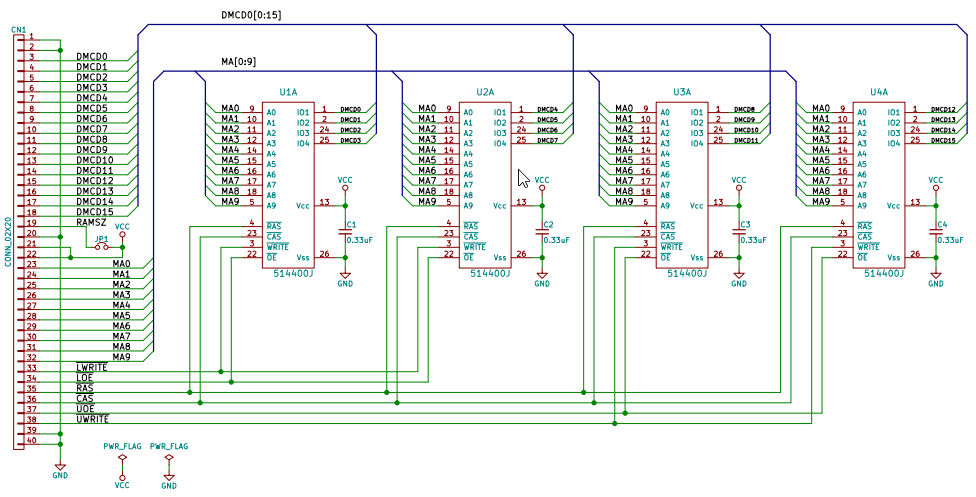
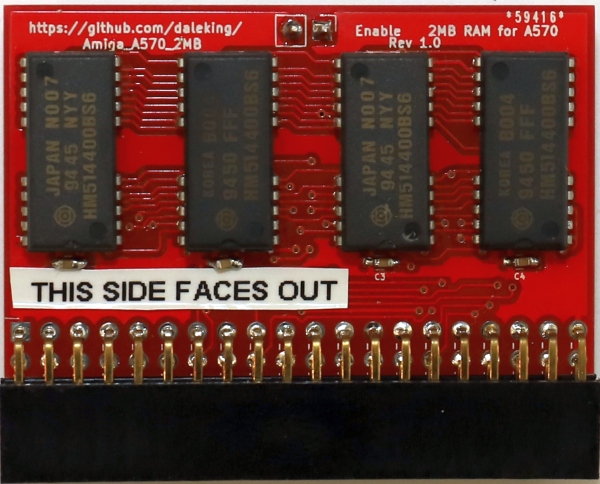
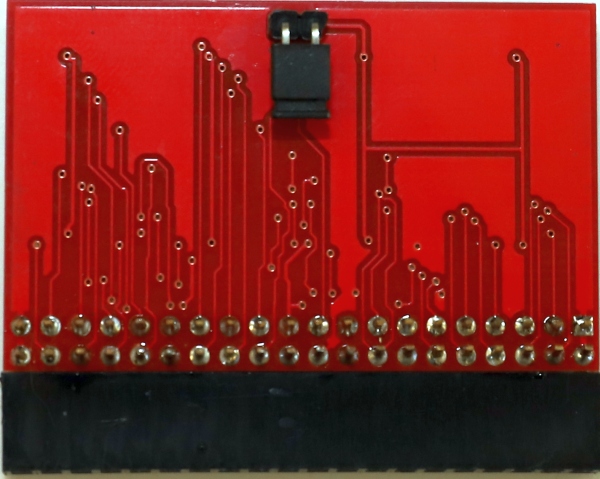
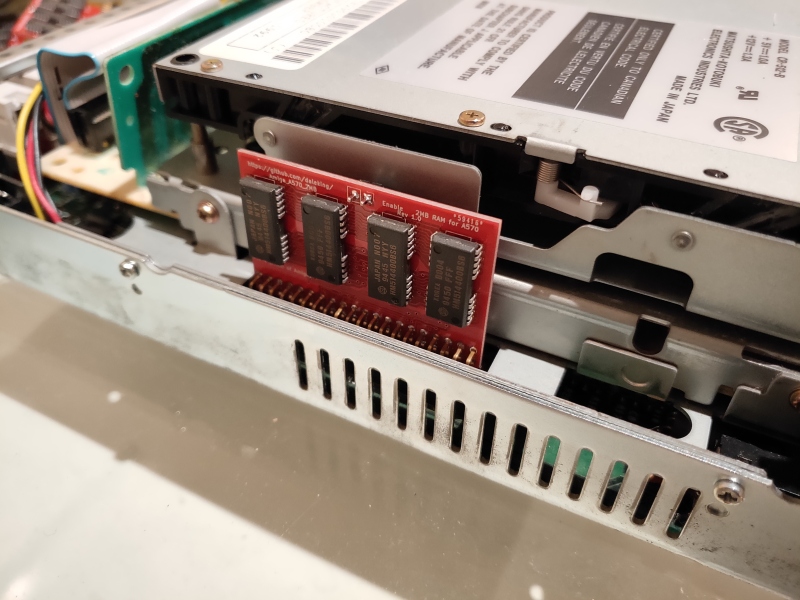
| Qty | Value | Footprint | References |
|---|---|---|---|
| 4 | 0.33uF | Capacitors_SMD:C_0603_HandSoldering | C1, C2, C3, C4 |
| 4 | 514400J | 514400J:SOJ-20-26 | U1, U2, U3, U4 |
| 1 | CONN_02X20 | Socket_Strips:Socket_Strip_Angled_2x20_Pitch2.54mm | CN1 |
| 1 | ON/OFF | Pin_Headers:Pin_Header_Straight_1x02_Pitch2.54mm | JP1 |
gusmanb/logicanalyzer
24 channel, 100Msps logic analyzer hardware and software

byrantech/laptop
anyon_e, a highly integrated, high end, open source laptop. Attempt the impossible.

joeycastillo/Sensor-Watch
A board replacement for the classic Casio F-91W wristwatch


OLIMEX/OLINUXINO
OLINUXINO is Open Source / Open Hardware, low cost from EUR 24 Linux Industrial grade Single Board Computer capable to operate -25+85C

rusefi/rusefi
rusefi - GPL internal combustion engine control unit

VoronDesign/Voron-Hardware
Cool Hardware designed by the Voron Design group

hoglet67/RGBtoHDMI
Bare-metal Raspberry Pi project that provides pixel-perfect sampling of Retro Computer RGB/YUV video and conversion to HDMI
It measures 51 × 32 mm and has 2 copper layers, 1.6 mm thick.
10 parts. The full list of its parts is on this page, with links to each part's symbol and footprint where PCBKit's library has them.
From the daleking/Amiga_A570_2MB repository on GitHub, at the commit this page was made from: the board is KiCad-A572.kicad_pcb. PCBKit opens the board in the browser, with nothing to install.
Its repository publishes it under the MIT licence: you may reuse it on that licence's terms (keep the author's notice, and for a copyleft licence share your changes alike).