
4 layers99 × 53.3 mm
PSLab
fossasia/pslab-hardware
PSLab Hardware Design and Schematics https://pslab.io
199 parts1.7kApache-2.0

 cozykeys/speedo19
A 66-key ergonomic mechanical keyboard
Speedo is an open-source printed circuit board by cozykeys, from the cozykeys/speedo repository on GitHub, published under the GPL-3.0 licence. It is a 2-layer board of 307.6 × 118.8 mm with 167 parts on 105 nets, routed with 790 tracks and 55 vias.
It is built around the WS2812B. Its parts include 66 diodes, 66 switches, 12 capacitors, 12 inductors and 1 IC. It belongs with the keyboards and input boards and the AVR (ATmega, ATtiny) boards of this library.
This repository contains the design files for the CozyKeys Speedo keyboard. The Speedo is a 66-key ergonomic mechanical keyboard heavily inspired by the Atreus/Atreus62.


A build guide and parts list are provided at ./build_guide.md.
The Speedo runs the popular open source QMK firmware:
https://github.com/qmk/qmk_firmware/tree/master/keyboards/speedo
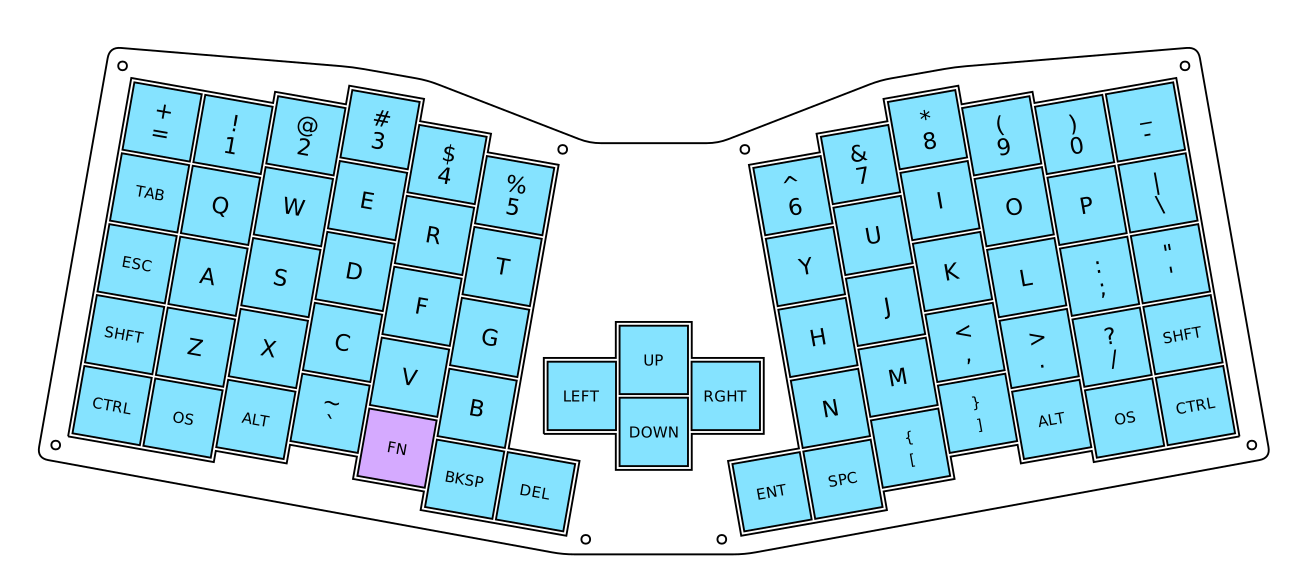
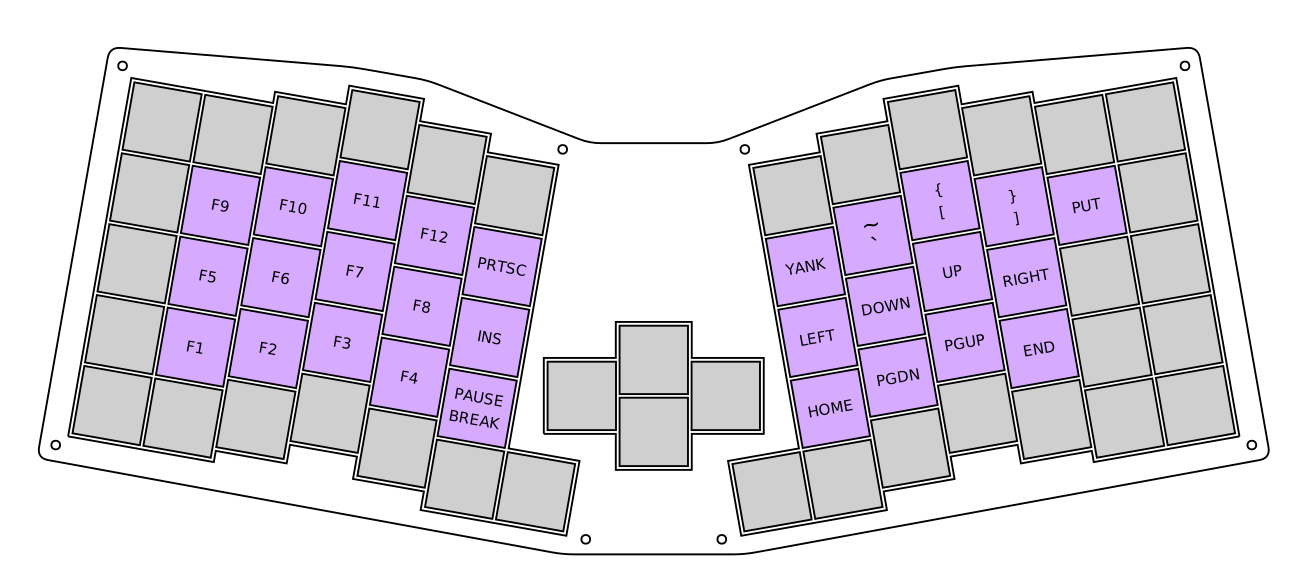
The case is comprised of 4 layers:
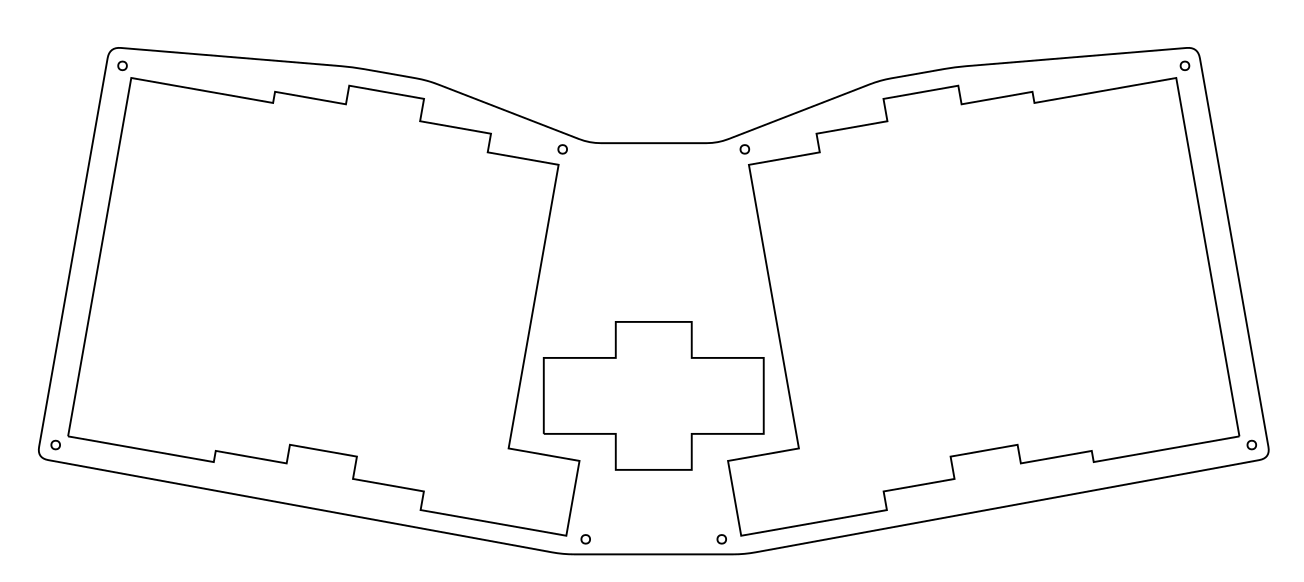
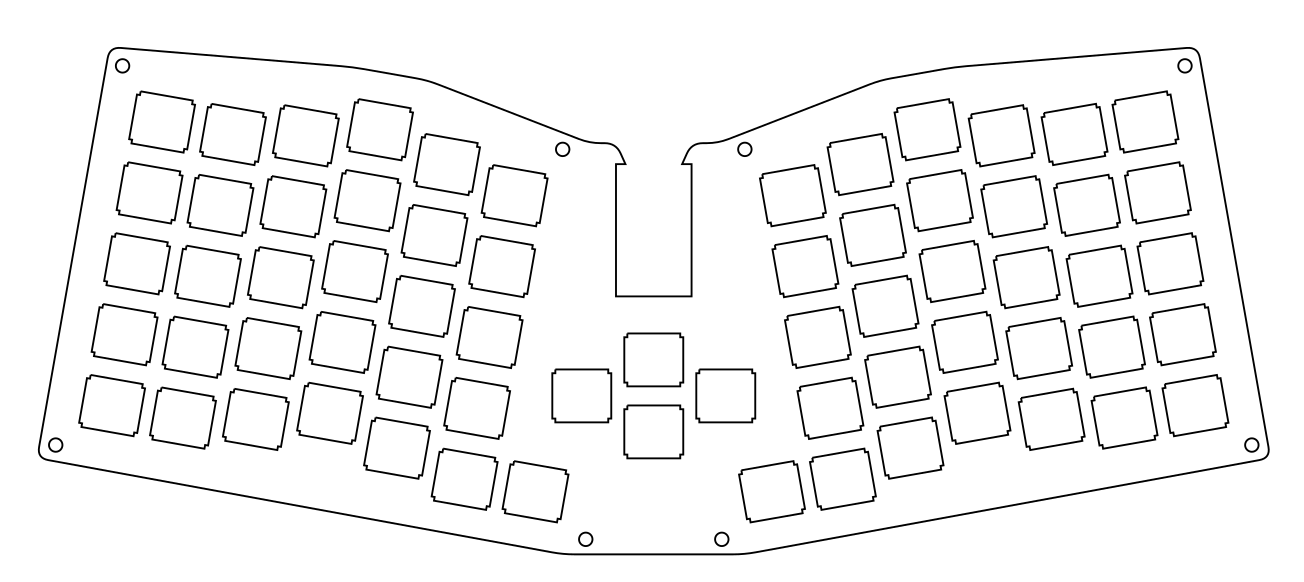
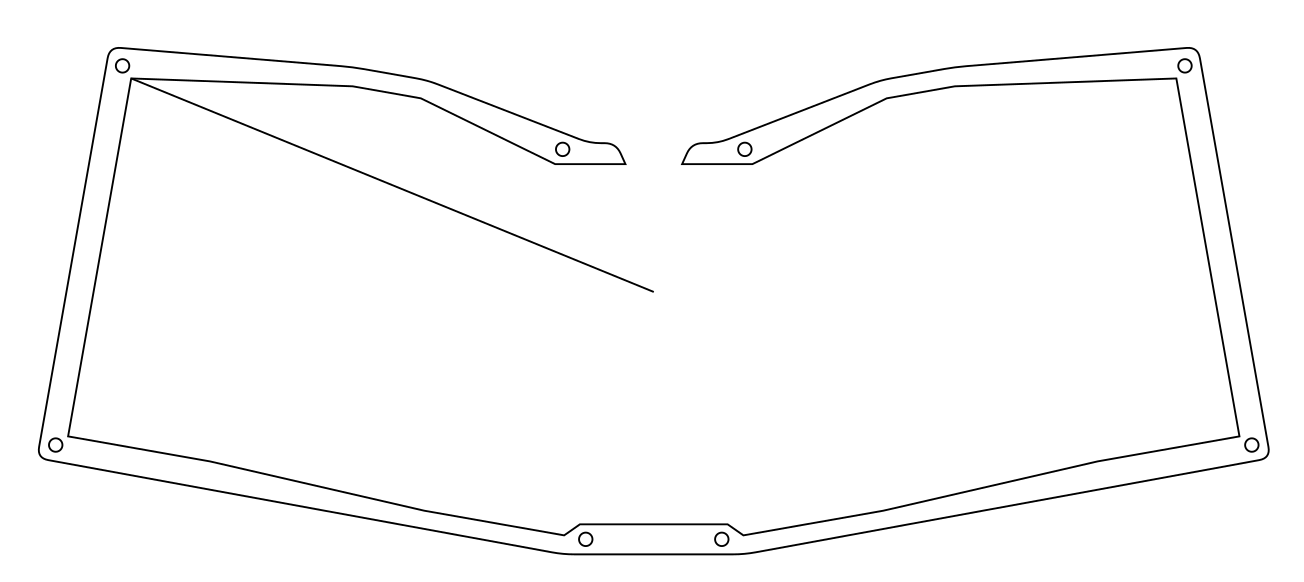
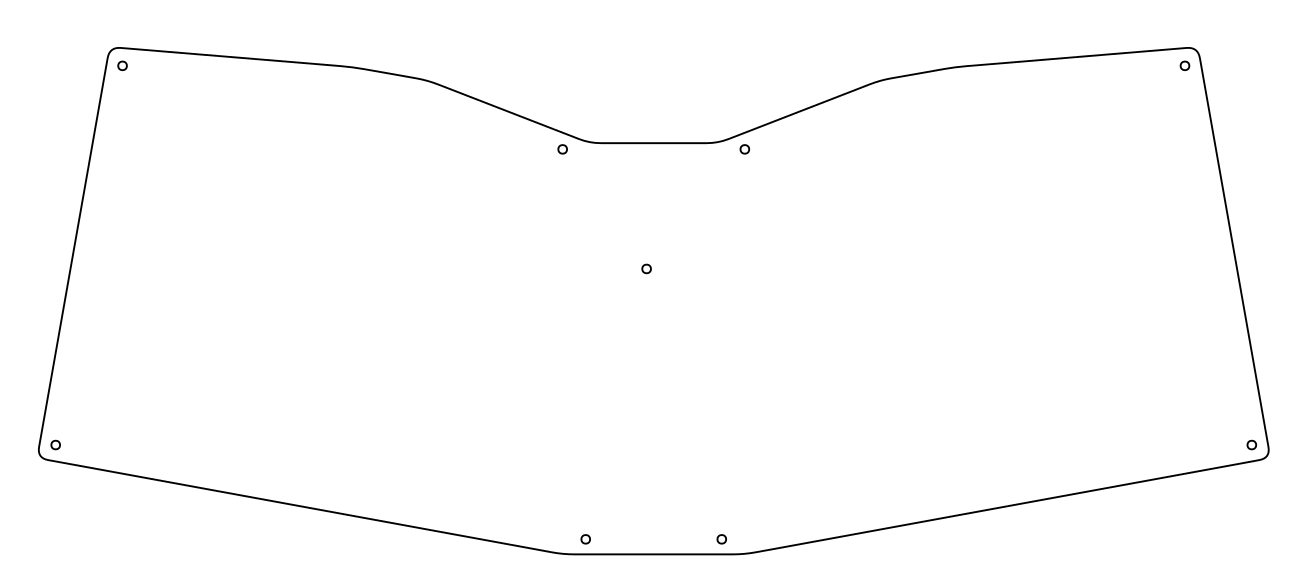

Artwork provided by Racknar Teyssier!

After working on other keyboard projects for quite some time, I revisited the Speedo with a number of changes:

The second version fixed the thumb clusters. I had yet to get into PCB design so this was only ever made via hand-wiring.
The first version of the keyboard didn't account for the diameter of standard keycaps and resulted in a case with faulty thumb
| Qty | Value | Footprint | References |
|---|---|---|---|
| 66 | D_Small | Diode_SMD:D_SOD-123F | D1, D2, D10, D11, D12, D13, D14, D15, D16, D17, D18, D19, D20, D21, D22, D23 +50 |
| 66 | MX | cozy-parts:MX_1.00u | SW1, SW2, SW10, SW11, SW12, SW13, SW14, SW15, SW16, SW17, SW18, SW19, SW20, SW21, SW22, SW23 +50 |
| 12 | C_Small | Capacitor_SMD:C_0805_2012Metric_Pad1.15x1.40mm_HandSolder | C1, C2, C3, C4, C5, C6, C7, C8, C9, C10, C11, C12 |
| 12 | WS2812B | LED_SMD:LED_WS2812B_PLCC4_5.0x5.0mm_P3.2mm | L1, L2, L3, L4, L5, L6, L7, L8, L9, L10, L11, L12 |
| 2 | qmk-badge | G3, G4 | |
| 2 | LOGO | cozykeys-graphic-speedo | G7, G8 |
| 2 | LOGO | dumplings-small | G9, G10 |
| 2 | LOGO | speedo-attribution-small | G5, G6 |
| 2 | LOGO | oshw-logo-small | G1, G2 |
| 1 | Elite-C | Keebio-Parts:Elite-C | U1 |
It measures 307.6 × 118.8 mm and has 2 copper layers, 1.6 mm thick.
167 parts, built around the WS2812B. The full list of its parts is on this page, with links to each part's symbol and footprint where PCBKit's library has them.
From the cozykeys/speedo repository on GitHub, at the commit this page was made from: the board is pcb/speedo.kicad_pcb. PCBKit opens the board in the browser, with nothing to install.
Its repository publishes it under the GPL-3.0 licence: you may reuse it on that licence's terms (keep the author's notice, and for a copyleft licence share your changes alike).
fossasia/pslab-hardware
PSLab Hardware Design and Schematics https://pslab.io

FrameworkComputer/ExpansionCards
Reference designs and documentation to create Expansion Cards for the Framework Laptop


PrintersForAnts/Micron
If you want to purchase full kits there are 3 available (Kits are slowly updating to R1 hardware just make sure to double check the included hardware in your kit and if you have any questions reach out in the discord)


