2 layers19 × 76 mm
Sub
google/mozc-devices
Circuit diagrams and firmware source code for Gboard DIY keyboards
15 parts3kApache-2.0

 C0m3b4ck/DazzerBlue-Mouse
My manual remake of the EOL Tracer DazzerBlue TRAMYS44940 mouse PCB in KiCAD. GERBER and DRILL files included.
DazzerBlue proj is an open-source printed circuit board by C0m3b4ck, from the C0m3b4ck/DazzerBlue-Mouse repository on GitHub, published under the Apache-2.0 licence. It is a 2-layer board of 32 × 62 mm with 15 parts on 17 nets, routed with 139 tracks and 0 vias.
Its parts include 2 capacitors, 2 resistors, 1 IC and 1 connector.
@PrinterFixer [Video title here](VIDEO HERE - IF THERE IS NONE THEN IT IS NOT DONE)
KiCAD project with GERBER and DRILL files of the DazzerBlue TRAMYS44940 mouse PCB from 2018/09/25, remade manually by me, C0m3b4ck. All models of all components are in place, the PCB is of accurate size. The only inacurracies are the connections, which aren't 1:1 to the actual PCB. The microswitch and the rotary encoder are the exact same but from different companies (couldn't find original companies).
The mouse is end-of-life.
This repository preserves the complete investigation of the DazzerBlue TRAMYS44940 mouse hardware: project files, documentation and images. It is intended as a technical reference for anyone analyzing, repairing, or getting inspired by the DazzerBlue TRAMYS44940 design and the V101S-based optical mouse architecture.
DOCS/ — component datasheets and board photos.DazzerBlue-GERBER-DRILL.7z — archived Gerber/drill package.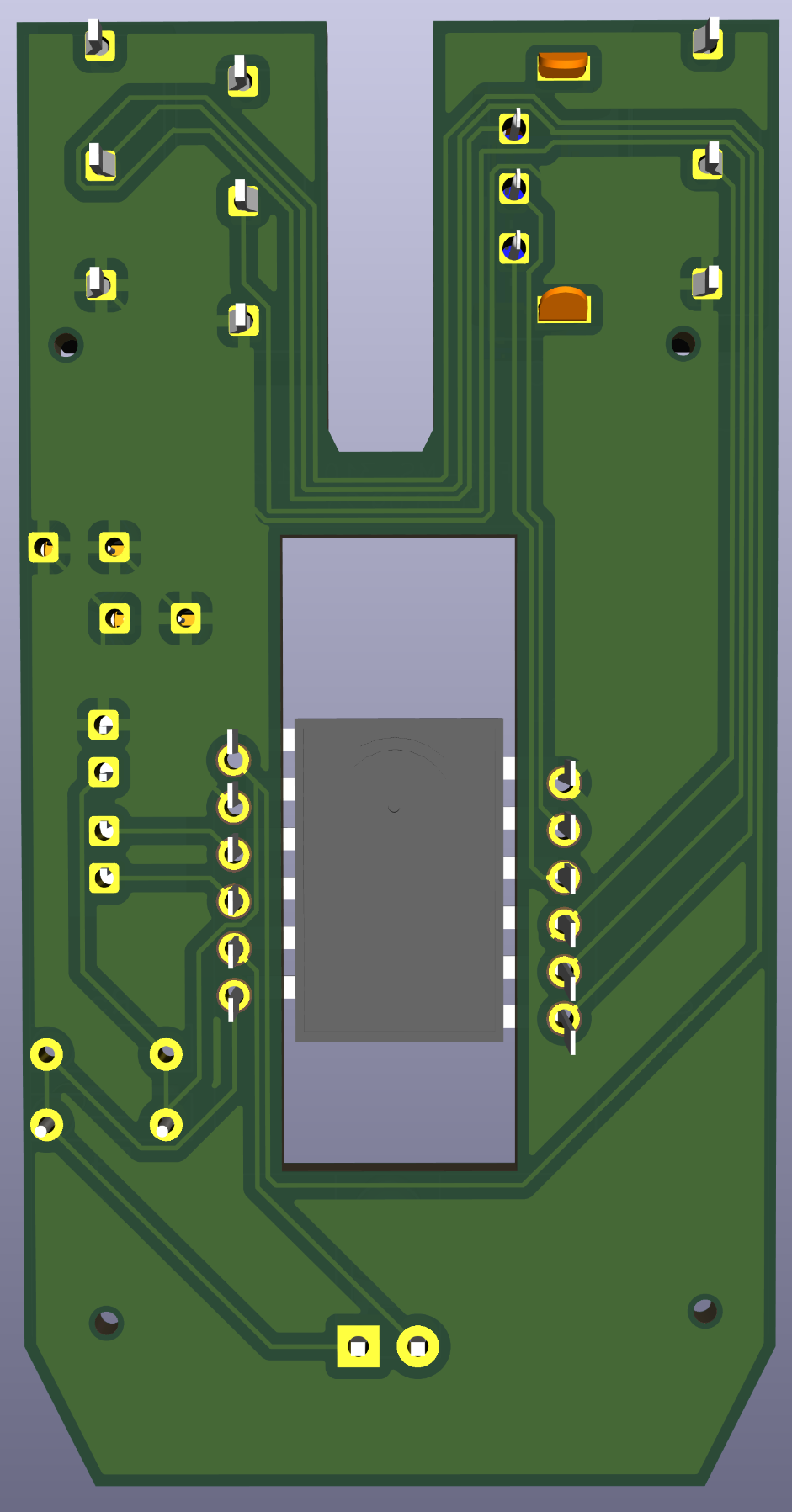 PCB 3D view in KiCAD - underside. | 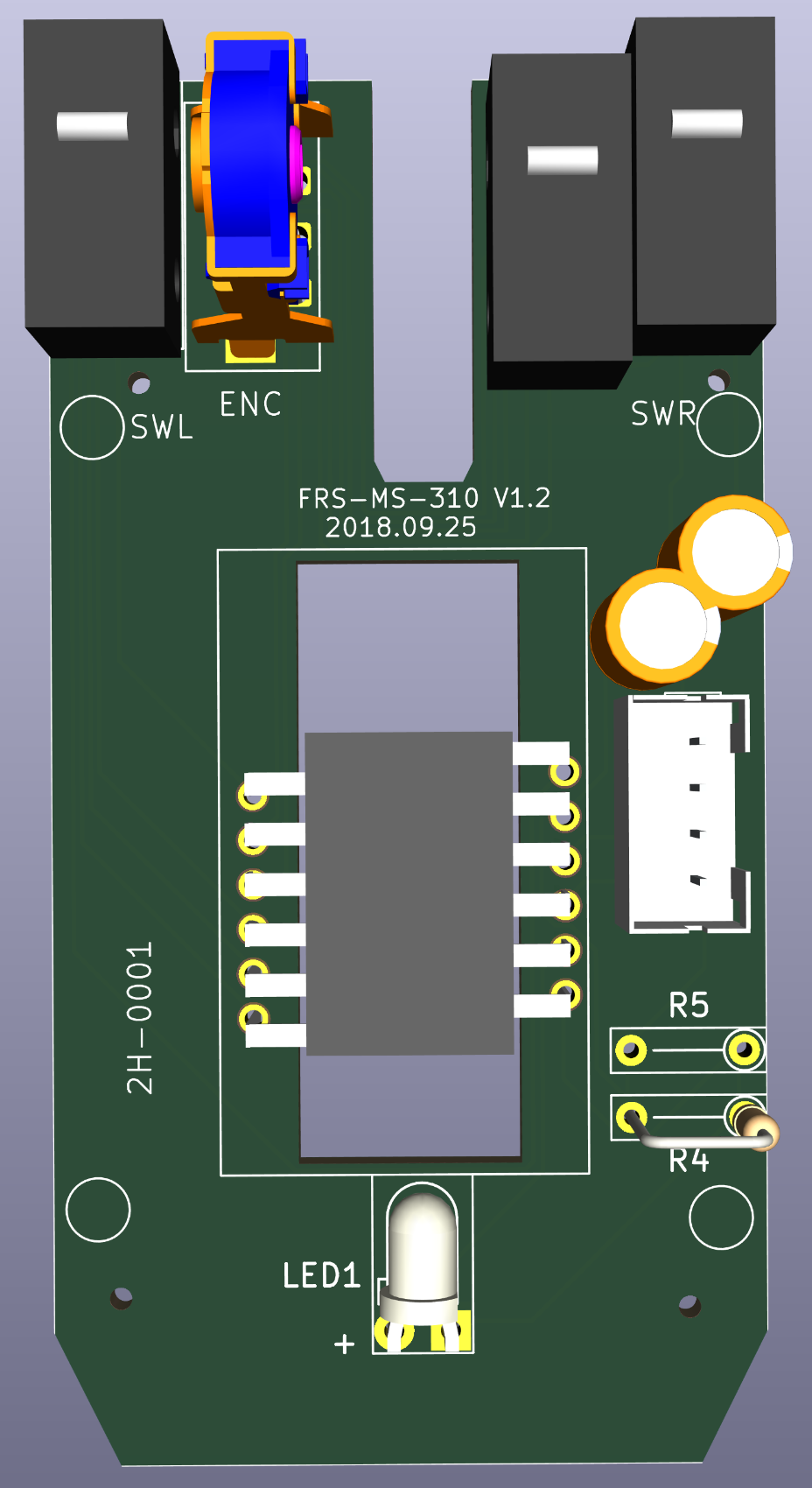 PCB 3D view in KiCAD - top view. | 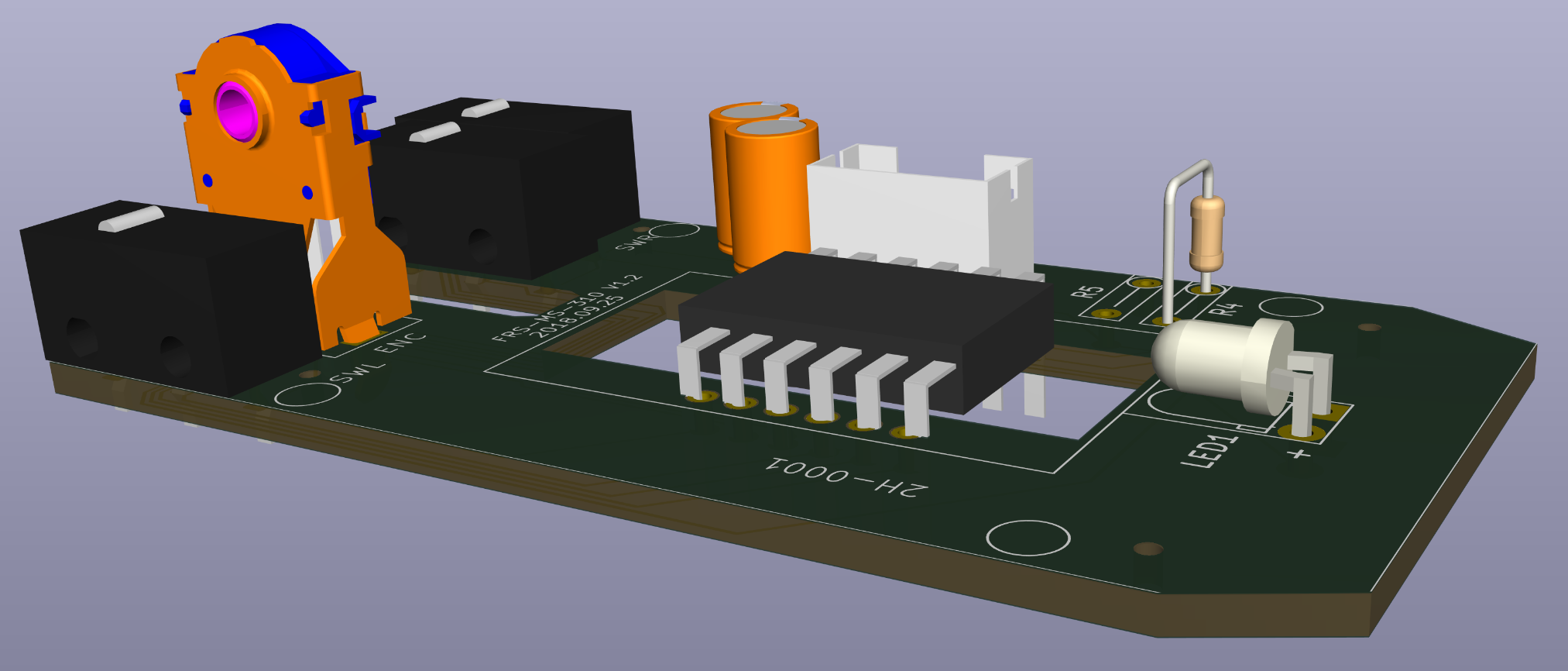 PCB 3D view in KiCAD - left. | 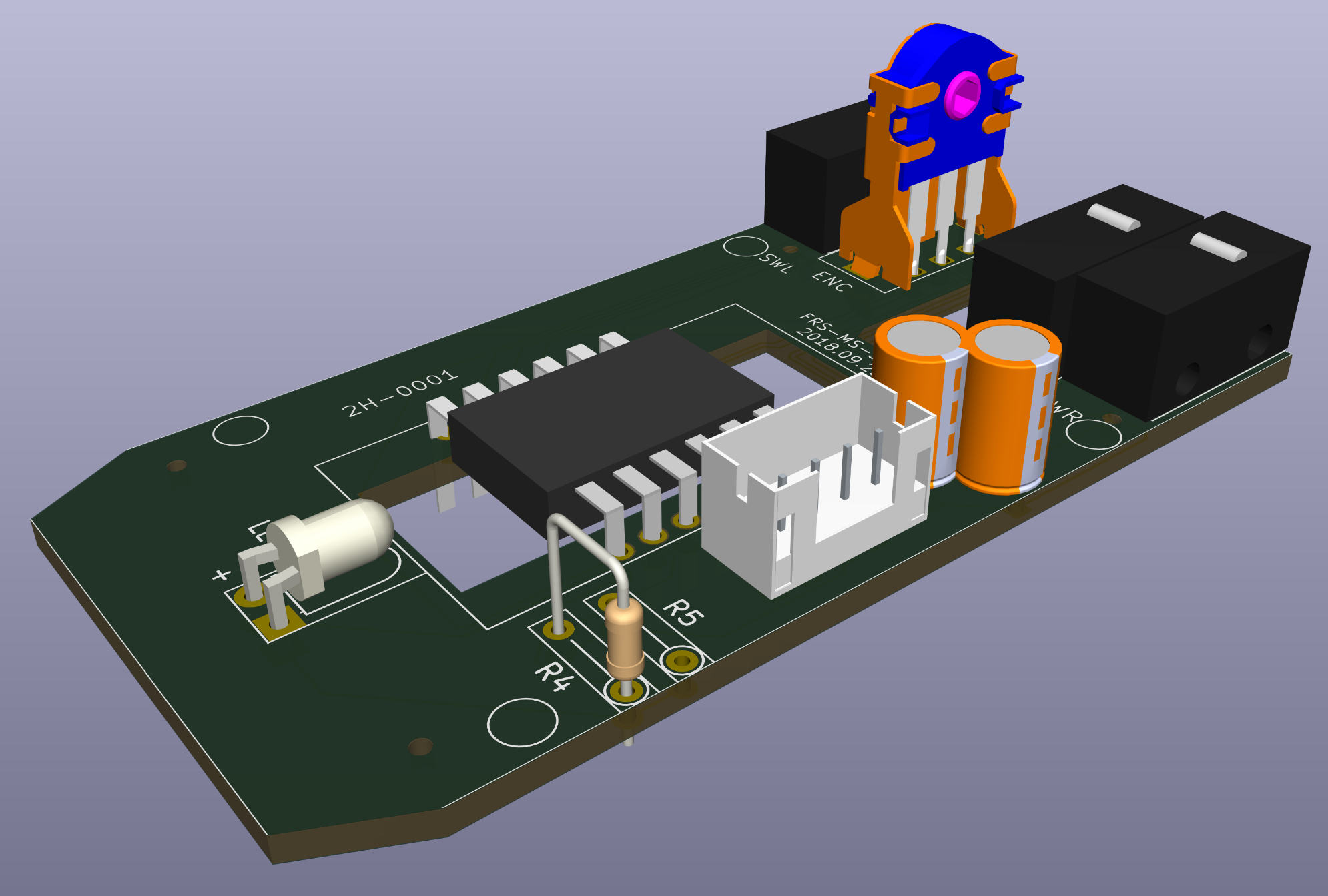 PCB 3D view in KiCAD - right. |
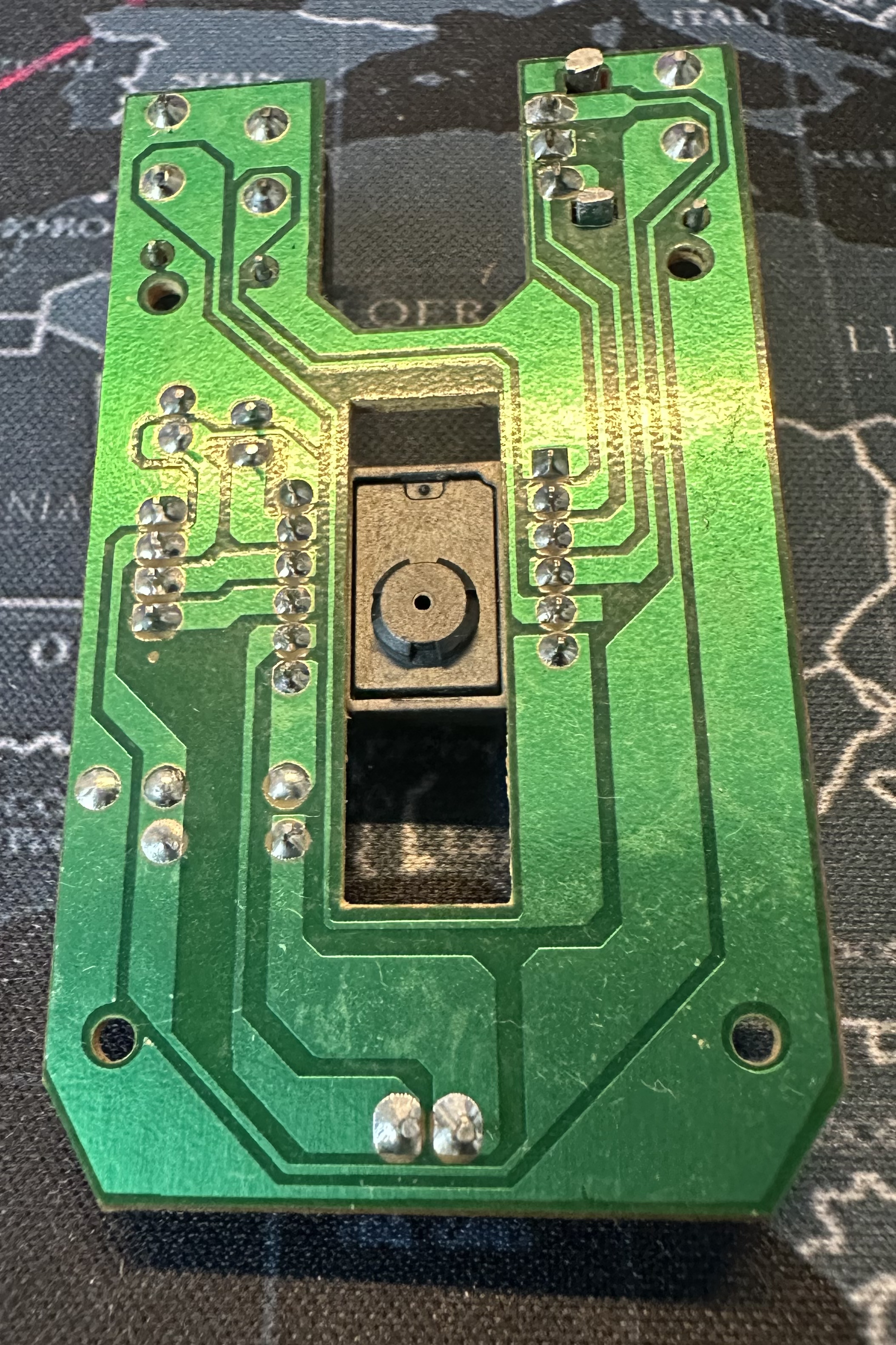 The underside of the PCB. | 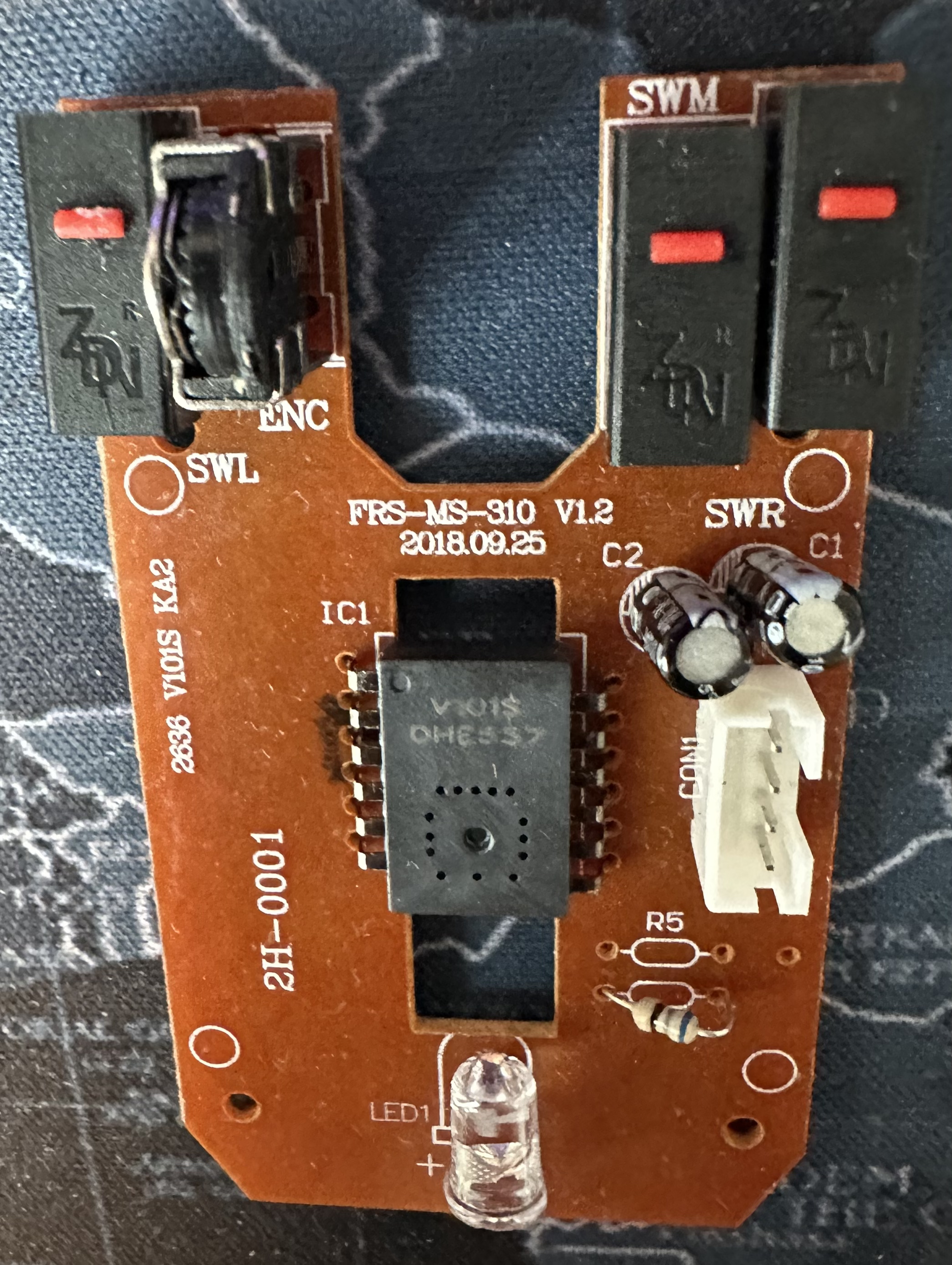 View of the PCB from top. | 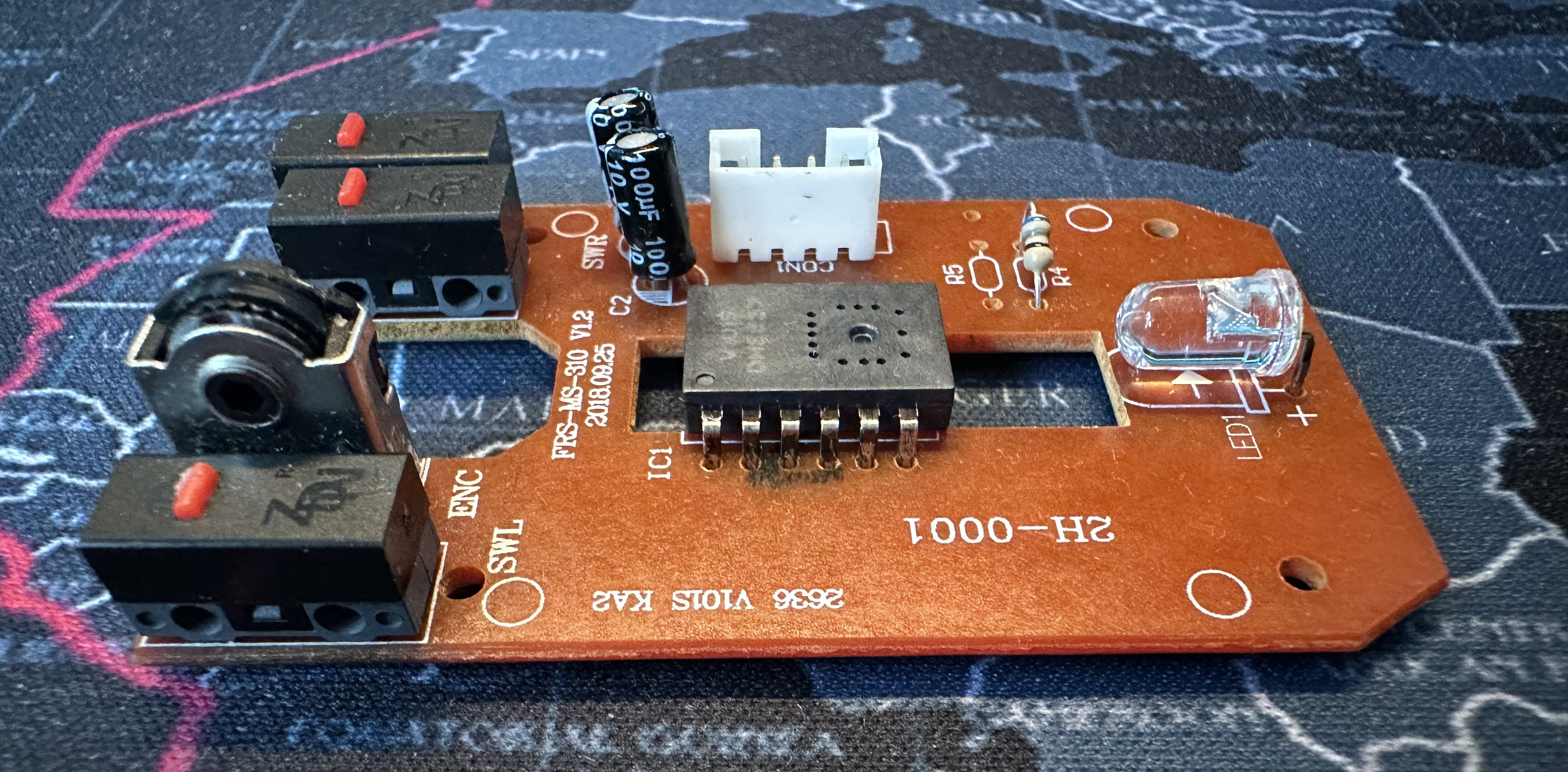 View of the PCB from the left. | 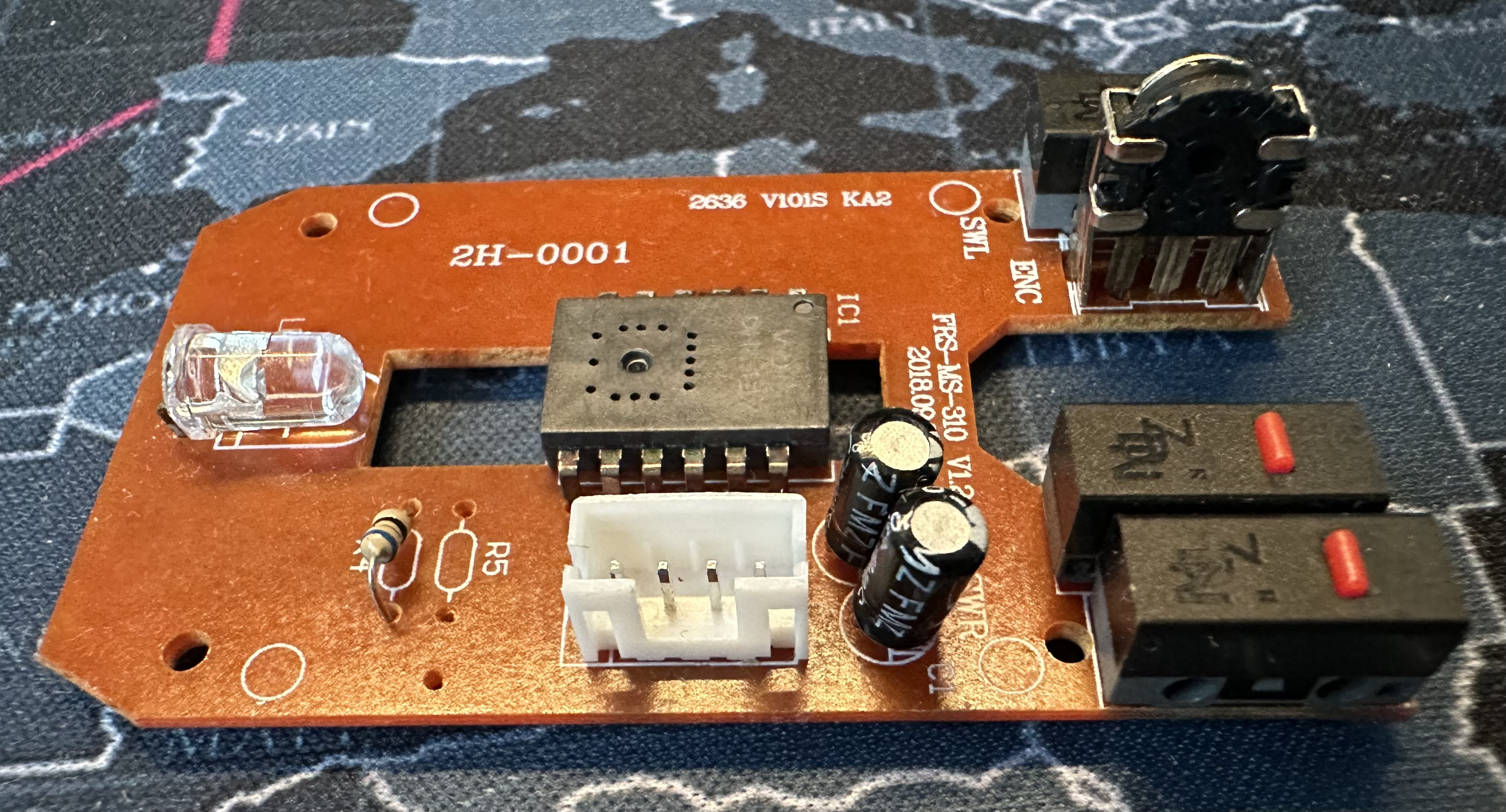 View of the PCB from the right. |
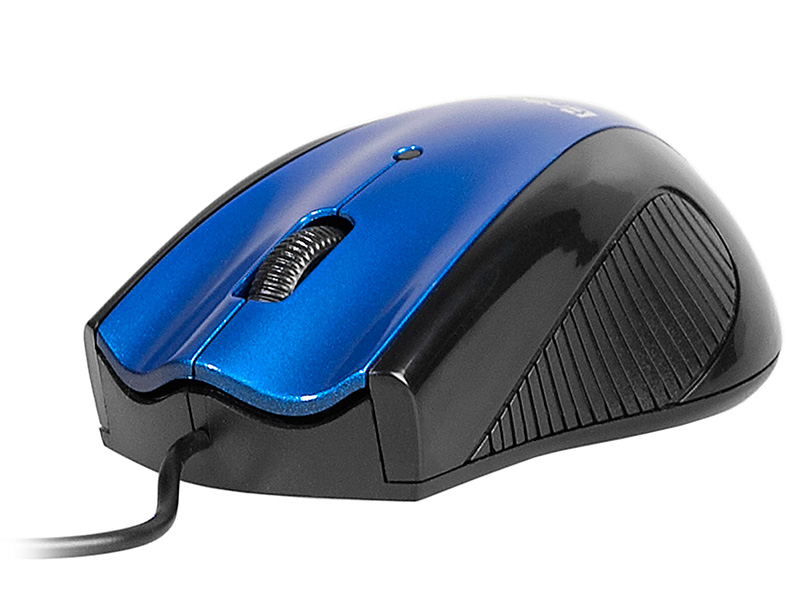 The mouse case, stock photo. | 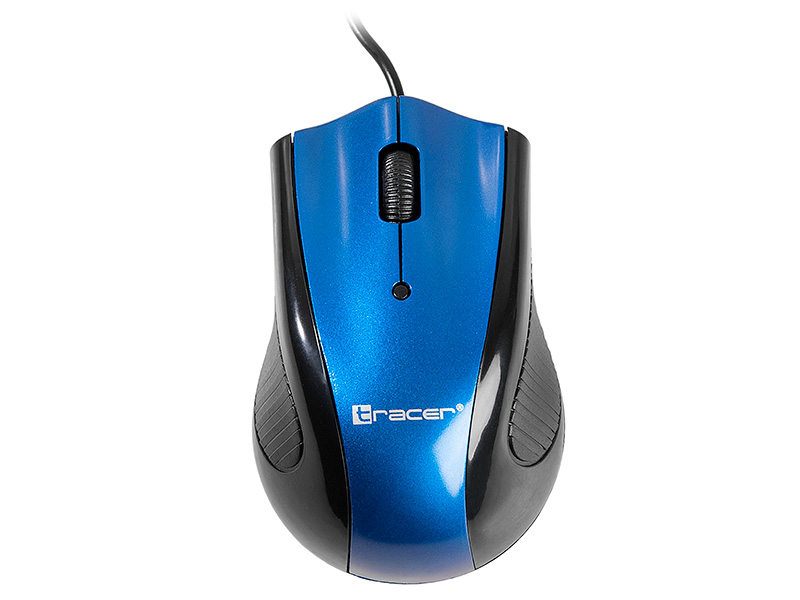 Full mouse case and cable view from top. | ||
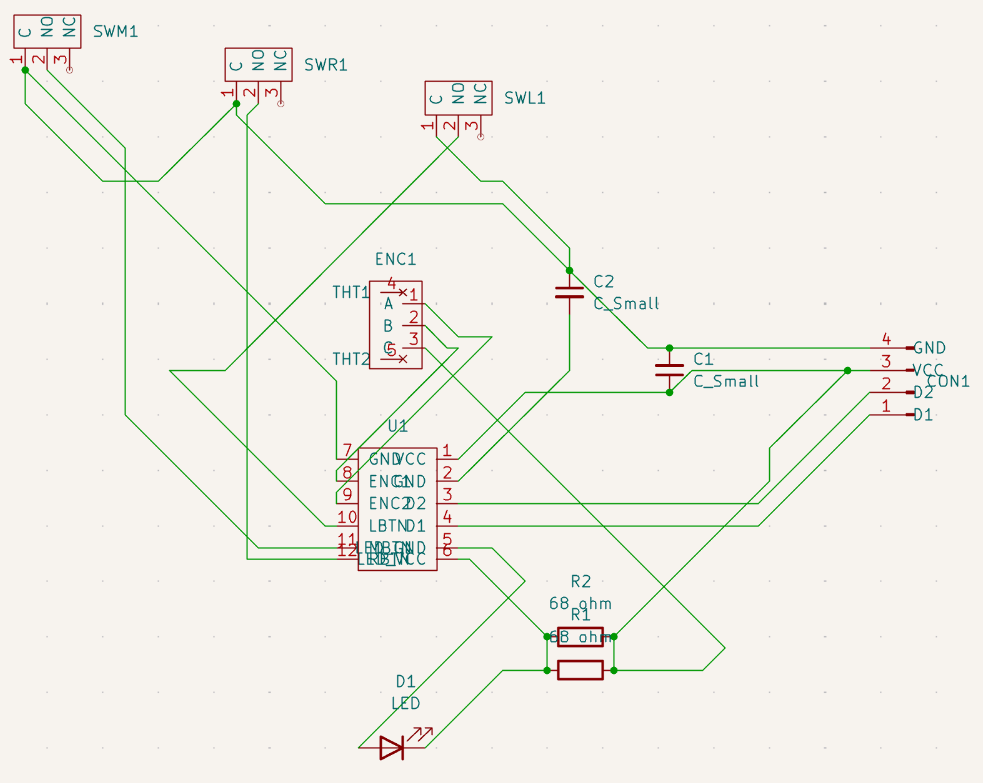 Schematic of full circuit. |
Project made manually by C0m3b4ck from 08/07/2026 to 10/07/2026.
| Qty | Value | Footprint | References |
|---|---|---|---|
| 4 | , , , | ||
| 3 | ~ | D2FT:D2FT_SW | SWL, SWM, SWR |
| 2 | 68 ohm | NoCourtyard:NoCourtyard_R_Axial_DIN0204_L3.6mm_D1.6mm_P5.08mm_Vertical | R4, R5 |
| 2 | C_Small | SmallCapacitor2:SmallCapacitor2 | C1, C2 |
| 1 | LED1 | NoCourtyard:NoCourtyard_LED_D3.0mm_Horizontal_O1.27mm_Z2.0mm_Clear | + |
| 1 | ~ | 4pin_USB_male_pins:4pin_USB_male_pins | CON1 |
| 1 | ~ | AlpineRotaryEncoder:AlpineRotaryEncoder | ENC |
| 1 | ~ | V101S:V101S | U1 |
google/mozc-devices
Circuit diagrams and firmware source code for Gboard DIY keyboards

hoglet67/RGBtoHDMI
Bare-metal Raspberry Pi project that provides pixel-perfect sampling of Retro Computer RGB/YUV video and conversion to HDMI

mntmn/amiga2000-gfxcard
MNT VA2000, an Open Source Amiga 2/3/4000 Graphics Card (Zorro II/III), written in Verilog

hackclub/OnBoard
💡 Join 1,000 teenagers and make your first PCB with a $100 grant!

kenp-io/not-for-airpods-repairs
The content of this repository is licensed under the WTFPL License. Please have a close look at the terms before using this material.

Luos-io/luos_engine
Open-source and real-time orchestrator for cyber-physical-systems, to easily design, test and deploy embedded applications and digital twins.

Chrismettal/EleLab_v2
Cheap DIY lab system for hobbyists and the tinkering folk

It measures 32 × 62 mm and has 2 copper layers, 1.6 mm thick.
15 parts. The full list of its parts is on this page, with links to each part's symbol and footprint where PCBKit's library has them.
From the C0m3b4ck/DazzerBlue-Mouse repository on GitHub, at the commit this page was made from: the board is DazzerBlue-proj/DazzerBlue-proj.kicad_pcb and its schematic DazzerBlue-proj/DazzerBlue-proj.kicad_sch. PCBKit opens the board in the browser, with nothing to install.
Its repository publishes it under the Apache-2.0 licence: you may reuse it on that licence's terms (keep the author's notice, and for a copyleft licence share your changes alike).