2 layers103 × 30.5 mm

 brainstorm/carvey_board9
Inventables carvey board which supports PCB milling AutoLeveler probing
Carvey is an open-source printed circuit board by brainstorm, from the brainstorm/carvey_board repository on GitHub. It is a 2-layer board of 58.2 × 14 mm with 9 parts on 2 nets, routed with 29 tracks and 0 vias.
Its parts include 2 connectors and 2 switches. It belongs with the robots and motor control boards of this library.

This is a working KiCad response to the inventables thread on how to height probe a PCB with the Carvey and Grbl Chillipeppr with autolevel plugin. Also a way to rapidly and inexpensively iterate on my PCB prototyping projects without long shipping times.

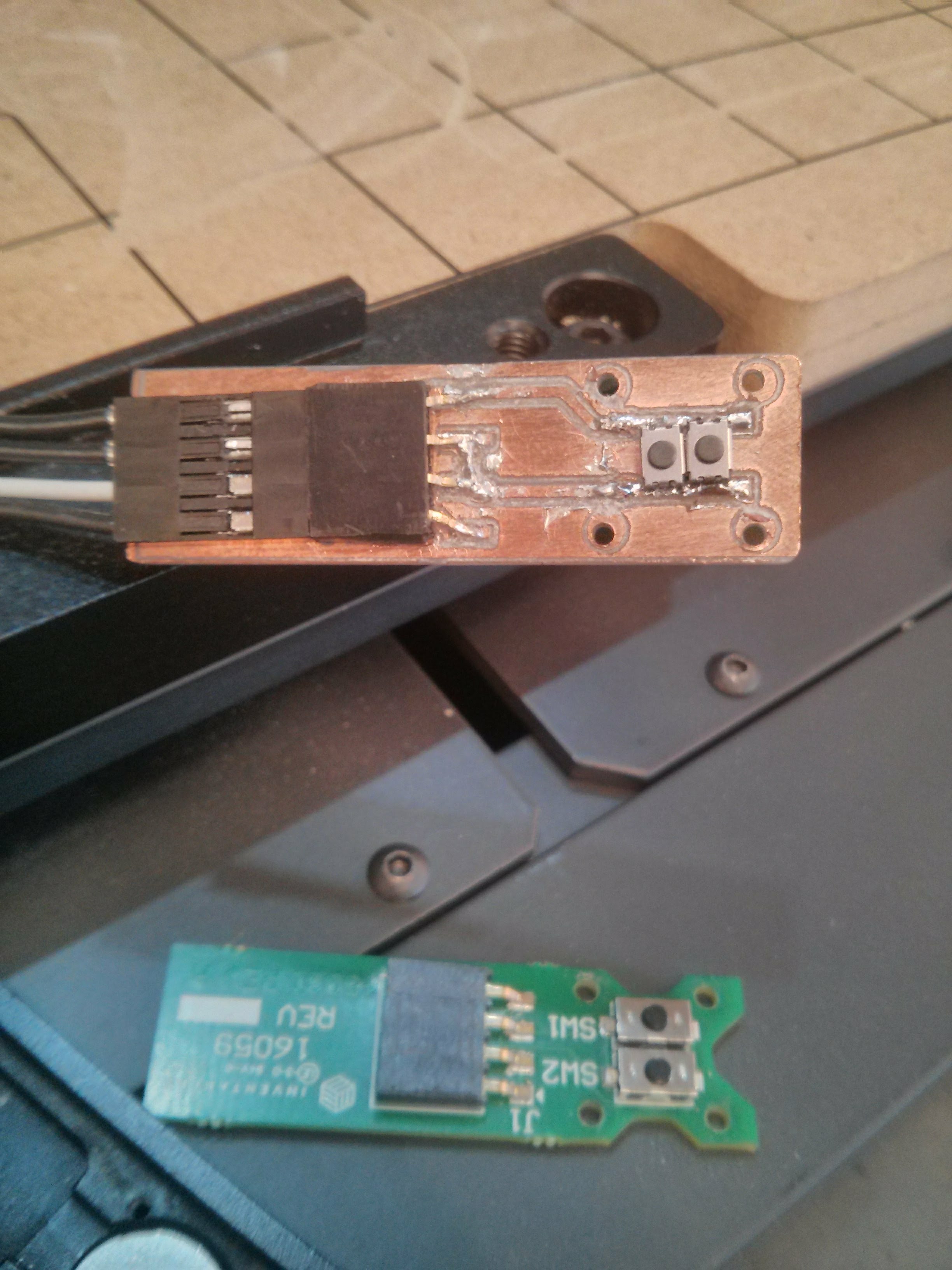
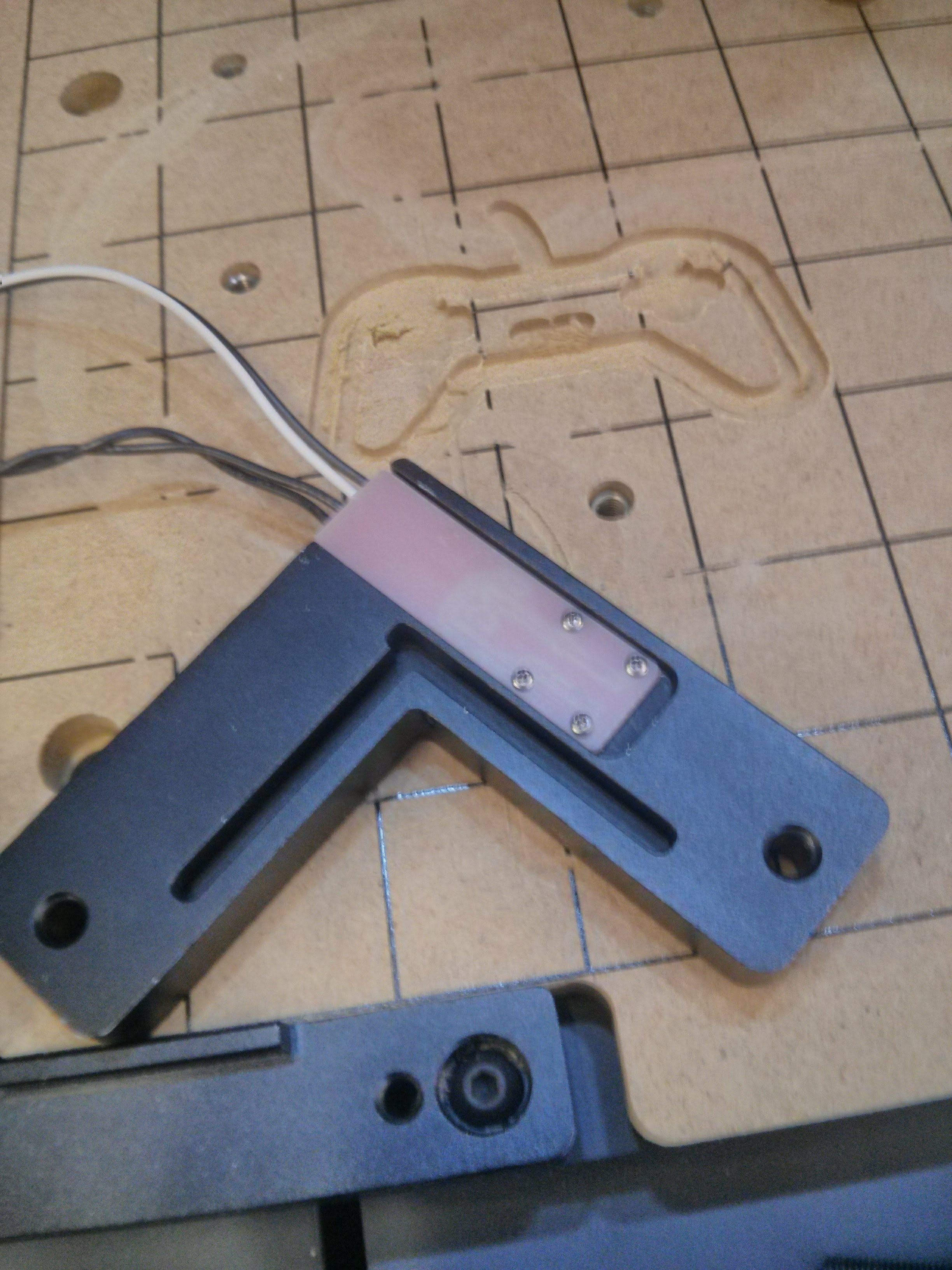
The new board has a convenient exposed zone outside the metallic clamp so that common alligator clips can be attached without long overhang wires as seen above in the pictures.
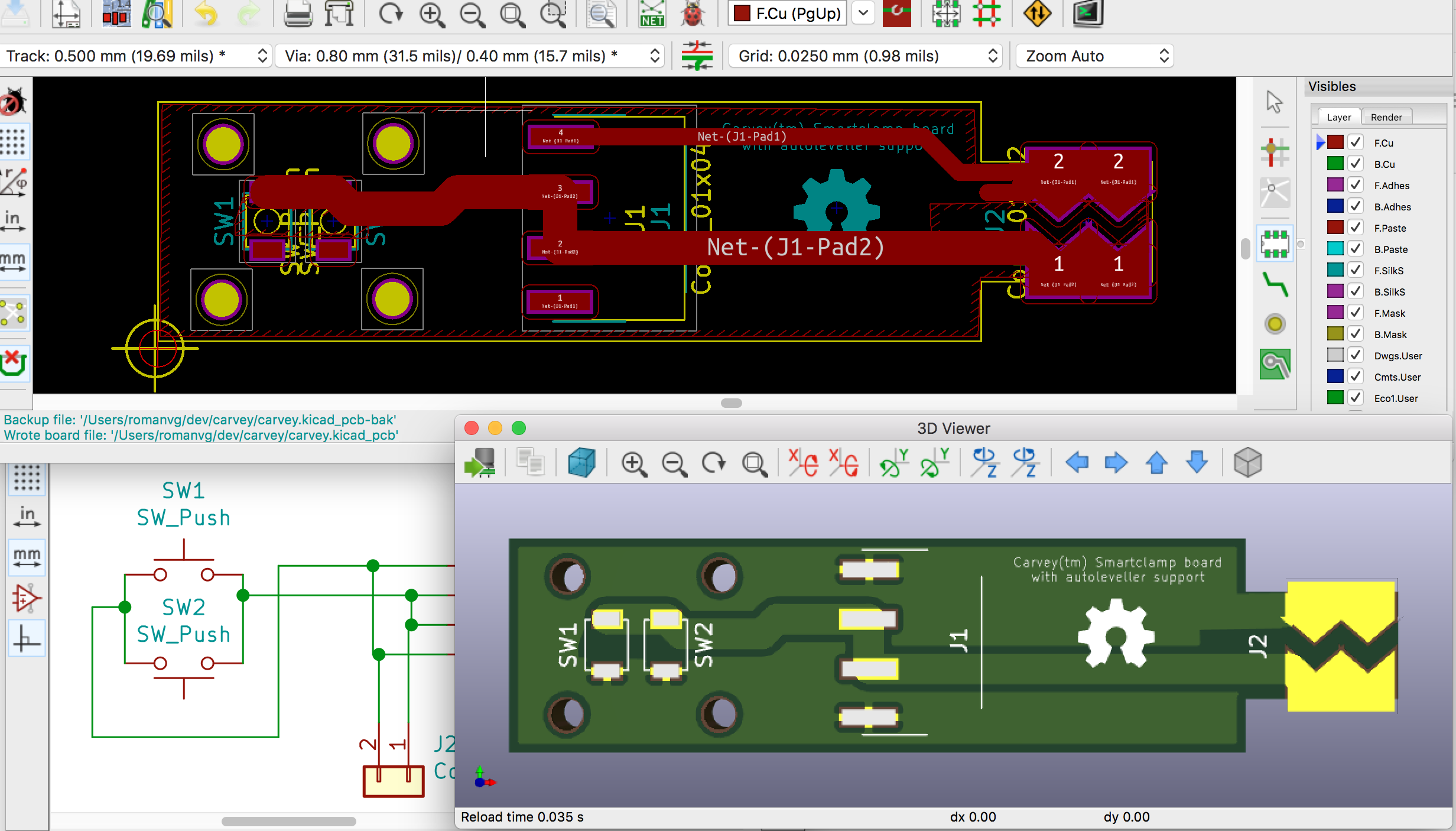
Two CNC-ready files created with my own OSX/Python3/Qt5-compatible version of FlatCAM are available under homefab, along with the accompanying KiCad gerbers. You will need a 0.1mm drill for PCB isolation routing and a 3.13mm drill for the board cutout (tipically included in the Carvey drill kit).
If there's enough interest in getting those boards made by a fab I can setup a tindie run perhaps? File an issue if so to gauge interest, otherwise, this is open hardware, download the Gerbers and have fun! ;)
| Qty | Value | Footprint | References |
|---|---|---|---|
| 2 | SW_Push | KiCad/Buttons_Switches_SMD.pretty:SW_SPST_B3U-1000P | SW1, SW2 |
| 1 | Conn_01x02 | alligator_pads:TouchSlider-2_10x7mm | J2 |
| 1 | Conn_01x04 | KiCad/Connectors_JST.pretty:JST_PH_S4B-PH-SM4-TB_04x2.00mm_Angled | J1 |
| 1 | val** | freetronics/freetronics_kicad_library/freetronics_footprints.pretty:LOGO_OSHW_silkscreen_5mm | LOGO_OSHW_silkscreen_5mm |
The 5 most common of 9 parts.


FrameworkComputer/ExpansionCards
Reference designs and documentation to create Expansion Cards for the Framework Laptop

VoronDesign/Voron-Hardware
Cool Hardware designed by the Voron Design group

hackclub/OnBoard
💡 Join 1,000 teenagers and make your first PCB with a $100 grant!


adamws/kicad-kbplacer
KiCad plugin for automatic keyboard's key placement and routing
It measures 58.2 × 14 mm and has 2 copper layers, 1.6 mm thick.
9 parts. The full list of its parts is on this page, with links to each part's symbol and footprint where PCBKit's library has them.
From the brainstorm/carvey_board repository on GitHub, at the commit this page was made from: the board is carvey.kicad_pcb. PCBKit opens the board in the browser, with nothing to install.
Its repository states no licence, so its author keeps all rights: ask brainstorm before reusing the design.