2 layers50 × 35 mm

 bpbwaite/Cartridge1
Tools for the creation of a simulated physical game library
Cartridge PCB is an open-source printed circuit board by bpbwaite, from the bpbwaite/Cartridge repository on GitHub. It is a 2-layer board of 55 × 30 mm with 17 parts on 50 nets, routed with 112 tracks and 1 via.
Its parts include 2 connectors, 1 capacitor, 1 resistor, 1 IC and 1 switch. It belongs with the retro computing and games boards and the NXP (LPC, Kinetis, i.MX RT) boards of this library.
Tools for creating a physical game library.

Cartridge lets you launch PC games with NFC tags - without any software running on your computer.
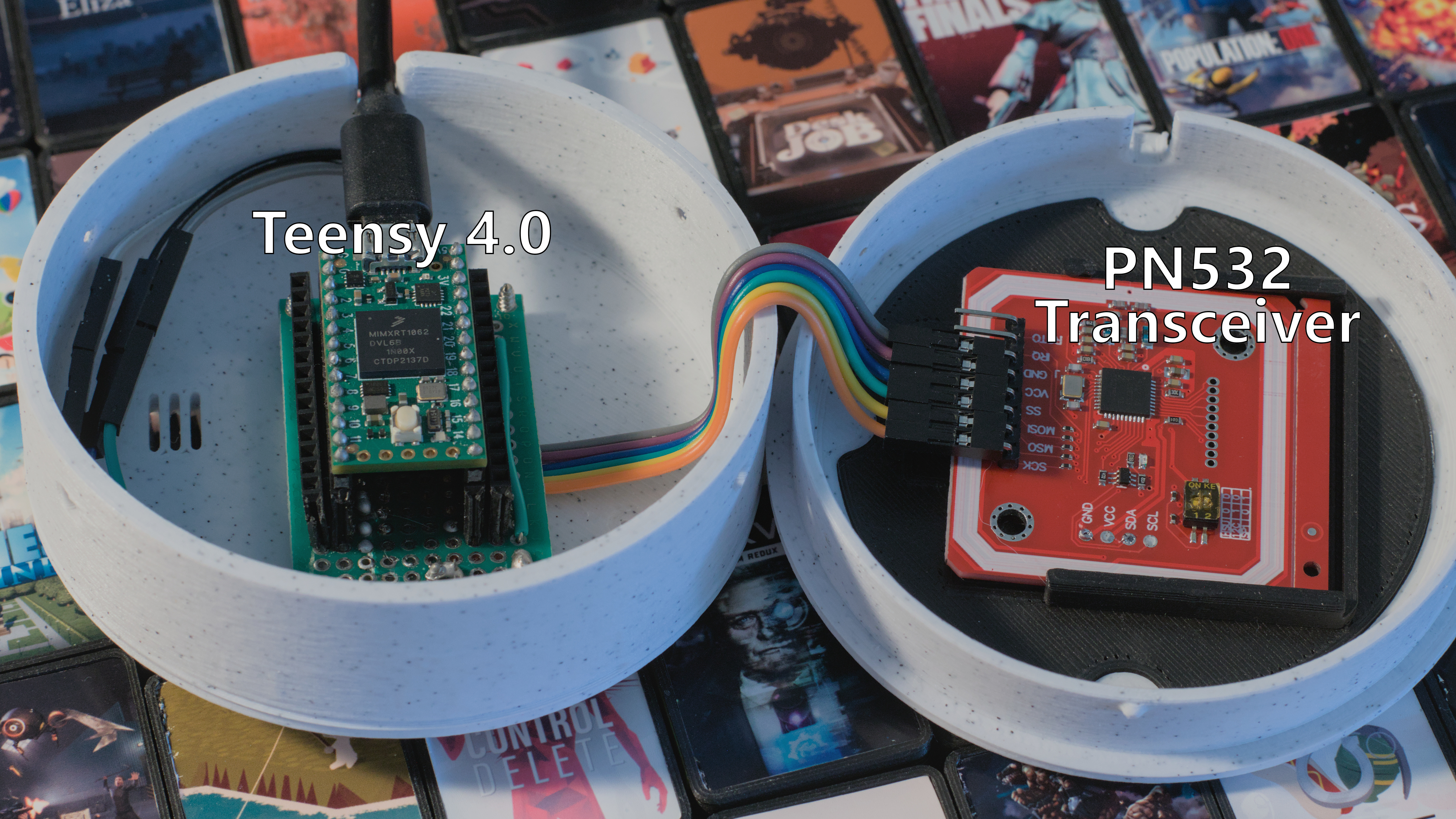 | 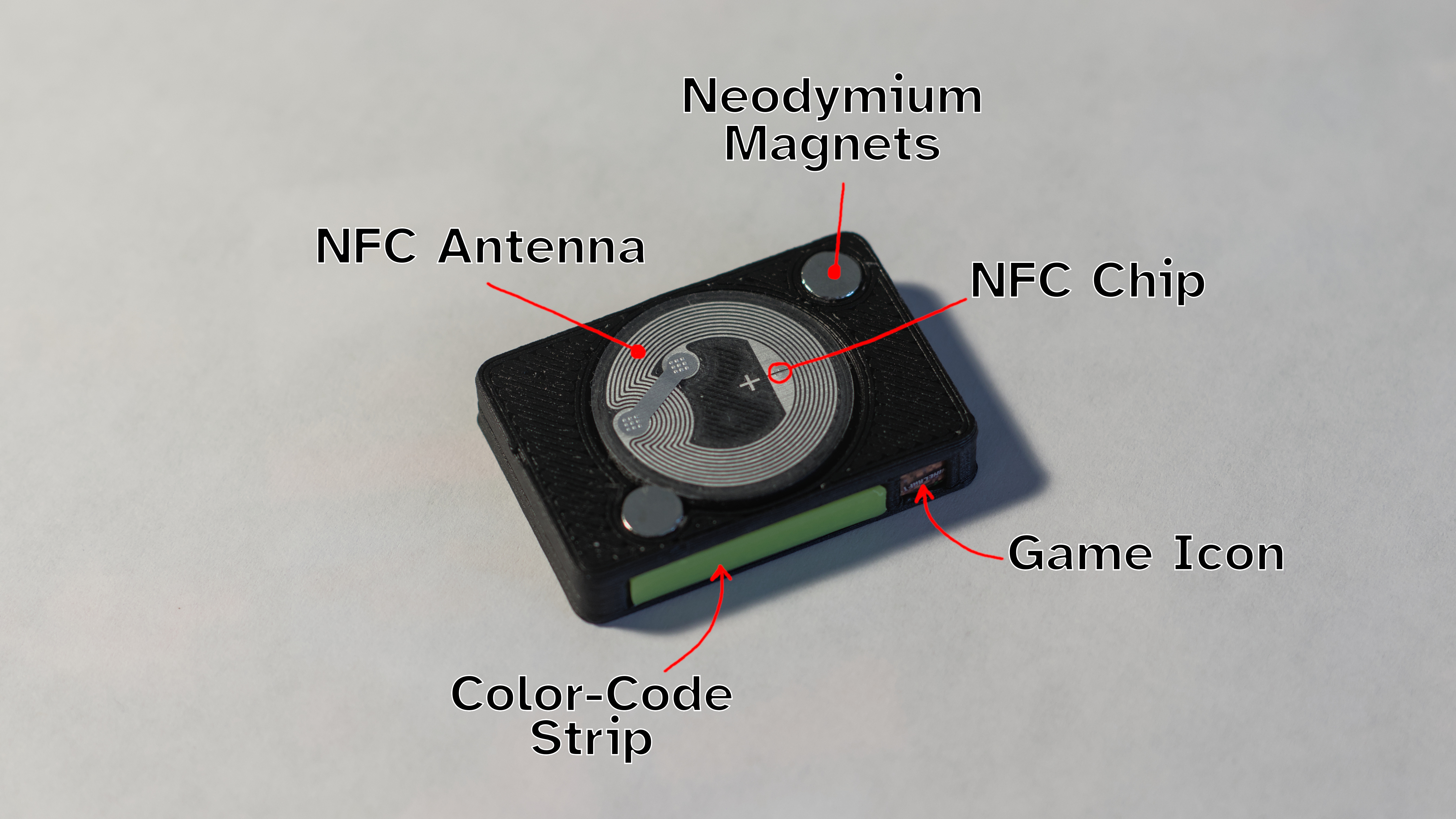 |
|---|
Guided setup
Configurable Reader
NOTE: Cartridge is still in development. It only works on Windows 10/11. Library image generation is limited to Steam games at the moment.
Because it's super cool, and having a physical representation of your library makes it fun and easy to share.
(todo)
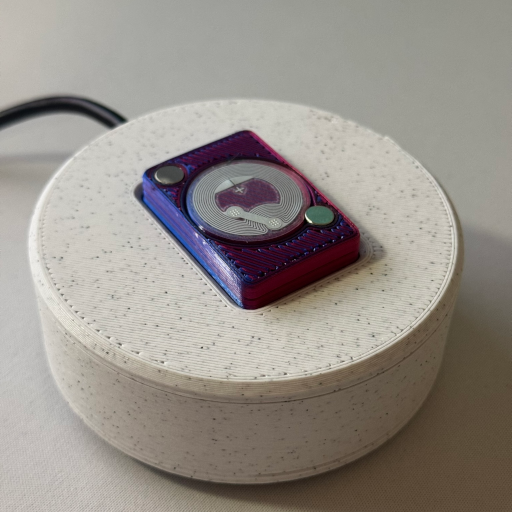
You will need:
(todo assembly instructions)
| Qty | Value | Footprint | References |
|---|---|---|---|
| 2 | SolderJumper_2_Open | Jumper:SolderJumper-2_P1.3mm_Open_RoundedPad1.0x1.5mm | JP1, JP2 |
| 2 | TestPoint | TestPoint:TestPoint_Pad_D1.5mm | TP1, TP2 |
| 2 | TestPoint | TestPoint:TestPoint_Pad_1.5x1.5mm | TP3, TP4 |
| 1 | 100 | Resistor_SMD:R_0603_1608Metric_Pad0.98x0.95mm_HandSolder | R1 |
| 1 | 1uF | PCM_Capacitor_SMD_US_Handsoldering_AKL:C_0603_1608Metric_Pad1.08x0.95mm | C1 |
| 1 | Conn_01x03_Pin | Connector_JST:JST_XH_B3B-XH-A_1x03_P2.50mm_Vertical | J3 |
| 1 | Conn_01x06_Pin | Connector_PinHeader_2.54mm:PinHeader_1x06_P2.54mm_Horizontal | J1 |
| 1 | SW_DIP_x03 | Button_Switch_THT:SW_DIP_SPSTx03_Slide_9.78x9.8mm_W7.62mm_P2.54mm | SW1 |
| 1 | TEENSY40 | _cartridge-library:Teensy_4.0 | U1 |
The 12 most common of 17 parts.


hoglet67/RGBtoHDMI
Bare-metal Raspberry Pi project that provides pixel-perfect sampling of Retro Computer RGB/YUV video and conversion to HDMI


hackclub/OnBoard
💡 Join 1,000 teenagers and make your first PCB with a $100 grant!

DDeGonge/OS-ARM
This arm is not industrial and it will not be fast, but that is not my goal. But it will hopefully be a very nice looking arm fully capable of 6dof motion, cheap enough to keep it accessable but capable enough to…


It measures 55 × 30 mm and has 2 copper layers, 1.6 mm thick.
17 parts. The full list of its parts is on this page, with links to each part's symbol and footprint where PCBKit's library has them.
From the bpbwaite/Cartridge repository on GitHub, at the commit this page was made from: the board is cartridge-pcb/Cartridge-PCB.kicad_pcb and its schematic cartridge-pcb/Cartridge-PCB.kicad_sch. PCBKit opens the board in the browser, with nothing to install.
Its repository states no licence, so its author keeps all rights: ask bpbwaite before reusing the design.