2 layers17.8 × 21.1 mm
LoomRide v1
atait/kicad-ql
KiCad QuickLook: a macOS Quick Look plugin for circuit schematics and pcbs
23 parts3MIT

 atait/kicad-ql3
KiCad QuickLook: a macOS Quick Look plugin for circuit schematics and pcbs
Matrix testLoad v2 is an open-source printed circuit board by atait, from the atait/kicad-ql repository on GitHub, published under the MIT licence. It is a 2-layer board of 57.2 × 63.5 mm with 99 parts on 69 nets, routed with 572 tracks and 71 vias.
Its parts include 48 resistors, 16 capacitors, 16 diodes and 3 connectors. It belongs with the lEDs and displays boards of this library.
Press Space on a KiCad board (.kicad_pcb), footprint (.kicad_mod) or schematic (.kicad_sch) in
Finder to see a preview.
KiCad doesn't need to be installed.
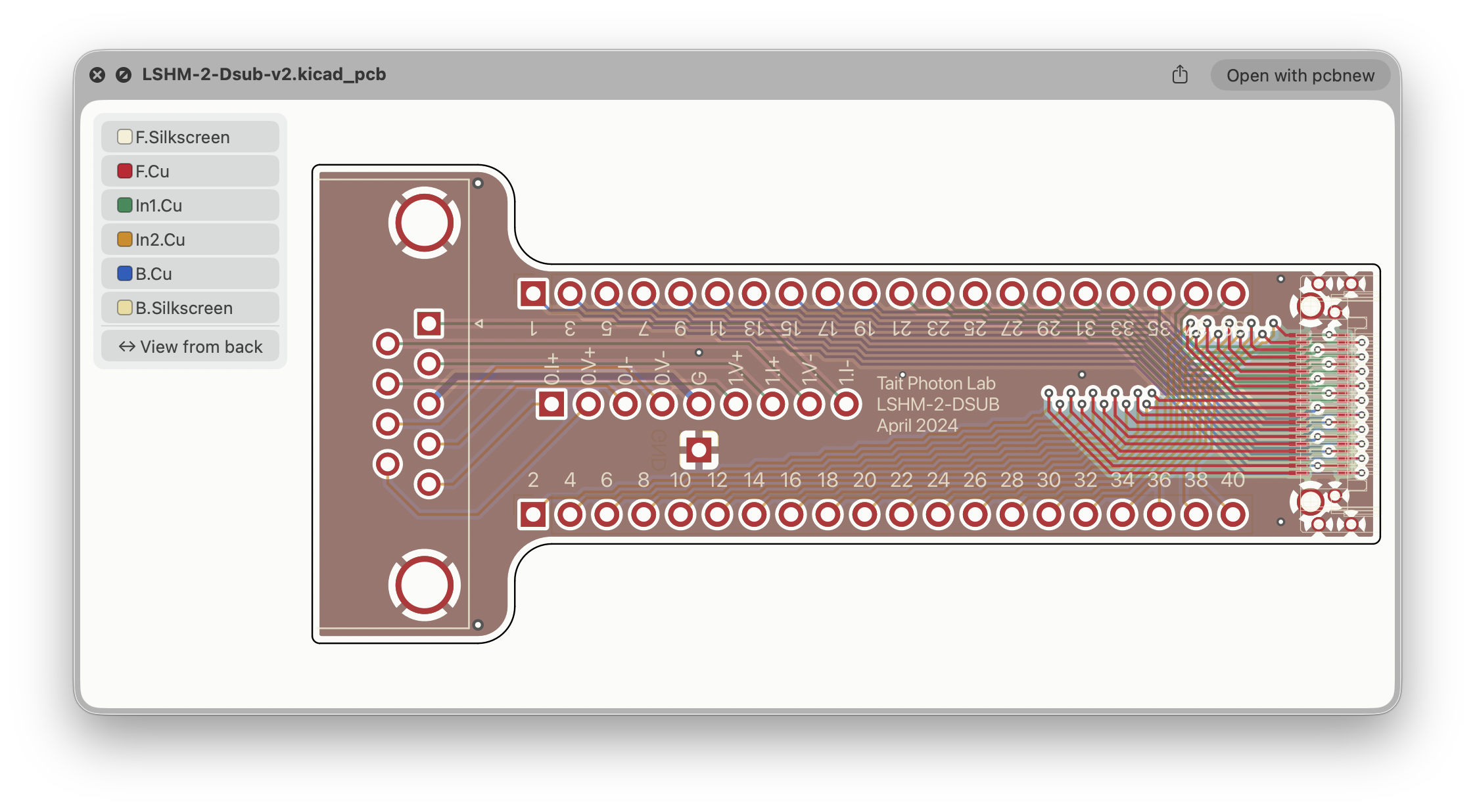
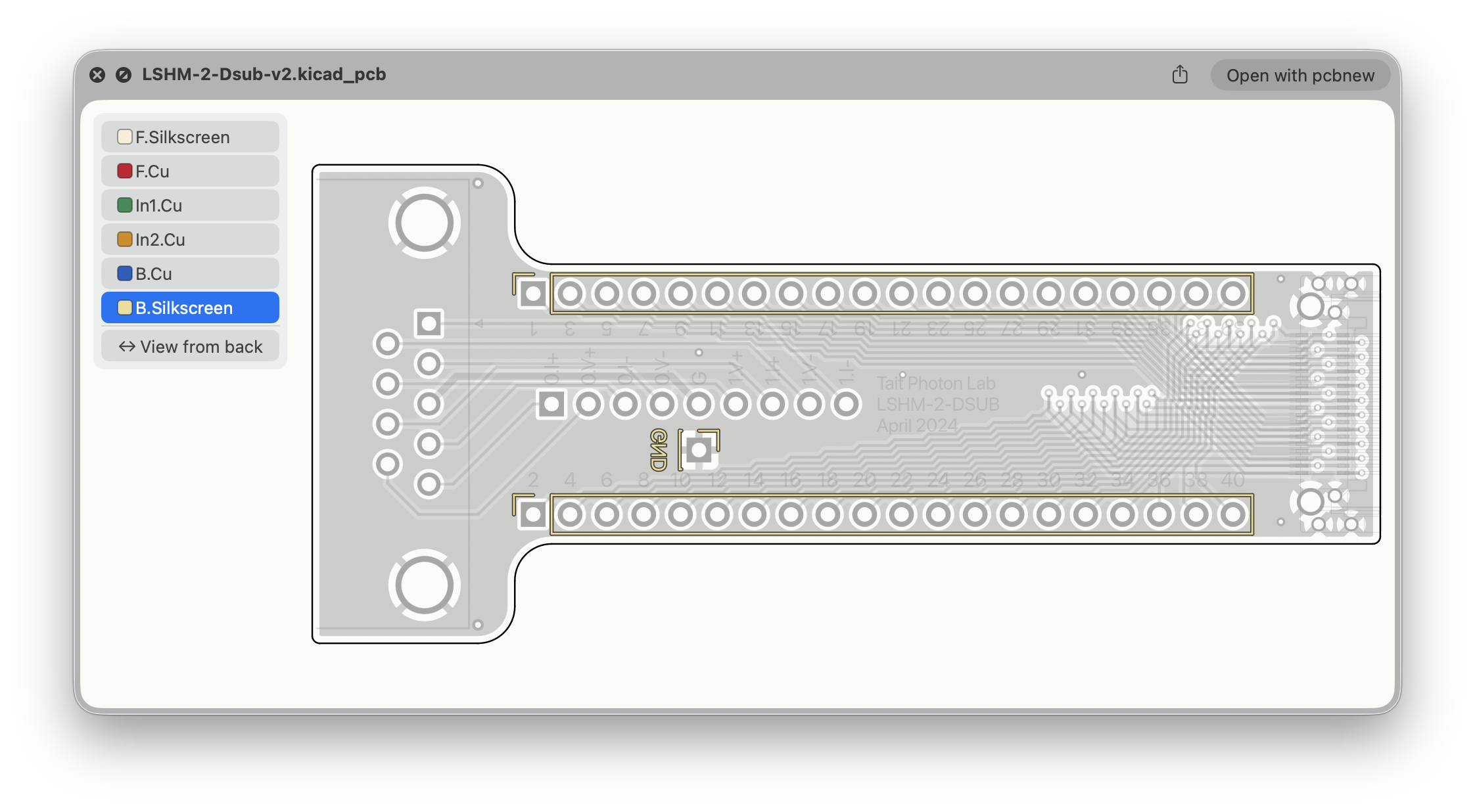
Boards: click a layer in the legend to bring it to the front. Click it again to see all layers. View from back shows the board from the bottom, mirrored.
Footprints: shown like a board, without the back view. The legend also has the fab, solder mask and Edge.Cuts layers, each pad is labelled with its number, and silkscreen is drawn dark.
Schematics: the sheet is drawn in KiCad's colours. Zoom in to read small text. For a hierarchical design, the top sheet shows each sub-sheet as a box. To see what's inside, preview the sub-sheet's own file.
The preview is an overview, not a replacement for KiCad. It uses the system font rather than KiCad's.
KiCadQL.zip from the Releases page and unzip it.KiCadQL.app to your Applications folder and open it once. You can quit it straight away.Requires macOS 14 or later.
See docs/XCODE.md. To try the renderer without Xcode:
swift run -c release --package-path KiCadPCBKit kiql-render examples/LoomRide-v1.kicad_pcb out.png 1200
swift run -c release --package-path KiCadPCBKit kiql-render examples/SkySense-bank.kicad_sch out.png 2000
swift run -c release --package-path KiCadPCBKit kiql-render examples/Crystal_HC49-U-3Pin_Vertical.kicad_mod out.png 1200
swift test --package-path KiCadPCBKit| Qty | Value | Footprint | References |
|---|---|---|---|
| 48 | R_US | Resistor_SMD:R_0603_1608Metric | R1001, R1002, R1003, R1101, R1102, R1103, R1201, R1202, R1203, R1301, R1302, R1303, R1401, R1402, R1403, R1501 +32 |
| 16 | C_Polarized_US | Capacitor_SMD:CP_Elec_4x3 | C201, C301, C401, C501, C601, C701, C801, C901, C1001, C1101, C1201, C1301, C1401, C1501, C1601, C1701 |
| 16 | LED | LED_SMD:LED_0603_1608Metric | D201, D301, D401, D501, D601, D701, D801, D901, D1001, D1101, D1201, D1301, D1401, D1501, D1601, D1701 |
| 16 | TestPoint_2Pole | TestPoint:TestPoint_2Pads_Pitch5.08mm_Drill1.3mm | TP202, TP302, TP402, TP502, TP602, TP702, TP802, TP902, TP1002, TP1102, TP1202, TP1302, TP1402, TP1502, TP1602, TP1702 |
| 2 | Conn_01x04_Pin | Connector_PinHeader_2.54mm:PinHeader_1x04_P2.54mm_Vertical | J102, J103 |
| 1 | Conn_02x20_Odd_Even_Shielded | Alex_LSHM:LSHM-120-01-L-RH-A-S | J101 |
atait/kicad-ql
KiCad QuickLook: a macOS Quick Look plugin for circuit schematics and pcbs

atait/kicad-ql
KiCad QuickLook: a macOS Quick Look plugin for circuit schematics and pcbs


matthewcieplak/super-sixteen
Code and schematics for the Super Sixteen Eurorack sequencer

numato/samplecode
This repository contains sample code for different Numato Lab products

MetalMusings/MyOwnEtherCATDevice
Documentation accompanying the "Make My Own EtherCAT device" video serie on Youtube.


robfinch/Cores
Cores ===== RTF's Cores Use at your own risk. Welcome to my galaxy of cores. Contained in the directories are IP cores, source code for digital circuits.


Scottapotamas/spe-marine-node
Prototype project to build an underwater sensor node, powered by and communicating with the surface via Single Pair Ethernet (10BASE-T1L + 802.3cg)
It measures 57.2 × 63.5 mm and has 2 copper layers, 1.6 mm thick.
99 parts. The full list of its parts is on this page, with links to each part's symbol and footprint where PCBKit's library has them.
From the atait/kicad-ql repository on GitHub, at the commit this page was made from: the board is examples/Matrix-testLoad-v2.kicad_pcb and its schematic examples/SkyKey-AT42QT1011.kicad_sch. PCBKit opens the board in the browser, with nothing to install.
Its repository publishes it under the MIT licence: you may reuse it on that licence's terms (keep the author's notice, and for a copyleft licence share your changes alike).