2 layers52 × 99 mm
DIY Mouse
aSharcc/PMW3389-Custom-Mouse
A fully custom gaming mouse using an Arduino Pro Micro ATmega32U4 and a PixArt PMW3389
21 parts2MIT

 aSharcc/PMW3389-Custom-Mouse2
A fully custom gaming mouse using an Arduino Pro Micro ATmega32U4 and a PixArt PMW3389
Mouse v3 is an open-source printed circuit board by aSharcc, from the aSharcc/PMW3389-Custom-Mouse repository on GitHub, published under the MIT licence. It is a 2-layer board of 48 × 83 mm with 21 parts on 18 nets, routed with 138 tracks and 44 vias.
It is built around the XC6206-1.8V and XIAO ESP32C3. Its parts include 9 capacitors, 3 resistors, 3 ICs and 3 switches. It belongs with the ESP32 and RISC-V boards of this library.

https://github.com/user-attachments/assets/145927b7-b68a-468a-8b0a-571980a8af83
A fully custom gaming mouse using a PixArt PMW3389.
2 versions. 3.3V/8MHz Arduino Pro Micro (ATmega32U4) and Seeed Studio XIAO ESP32C3.
I also intend for this mouse to be easily repairable.
Be sure to read BOM.md
| Features | v2 (Wired) | v3 (Wireless) |
|---|---|---|
| MCU | 3.3V/8MHz Arduino Pro Micro (ATmega32U4) | Seeed Studio XIAO ESP32C3 |
| Connectivity | Micro-USB | Bluetooth / 2.4GHz Wireless |
| Power Source | Micro-USB | LiPo Battery |
| Production Files | Files v2 | Files v3 |
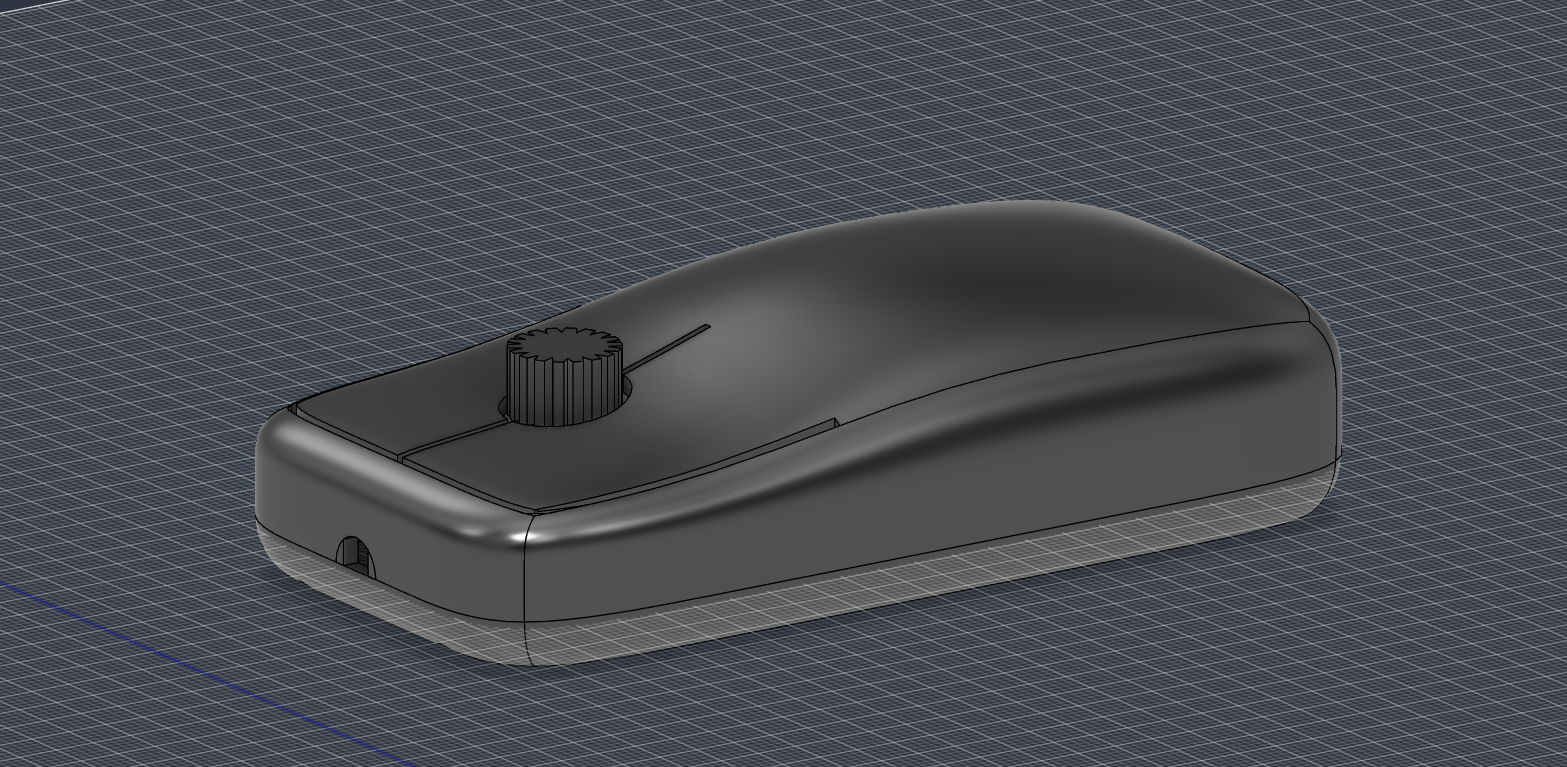
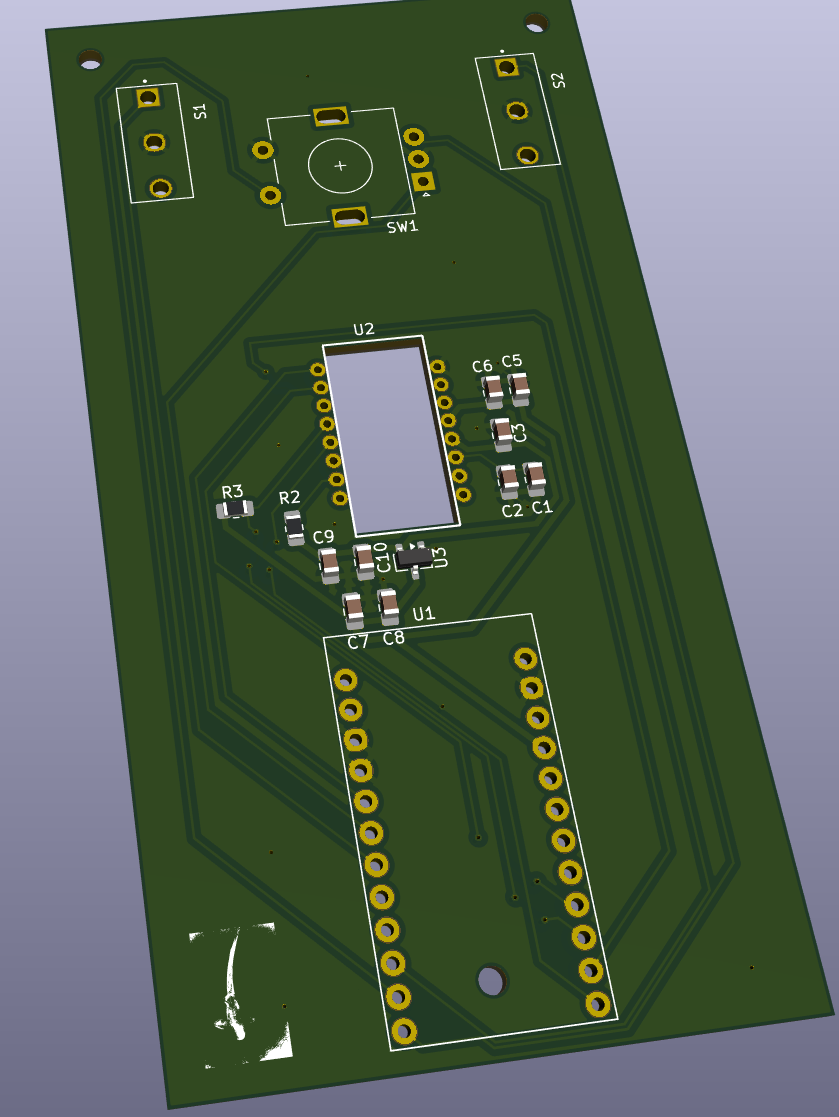
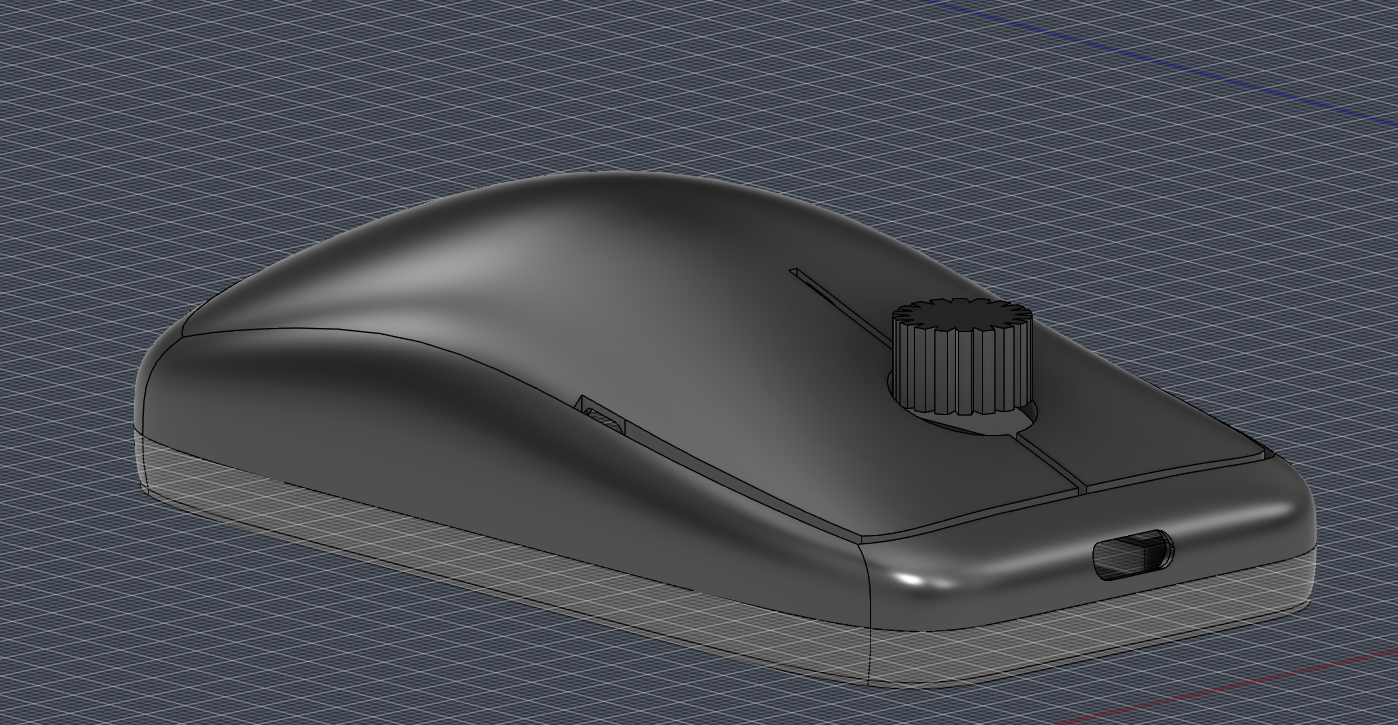
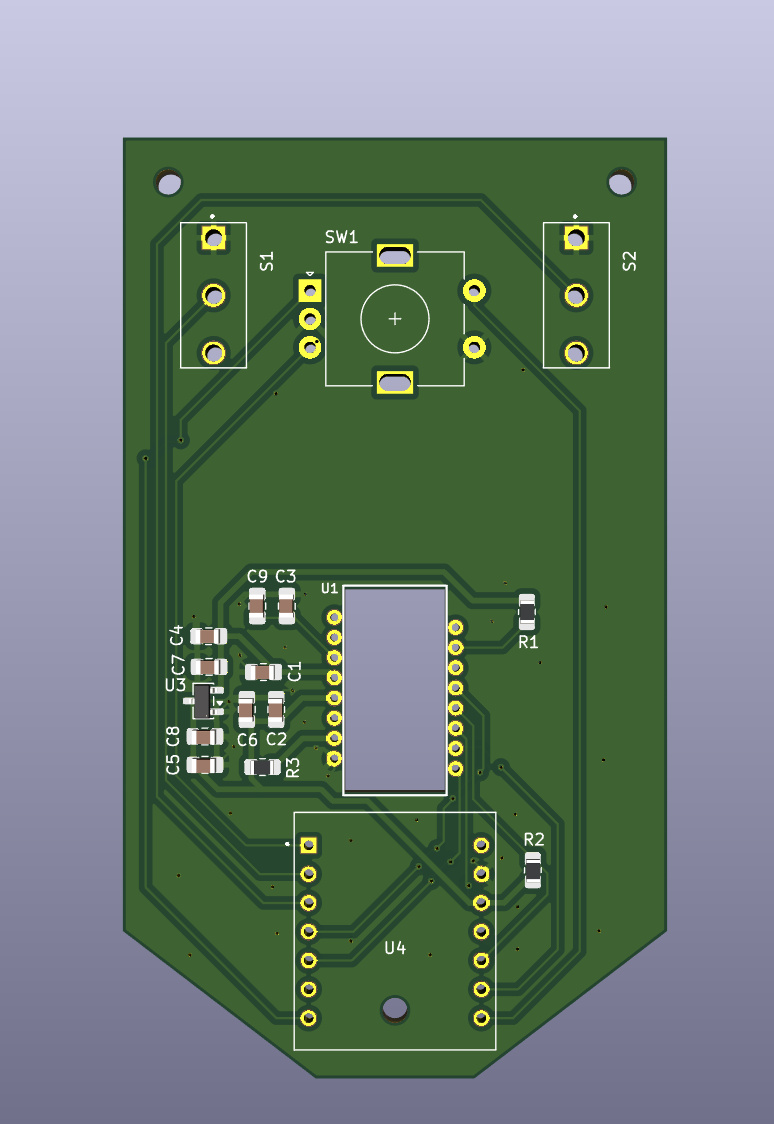
DETAILED INSTRUCTIONS and BOM HERE
Sensor: PixArt PMW3389 and LM19-LCT Lens
MCU: 3.3V/8MHz Arduino Pro Micro (ATmega32U4) or Seeed Studio XIAO ESP32C3
Switches: 2 x Huano Blue Shell Pink Dot Mouse Switches
Scroll Wheel: Rotary Encoder w/Switch (EC11)
Hot Swap Socket for Switches: 6 x Mill-Max 3305
SMD Components (0805)
PTFE Mouse Skates
Micro USB Cable for v2 or USB-C cable for v3 charging
Mounting Hardware
FOR V3 ONLY:
| Component | Usage | v2 (3.3v/8MHz Pro Micro) | v3 (XIAO ESP32) |
|---|---|---|---|
| PMW3389 | NCS | D10 | D3 |
| MOSI | D16 (MOSI) | D10 (MOSI) | |
| MISO | D14 (MISO) | D9 (MISO) | |
| SCLK | D15 (SCLK) | D8 (SCLK) | |
| MOT | D2 (INT 1) | D4 | |
| Rotary Encoder w/Switch | Rotary Encoder A | D3 (INT 0) | D6 |
| Rotary Encoder B | D7 (INT 6) | D0 | |
| Encoder Switch S2 (Middle Click) | D8 | D7 | |
| Switches | Switch 1 (Left Click) | D4 | D1 |
| Switch 2 (Right Click) | D9 | D2 |
| Qty | Value | Footprint | References |
|---|---|---|---|
| 5 | 0.1uF | Capacitor_SMD:C_0805_2012Metric_Pad1.18x1.45mm_HandSolder | C1, C2, C3, C4, C5 |
| 3 | 10uF | Capacitor_SMD:C_0805_2012Metric_Pad1.18x1.45mm_HandSolder | C6, C7, C8 |
| 2 | 10kΩ | Resistor_SMD:R_0805_2012Metric_Pad1.20x1.40mm_HandSolder | R2, R3 |
| 1 | 13Ω | Resistor_SMD:R_0805_2012Metric_Pad1.20x1.40mm_HandSolder | R1 |
| 1 | 4.7uF | Capacitor_SMD:C_0805_2012Metric_Pad1.18x1.45mm_HandSolder | C9 |
| 1 | Mouse Switch Left | Footprints:SW_D2FC-F-7N_100M_ | S1 |
| 1 | Mouse Switch Right | Footprints:SW_D2FC-F-7N_100M_ | S2 |
| 1 | PMW3389 | Footprints:PMW3360 | U1 |
| 1 | Scroll + Middle | Rotary_Encoder:RotaryEncoder_Alps_EC11E-Switch_Vertical_H20mm | SW1 |
| 1 | XC6206-1.8V | Package_TO_SOT_SMD:SOT-23-3 | U3 |
| 1 | XIAO_ESP32C3 | Footprints:MODULE_XIAO_ESP32C3 | U4 |
The 18 most common of 21 parts.
aSharcc/PMW3389-Custom-Mouse
A fully custom gaming mouse using an Arduino Pro Micro ATmega32U4 and a PixArt PMW3389


0rax/esphome-xiao-base
XIAO base board PCB & configuration for ESPHome based sensors.


aayu0-0/SEEED-RS485-Extension-Board-reverse-engineering-project
SEEED RS485 Extension Board reverse-engineering project

AID-IOT/IOT-Memento-Design
A keepsake PCB built at the AICTE IDEA Lab, Poornima College of Engineering. It is a working board as well as a memento: a Seeed XIAO ESP32C3 drives four WS2812B LEDs and reads a BMP280 pressure/temperature sensor, and…
It measures 48 × 83 mm and has 2 copper layers, 1.6 mm thick.
21 parts, built around the XC6206-1.8V and XIAO ESP32C3. The full list of its parts is on this page, with links to each part's symbol and footprint where PCBKit's library has them.
From the aSharcc/PMW3389-Custom-Mouse repository on GitHub, at the commit this page was made from: the board is Hardware/v3 (wireless)/Mouse v3.kicad_pcb and its schematic Hardware/v2 (wired)/DIY_Mouse.kicad_sch. PCBKit opens the board in the browser, with nothing to install.
Its repository publishes it under the MIT licence: you may reuse it on that licence's terms (keep the author's notice, and for a copyleft licence share your changes alike).