2 layers213 × 65 mm

 TrojanPinata/Model-K-Pico7
A 75% Keyboard based on the Raspberry Pi Pico (RP2040) and custom hardware
Model K Pico-0.2 is an open-source printed circuit board by TrojanPinata, from the TrojanPinata/Model-K-Pico repository on GitHub, published under the GPL-3.0 licence. It is a 2-layer board of 312.1 × 160 mm with 186 parts on 127 nets, routed with 1,779 tracks and 14 vias.
Its parts include 82 diodes, 5 resistors and 1 switch. It belongs with the keyboards and input boards and the RP2040 boards of this library.
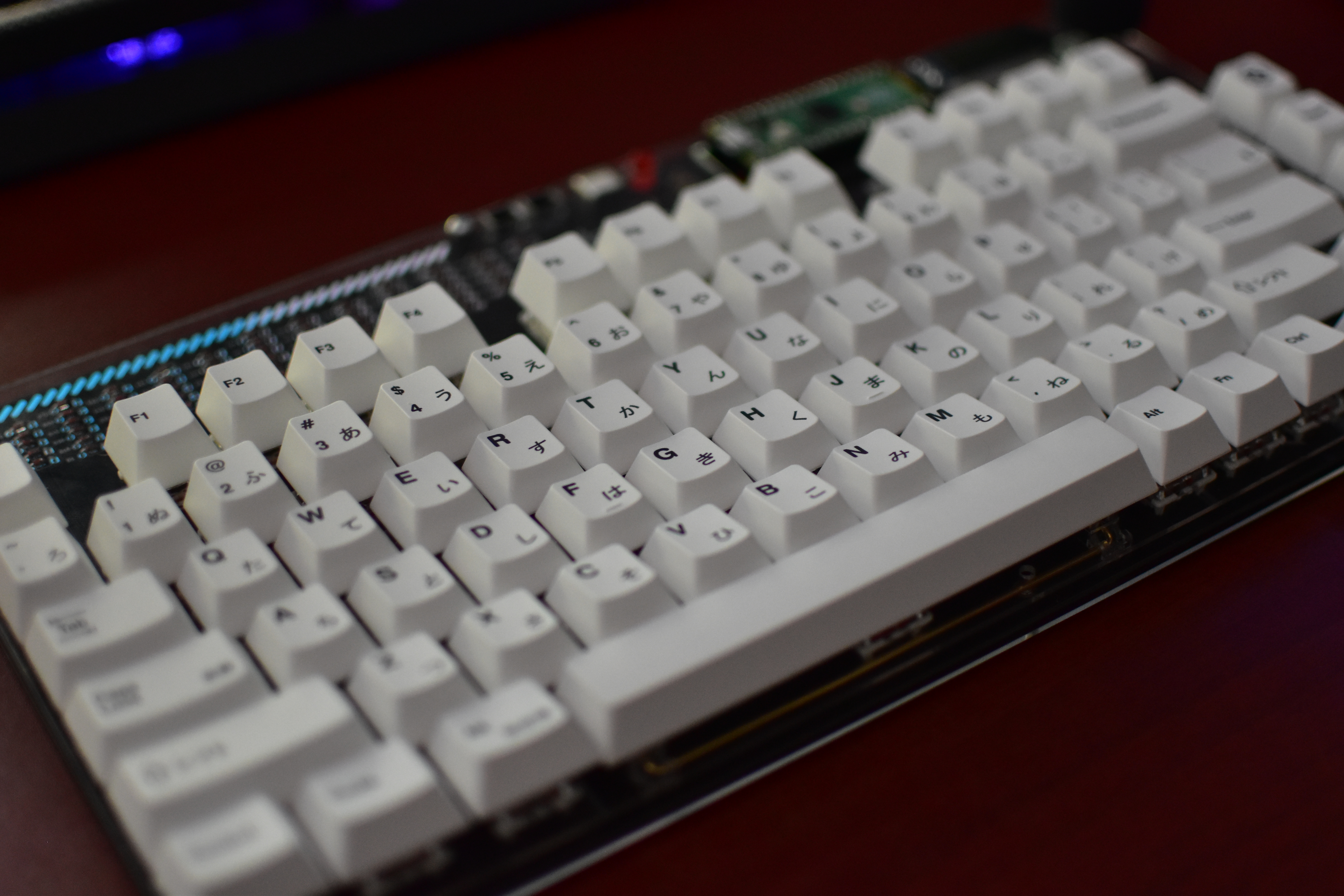
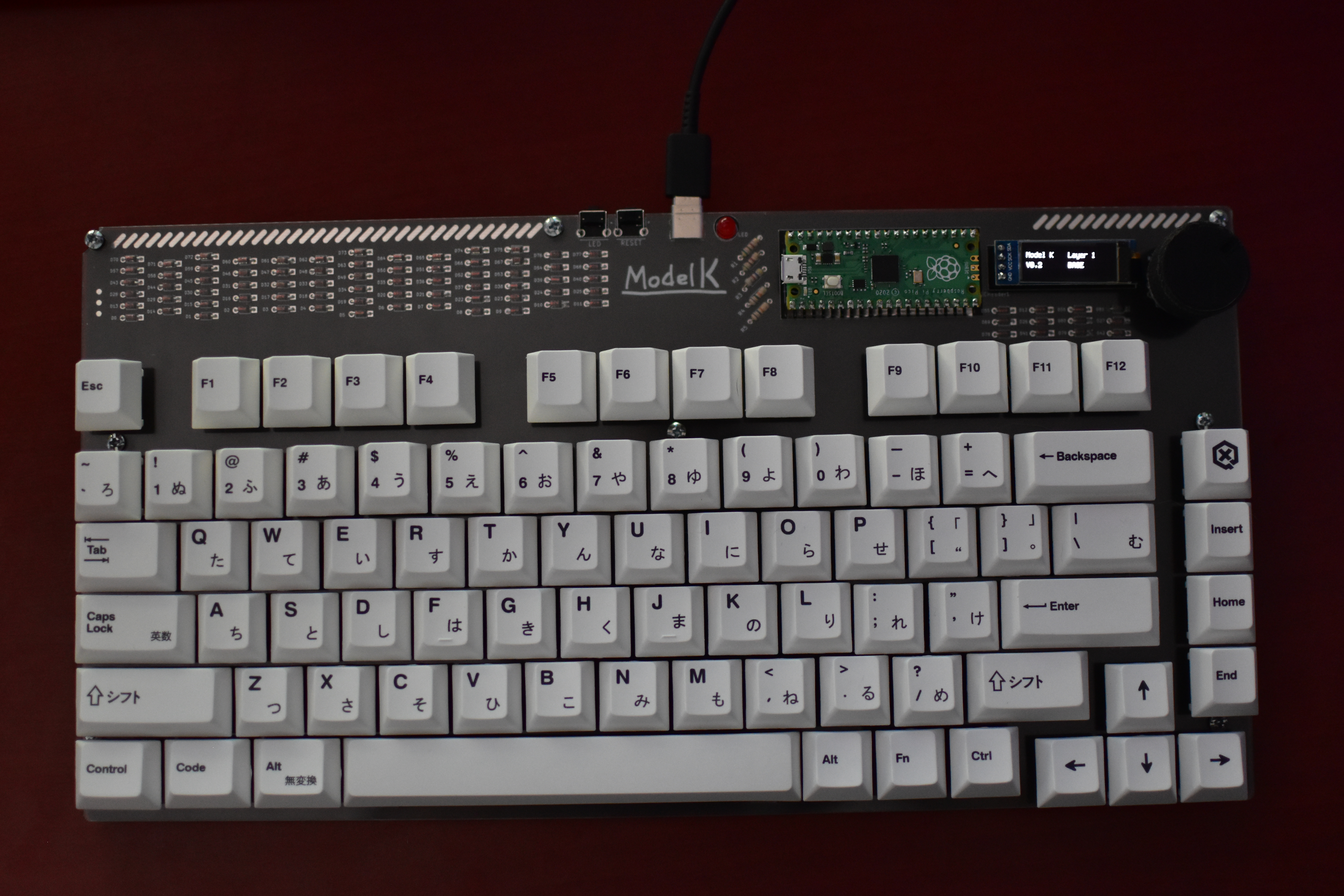
This is the repository for a custom 75% keyboard designed to be a fusion of the Cannonkeys Satisfaction75, CFTKB Mysterium, and Envious Data Delirium. I've designed around the ATmega32A and similar AVR controllers, and I really wanted to try working with the RP2040 as it comes fully prepackaged and works with KMK or QMK (with the develop branch kinda). The original things that led me to do this were my desire to have the 75% form factor, exposed PCB, rotary encoder for audio, and I2C OLED display all in the same package. My goal was to combine all of these things together while still keeping it reasonable for a layman to make themself.
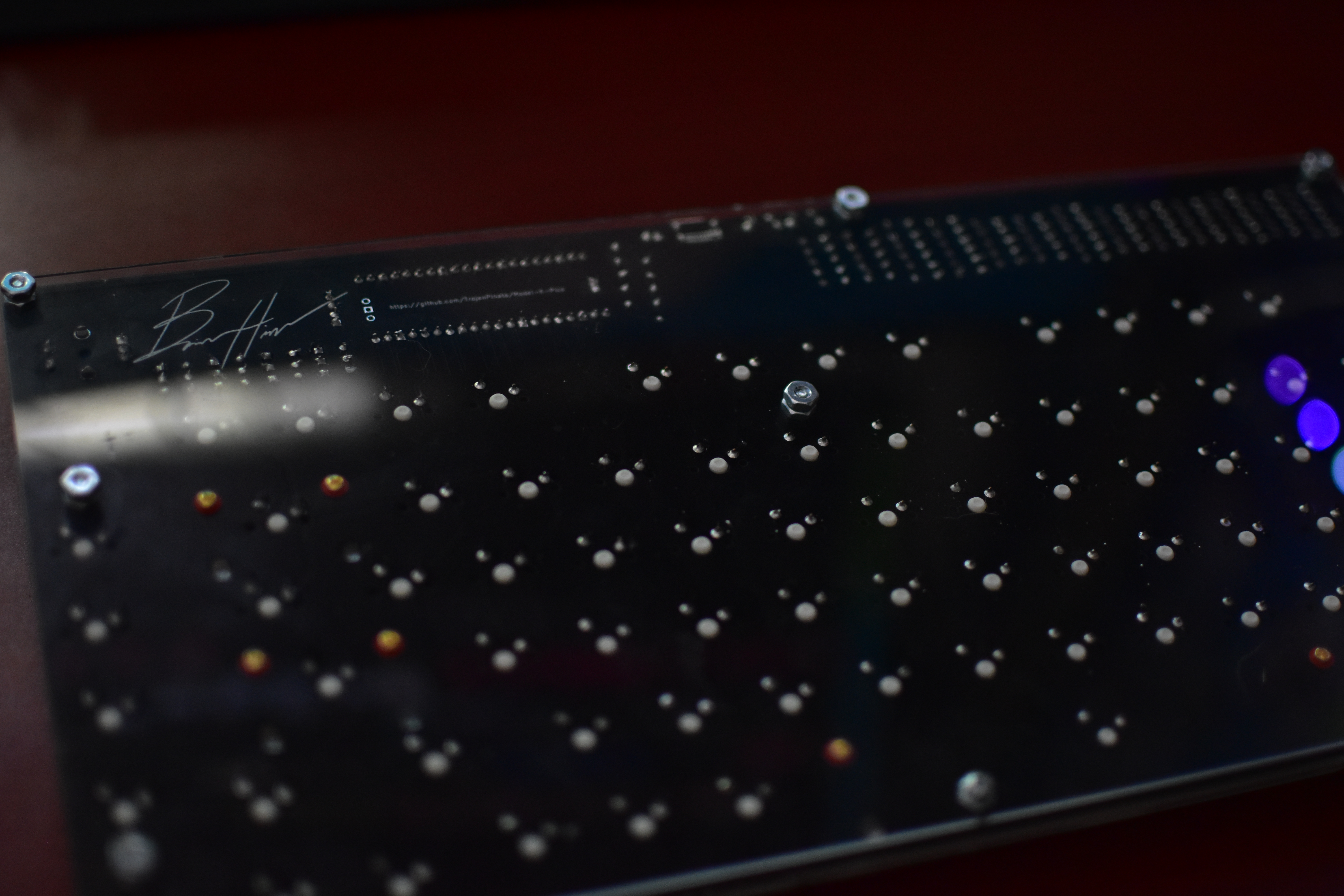
I think it has come out pretty decent minus some cracks in the switchplate (because 1.5mm acrylic is really thin) and a misplaced screw hole. I couldnt find M2 screws short notice either so I ended up drilling out the holes to be larger (which was a mistake and I would not do again). I think it looks good, it sounds good, and most of all it works. The only thing I need is some pads to keep it from slipping :).
If you plan on making this yourself I will try and make a guide in the future, but that might take a bit. I recommend Ponoko for the acrylic and JLCPCB for the PCB manufacturing. Everything else can be found in the BOM from either your local hardware store, Keeb.io or Divinikey. I chose to use some cheap keycaps and Gateron KS-9 2.0 Red switches and I like how everything feels. Anyway, if you have any questions start a issue or something B).
Note 07/07/24: I still daily drive this keyboard and something I think I should mention if you plan to use KMK daily is that the CircuitPython drive will inevitably corrupt. It lasted me a good two years before it started to get weird and then I basically could not mount the drive. It’s not a big deal if it works (and honestly, I only noticed it was bad when I went to reference some code). I switched to QMK recently and it has been so much better. The build I used is based on one of my future projects and works wonders.


| Qty | Value | Footprint | References |
|---|---|---|---|
| 82 | D | cftkb:D_DO-35_SOD27_P5.08mm_Horizontal | D0, D1, D2, D10, D11, D12, D13, D14, D15, D16, D17, D18, D19, D20, D21, D22 +66 |
| 70 | KEYSW | MX_Only:MXOnly-1U-NoLED | SW-1U-0, SW-1U-1, SW-1U-2, SW-1U-10, SW-1U-11, SW-1U-12, SW-1U-13, SW-1U-14, SW-1U-15, SW-1U-16, SW-1U-17, SW-1U-18, SW-1U-19, SW-1U-20, SW-1U-21, SW-1U-22 +54 |
| 8 | , , , , , , , | ||
| 3 | KEYSW | MX_Only:MXOnly-1.25U-NoLED | SW-1.25U-70, SW-1.25U-71, SW-1.25U-72 |
| 2 | 10k | Resistor_THT:R_Axial_DIN0204_L3.6mm_D1.6mm_P7.62mm_Horizontal | R4, R5 |
| 2 | 5.1k | Resistor_THT:R_Axial_DIN0204_L3.6mm_D1.6mm_P7.62mm_Horizontal | R1, R2 |
| 2 | KEYSW | MX_Only:MXOnly-1.5U-NoLED | SW-1.5U-28, SW-1.5U-41 |
| 2 | KEYSW | MX_Only:MXOnly-2.25U-NoLED | SW-2.25U-55, SW-2.25U-57 |
| 2 | KEYSW | MX_Only:MXOnly-1.75U-NoLED | SW-1.75U-43, SW-1.75U-68 |
| 1 | 47K Resistor 0402 | Resistor_THT:R_Axial_DIN0204_L3.6mm_D1.6mm_P7.62mm_Horizontal | R3 |
| 1 | Conn_01x04 | Connector_PinSocket_2.54mm:PinSocket_1x04_P2.54mm_Vertical | I2CHeader1 |
| 1 | HRO-TYPE-C-31-M-12 | cftkb:USB_C_GCT_USB4085 | USB1 |
| 1 | KEYSW | MX_Only:MXOnly-6.25U-NoLED | SW-6.25U-73 |
| 1 | KEYSW | MX_Only:MXOnly-2U-NoLED | SW-2U-26 |
| 1 | LED | eec:Omron-B3F-3122-MFG | SW1 |
| 1 | LED 0402 | LED_THT:LED_D5.0mm | LED |
| 1 | LOGO | eec:sig | G*** |
| 1 | LOGO | eec:modelk | G*** |
| 1 | Pico | eec:RPi_Pico_SMD_TH | RPI1 |
| 1 | RESET | eec:Omron-B3F-3122-MFG | SW-BUTTON1 |
| 1 | RotaryEncoder_Switch | Rotary_Encoder:RotaryEncoder_Alps_EC11E-Switch_Vertical_H20mm_CircularMountingHoles | ROTARY1 |
The 185 most common of 186 parts.


bitfieldaudio/otto-hardware
OTTO hardware files for upcoming beta. WORK IN PROGRESS


OpenA3XX/opena3xx-panel-design
OpenA3XX: Panels, 3D Printed Components & Reference Archive


It measures 312.1 × 160 mm and has 2 copper layers, 1.6 mm thick.
186 parts. The full list of its parts is on this page, with links to each part's symbol and footprint where PCBKit's library has them.
From the TrojanPinata/Model-K-Pico repository on GitHub, at the commit this page was made from: the board is PCB/Model K Pico-0.2.kicad_pcb and its schematic ACRYLIC-BOTTOM/ACRYLIC-BOTTOM.kicad_sch. PCBKit opens the board in the browser, with nothing to install.
Its repository publishes it under the GPL-3.0 licence: you may reuse it on that licence's terms (keep the author's notice, and for a copyleft licence share your changes alike).