
2 layers139.1 × 107.7 mm
Lotus58 Glow 124
TweetyDaBird/Lotus-58-Classic
A split ergo linear keyboard derived from the Lily58 family
131 parts390

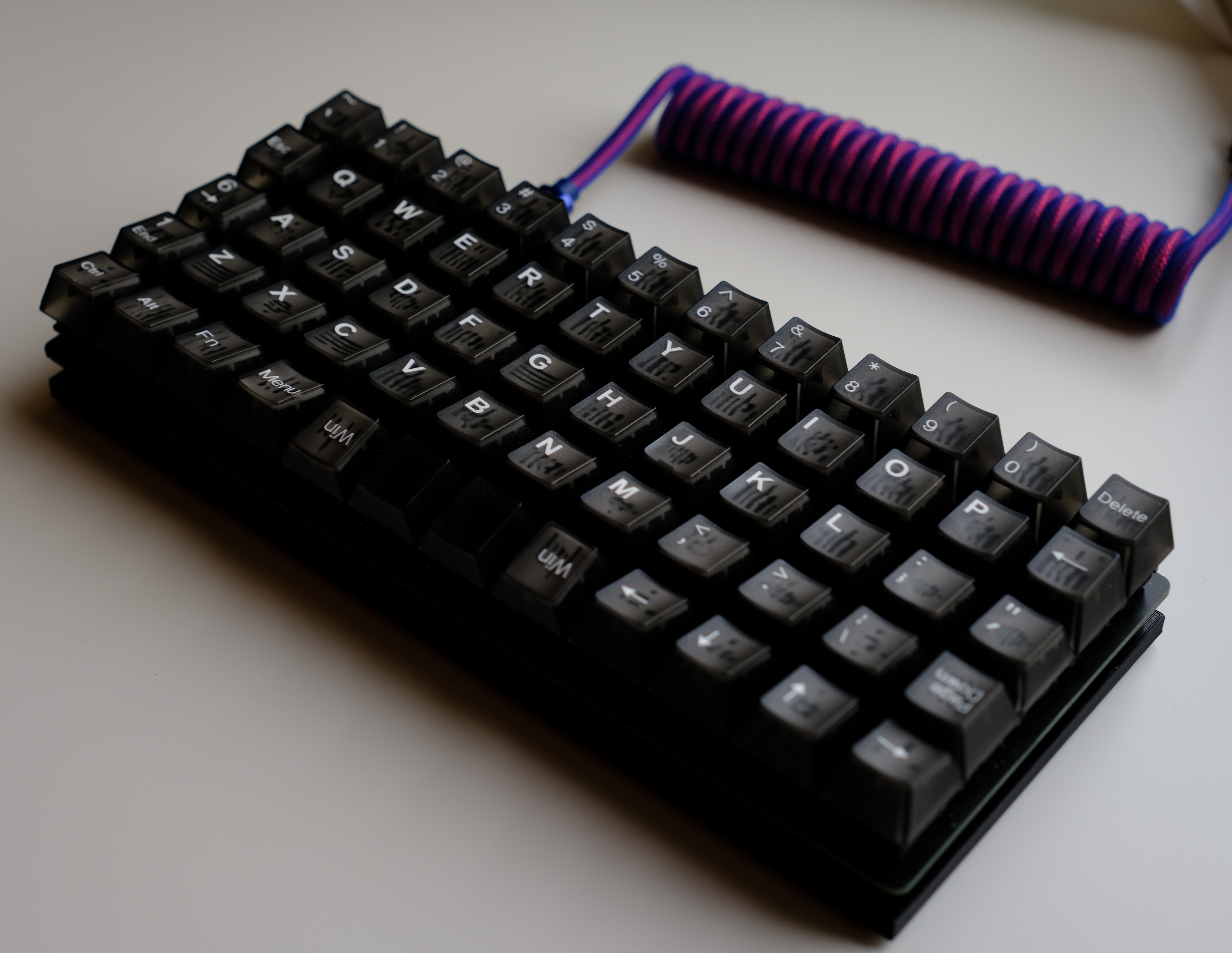
A 5x12 Ortholinear QMK and ZMK compatible Keyboard. The keyboard is designed to be easily ordered by anyone from a PCB manufacturer and assembled by yourself.
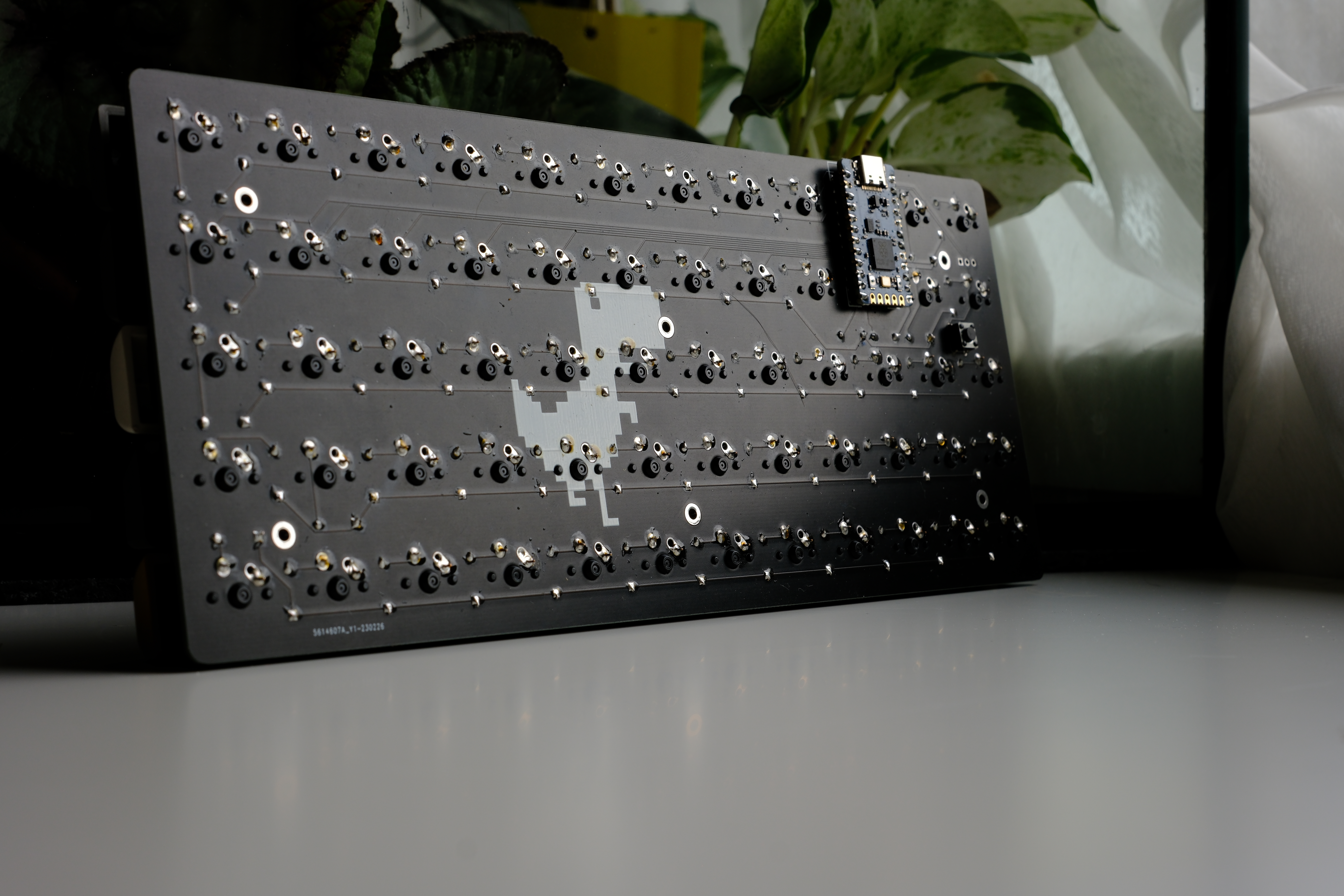
T rex is an open-source printed circuit board by SylivanKenobi, from the SylivanKenobi/t-rex repository on GitHub, published under the GPL-3.0 licence. It is a 2-layer board of 230.2 × 98 mm with 131 parts on 82 nets, routed with 326 tracks and 1 via.
Its parts include 61 switches, 60 diodes, 1 IC and 1 connector. It belongs with the keyboards and input boards and the AVR (ATmega, ATtiny) boards of this library.
A 5x12 Ortholinear QMK and ZMK compatible Keyboard. The keyboard is designed to be easily ordered by anyone from a PCB manufacturer and assembled by yourself. It is compatible with Pro Micro controllers and their derivatives. Additionally, it supports WS2812 LED strips as an extra feature. The keyboard comes with an assortment of 3D printable cases and can be assembled with easily available parts.
QMK Firmware is currently only on this fork of qmk.
The ZMK implementation supports Bluetooth and ZMK Studio with compatible controllers.
Example parts:
If you socket your controller, mount the controller before the switches and test the PCB.
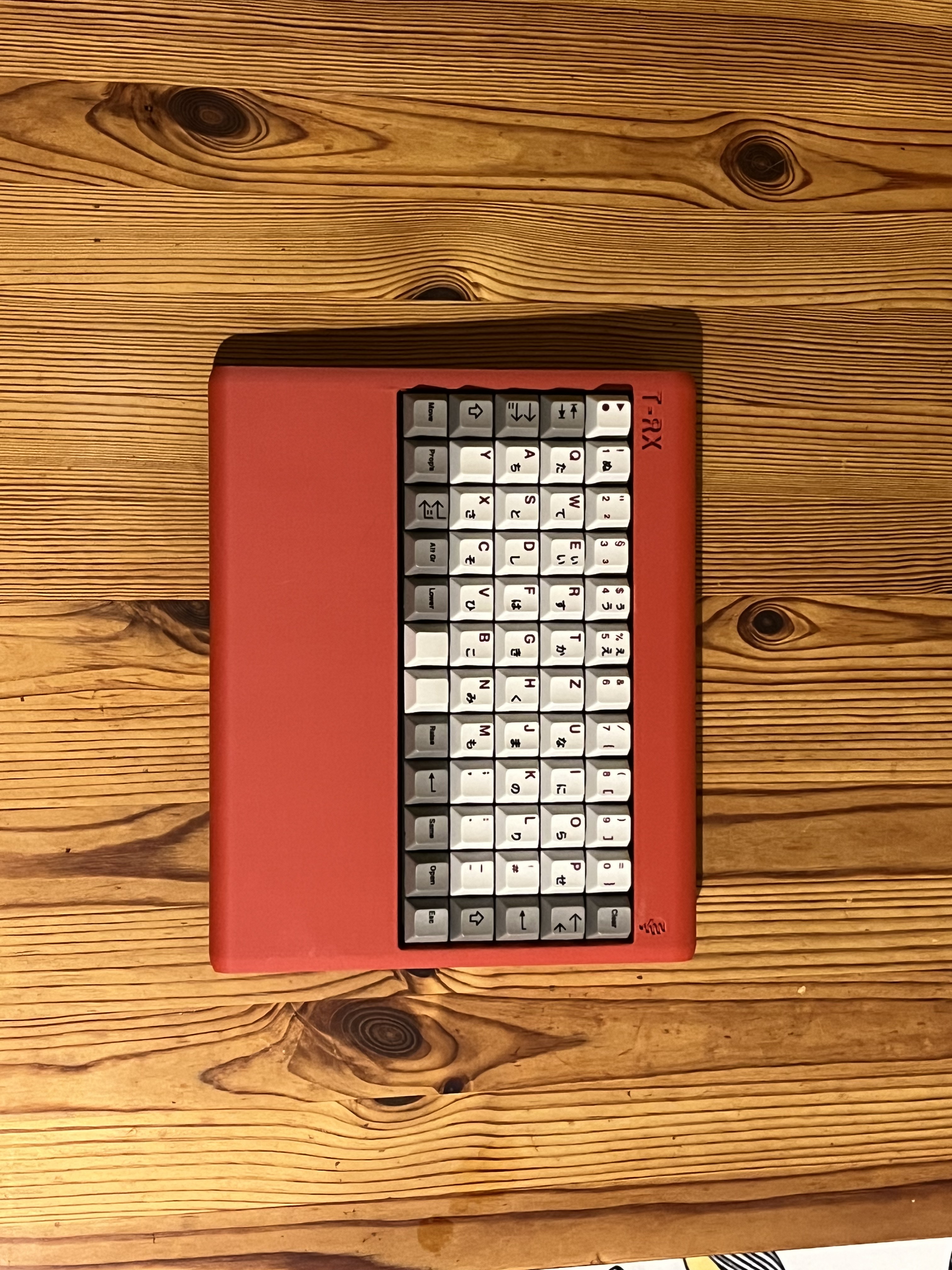
I would recommend using PCB-Mounted switches for this board. There is a 3d printable plate for the t-rex in this repo(file). The plate works but because it's 3d printed it's not that great.
(ZMK Studio)[https://zmk.studio/] allows on the fly remapping of your keyboards keymap, similar to via/vial. For more in-depth configuration you can follow the (ZMK Customization Guide)[https://zmk.dev/docs/customization] to create your own config repo and add the (T-Rex Shield Module)[https://github.com/devilzmods/trex_shield_module]
| Qty | Value | Footprint | References |
|---|---|---|---|
| 60 | 1N4148 | Diode_THT:D_DO-35_SOD27_P7.62mm_Horizontal | D0, D1, D2, D10, D11, D12, D13, D14, D15, D16, D17, D18, D19, D20, D21, D22 +44 |
| 60 | MX | MX_Alps_Hybrid:MX-1U-NoLED | SW0, SW1, SW2, SW10, SW11, SW12, SW13, SW14, SW15, SW16, SW17, SW18, SW19, SW20, SW21, SW22 +44 |
| 6 | , , , , , | ||
| 2 | LOGO | LOGO | G***, G*** |
| 1 | Conn_01x03 | Connector_PinHeader_2.54mm:PinHeader_1x03_P2.54mm_Vertical | J0 |
| 1 | MX | Molex-0548190589:PushButton_6x6mm_TH_Pretty | SW61 |
| 1 | Sparkfun_Pro_Micro | Keebio-Parts:ArduinoProMicro | U0 |
TweetyDaBird/Lotus-58-Classic
A split ergo linear keyboard derived from the Lily58 family

Ardumower/ardumower
Develop an open source robotic lawn mower (HW+SW reference platform)


seniorsoftwarevlogger/takmak
Takmak is the 65% orthogonal staggered columns split keyboard

tmarhguy/alu
8-bit combinational ALU built from scratch with 3,488 CMOS transistors (KiCad + SPICE + Logisim + 1.24M tests


xavierbasc/dm50
DM50 is a cheap, powerful, easy to build, open source hardware, and high precision calculator.
It measures 230.2 × 98 mm and has 2 copper layers, 1.6 mm thick.
131 parts. The full list of its parts is on this page, with links to each part's symbol and footprint where PCBKit's library has them.
From the SylivanKenobi/t-rex repository on GitHub, at the commit this page was made from: the board is kiCad/t-rex.kicad_pcb and its schematic kiCad/t-rex.kicad_sch. PCBKit opens the board in the browser, with nothing to install.
Its repository publishes it under the GPL-3.0 licence: you may reuse it on that licence's terms (keep the author's notice, and for a copyleft licence share your changes alike).