2 layers229 × 80 mm
Dizzy40
ScatteredDrifter/Clacky40
Daisy40 drop-in replacement PCB, NOW with RP2040 and some additional features
132 parts7

 ScatteredDrifter/Buran-Ortho46
A 39-key orthogonal keyboard with support for two knobs, based on a rp2040
Knobdeavour is an open-source printed circuit board by ScatteredDrifter, from the ScatteredDrifter/Buran-Ortho repository on GitHub. It is a 2-layer board of 224.4 × 97.8 mm with 105 parts on 102 nets, routed with 1,446 tracks and 57 vias.
It is built around the RP2040, W25Q128JVSIQ and SRV05-4, with the BAV70 among its other parts. Its parts include 45 switches, 22 diodes, 15 capacitors, 7 resistors and 5 connectors. It belongs with the keyboards and input boards and the RP2040 boards of this library.


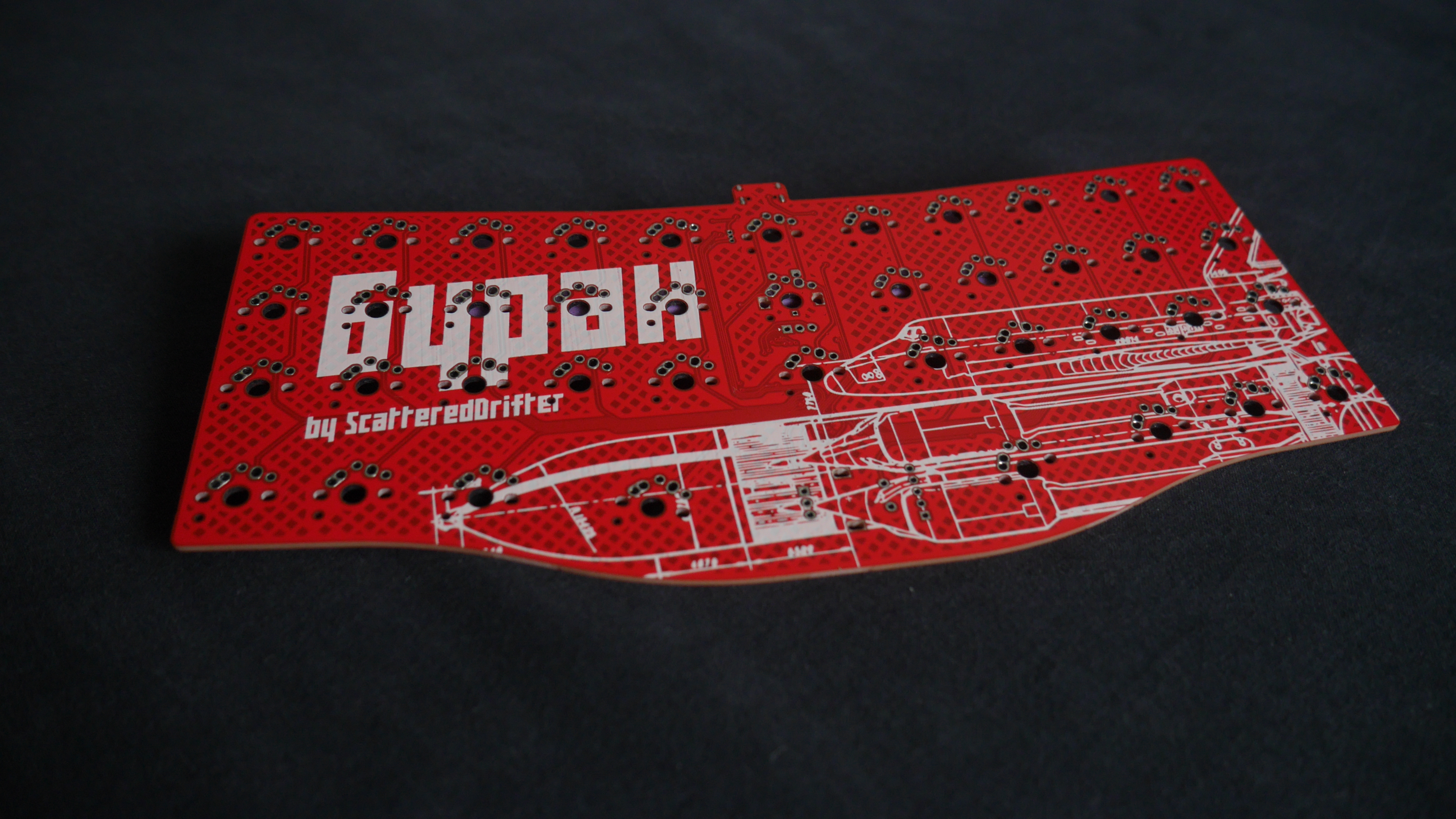
A 39-key orthogonal keyboard with support for two knobs.
Used License :: Cern Open hardware
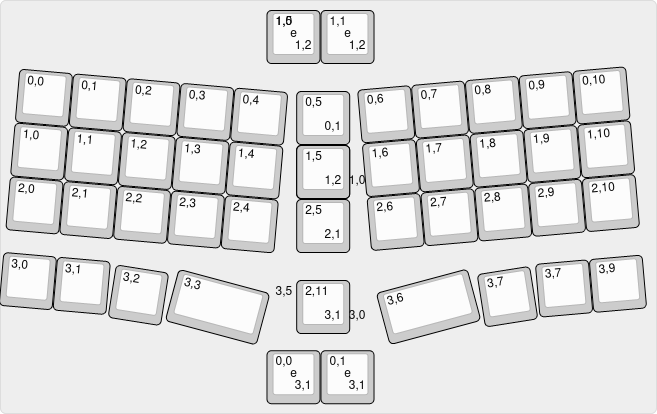
Below all possible layouts can be observed. All the observed layouts can be choosen and used with Vial or Qmk
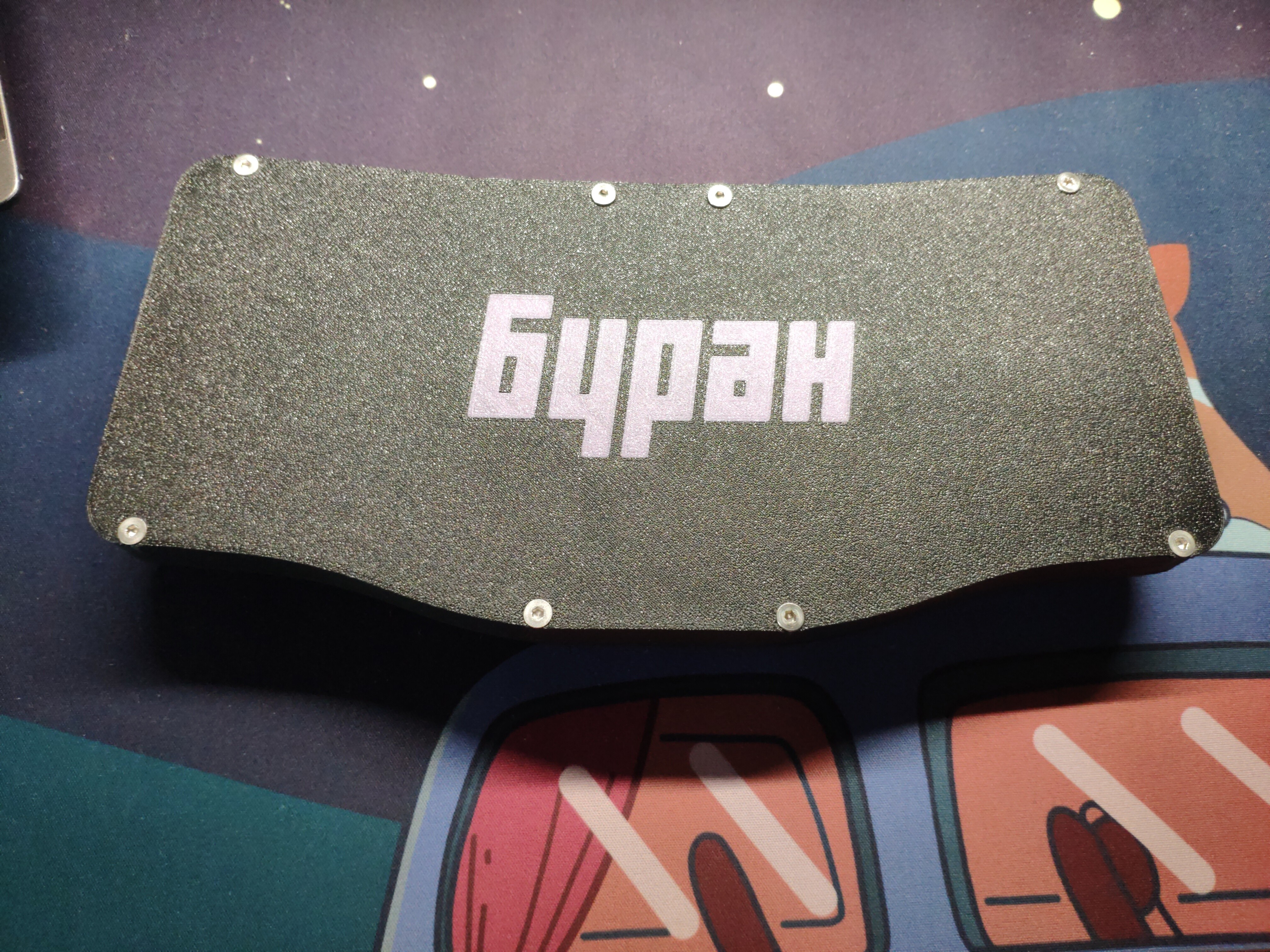
All files for the case are to be found here.
For the top-part of the case there are several options available, where each of them was designed for a specific layout.
Another beautiful case is to be found here. Maybe consider it, seems to be constructed better overall.
the pre-compiled file for Vial and the whole Qmk-userspace for this keyboard can be found here
To enter the bootloader - which is necessary in order to flash a new firmware - press the button next to the encoder on the back of the pcb and plug-it into your keyboard while keeping the button pressed. It should show up as a regular usb-stick in your file explorer now and you can drag the .utf onto this usb-stick. Once done it will restart and use your newly flashed firmware!
On the verge to build this keyboard your own? Below you can find a little guideline on what is required and how to obtain everything:
in the directory production you can find both the gerber and POS-Files required for assembly. I usually use JLCPCB for my prototypes, the procedure should be fairly similiar for other manufacturers however, and they require the gerber_buran_pcb.zip and for assembly of all SMD-components also their positions (buran-pos-bottom.csv) and the BOM (buran-BOM.csv) all of which can be found in the production/assembly directory.
The case consists of three parts: the bottom-part, top-part (various layouts available) and the plate. Print all of them yourself or have someone print them for your (JLCPCB also offers MFJ printing which could be used (althought untested!)). Now to assemble the case you further need:
| Part | Quantity |
|---|---|
| 2mm thick foam to use as gasket | 14x cut pieces |
| 20mm M3 | 8x |
The length for the Gasket can be taken from the existing cutouts in the case
As alternative one could also replace the screws with small 3mm diameter magnets.
Case-option for additional acrylic :
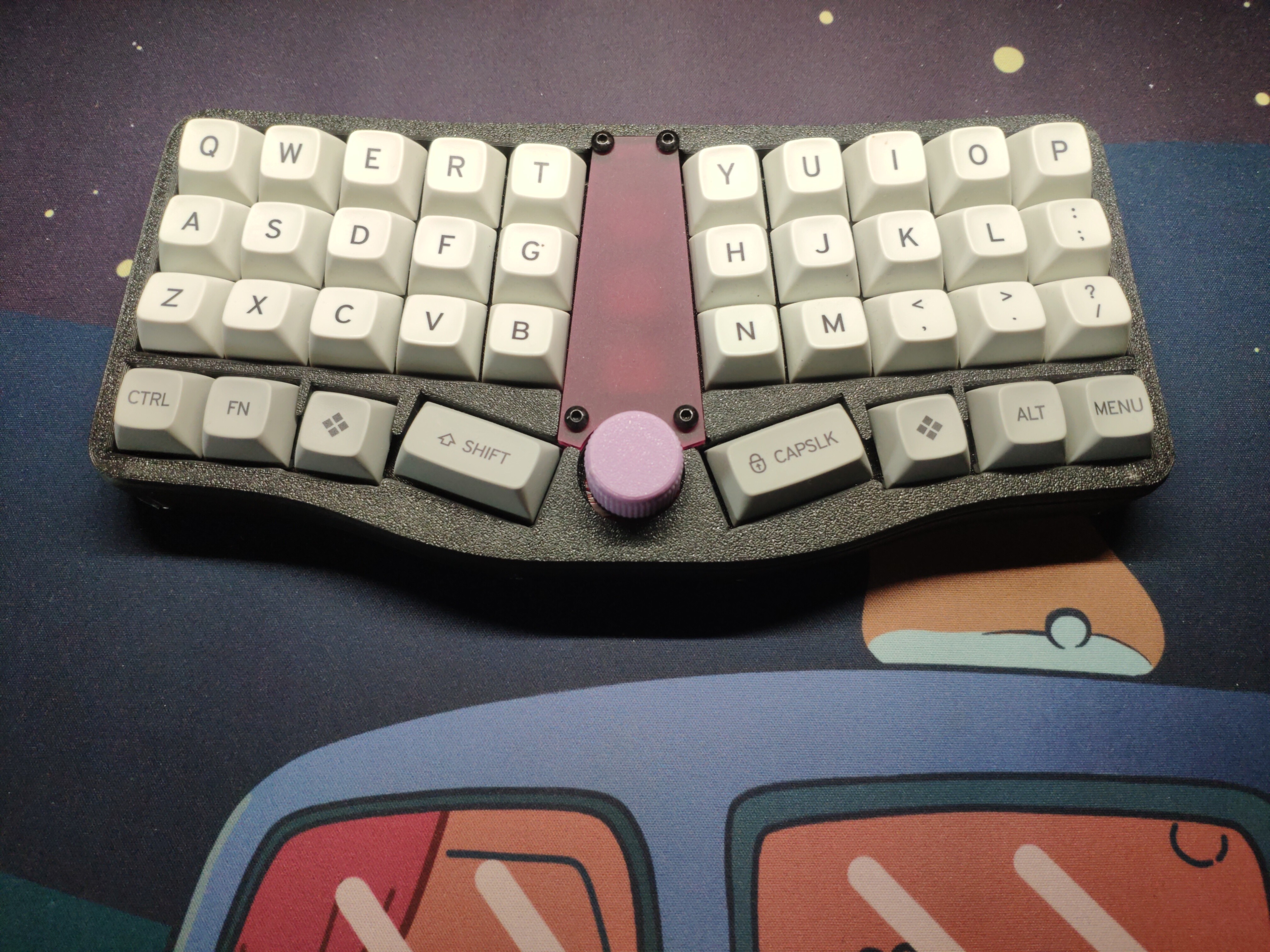
Case-option without additoinal buttons in the middle :
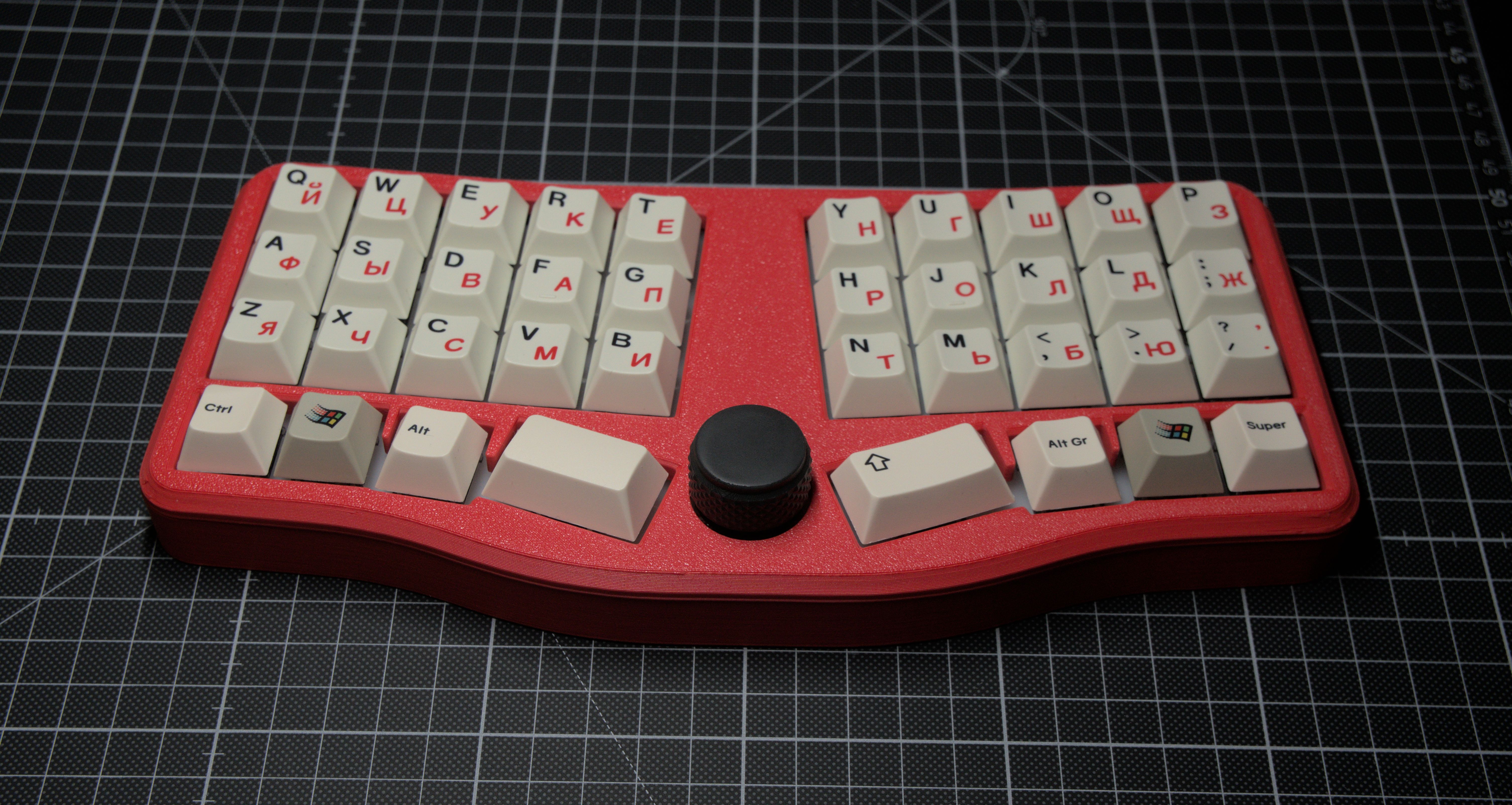 Image by Isp
Case-option with an alternative bottom design :
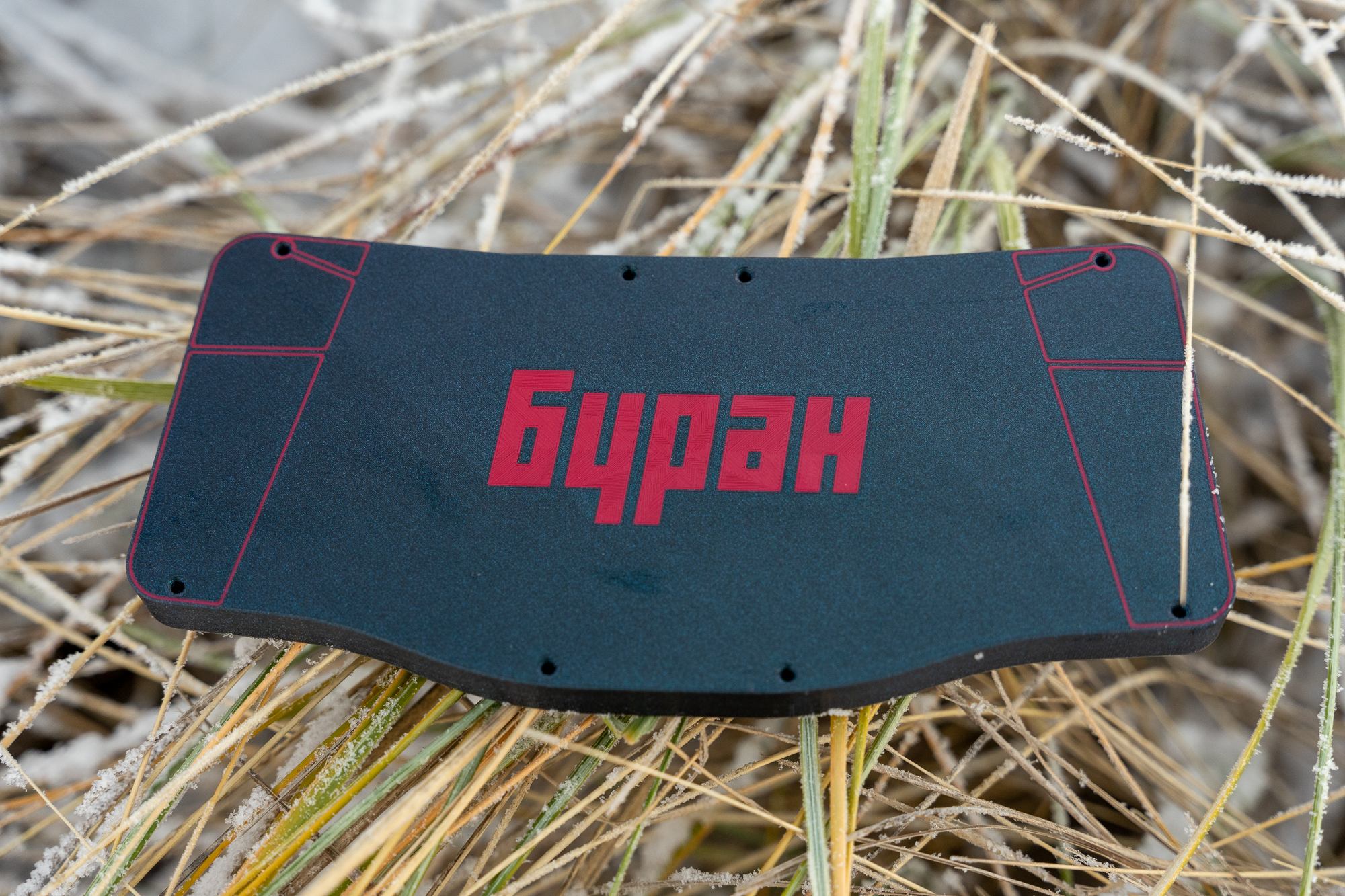 Design and Image by DeadCatAlive
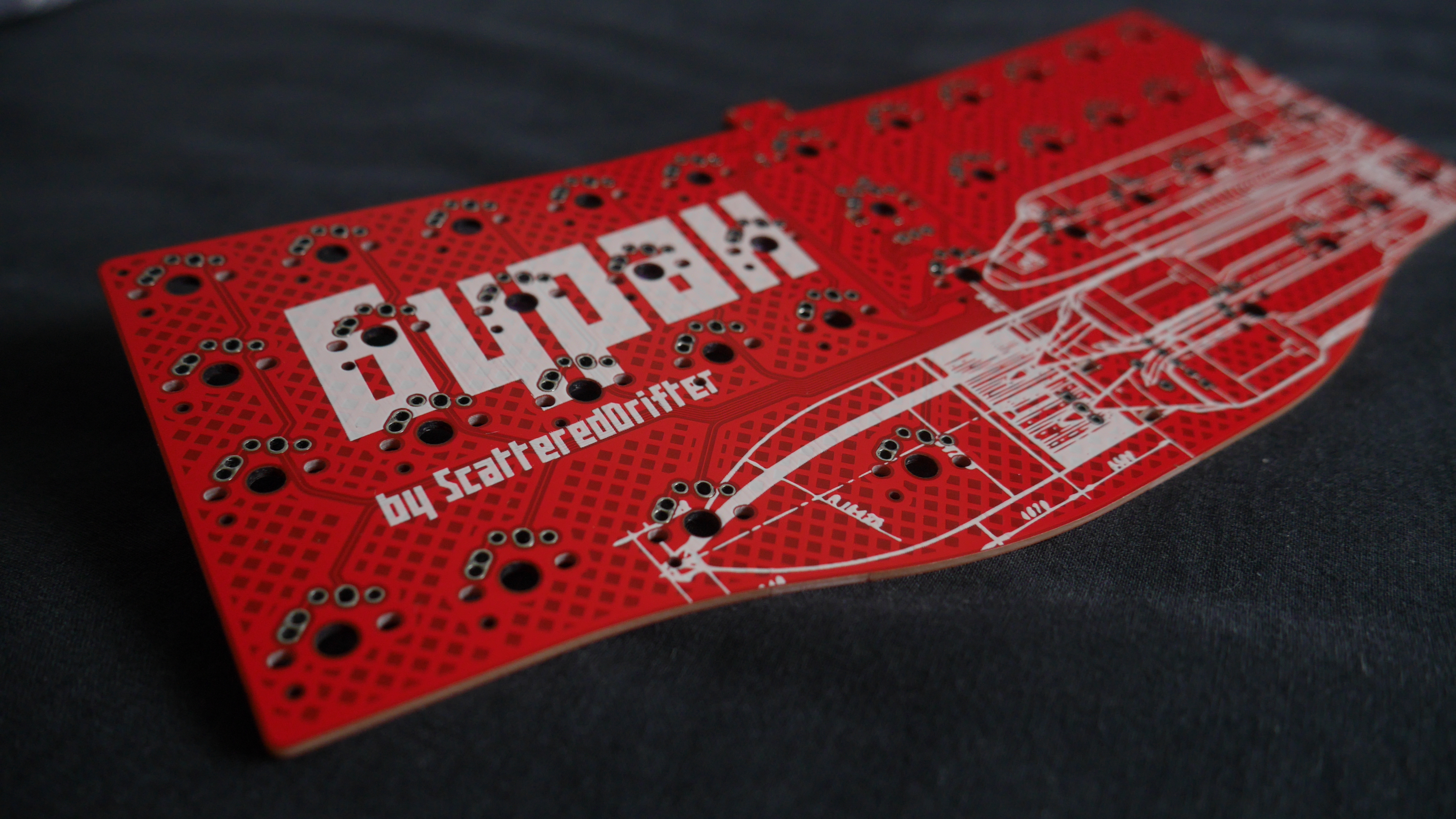
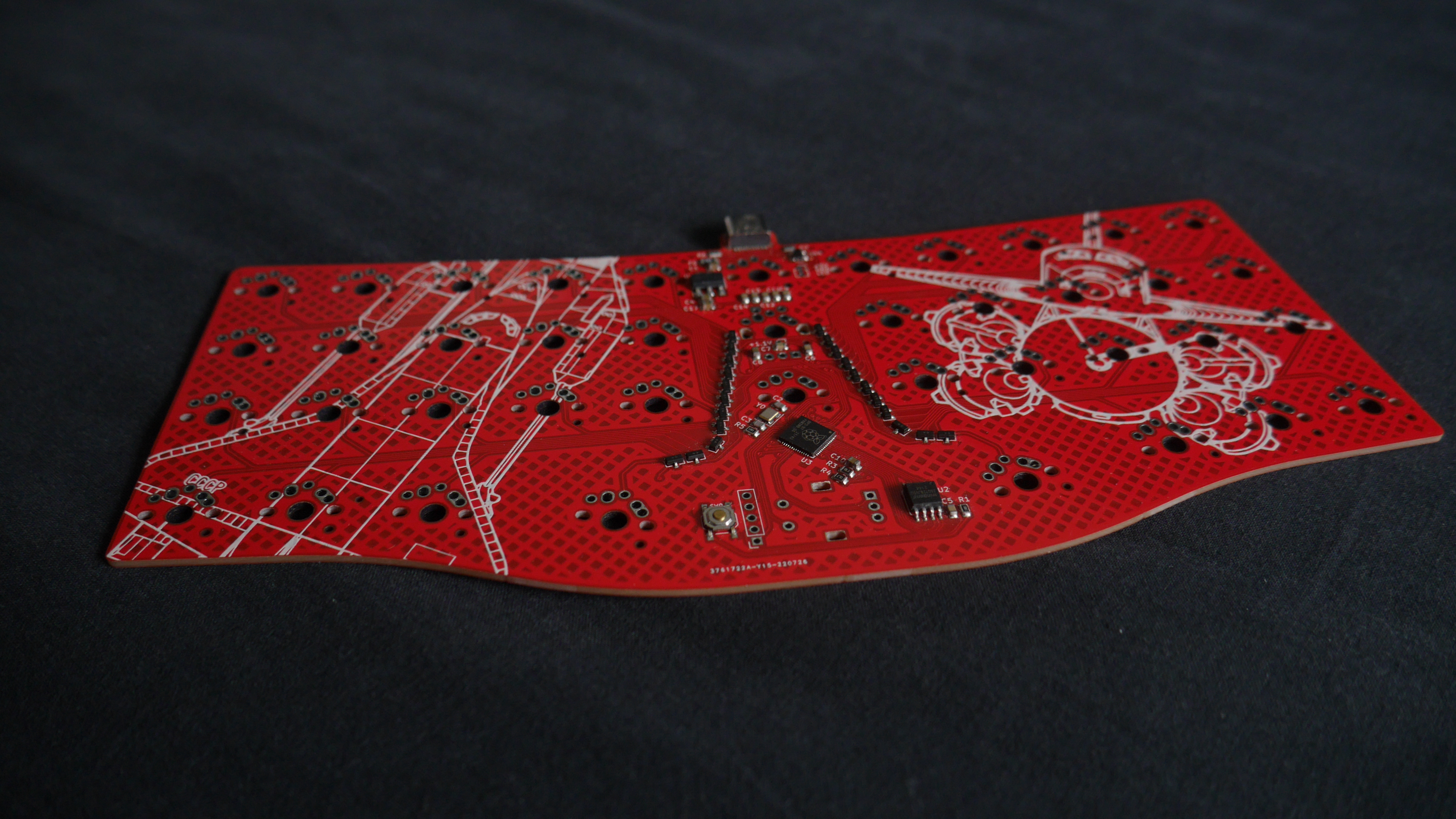
| Qty | Value | Footprint | References |
|---|---|---|---|
| 41 | KEYSW | Keebio-Parts:MX-Alps-Choc-1U-NoLED | K1, K2, K10, K11, K12, K13, K14, K15, K16, K17, K18, K19, K20, K21, K22, K23 +25 |
| 22 | BAV70 | Package_TO_SOT_SMD:SOT-23 | D1, D2, D3, D10, D11, D12, D13, D14, D15, D16, D17, D18, D19, D20, D21, D22 +6 |
| 8 | 100n | Capacitor_SMD:C_0805_2012Metric | C5, C6, C7, C9, C11, C12, C13, C14 |
| 3 | 10u | Capacitor_SMD:C_0805_2012Metric | C1, C4, C17 |
| 2 | 1k | Resistor_SMD:R_0805_2012Metric | R1, R5 |
| 2 | 1u | Capacitor_SMD:C_0805_2012Metric | C8, C10 |
| 2 | 22pf | Capacitor_SMD:C_0805_2012Metric | C2, C3 |
| 2 | 27 | Resistor_SMD:R_0805_2012Metric | R2, R3 |
| 2 | 5.1k | Resistor_SMD:R_0805_2012Metric | R6, R7 |
| 2 | RotaryEncoder_Switch | Keebio-Parts:RotaryEncoder_EC11 | SW1, SW2 |
| 1 | 10K | Resistor_SMD:R_0805_2012Metric | R8 |
| 1 | 12MHZ Crystal | Crystal:Crystal_SMD_3225-4Pin_3.2x2.5mm | Y0 |
| 1 | BREAKOUT | Connector_PinSocket_2.54mm:PinSocket_1x05_P2.54mm_Vertical | J1 |
| 1 | Conn_01x01_Male | Connector_PinSocket_1.27mm:PinSocket_1x01_P1.27mm_Vertical | J4 |
| 1 | Conn_01x02_Female | Connector_PinSocket_2.54mm:PinSocket_1x02_P2.54mm_Vertical | J3 |
| 1 | Conn_01x03_Male | Connector_PinSocket_2.54mm:PinSocket_1x03_P2.54mm_Vertical | J2 |
| 1 | LOGO | silkscreens:buran-front-facing | G*** |
| 1 | LOGO | silkscreens:buran-schematic | G*** |
| 1 | LOGO | silkscreens:buran-back | G*** |
| 1 | LOGO | silkscreens:buranlike-drifter | G*** |
| 1 | LOGO | silkscreens:buran-font | G*** |
| 1 | NCP1117-3.3_SOT223 | Package_TO_SOT_SMD:SOT-223-3_TabPin2 | U1 |
| 1 | RESET | Keebio-Parts:SW_SPST_TL3342 | SW4 |
| 1 | RP2040 | cipulot_parts:RP2040-QFN-56 | U3 |
| 1 | SRV05-4 | Package_TO_SOT_SMD:SOT-23-6 | U44 |
| 1 | SW_PUSH | Keebio-Parts:SW_SPST_TL3342 | SW3 |
| 1 | USB_C_Receptacle_USB2.0 | Connector_USB:USB_C_Receptacle_HRO_TYPE-C-31-M-12 | J0 |
| 1 | W25Q128JVS | Package_SO:SOIC-8_5.23x5.23mm_P1.27mm | U2 |
| 1 | polyfuse | Fuse:Fuse_1206_3216Metric | F0 |
ScatteredDrifter/Clacky40
Daisy40 drop-in replacement PCB, NOW with RP2040 and some additional features


ScatteredDrifter/Mriya
A 51-key orthogonal keyboard with support for two knobs and a cirque pad

ScatteredDrifter/Endeavour
An 38 key orthogonal Keyboard with 3d printable case

rusefi/hw_microRusEfi
microRusEfi board for rusEfi ECU


kilipan/amporthond
An ortholinear drop-in PCB for the Ampersand keyboard
It measures 224.4 × 97.8 mm and has 2 copper layers, 1.6 mm thick.
105 parts, built around the RP2040, W25Q128JVSIQ, SRV05-4 and BAV70. The full list of its parts is on this page, with links to each part's symbol and footprint where PCBKit's library has them.
From the ScatteredDrifter/Buran-Ortho repository on GitHub, at the commit this page was made from: the board is pcb/knobdeavour.kicad_pcb and its schematic pcb/knobdeavour.kicad_sch. PCBKit opens the board in the browser, with nothing to install.
Its repository states no licence, so its author keeps all rights: ask ScatteredDrifter before reusing the design.