
2 layers33.7 × 97.8 mm
HAN ESP TSS721
UtilitechAS/amsreader-firmware
ESP8266 and ESP32 compatible firmware to read, interpret and publish data to MQTT from smart electrical meters, both DLMS and DSMR is supported
29 parts470
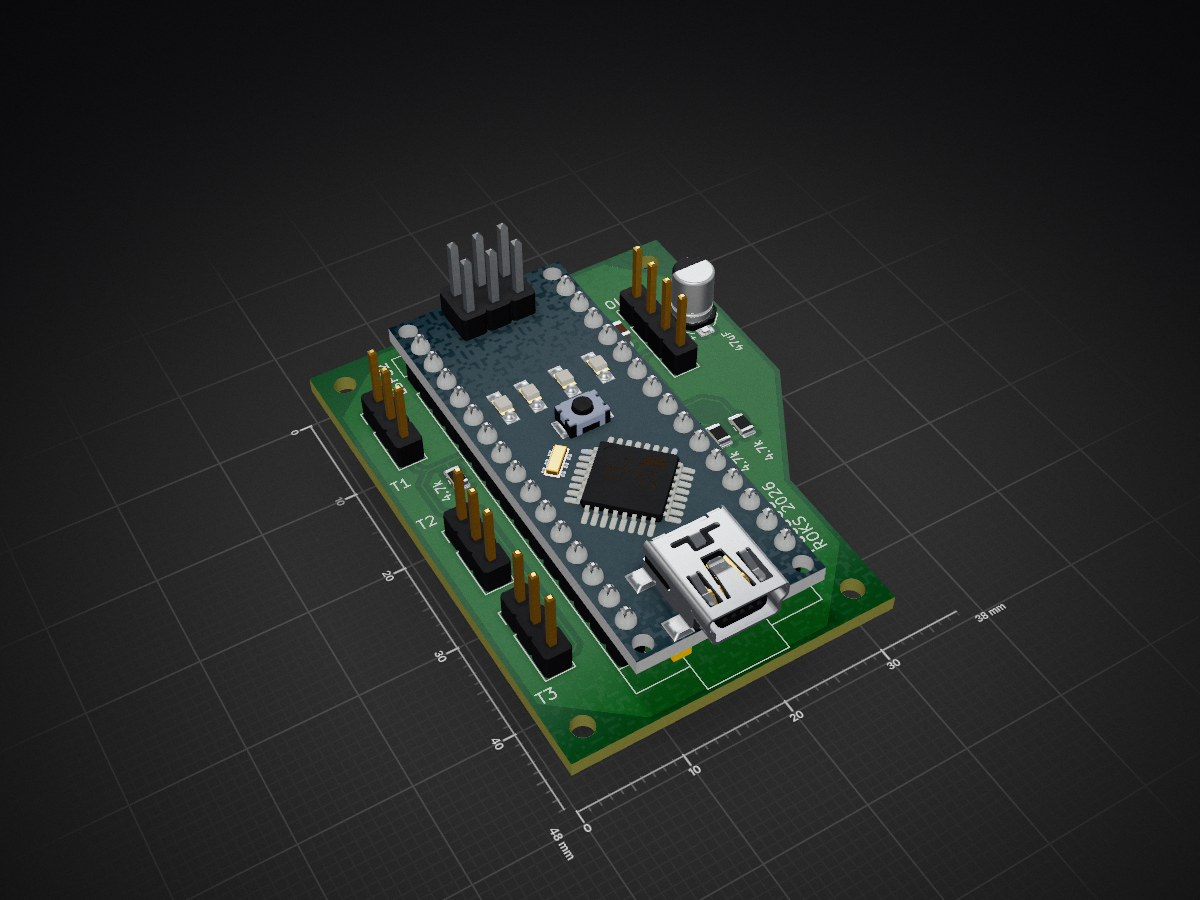
 SacCno/PucaOS
An embedded temperature controller for terrariums with accompanying android app.
PucaOS is an open-source printed circuit board by SacCno, from the SacCno/PucaOS repository on GitHub, published under the MIT licence. It is a 2-layer board of 38 × 48 mm with 14 parts on 29 nets, routed with 38 tracks and 3 vias.
It is built around the DS18B20. It belongs with the ESP32 and AVR (ATmega, ATtiny) boards of this library.
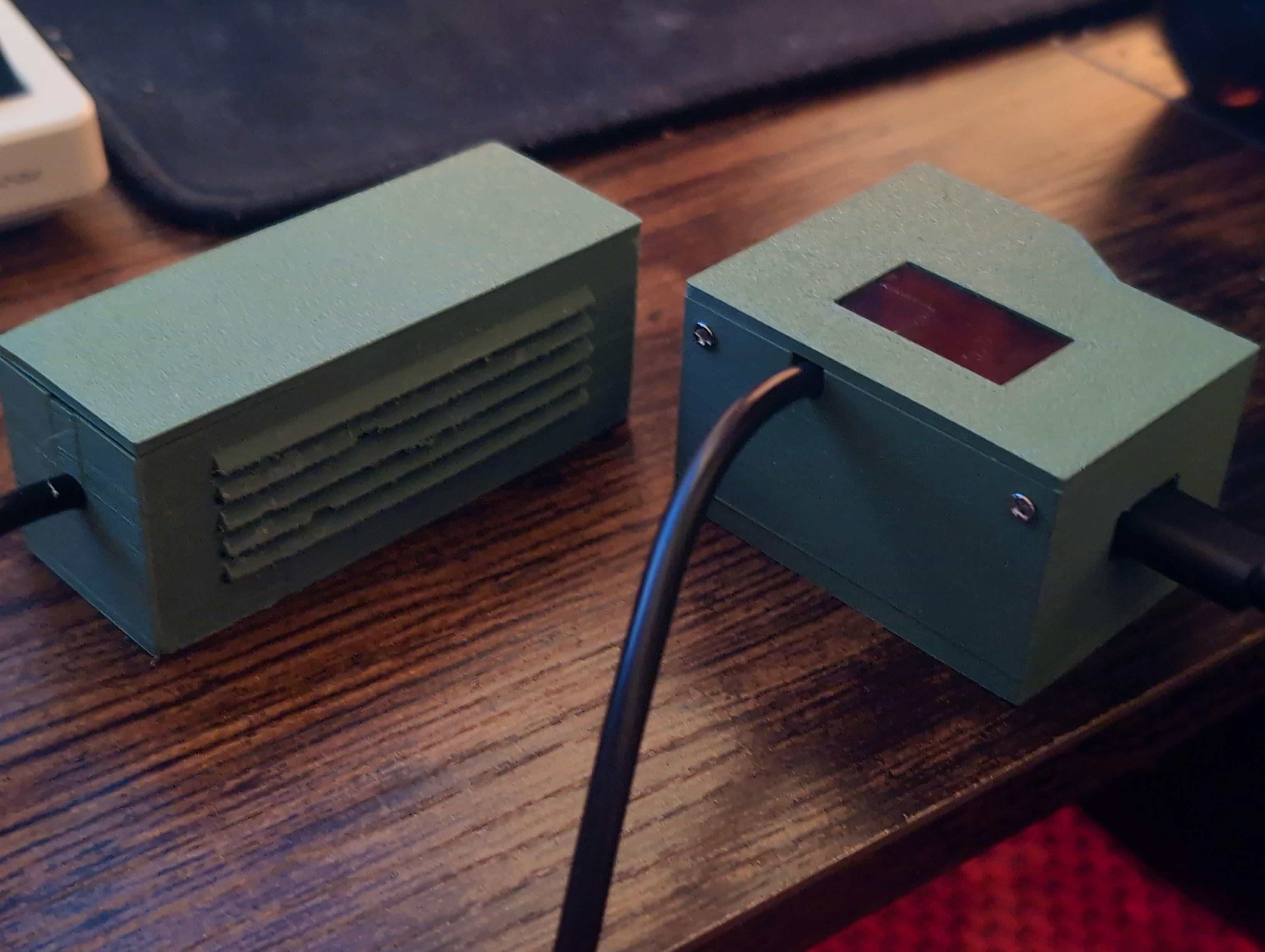
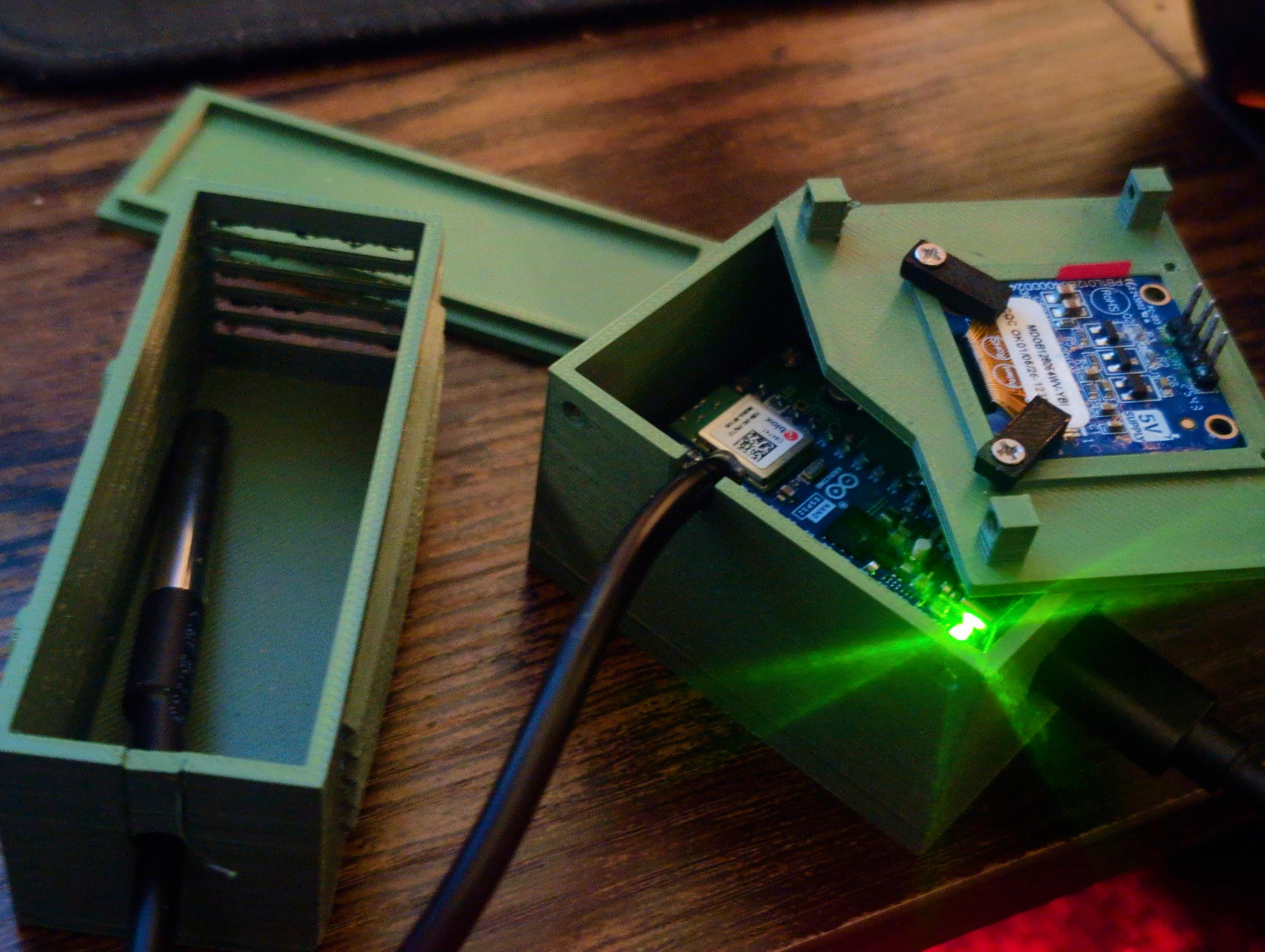
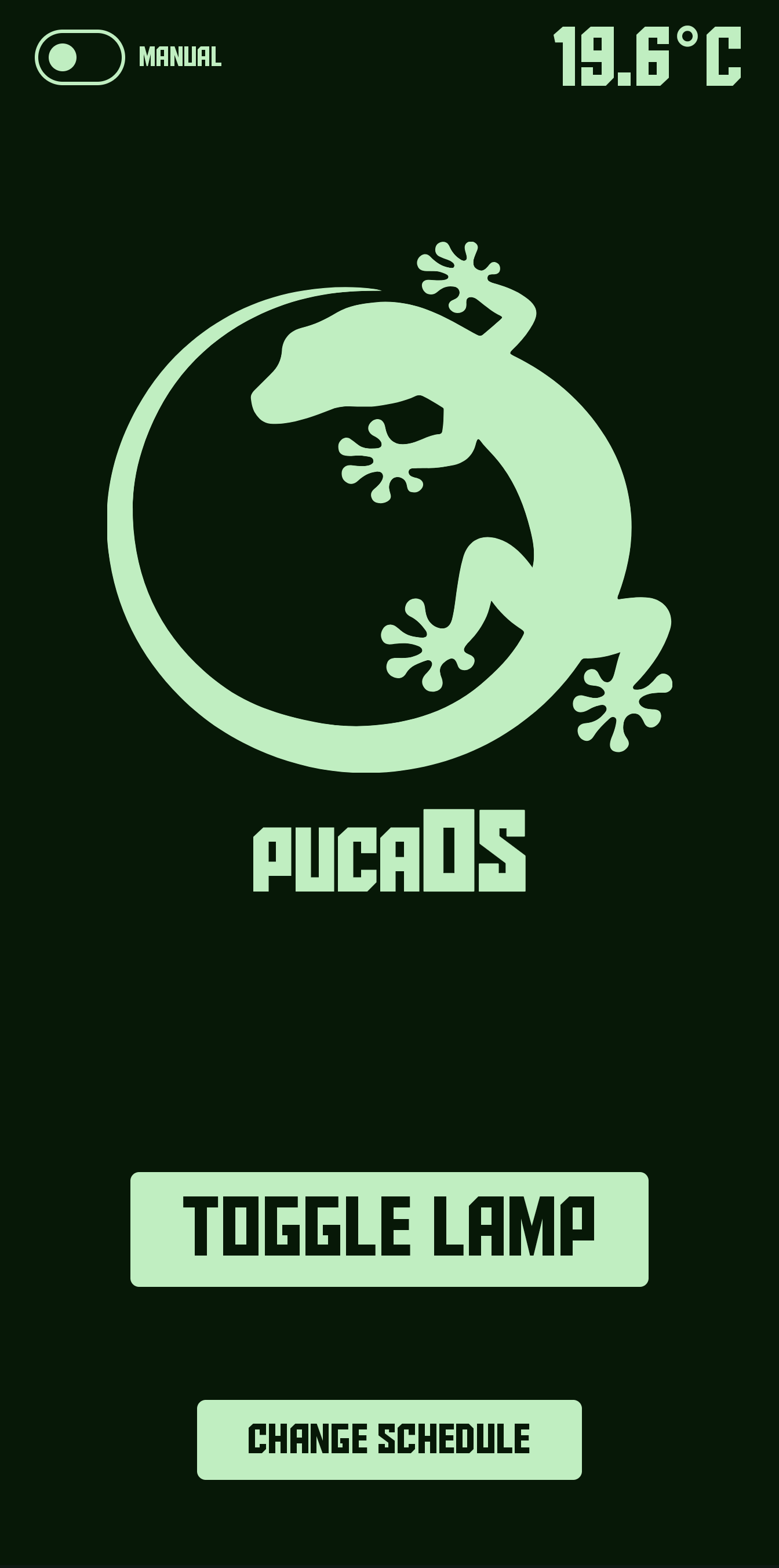
PucaOS is an embedded system written for the Arduino Nano ESP32. It includes an accompanying Android app, which allows for remote interfacing with the Arduino. The Arduino takes in measurements from DS18B20 temperature probes and compares them against a saved schedule. Based on these measurements and the configured schedule, the Arduino controls a Tasmota smart plug over the local network using HTTP commands to regulate the terrarium's temperature.
|
|
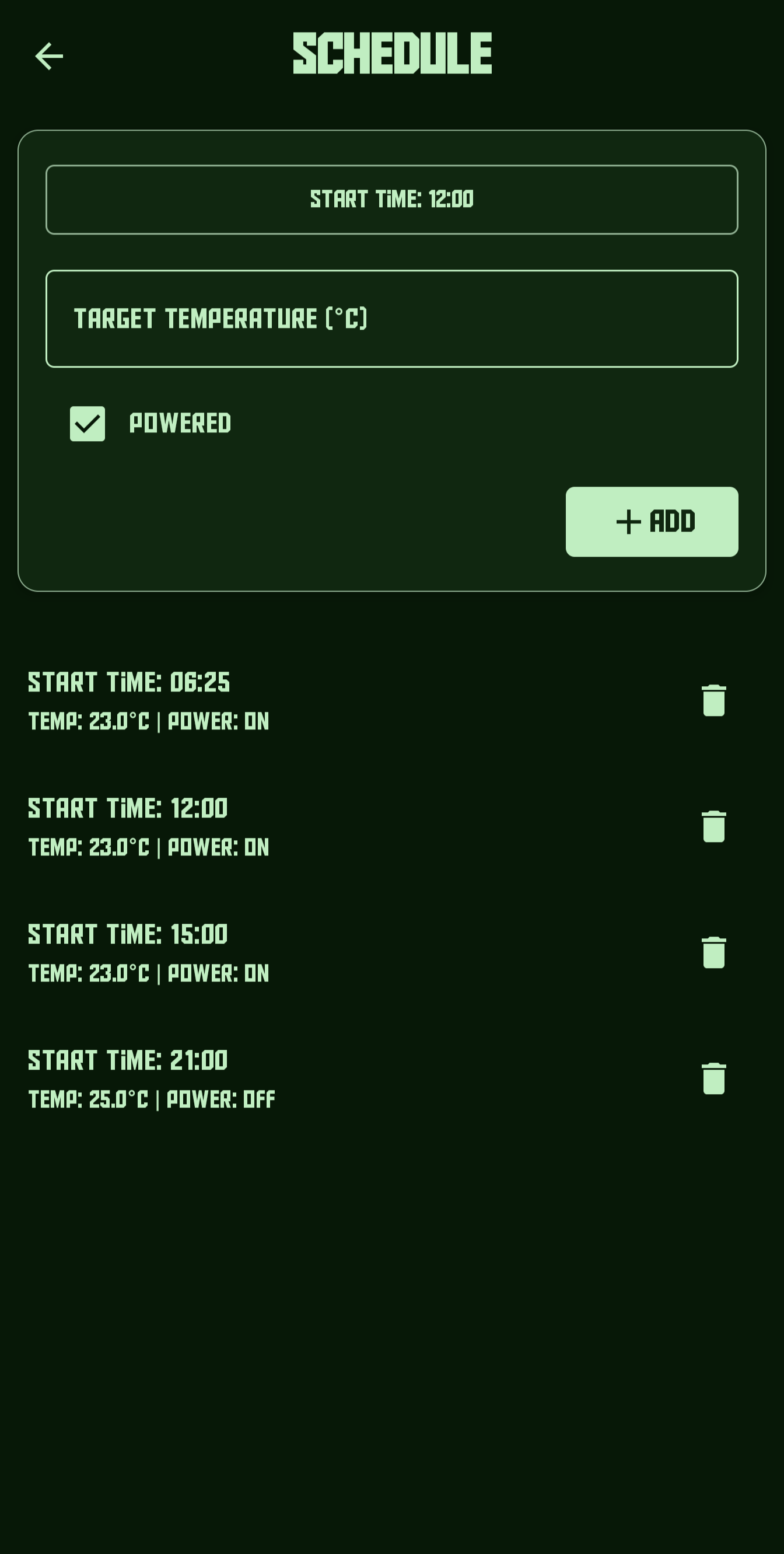
|
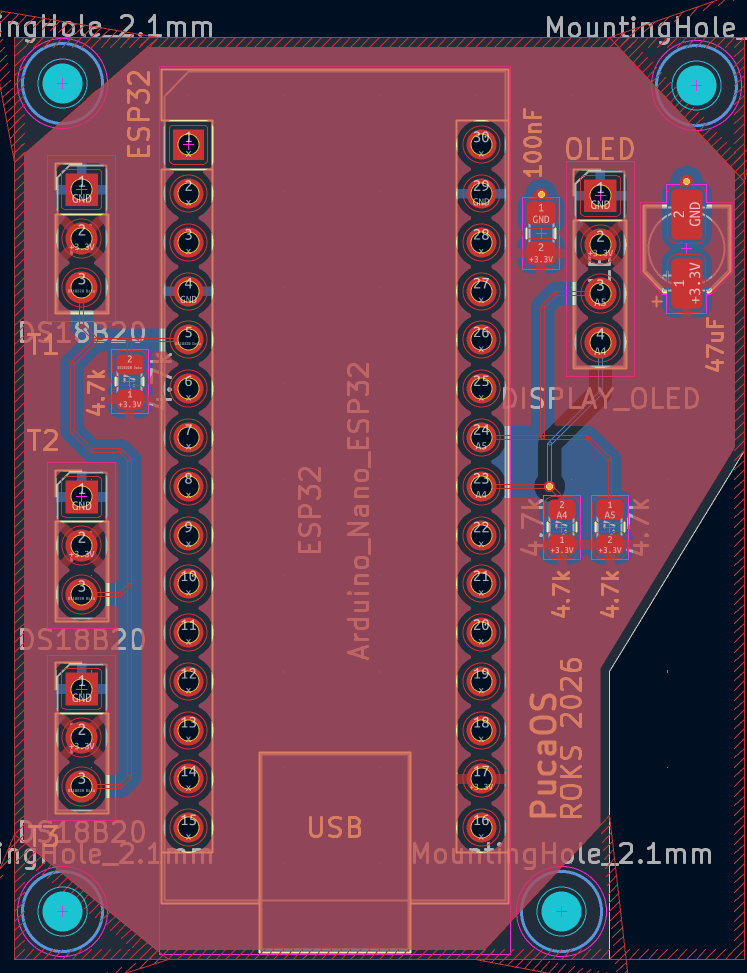
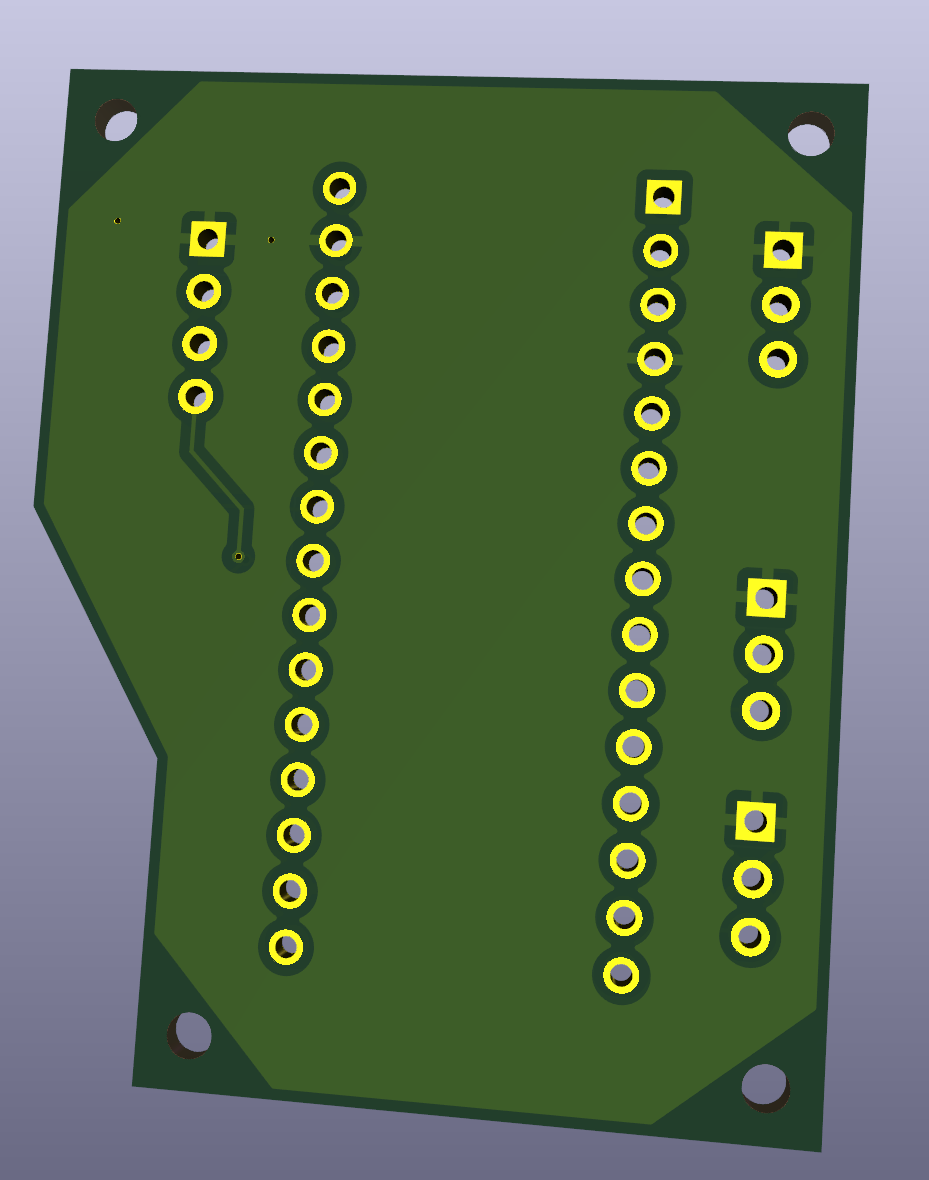
|
Clone the repository and setup 'config.h'
git clone https://github.com/SacCno/PucaOS && cd PucaOS/PucaOS-Arduino && cp config.example.h config.hOn Powershell you may have to use this command instead.
git clone https://github.com/SacCno/PucaOS; if ($LASTEXITCODE -eq 0) { Copy-Item PucaOS/PucaOS-Arduino/config.example.h PucaOS/PucaOS-Arduino/config.h }The above command will have copied 'config.example.h' into 'PucaOS-Arduino/' as 'config.h'. This file will be ignored by git so you can safely fill in your details and push commits without sharing your WiFi password! The program will not run if the values in the new 'config.h' are not filled in accurately.
To compile and upload the program onto your Arduino Nano ESP32:
In Android Studio, open the PucaOS-Android/ folder as a project, and let the gradle build.
MIT License - See LICENSE.
| Qty | Value | Footprint | References |
|---|---|---|---|
| 3 | 4.7k | Resistor_SMD:R_0805_2012Metric | 4.7k, 4.7k, 4.7k |
| 3 | DS18B20 | Connector_PinHeader_2.54mm:PinHeader_1x03_P2.54mm_Vertical | T1, T2, T3 |
| 1 | Arduino_Nano_ESP32 | Module:Arduino_Nano | ESP32 |
| 1 | DISPLAY_OLED | Connector_PinHeader_2.54mm:PinHeader_1x04_P2.54mm_Vertical | OLED |
The 8 most common of 14 parts.
UtilitechAS/amsreader-firmware
ESP8266 and ESP32 compatible firmware to read, interpret and publish data to MQTT from smart electrical meters, both DLMS and DSMR is supported

pablozg/freeds
Derivador de energía solar excedente creado por Pablo Zerón, Diseño PCB por Amcalo, Tester original por Aeizoon, Wiki por Zoilo Mora

AK-Homberger/NMEA2000WifiGateway-with-ESP32
This repository shows how to build a NMEA2000 WiFi Gateway with voltage and temperature alarms.

fehlfarbe/arduino-motorfocus
Arduino motorfocus with moonlite protocol for telescopes


felixwittwer/homeassistant_automaic_greenhouse
A cool Project to make your greenhouse smart. What about automaic irrigation and collecting enviromental data right from your garden.

Neumi/fastLOGIC
An affordable Arduino-based board designed for straightforward (industrial) logic control, ideal for building small-scale automation and control solutions.
It measures 38 × 48 mm and has 2 copper layers, 1.6 mm thick.
14 parts, built around the DS18B20. The full list of its parts is on this page, with links to each part's symbol and footprint where PCBKit's library has them.
From the SacCno/PucaOS repository on GitHub, at the commit this page was made from: the board is PCB Files/PucaOS.kicad_pcb. PCBKit opens the board in the browser, with nothing to install.
Its repository publishes it under the MIT licence: you may reuse it on that licence's terms (keep the author's notice, and for a copyleft licence share your changes alike).