2 layers37 × 19 mm
Passive rpi hub75-adapter
hzeller/rpi-rgb-led-matrix
Controlling up to three chains of 64x64, 32x32, 16x32 or similar RGB LED displays using Raspberry Pi GPIO
2 parts4.4kGPL-2.0

 Prime9999/MZ80K_SD_Pico21
MZ80K_SD、PC-8001_SDのArduino Pro MiniをRaspberry Pi Pico 2に置き換える試み
MZ80K SD Pico2 is an open-source printed circuit board by Prime9999, from the Prime9999/MZ80K_SD_Pico2 repository on GitHub, published under the MIT licence. It is a 2-layer board of 29 × 53 mm with 2 parts on 47 nets, routed with 94 tracks and 6 vias.
It belongs with the RP2040, RP2350 and AVR (ATmega, ATtiny) boards of this library.
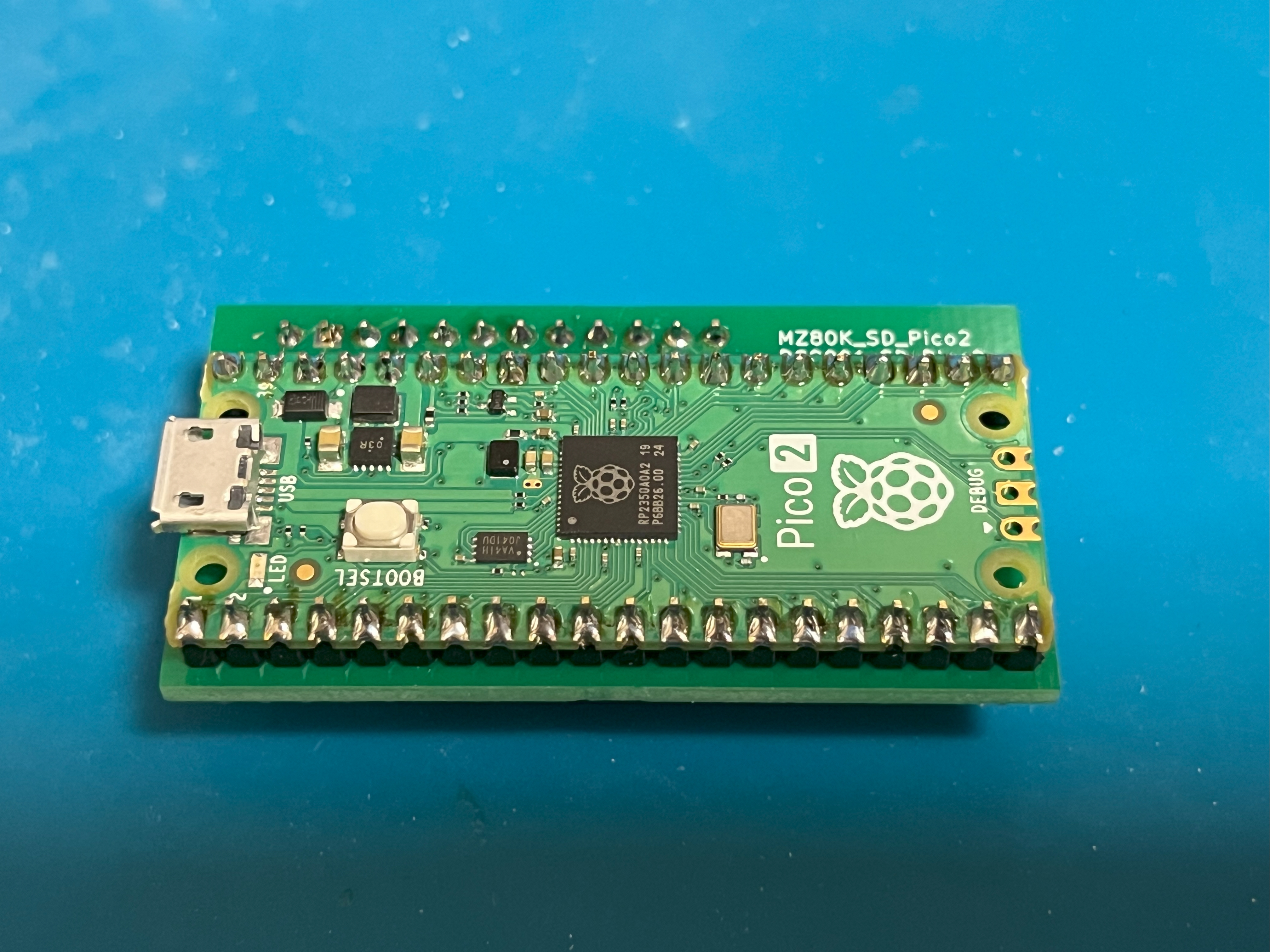
こちらは個人的な試みの成果を公開するものであります。
この成果物を使用することによりMZ80K_SDやPC-8001_SDに不具合が生じた場合も、当方は責任を負わないものとします。
MZ80K_SDとPC-8001_SDで使用されているArduino Pro MiniをRaspberry Pi Pico 2に置き換え、ファームウェアの改造を容易にする試みです。
両ボードのフラッシュメモリとRAMの容量は次の通りであり、Pico 2に置き換えることにより実装の追加が容易となります:
| Arduino Pro Mini | Raspberry Pi Pico 2 | |
|---|---|---|
| Flash | 32KB | 4MB |
| RAM | 2KB | 520KB |
ここで公開しているファームウェアは、オリジナルに対して次の機能を追加しています:
また、SDカードモジュールへのアクセス時のクロックを8MHzから16MHzに変更しています(読み書きの時間が、オリジナルの半分くらいになっているはず)。
Gerber/*.ZIPで出力した基板を入手していることを前提として解説します。
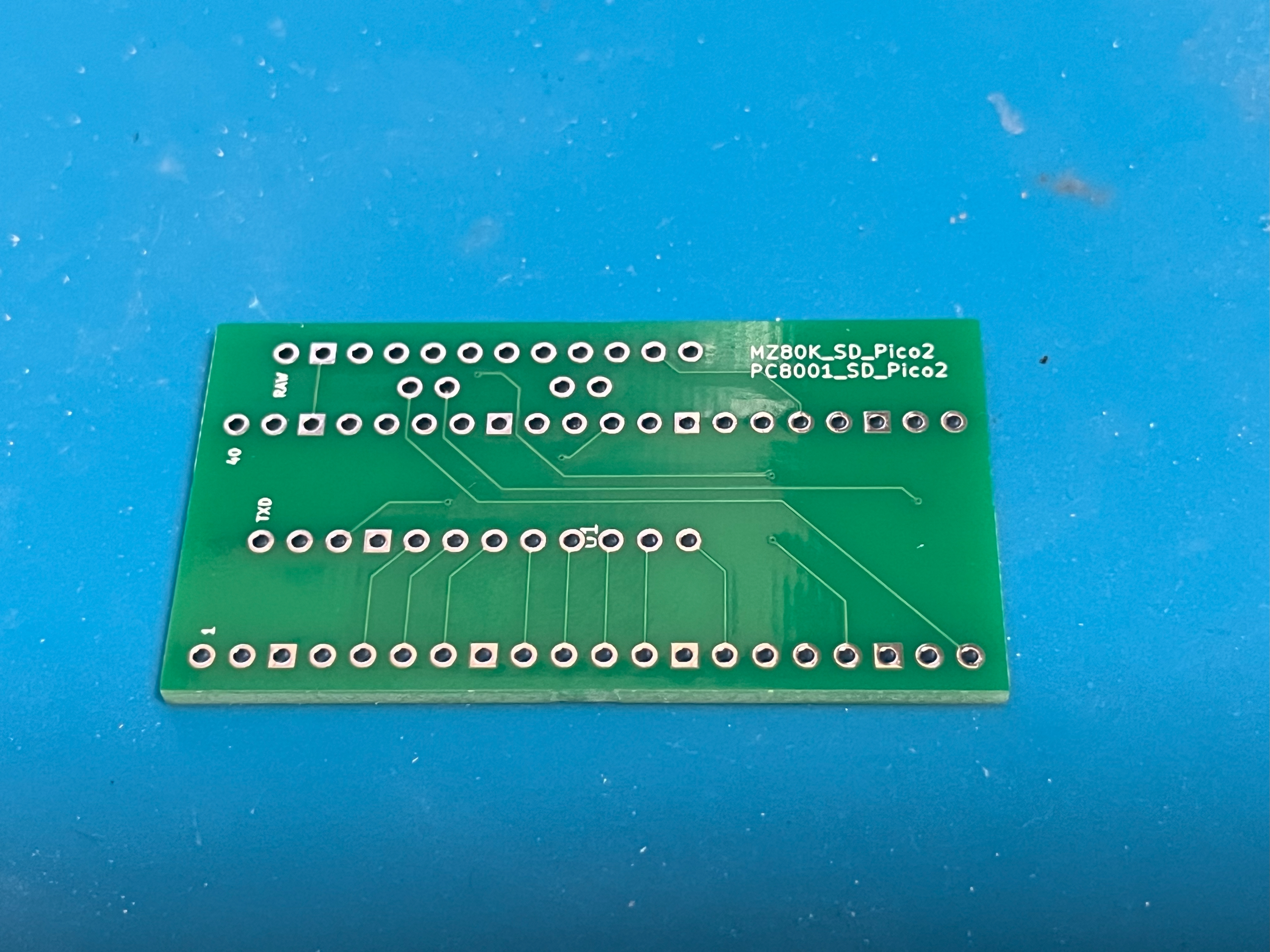
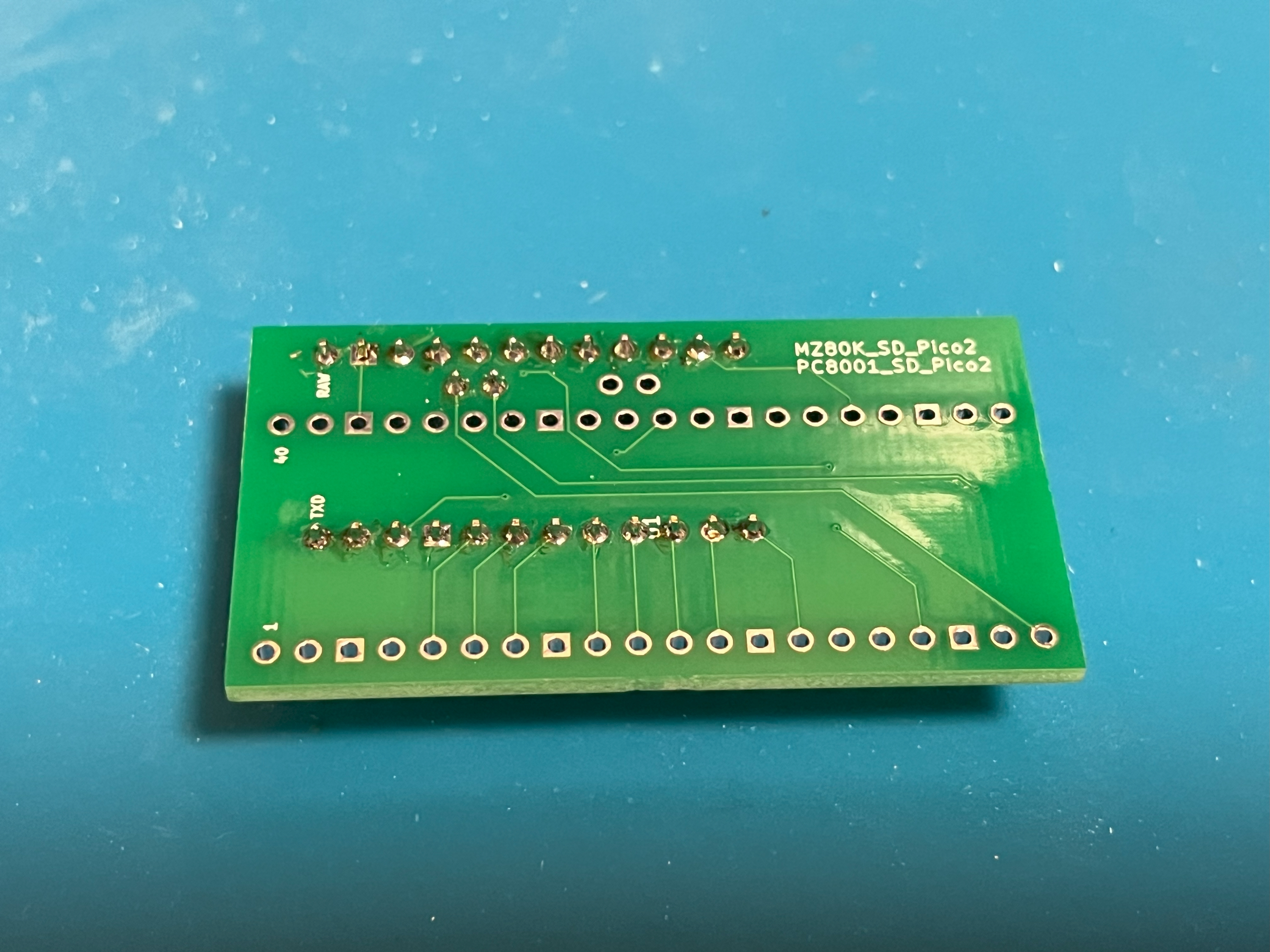
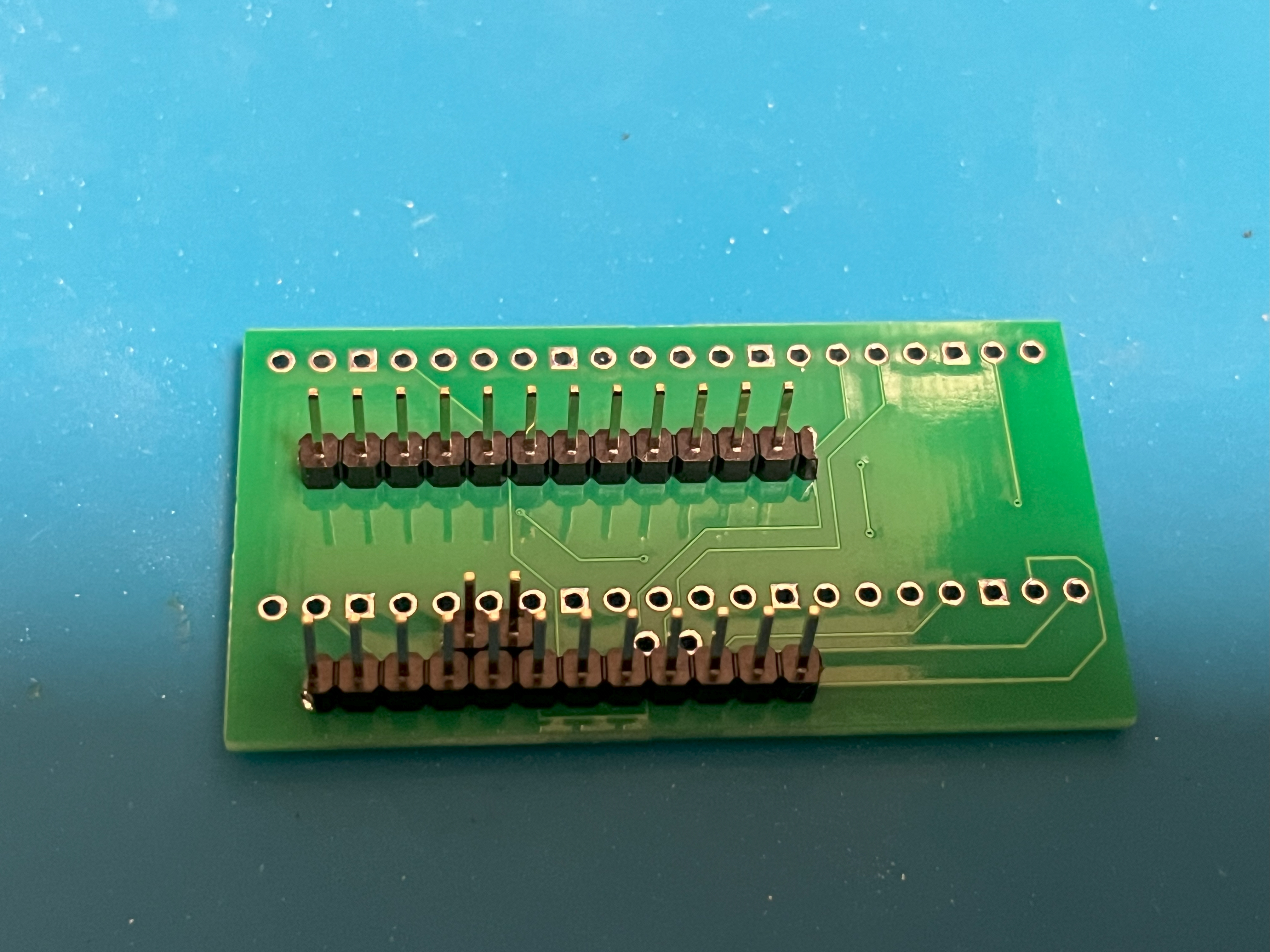
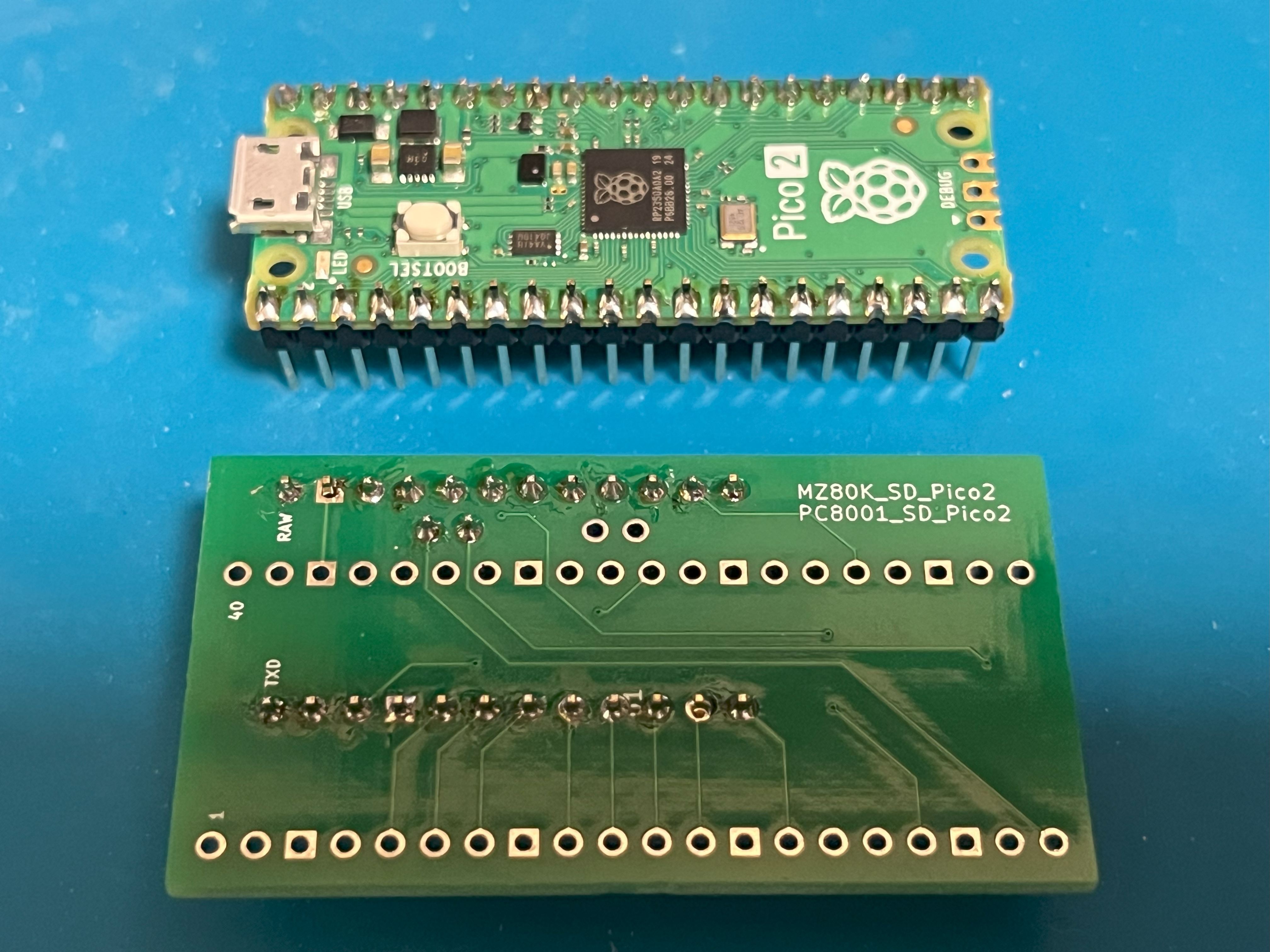
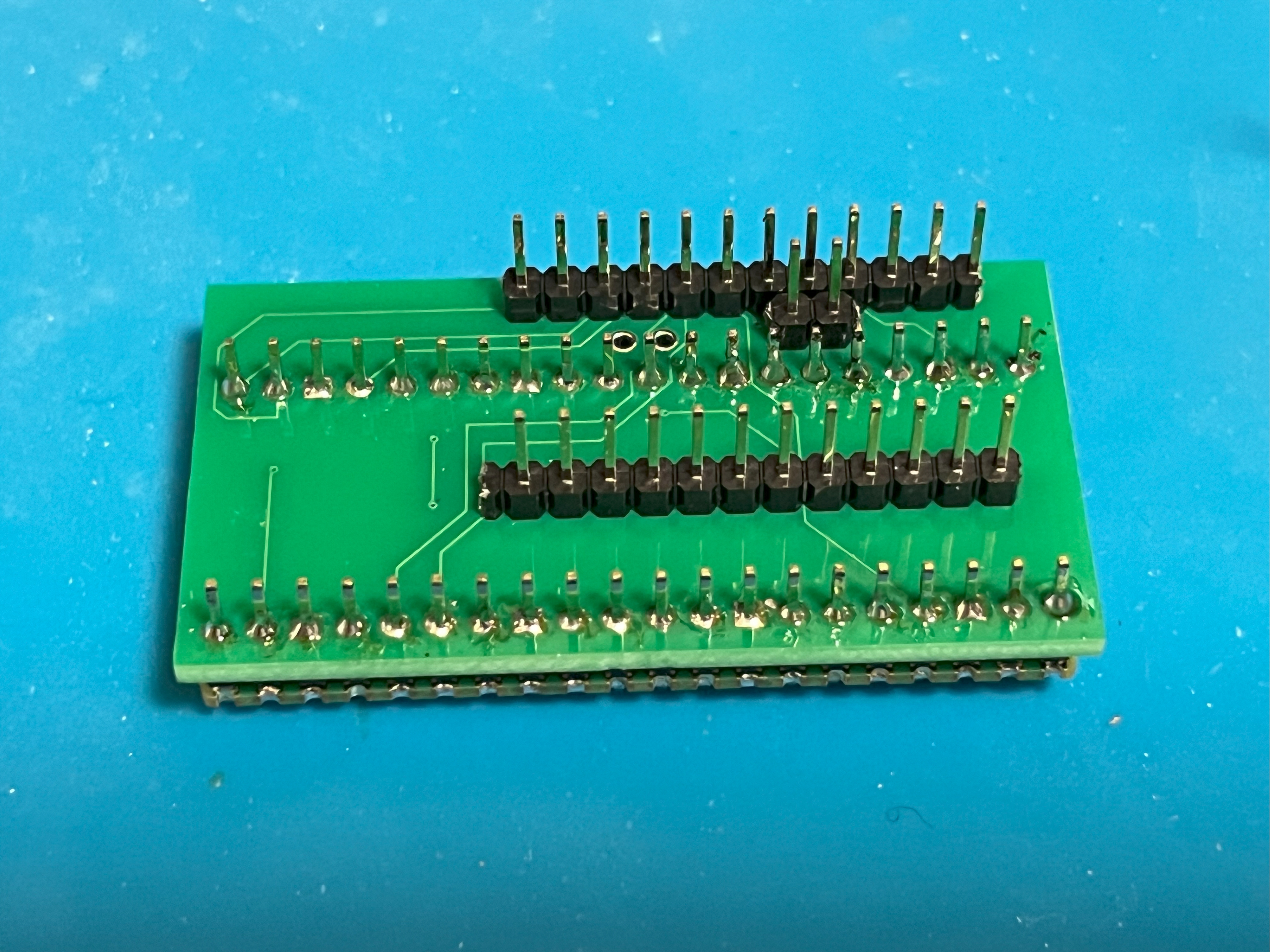
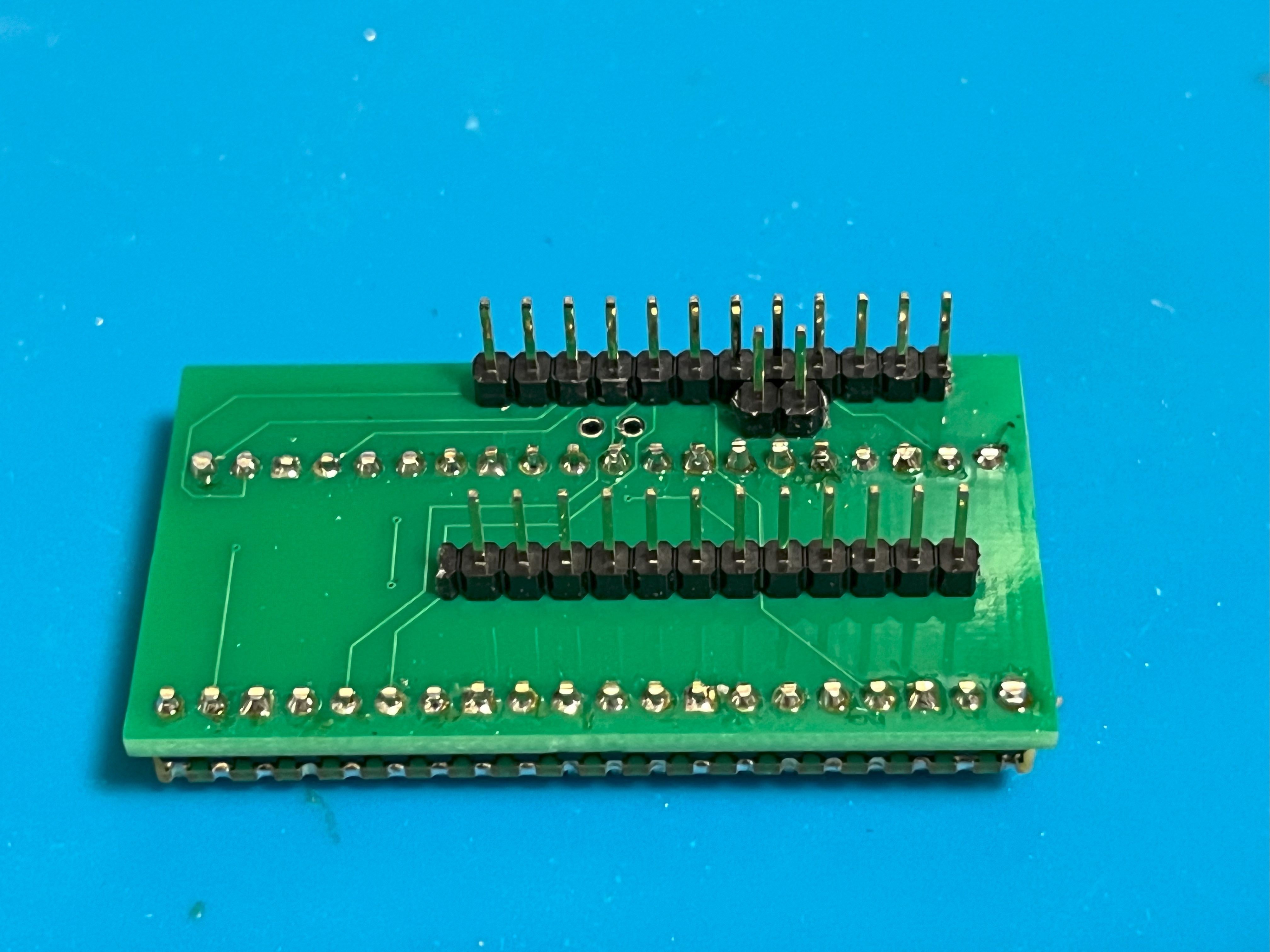
なおブレッドボードを用いて結線する場合は、KiCad以下にあるプロジェクトをKiCadで開き、回路図エディターを参考に行ってください。
| Qty | Value | Footprint | References |
|---|---|---|---|
| 1 | Arduino_Pro_Mini_Socket | PCM_arduino-library:Arduino_Pro_Mini_Socket_NoSPH_2 | A1 |
| 1 | Pico | MCU_RaspberryPi_and_Boards:RPi_Pico_SMD_TH_2 | U1 |
hzeller/rpi-rgb-led-matrix
Controlling up to three chains of 64x64, 32x32, 16x32 or similar RGB LED displays using Raspberry Pi GPIO


adamws/kicad-kbplacer
KiCad plugin for automatic keyboard's key placement and routing

Luos-io/luos_engine
Open-source and real-time orchestrator for cyber-physical-systems, to easily design, test and deploy embedded applications and digital twins.

NVNTLabs/switch2-SDEX2M2
Micro SD Express to M.2 NVME Adapter for Nintendo Switch 2

BlueSCSI/BlueSCSI-v2
BlueSCSI v2/Ultra - an open source, open hardware, SCSI emulator using the Pi Pico PR2040 and Pico 2 RP2350

ohmtech-rdi/eurorack-blocks
Software to Hardware Prototyping for Eurorack using C++, Max/Gen~ or Faust

It measures 29 × 53 mm and has 2 copper layers, 1.6 mm thick.
2 parts. The full list of its parts is on this page, with links to each part's symbol and footprint where PCBKit's library has them.
From the Prime9999/MZ80K_SD_Pico2 repository on GitHub, at the commit this page was made from: the board is KiCad/MZ80K_SD_Pico2.kicad_pcb and its schematic KiCad/MZ80K_SD_Pico2.kicad_sch. PCBKit opens the board in the browser, with nothing to install.
Its repository publishes it under the MIT licence: you may reuse it on that licence's terms (keep the author's notice, and for a copyleft licence share your changes alike).