2 layers50 × 35 mm

 MeijoMeguroLab/Scha_imu_board13
"SCHA" ⇒ scha IMU library, place it in the arudino library directory by folder. This is the default location ( C:\Program Files (x86)\Arduino\libraries ) e.g.) C:\Program Files (x86)\Arduino\libraries\SCHA
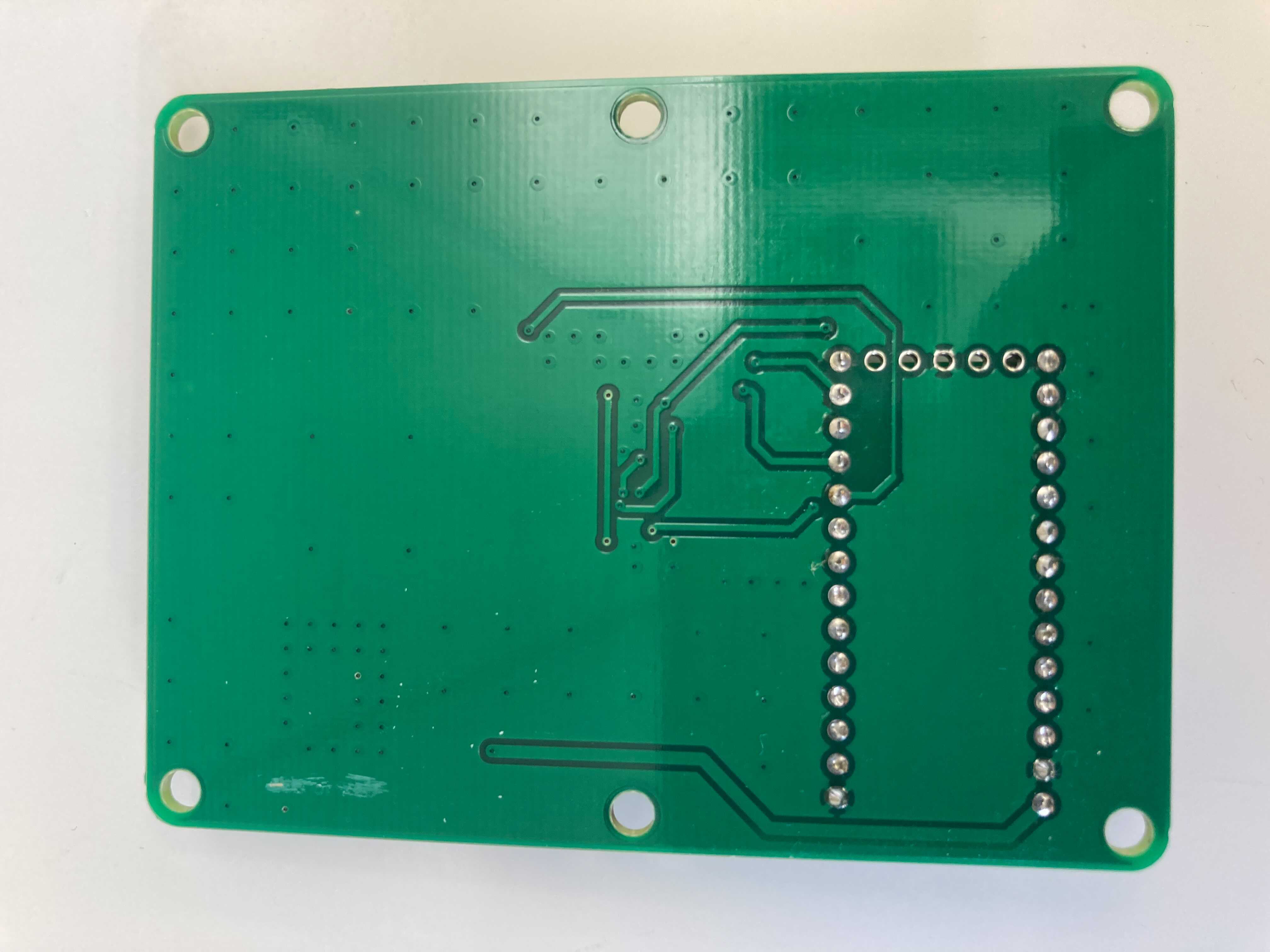
IMU USB ver2 is an open-source printed circuit board by MeijoMeguroLab, from the MeijoMeguroLab/Scha_imu_board repository on GitHub, published under the BSD-3-Clause licence. It is a 2-layer board of 60 × 80 mm with 17 parts on 37 nets, routed with 144 tracks and 134 vias.
Its parts include 12 capacitors, 3 ICs and 1 inductor. It belongs with the sensors and measurement boards and the NXP (LPC, Kinetis, i.MX RT) boards of this library.
This package contains ROS driver nodes for Murata sensor products mainly communicate by SPI(Serial Periferal Interface).
supported devices:
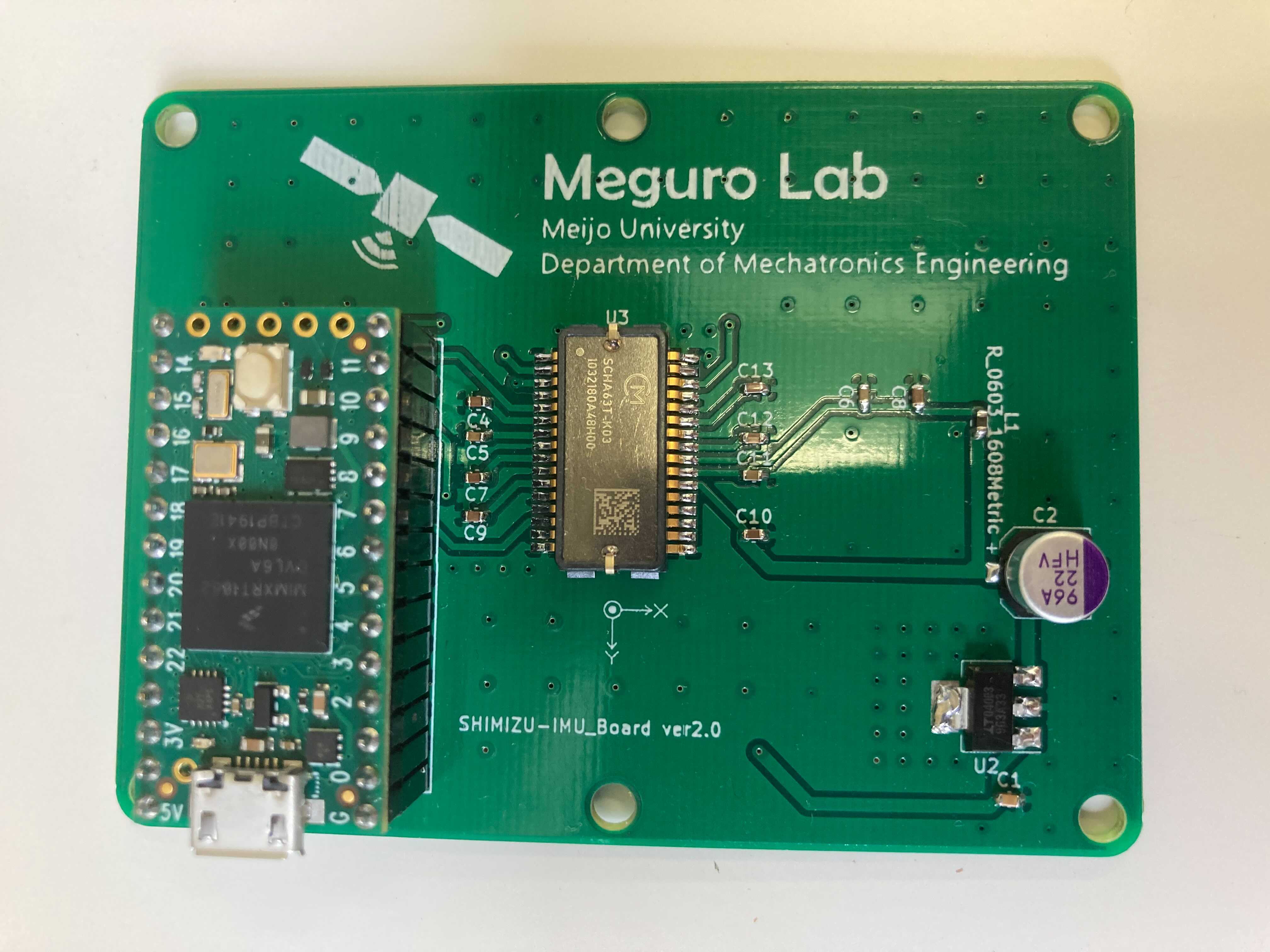
To write software to Teensy4.0, use "Arduino IDE" and "Arduino IDE + Teensyduino". Please install them on your Windows PC.
Next, place the extracted folder in an appropriate directory.
"SCHA" ⇒ scha IMU library, place it in the arudino library directory by folder. This is the default location ( C:\Program Files (x86)\Arduino\libraries ) e.g.) C:\Program Files (x86)\Arduino\libraries\SCHA
Change the valid definitions in SCHA.cpp depending on the platform you are writing to.
By default, SCHA6xx_x03 is valid.
After placing the folder, double-click scha_board.ino to run it in Arduino IDE. Click the verification button (check mark) in the upper left corner to compile the program.
After the compile result is displayed at the bottom of Arduino IDE with no error, click Press the Write button on Teensy4.0 once. (Teensy 4.0 will restart automatically after writing.)
"Click the Terminal button in the upper right corner of the Arduino IDE to confirm that the data acquisition is successful.
The topic name and .yaml file name are "series name"_xxx, so please change them as necessary. There is no problem if you use them as they are.
"ros_package/scha_imu_driver" is a ros driver that runs on linux. Please install the ros environment on your Linux PC.
Place "ros_package/scha_imu_driver" in any workspace and build it.
Connect the device to your PC, and edit the device in the .yaml file in "ros_package/scha_imu_driver/config" according to the connection status.
Run the appropriate launch for your device from "ros_package/scha_imu_driver/launch".
scha_imu_board is provided under the BSD 3-Clause License.
| Qty | Value | Footprint | References |
|---|---|---|---|
| 6 | 1.5u | Capacitor_SMD:C_0603_1608Metric | C4, C7, C9, C10, C12, C13 |
| 2 | 0.15u | Capacitor_SMD:C_0603_1608Metric | C5, C11 |
| 1 | 0.1u | Capacitor_SMD:C_0603_1608Metric | C6 |
| 1 | 10u | Capacitor_SMD:C_0603_1608Metric | C8 |
| 1 | 1u | Capacitor_SMD:C_0603_1608Metric | C1 |
| 1 | 22u | Capacitor_SMD:CP_Elec_6.3x5.9 | C2 |
| 1 | BLM15HB121SN1D | BLM:BLM15HB121SN1D | L1 |
| 1 | LF33_TO220 | Package_TO_SOT_SMD:SOT-223 | U2 |
| 1 | LOGO | 研究室ロゴ:test | G*** |
| 1 | SCHA6xx | murata:SCHA6xx | U3 |
| 1 | Teensy4.0 | teensy:Teensy40_2 | U1 |


hoglet67/RGBtoHDMI
Bare-metal Raspberry Pi project that provides pixel-perfect sampling of Retro Computer RGB/YUV video and conversion to HDMI


hackclub/OnBoard
💡 Join 1,000 teenagers and make your first PCB with a $100 grant!

DDeGonge/OS-ARM
This arm is not industrial and it will not be fast, but that is not my goal. But it will hopefully be a very nice looking arm fully capable of 6dof motion, cheap enough to keep it accessable but capable enough to…


It measures 60 × 80 mm and has 2 copper layers, 1.6 mm thick.
17 parts. The full list of its parts is on this page, with links to each part's symbol and footprint where PCBKit's library has them.
From the MeijoMeguroLab/Scha_imu_board repository on GitHub, at the commit this page was made from: the board is board_hardware/IMU_board_ver2.0/IMU_USB_ver2.kicad_pcb. PCBKit opens the board in the browser, with nothing to install.
Its repository publishes it under the BSD-3-Clause licence: you may reuse it on that licence's terms (keep the author's notice, and for a copyleft licence share your changes alike).