2 layers103 × 30.5 mm
 Len0v0CZ/HalfLife-Week1
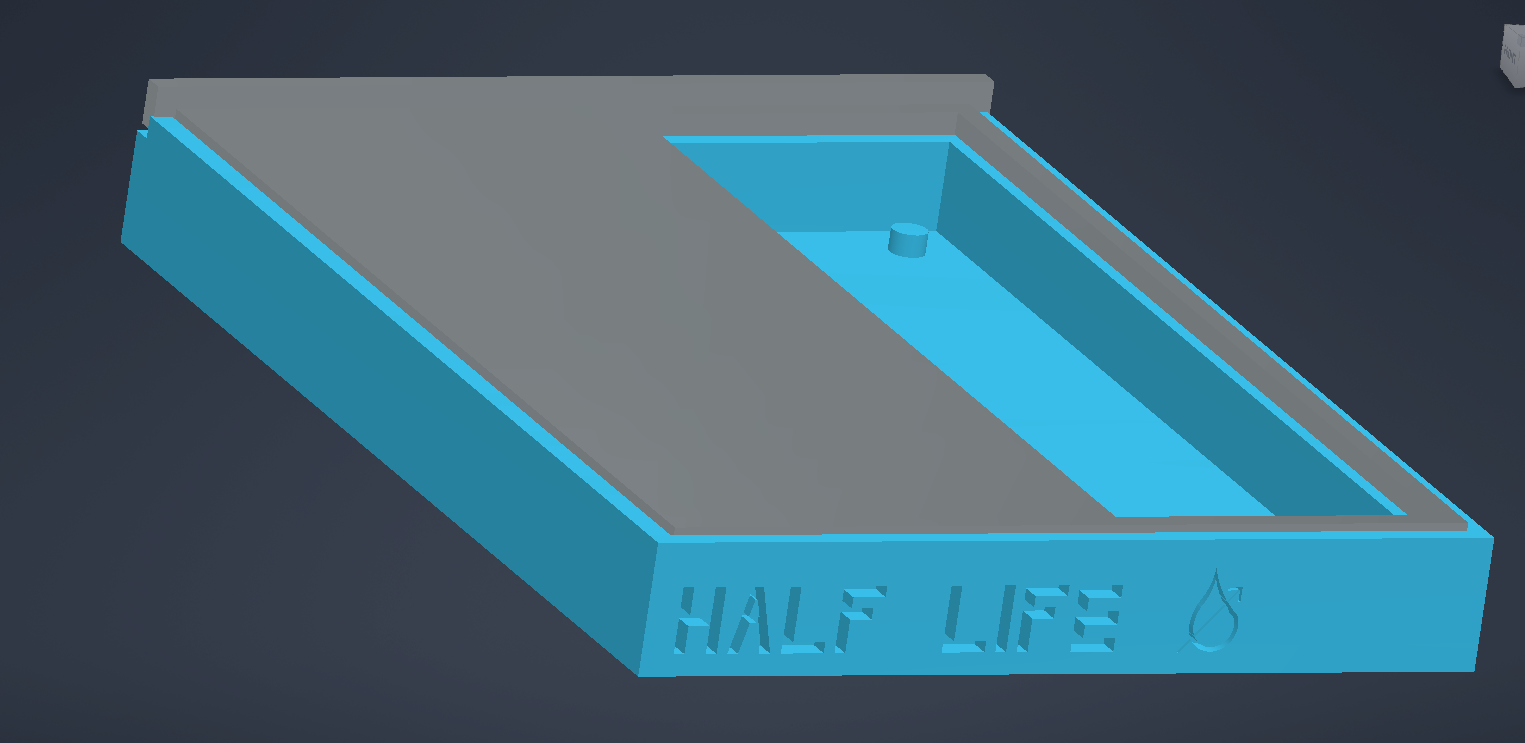
A compact macro keyboard featuring 3 keys and 1 rotary encoder for task automation. ## Components - Raspberry Pi Pico - 3x Mechanical Switches - 1x KY-040 Rotary Encoder - Custom PCB - 3D-printed case (base and lid)
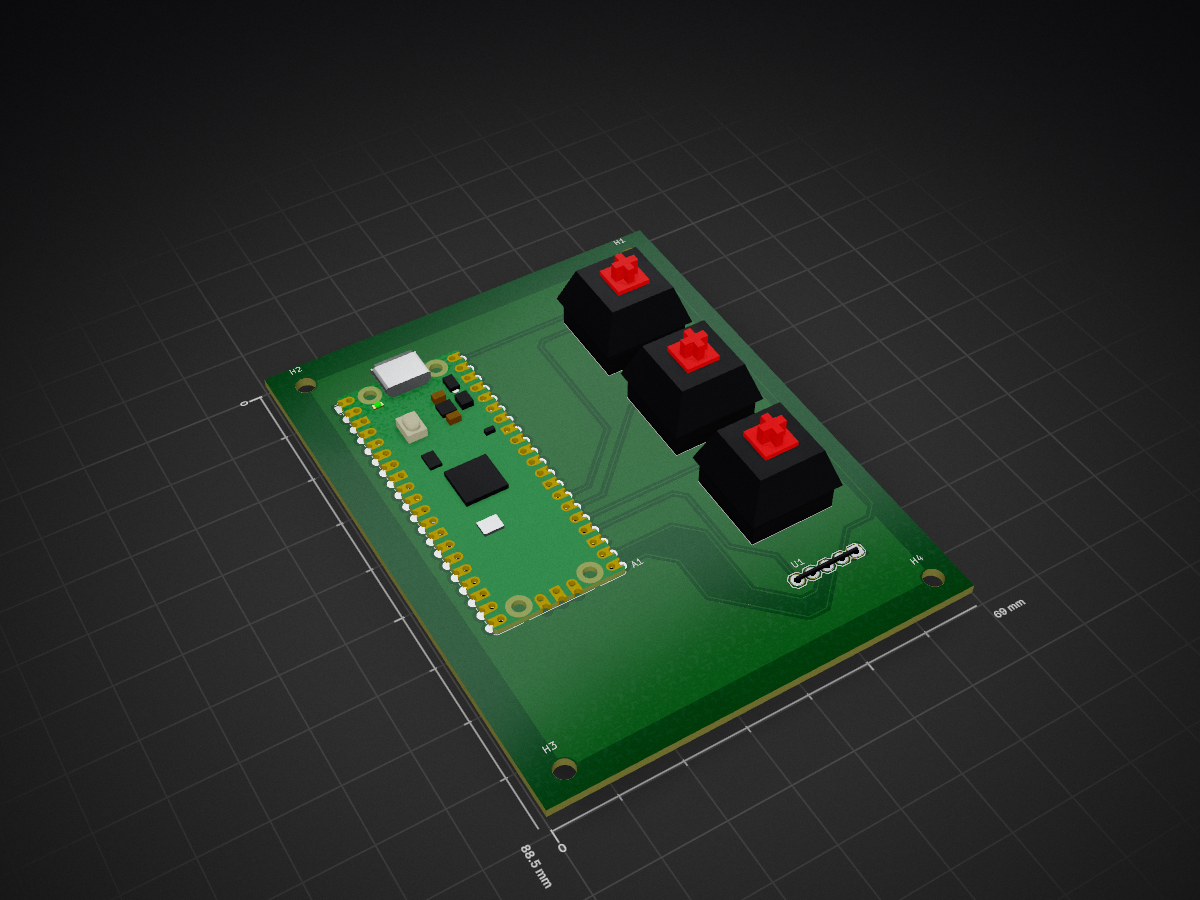
MainPCB is an open-source printed circuit board by Len0v0CZ, from the Len0v0CZ/HalfLife-Week1 repository on GitHub. It is a 2-layer board of 69 × 88.5 mm with 9 parts on 34 nets, routed with 36 tracks and 0 vias.
Its parts include 3 switches and 1 IC. It belongs with the RP2040 boards of this library.
A compact macro keyboard featuring 3 keys and 1 rotary encoder for task automation.
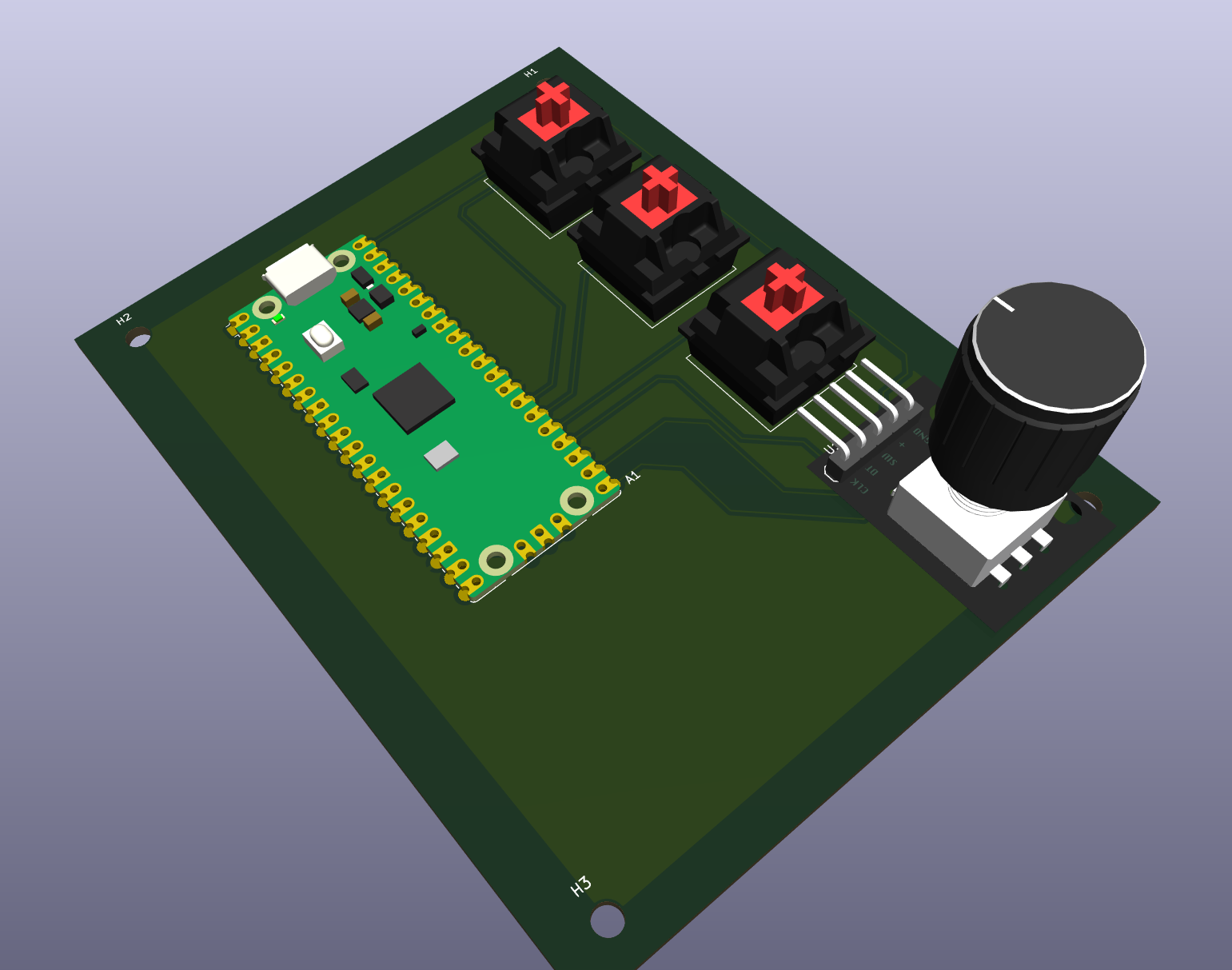
adafruit_hid library.code.py in the root directory.The rotary encoder adjusts the system volume and its button toggles mute. The three mechanical switches can be bound in code.py.
| Qty | Value | Footprint | References |
|---|---|---|---|
| 4 | MountingHole | MountingHole:MountingHole_3.2mm_M3_DIN965 | H1, H2, H3, H4 |
| 3 | SW_Push | Button_Switch_Keyboard:SW_Cherry_MX_1.00u_Plate | SW2, SW3, SW4 |
| 1 | KY-040 | KY-040:KY-040-PORT | U1 |
| 1 | RaspberryPi_Pico | Module:RaspberryPi_Pico_Common_Unspecified | A1 |


FrameworkComputer/ExpansionCards
Reference designs and documentation to create Expansion Cards for the Framework Laptop

VoronDesign/Voron-Hardware
Cool Hardware designed by the Voron Design group

hackclub/OnBoard
💡 Join 1,000 teenagers and make your first PCB with a $100 grant!


adamws/kicad-kbplacer
KiCad plugin for automatic keyboard's key placement and routing
It measures 69 × 88.5 mm and has 2 copper layers, 1.6 mm thick.
9 parts. The full list of its parts is on this page, with links to each part's symbol and footprint where PCBKit's library has them.
From the Len0v0CZ/HalfLife-Week1 repository on GitHub, at the commit this page was made from: the board is PCBs/mainPCB/mainPCB.kicad_pcb and its schematic PCBs/mainPCB/mainPCB.kicad_sch. PCBKit opens the board in the browser, with nothing to install.
Its repository states no licence, so its author keeps all rights: ask Len0v0CZ before reusing the design.