2 layers255.5 × 103.1 mm
Chonkv backplate
ImStuBTW/chonkv
A 58-key choc keyboard inspired by brickbot's chocV layout.
128 parts30MIT

 ImStuBTW/chonkv30
A 58-key choc keyboard inspired by brickbot's chocV layout.
Chonkv is an open-source printed circuit board by ImStuBTW, from the ImStuBTW/chonkv repository on GitHub, published under the MIT licence. It is a 2-layer board of 255.5 × 103.2 mm with 129 parts on 81 nets, routed with 910 tracks and 0 vias.
Its parts include 58 diodes and 58 switches. It belongs with the keyboards and input boards of this library.
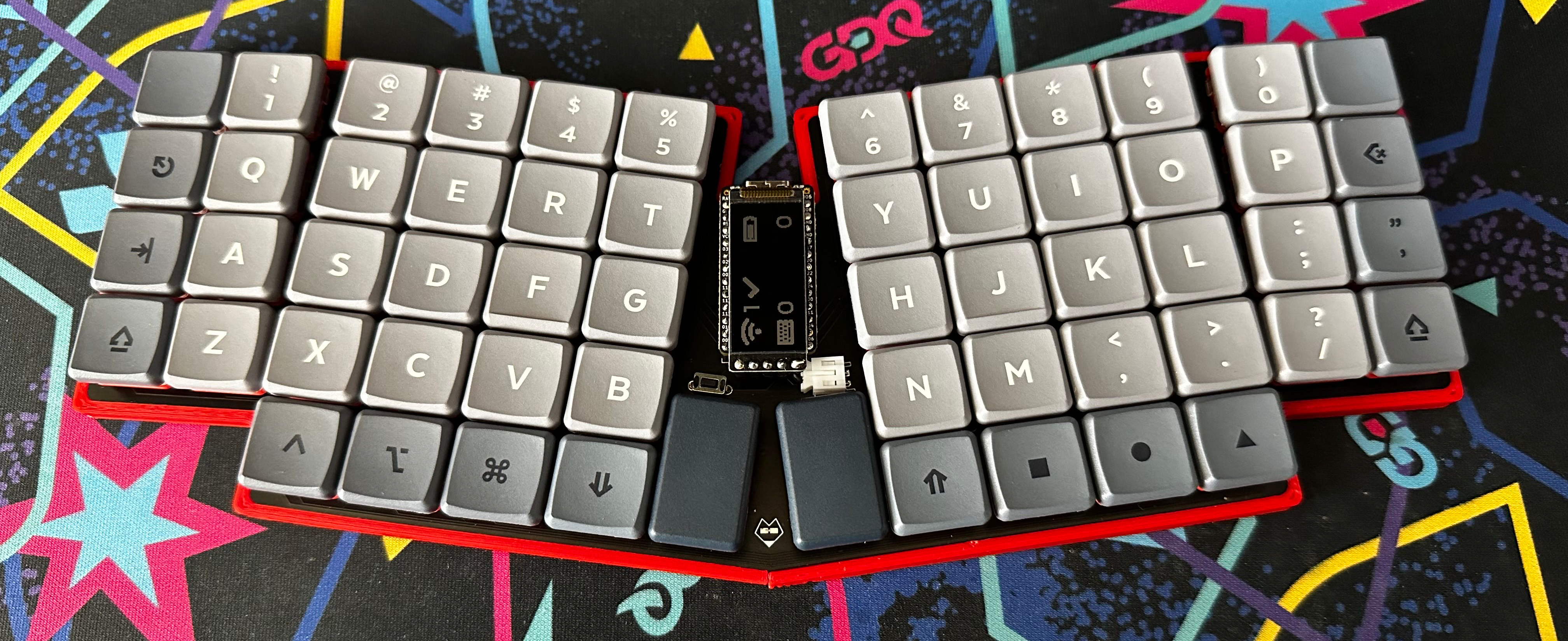
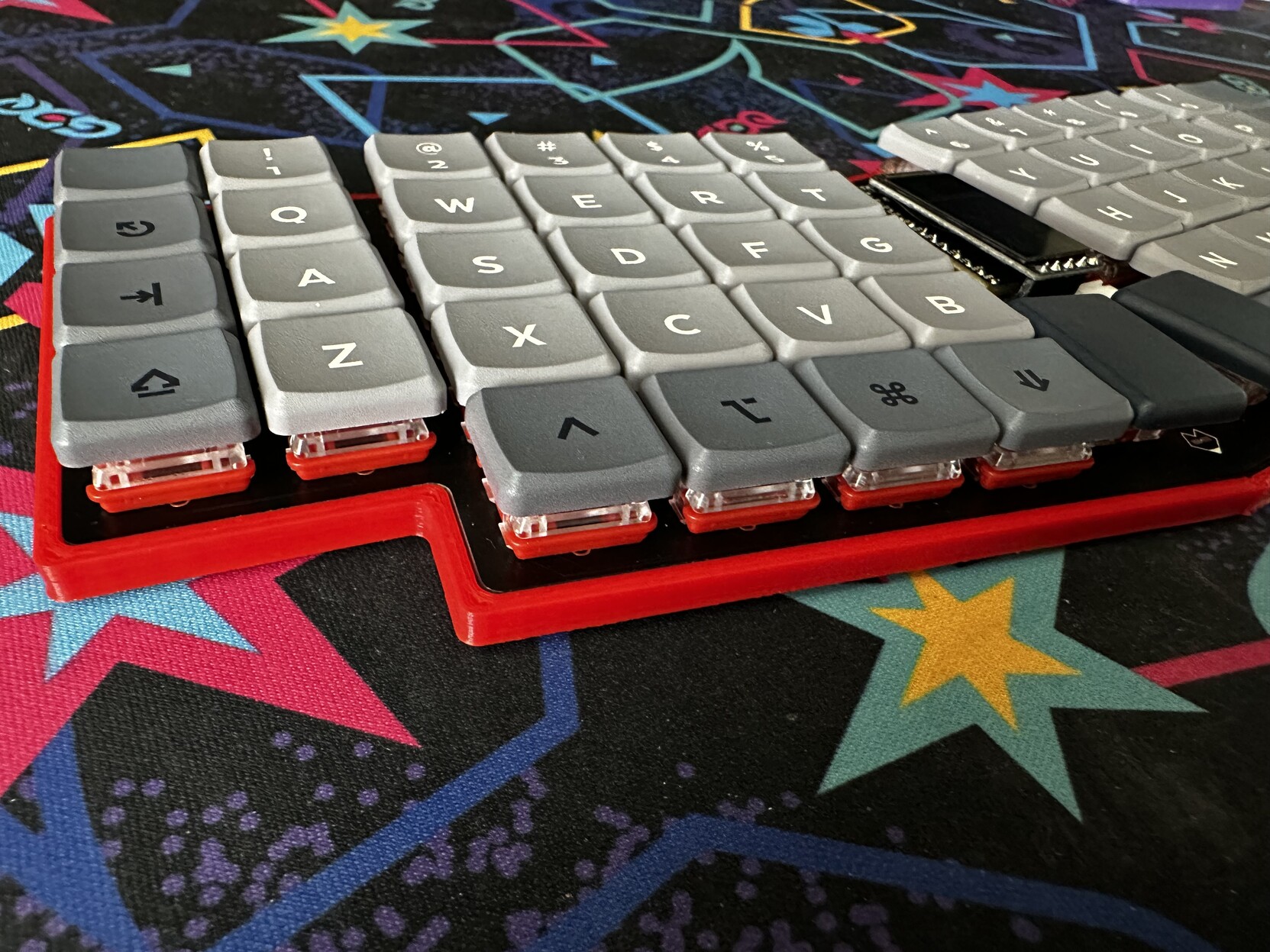
The ChonkV is a 58 key choc keyboard based off Brickbot's excellent chocV keyboard. It adds a number row, an additional outer column, and thumb keys in the style of the Atreus keyboard.
This keyboard was designed largely as a way of learning the Ergogen keyboard layout generator software. I was pretty happy with my previous keyboard, the split Sofle Choc, but this new keyboard design allowed me to test a variety of concepts I'd been curious about experimenting with. The ChonkV has the same 58 key count as the Sofle Choc, but its unibody design makes it a bit more portable. This board also has true Choc spacing, and is my first time working with the Nice!Nano wireless microcontroller. While it's not a true ortholinear block, this is my first time dabbling with a board that drops the usual column stagger.
There's a few existing board designs that also may have checked these boxes. The keyboard community has putting out several interesting Reviung variants, and the Atreus also comes close to this design. I've always liked the look of the chocV however, and wanted to try my own spin at the design. This board's not nearly as smol, but I like it. It's chonky. It's a chonky chocV. The ChonkV.
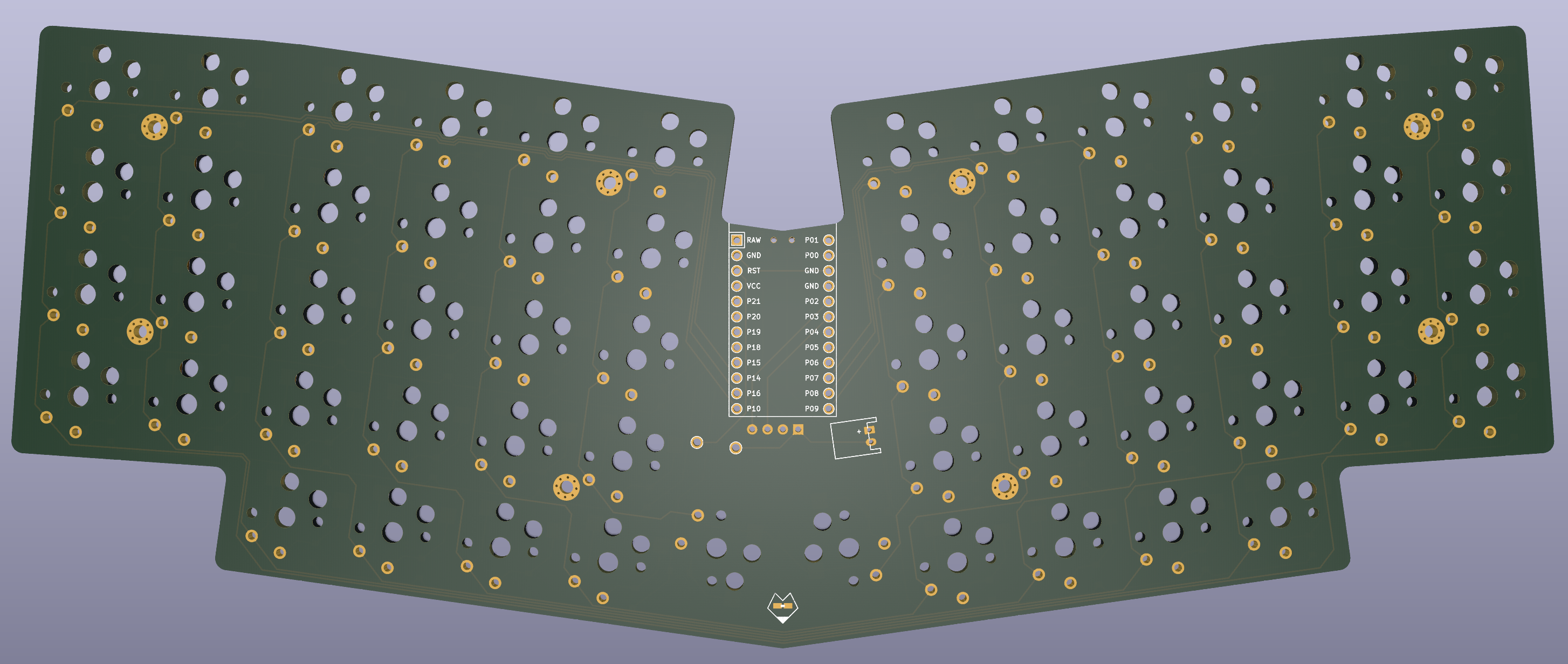
Just an FYI for those looking to use this as a reference to learn Ergogen. This library leverages Ergogen 3, and several custom footprints that can be found in my fork repo. Ergogen 4 made several breaking changes to the syntax in December of 2022, so make sure you check which version you're using if you reference these config files for your own project.
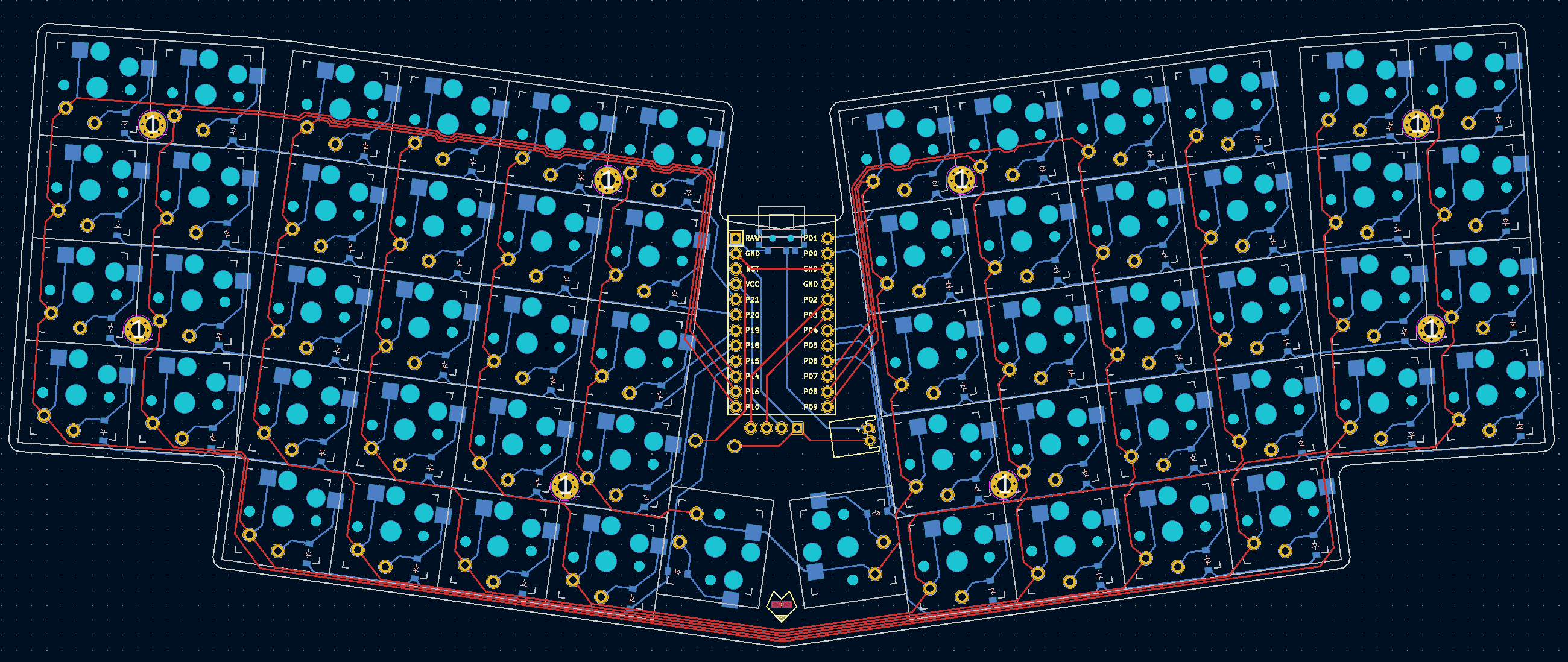
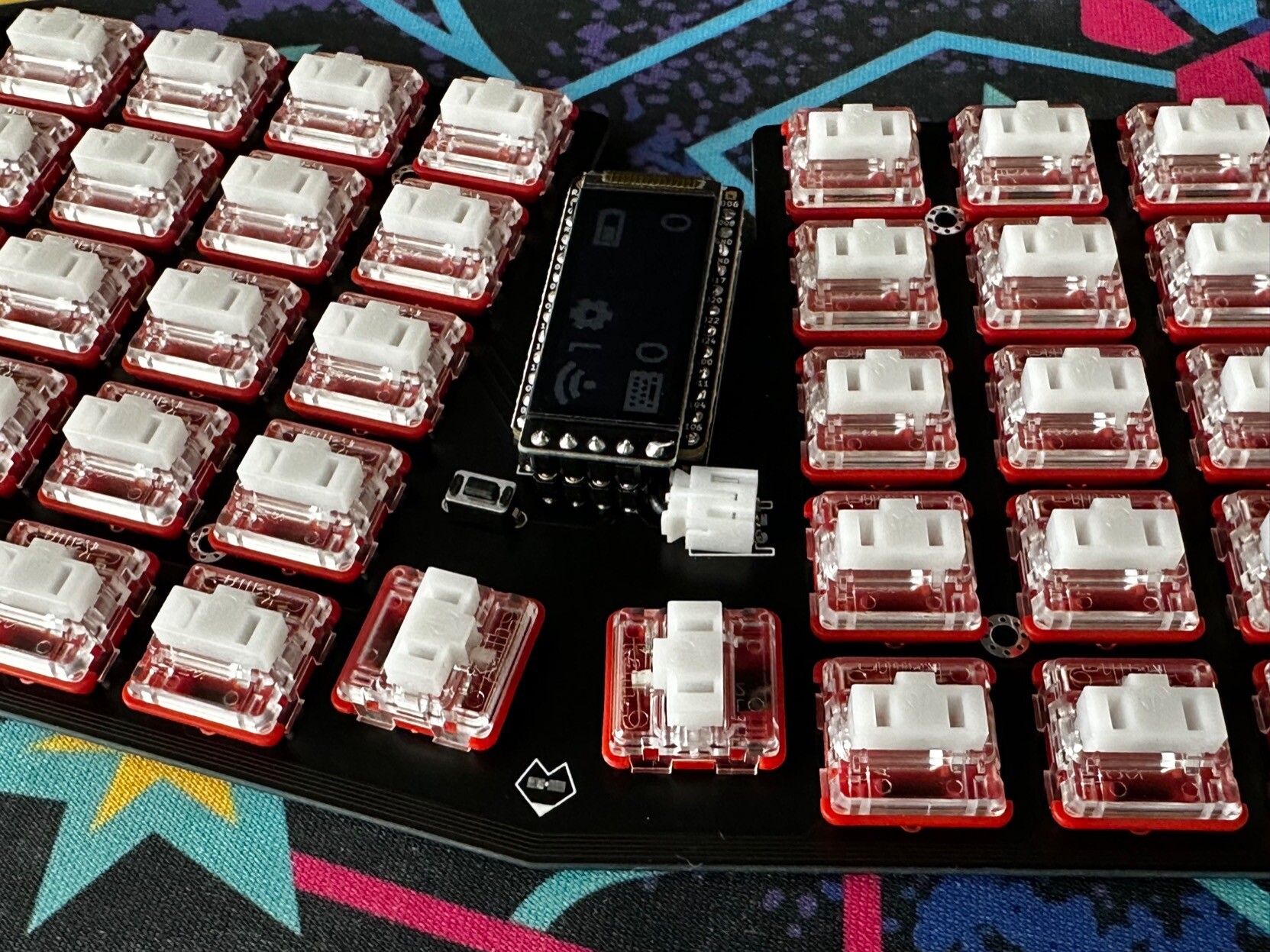
This is the main file for the ChonkV PCB. It is designed with choc spacing, and has a 3mm padding around the edge of the keyboard. The microcontroller is mounted in the middle of the keyboard, along with a reset button and JST header. There's a small bit of PCB art by the thumbs. Running this config file through Ergogen will generate the ChonkV PCB, the board's outlines, as well as some 3D printing .stl case files.
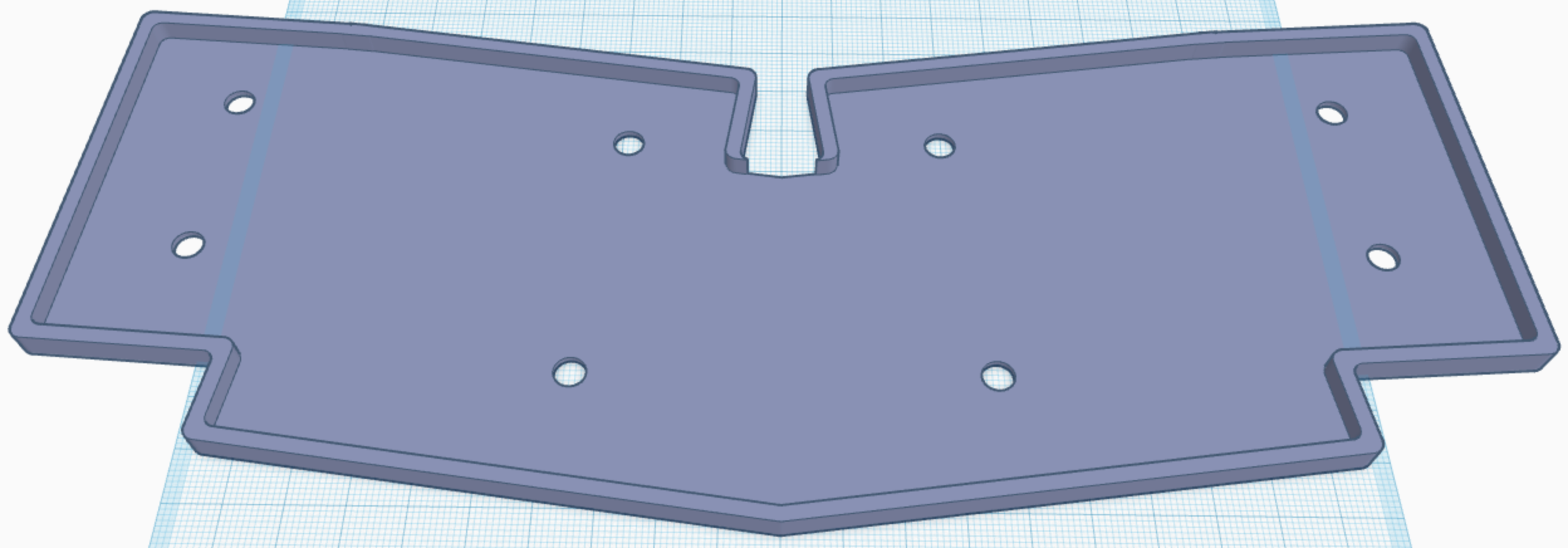
This file was used in the creation of a fairly straightforward keycoard case. It uses 2M standoffs to support the PCB, and gives it a small border outside of the premiter. This config file is seperate from the main chonkv.yaml due to Ergogen limitations on "glue" outlines. It creates an outline that is a few mm larger than the main PCB file.
Unfortunately, since this case design is split between chonkv.yaml and chonkv_case.yaml, Ergogen can't put together all the finished pieces for us. You'll need to import them into some CAD software like TinkerCAD to get the final design output. Or you can just download it from this repo of course.
One thing you may notice is that the whole for the standoffs goes all the way through the 3D model. This is supposed to be a low profile case, so the metal standoffs are designed to sit flush with the bottom of the case.
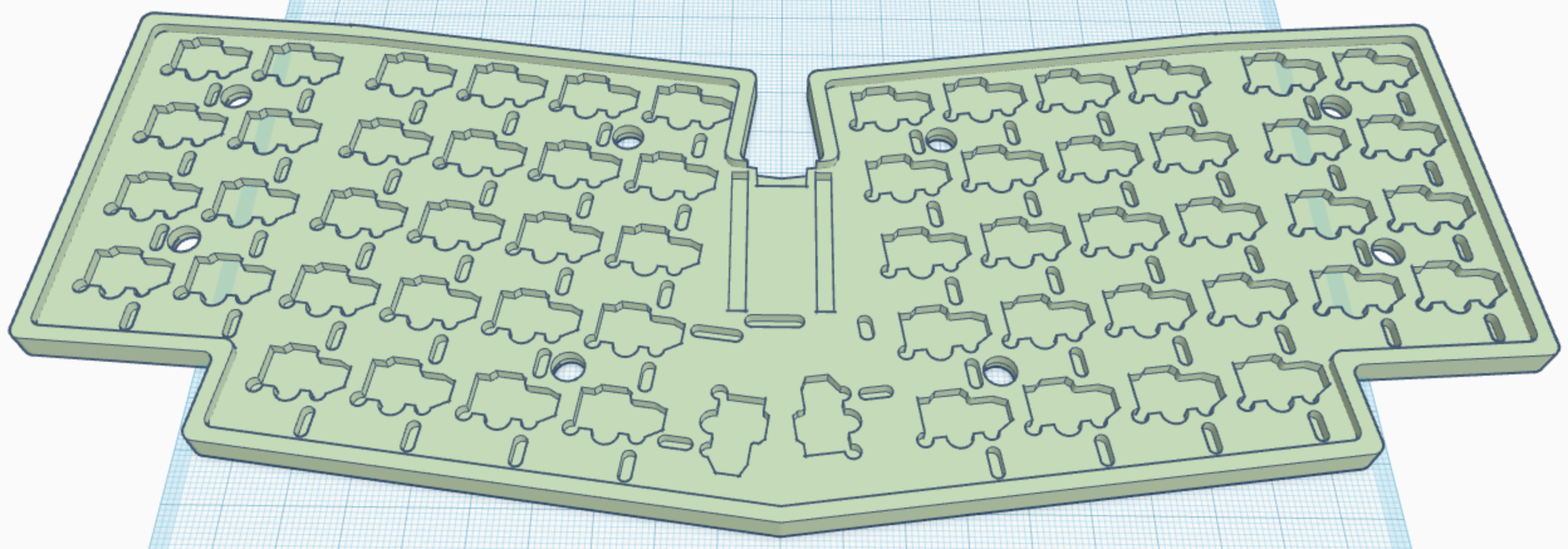
This was a largely failed experiment. The original chocV keyboard included designs for a second inert PCB that would screw onto the bottom of the main PCB to give the board some extra stability and shiled the exposed metal legs of the soldered components. I was always fond of this design, but it was limited to through-hole designs. I came up with some choc hotswap footprints with a cutout for the hotswap sockets, but the resulting cuts were large, complex, and covered most of the board. I haven't tried submitting them to a PCB fab, but I assume they'd try to include an extra charge this backplate. On top of that, the hotswap sockets stick out about 2mm on the bottom of a board, and most PCBs are about 1.8mm thick. I'd like to itterate on this concept some day (or just commit to a through-hole design), but I'm tabling this concept for now.
The backplate design wasn't a complete waste however. I was able to include the backplate design in the 3D printed case I created with chonkv_case.yaml, so the resulting 3D printed case is now a bit more sturdy and less echoy.
If you don't want to go through the build process yourself, you can always download the files found in the "outputs" folder. It has a zipped Gerbers file, the complex case .stl, and a simplified case .stl. The .stl files have been split into left and right halves in case you have a 3D printer with a smaller print volume.
You may be able to get some of the parts cheaper (or at least in bulk) on Aliexpress. 42Keebs has good prices on Nice!Nano and Nice!View microcontrollers, and you can pick up a lot of other parts while you're at it. Batteries you'll need to get domestically, and keycap avalability is subject to change. You should be able to build this keyboard for about $225 USD, give or take some shipping costs.
| Qty | Value | Footprint | References |
|---|---|---|---|
| 58 | PG1350 | S1, S2, S10, S11, S12, S13, S14, S15, S16, S17, S18, S19, S20, S21, S22, S23 +42 | |
| 58 | ComboDiode | D1, D2, D10, D11, D12, D13, D14, D15, D16, D17, D18, D19, D20, D21, D22, D23 +42 | |
| 8 | MountingHole_2.2mm_M2_Pad_Via | HOLE1, HOLE2, HOLE3, HOLE4, HOLE5, HOLE6, HOLE7, HOLE8 | |
| 1 | E73:SPDT_C128955 | T1 | |
| 1 | kbd:ResetSW | B1 | |
| 1 | JST_PH_S2B-PH-K_02x2.00mm_Angled | JST1 | |
| 1 | ProMicro | MCU1 | |
| 1 | OLED | lib:OLED_headers | OLED1 |
ImStuBTW/chonkv
A 58-key choc keyboard inspired by brickbot's chocV layout.


jackw01/pi-tin
Open source raspberry pi handheld retro gaming console

BathroomEpiphanies/KiCAD-Keyboard-Tutorial
Tutorial on making keyboard PCB layouts in KiCAD


It measures 255.5 × 103.2 mm and has 2 copper layers, 1.6 mm thick.
129 parts. The full list of its parts is on this page, with links to each part's symbol and footprint where PCBKit's library has them.
From the ImStuBTW/chonkv repository on GitHub, at the commit this page was made from: the board is pcbs/chonkv.kicad_pcb. PCBKit opens the board in the browser, with nothing to install.
Its repository publishes it under the MIT licence: you may reuse it on that licence's terms (keep the author's notice, and for a copyleft licence share your changes alike).