2 layers44.5 × 46.9 mm
OSO SWAT B1-jig
joeycastillo/Sensor-Watch
A board replacement for the classic Casio F-91W wristwatch
31 parts2.1k

 ChocolateLoverRaj/rust-esp32c3-examples15
Examples with wiring diagrams for using some sensors with ESP32-C3, programmed with Rust
Smart Power Button is an open-source printed circuit board by ChocolateLoverRaj, from the ChocolateLoverRaj/rust-esp32c3-examples repository on GitHub, published under the MIT licence. It is a 2-layer board of 70.5 × 64.8 mm with 31 parts on 55 nets, routed with 415 tracks and 15 vias.
Its parts include 14 resistors, 7 ICs, 4 transistors, 4 connectors and 1 switch. It belongs with the ESP32 and RISC-V boards of this library.
Examples with wiring diagrams for using some sensors with ESP32-C3, programmed with Rust
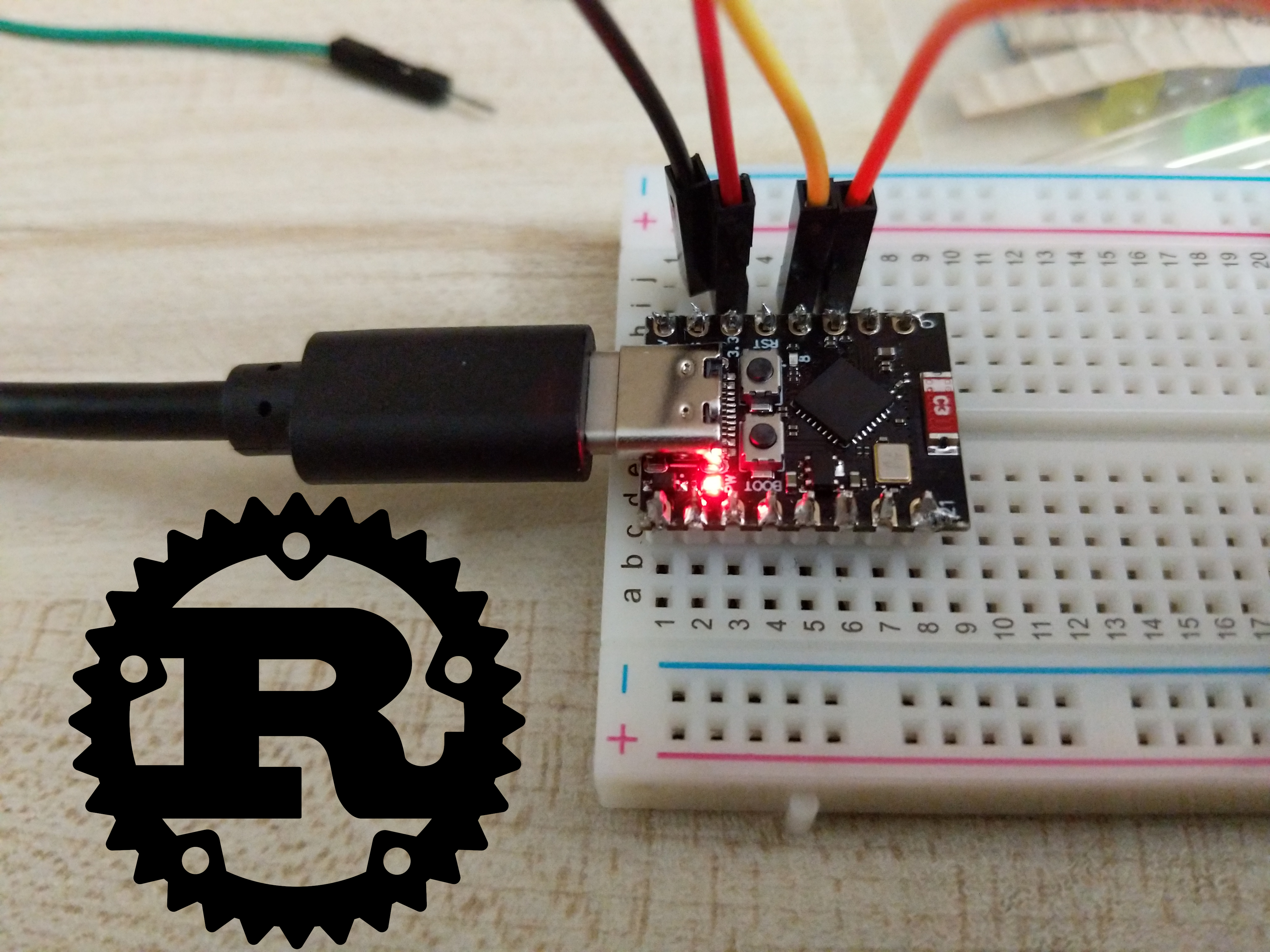
/dev/ttyACM0)cd to the directory you want to runcargo runThis was originally only for the ESP32-C3, but it should be really easy to add support for other ESP32 chips / boards. Some examples already have support for the ESP32-S3 in addition to the C3, and there is one example for STM32, but it should be really easy to add support for other ESP32 chips / boards. Some examples already have support for the ESP32-S3 in addition to the C3, and there is one example for STM32. If you would like an example for a specific chip / board to be added, let me know. I have a ESP32-C3, ESP32-S3, and a stm32f103c8.
std vs no_stdOn ESP32 chips you can use Rust with std or no_std. Originally, every project in this repo used std. At some point I switched to using no_std. I don't recommend using std anymore. The old examples still use std. If you would like a no_std version of an example that is currently std only, let me know.
I want to maintain this repo to help people do stuff with their ESP32s. However, not all examples will be up to date. If there is an example that uses an out-of-date esp-hal version, is not working, or not working on your chip, or if you have a question, don't hesistate to create an issue.
This project is based off of these resources
Can be found in the README.md files in folders
| Qty | Value | Footprint | References |
|---|---|---|---|
| 6 | PC817 | Package_DIP:DIP-4_W7.62mm | U1, U2, U3, U4, U5, U6 |
| 4 | 107 | Resistor_THT:R_Axial_DIN0207_L6.3mm_D2.5mm_P10.16mm_Horizontal | R3, R4, R5, R6 |
| 4 | 1540 | Resistor_THT:R_Axial_DIN0207_L6.3mm_D2.5mm_P10.16mm_Horizontal | R8, R9, R11, R12 |
| 4 | 2N3904 | Package_TO_SOT_THT:TO-92_HandSolder | Q1, Q2, Q3, Q4 |
| 4 | 330 | Resistor_THT:R_Axial_DIN0207_L6.3mm_D2.5mm_P10.16mm_Horizontal | R7, R10, R13, R14 |
| 2 | 191 | Resistor_THT:R_Axial_DIN0207_L6.3mm_D2.5mm_P10.16mm_Horizontal | R1, R2 |
| 2 | Male Header | Connector_PinHeader_2.54mm:PinHeader_2x04_P2.54mm_Horizontal | J3, J4 |
| 1 | 20-Pin ATX | KiCad Assets:CONN_2-1586041-0_TYCO | J2 |
| 1 | ESP32-C3_SUPERMINI | KiCad Assets:MODULE_ESP32-C3_SUPERMINI | U7 |
| 1 | Female Header | Connector_PinSocket_2.54mm:PinSocket_2x04_P2.54mm_Horizontal | J1 |
| 1 | LOGO | LOGO | G*** |
| 1 | SW_SPST | KiCad Assets:SW_RB141C1100 | SW1 |
joeycastillo/Sensor-Watch
A board replacement for the classic Casio F-91W wristwatch

hoglet67/RGBtoHDMI
Bare-metal Raspberry Pi project that provides pixel-perfect sampling of Retro Computer RGB/YUV video and conversion to HDMI

hackclub/OnBoard
💡 Join 1,000 teenagers and make your first PCB with a $100 grant!

openwch/ch32v003
CH32V003 is an ultra-cheap RISC-V MCU with 2KB SRAM, 16KB flash, and up to 18 GPIOs that sells for under $0.10

Luos-io/luos_engine
Open-source and real-time orchestrator for cyber-physical-systems, to easily design, test and deploy embedded applications and digital twins.

BlueAndi/Pixelix
Full RGB LED matrix, based on an ESP32 and WS2812B LEDs or emulated LEDs on TFT.


It measures 70.5 × 64.8 mm and has 2 copper layers, 1.6 mm thick.
31 parts. The full list of its parts is on this page, with links to each part's symbol and footprint where PCBKit's library has them.
From the ChocolateLoverRaj/rust-esp32c3-examples repository on GitHub, at the commit this page was made from: the board is smart-power-button/KiCad PCB/Smart Power Button.kicad_pcb and its schematic smart-power-button/KiCad PCB/Smart Power Button.kicad_sch. PCBKit opens the board in the browser, with nothing to install.
Its repository publishes it under the MIT licence: you may reuse it on that licence's terms (keep the author's notice, and for a copyleft licence share your changes alike).